kage
kage
intellagents.io

Design analysis
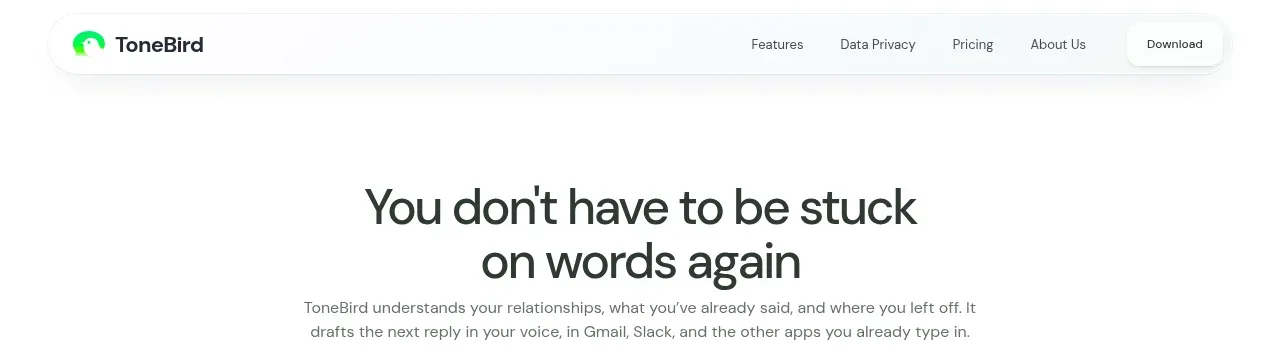
A compact floating white navigation pill sits over the colorful hero, combining the brand, primary links, locale control, sign-in, and two contrasting actions.
Prompt preview
## Reference images

Study these alongside the description below: hierarchy, rhythm, spacing, colour. Build for the product you are asked about, using this design language.

- Component: https://kage-design-assets.t3.tigrisfiles.io/components/intellagents-io/be3df101-c546-4853-b3d0-99c345832561-1790316245-0.webp
- Full page it was cut from: https://kage-design-assets.t3.tigrisfiles.io/screenshots/intellagents-io/be3df101-c546-4853-b3d0-99c345832561-1790316161493-full.webp
- Component on Kage: https://kage.design/component/intellagents-navigation

## Before you start
Ask what the user's product is, who it serves, and what its brand personality and primary conversion goal are. Apply the following principles to that product rather than reproducing the reference.

Build a floating desktop navigation bar that remains visually light over a dramatic hero. Use a centered max-width container, generous horizontal padding, a small brand mark at left, low-emphasis text links in the middle, and utility controls plus one filled CTA at right. Make the bar pill-shaped with a white or near-white surface, a subtle shadow, and a 1px translucent border. Use a compact sans-serif at 11–13px, medium weight for actions, and clear hover/focus states. Keep the brand area aligned to the same baseline as the links; on smaller screens collapse links into a menu while preserving the primary CTA.

Use approximately #FFFFFF for the surface, #111111 for text, #E8E8E8 for borders, and a dark-to-warm gradient for the primary action. Radius should be 999px. Use 16–24px vertical breathing room around the bar and a high z-index.

### Never
- Never copy logos, product names, copy, illustrations, or imagery from the reference.
- Never let navigation compete with the hero headline.
- Never hide keyboard focus states.