 kage
kage
pinecomputer.io
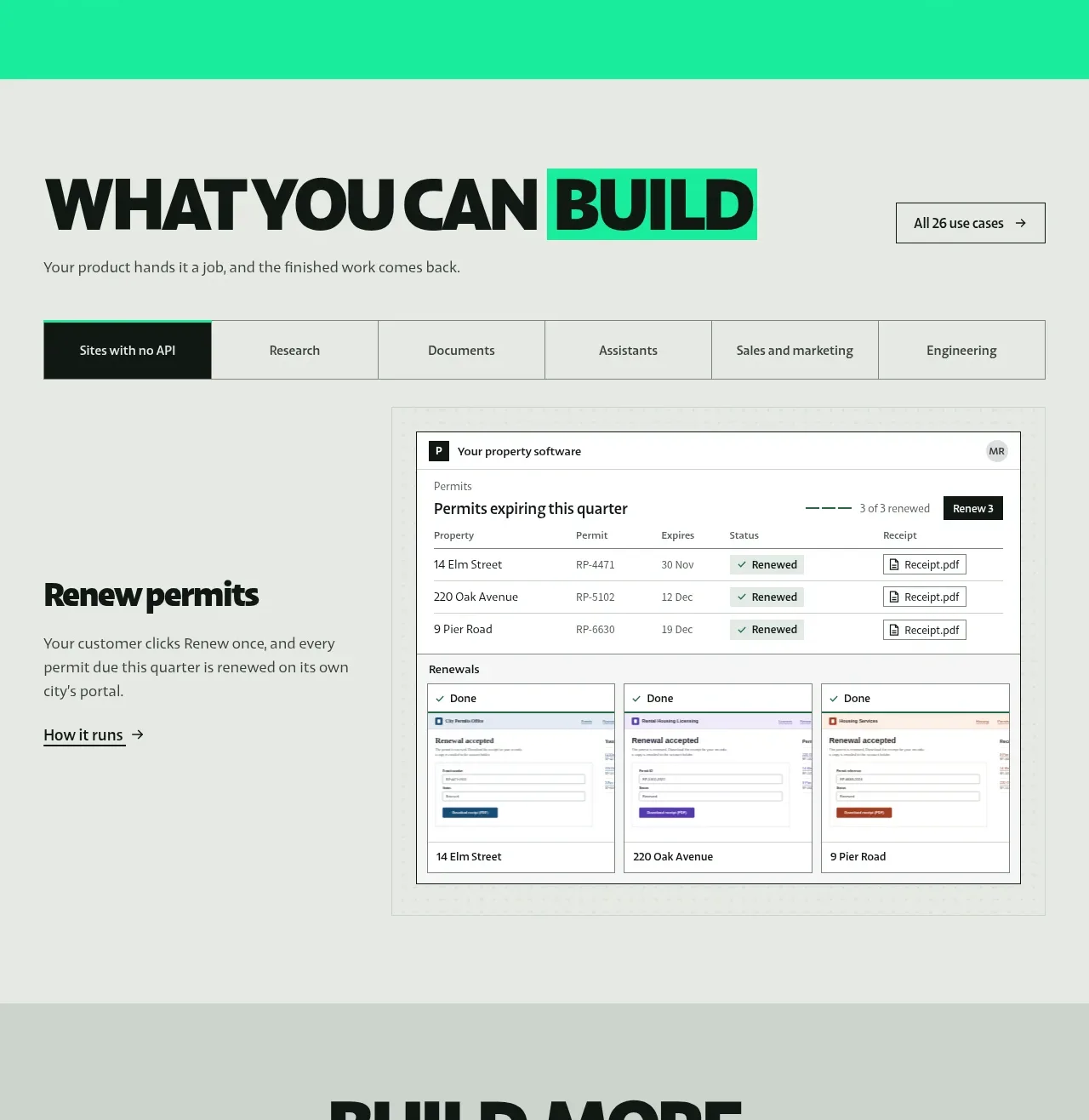
Design analysis
This broad showcase begins with a strong editorial heading and category tabs, then presents one selected workflow as explanatory copy beside a detailed product-interface mockup.
Prompt preview
## Reference images

Study these alongside the description below: hierarchy, rhythm, spacing, colour. Build for the product you are asked about, using this design language.

- Component: https://kage-design-assets.t3.tigrisfiles.io/components/pine-computer/b47ce26e-68eb-4b09-b29e-15beff007c2f-1791612328-4.webp
- Full page it was cut from: https://kage-design-assets.t3.tigrisfiles.io/screenshots/pine-computer/b47ce26e-68eb-4b09-b29e-15beff007c2f-1791612242987-full.webp
- Component on Kage: https://kage.design/component/pine-computer-feature-grid-2

## Before you start
Ask the user which use cases matter most, which one should be featured first, and what interface evidence is available. Translate the following pattern into their product and visual identity.

Build a use-case showcase on a pale warm-grey background. Start with a large left-aligned heading where one outcome word is highlighted with a mint rectangle, a one-line supporting sentence, and a secondary “all use cases” action on the right. Below, add a horizontal tab bar spanning the content area; the active tab should be dark with light text while inactive tabs remain quiet and bordered. The selected case should use a two-column layout: concise heading, explanation, and underlined “How it works” link on the left; a large bordered, desktop-app-style interface preview on the right. Include realistic but generic rows, statuses, and cards to communicate the workflow.

Use background #E3E7E1, text #07110D, mint #16E7A7, and soft borders #AEB8B0. Keep tabs and buttons mostly square with 1px outlines. Use a clear 8px spacing rhythm, strong display type for section headings, and responsive stacking. Tabs should update the copy and preview while preserving keyboard focus and URL/shareable state when practical.

Never:
- use the reference use-case names, product name, or UI copy
- copy the reference application screenshot or data
- include logos, illustrations, or stock imagery from the reference
- make the preview a non-functional decorative image only
More components
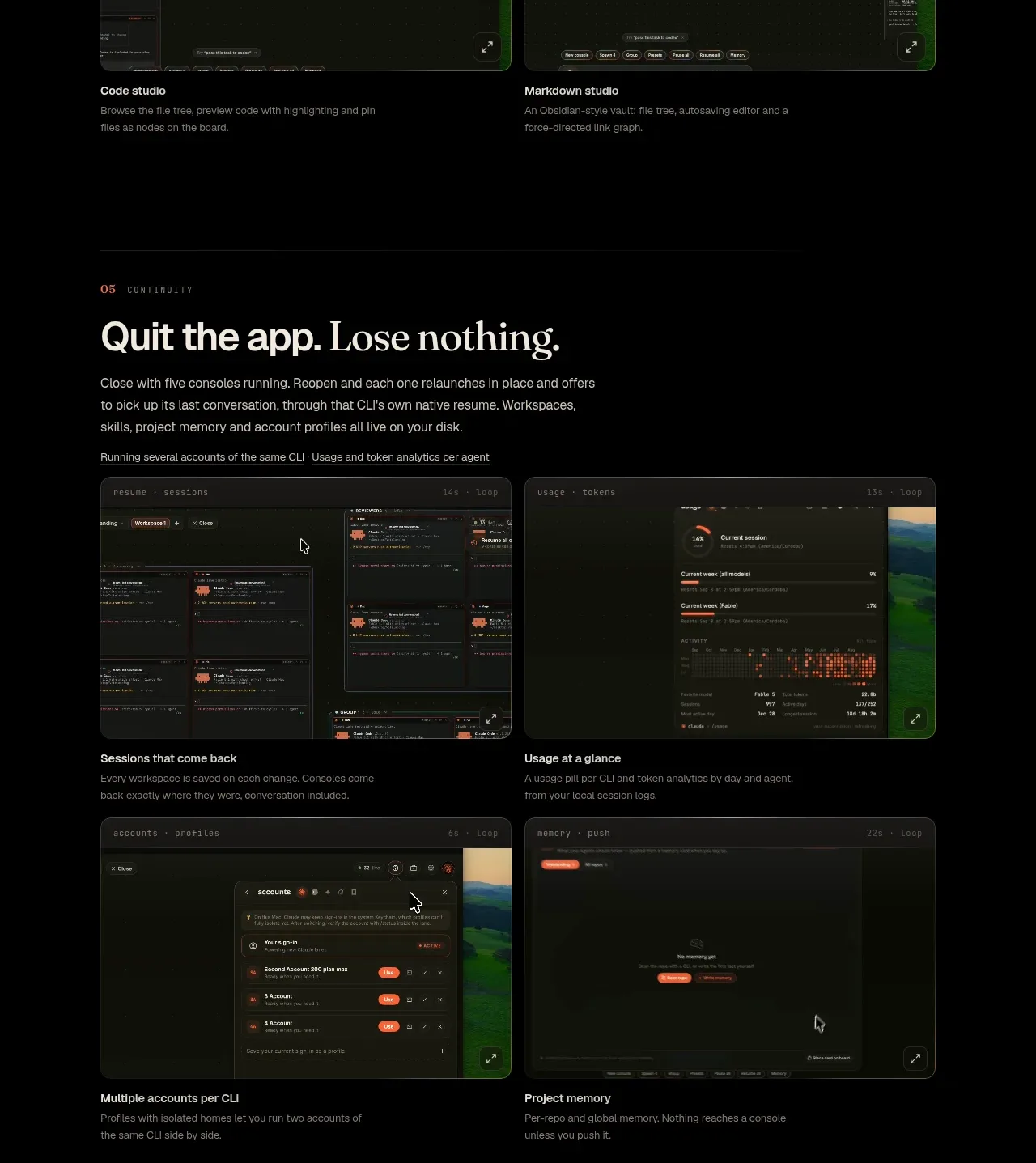
 Continuity and memory grid
Hypervibe · Feature grid
Continuity and memory grid
Hypervibe · Feature grid
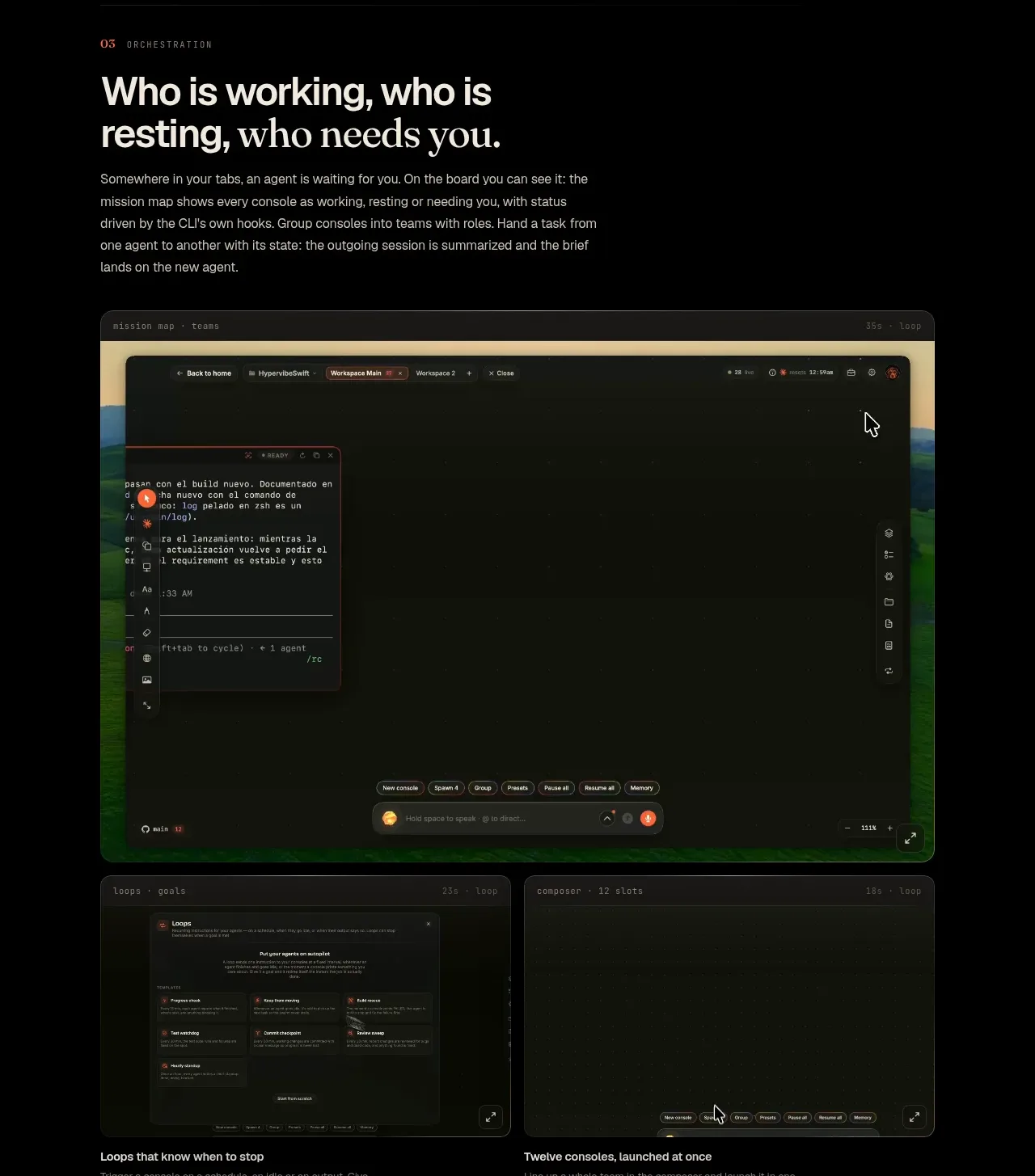 Agent orchestration section
Hypervibe · Feature grid
Agent orchestration section
Hypervibe · Feature grid
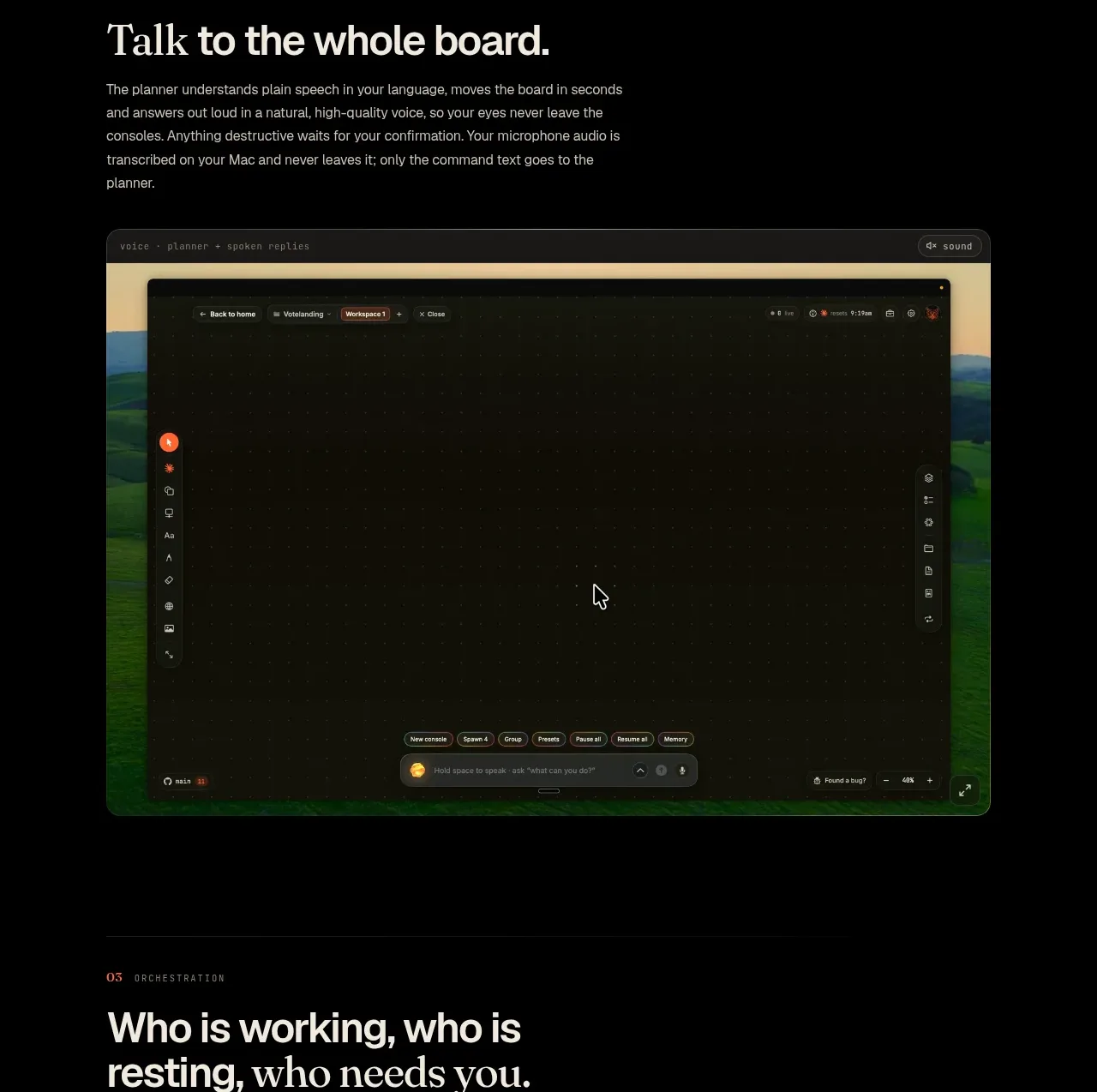 Voice collaboration section
Hypervibe · Feature grid
Voice collaboration section
Hypervibe · Feature grid
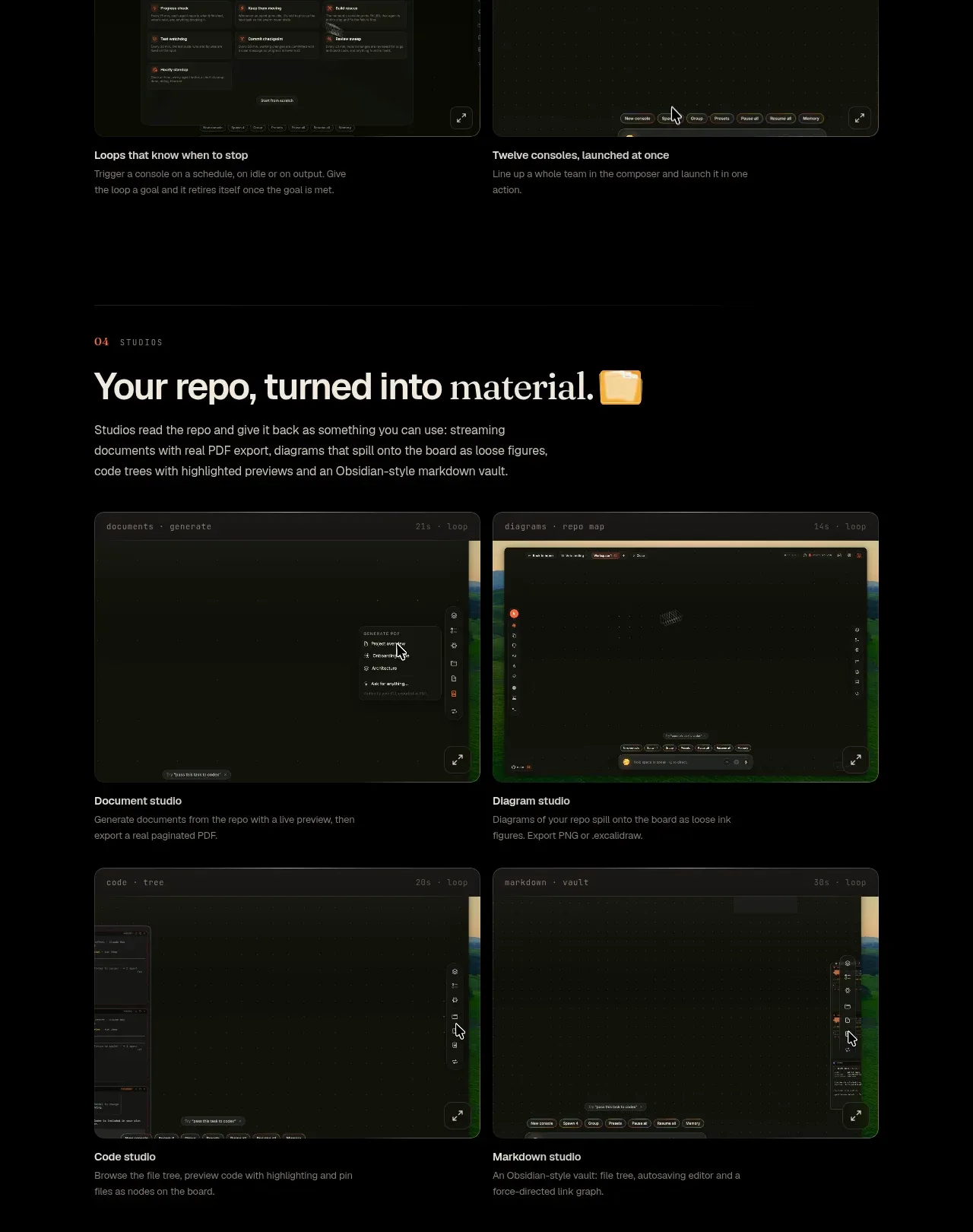 Studios and output grid
Hypervibe · Feature grid
Studios and output grid
Hypervibe · Feature grid
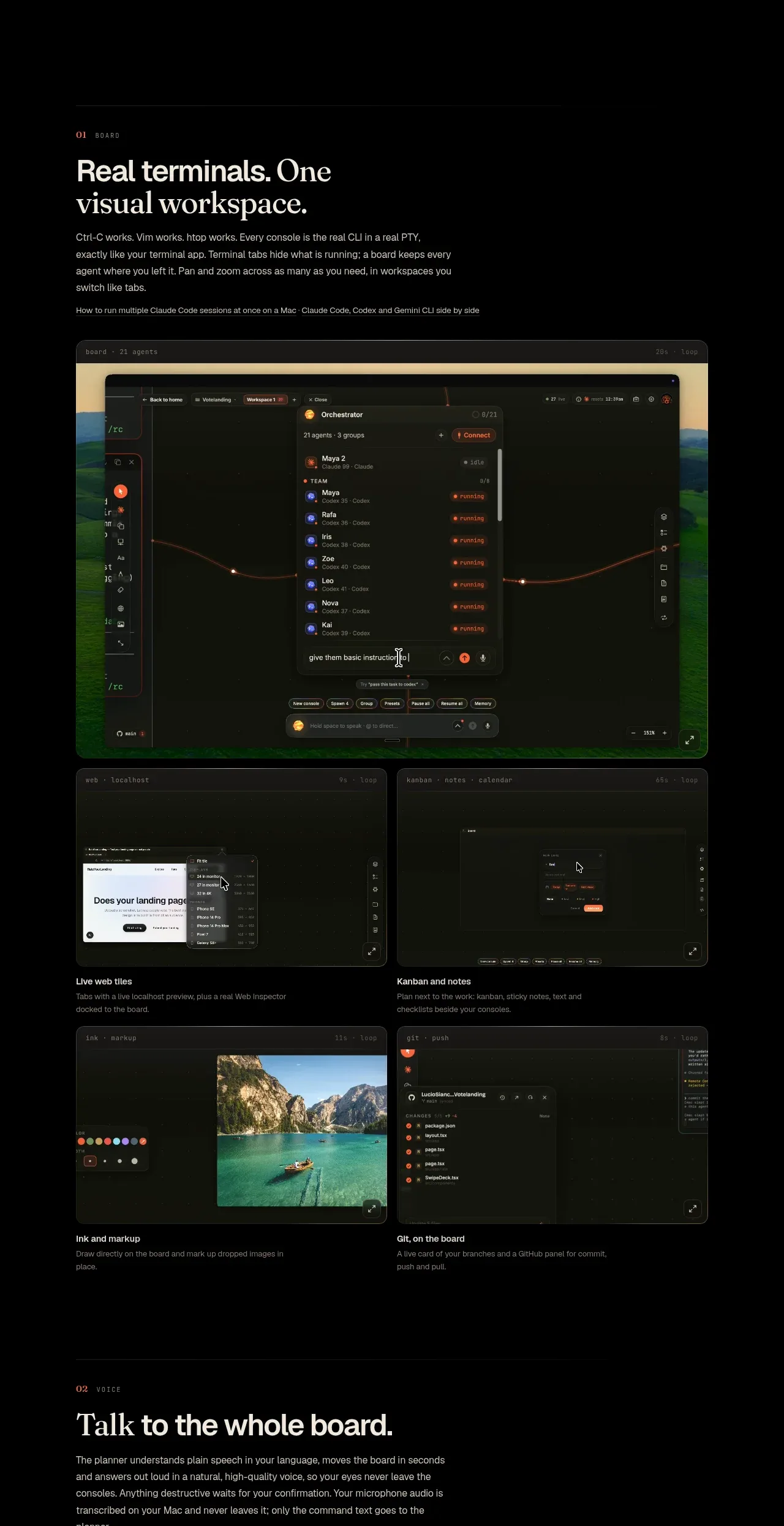 Core workspace feature section
Hypervibe · Feature grid
Core workspace feature section
Hypervibe · Feature grid

 What it is: trusted knowledge features
Lune · Feature grid
What it is: trusted knowledge features
Lune · Feature grid