 kage
kage
bestproxy.com

Design analysis
A compatibility section presents a heading and dense grid of rounded integration tiles, signaling broad support across tools and data workflows.
Prompt preview
## Reference images

Study these alongside the description below: hierarchy, rhythm, spacing, colour. Build for the product you are asked about, using this design language.

- Component: https://kage-design-assets.t3.tigrisfiles.io/components/bestproxy-com/755647b7-f613-40ca-b212-ae56a9e7b331-1792344034-9.webp
- Full page it was cut from: https://kage-design-assets.t3.tigrisfiles.io/screenshots/bestproxy-com/755647b7-f613-40ca-b212-ae56a9e7b331-1792343992980-full.webp
- Component on Kage: https://kage.design/component/bestproxy-logo-cloud-2

## Before you start
Ask what the user's product, audience, and brand are, then apply the principles below to that product rather than reproducing the reference.

Create an ecosystem compatibility section with a left-aligned or centered heading and short supporting line, followed by a dense responsive grid of rounded square integration tiles. Each tile contains a simple abstract app glyph and optional short label. Use white tiles, #ececf4 borders, 10–12px radii, soft shadows, 12–16px gaps, and a clean white background. Keep glyphs varied but visually balanced, default them to muted colors, and add a subtle lift/border-color hover state. On small screens, use 3–4 columns or horizontal scrolling while preserving even rhythm.

Never: use logos, product names, copy, illustrations, or imagery from the reference.
More components

 Customer logo strip
Inflight · Logo cloud
Customer logo strip
Inflight · Logo cloud
 Customer logo strip
Krea 3 · Logo cloud
Customer logo strip
Krea 3 · Logo cloud

 Trusted by professional teams
Inbox Zero · Logo cloud
Trusted by professional teams
Inbox Zero · Logo cloud

 Customer trust logos
bestproxy.com · Logo cloud
Customer trust logos
bestproxy.com · Logo cloud
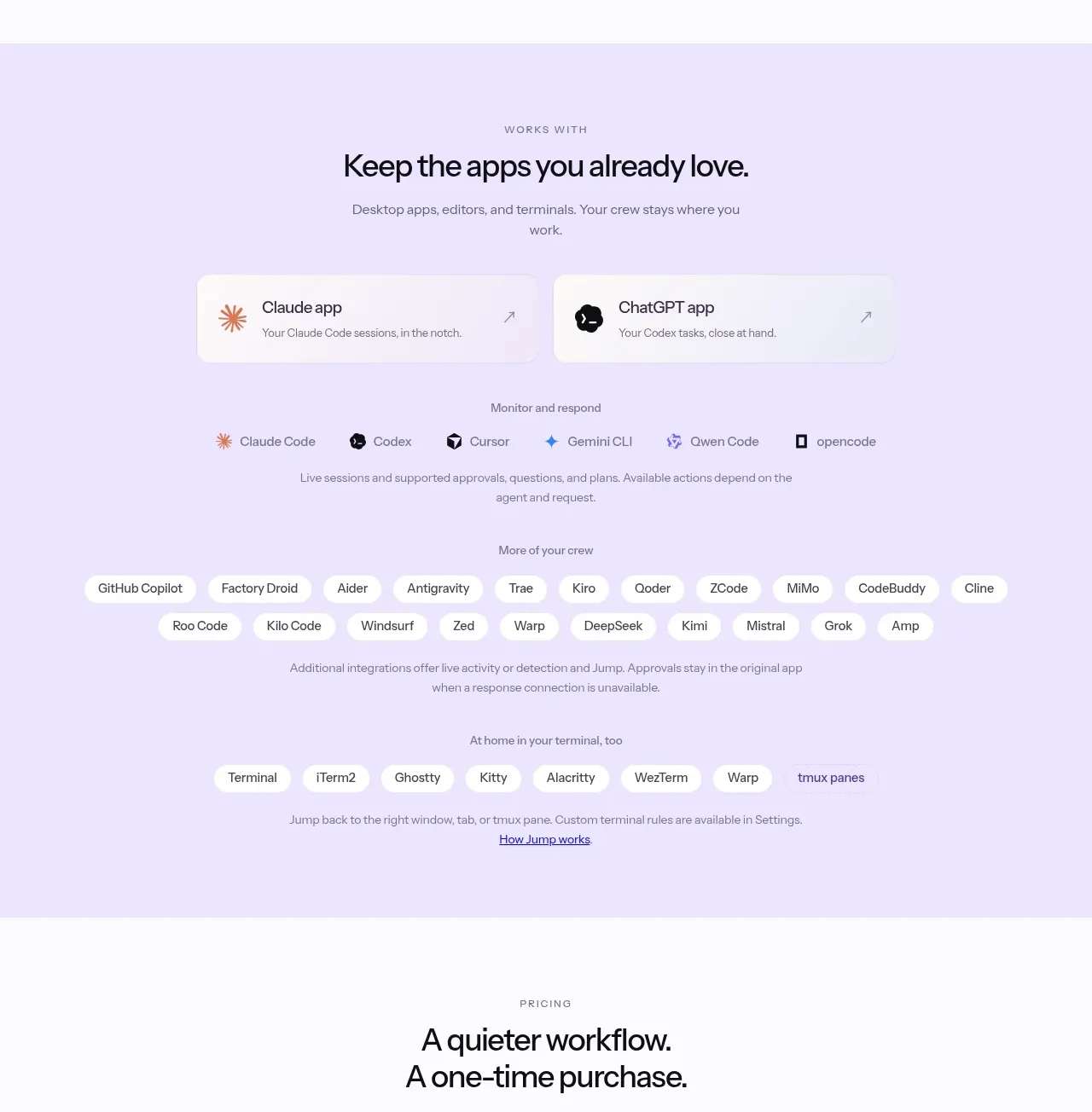
 Supported apps and integrations
CrewTower Mod for Claude Code · Logo cloud
Supported apps and integrations
CrewTower Mod for Claude Code · Logo cloud
 Teams and open-source adoption grid
Ultracite v8 · Logo cloud
Teams and open-source adoption grid
Ultracite v8 · Logo cloud