 kage
kage
plastic.audio

Design analysis
A compact centered navigation floats over the black page, combining the product switcher, utility links, purchase link, and bright lime primary action.
Prompt preview
## Reference images

Study these alongside the description below: hierarchy, rhythm, spacing, colour. Build for the product you are asked about, using this design language.

- Component: https://kage-design-assets.t3.tigrisfiles.io/components/clips-by-plastic/ad43fef6-0048-4f88-83ea-4278fc30c273-1792994533-0.webp
- Full page it was cut from: https://kage-design-assets.t3.tigrisfiles.io/screenshots/clips-by-plastic/ad43fef6-0048-4f88-83ea-4278fc30c273-1792994476004-full.webp
- Component on Kage: https://kage.design/component/clips-by-plastic-navigation

## Before you start
Ask what the user's product, brand, navigation items, and primary conversion goal are, then apply these principles to that product.

Build a compact floating desktop navigation on a near-black background. Keep the nav centered with a restrained max width and use pill-shaped groups for the product label and secondary links. Use a nearly black surface (#111111), subtle charcoal borders (#292929), white text (#f2f2f2), muted gray secondary text (#929292), and a vivid lime action button around #b6ff00. Use a small sans-serif type scale, generous horizontal padding, 999px radius, and consistent 8–12px gaps. Make it sticky or visually floating without obscuring the hero. On smaller screens, collapse secondary links into a menu while preserving the primary action.

Never: use logos, product names, copy, illustrations, or imagery from the reference.
More components
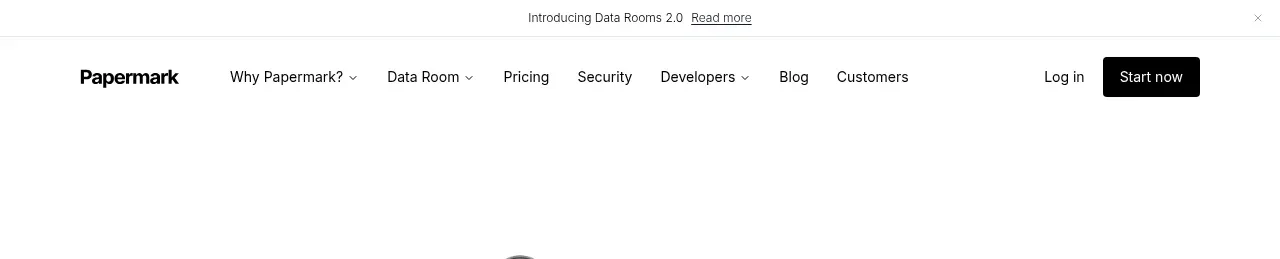
 Announcement bar and primary navigation
Papermark Data Rooms · Navigation
Announcement bar and primary navigation
Papermark Data Rooms · Navigation

 Minimal product navigation
Badgey · Navigation
Minimal product navigation
Badgey · Navigation

 Top navigation
AgentGrid.io · Navigation
Top navigation
AgentGrid.io · Navigation

 Announcement bar and primary navigation
Context Engine · Navigation
Announcement bar and primary navigation
Context Engine · Navigation

 Minimal brand navigation
Peras · Navigation
Minimal brand navigation
Peras · Navigation

 Minimal product navigation
Dots · Navigation
Minimal product navigation
Dots · Navigation