 kage
kage
dotsapp.cloudaeri.com

Design analysis
A compact white header keeps the brand at left, utility links in the middle, and one high-contrast download action at right. Its restrained scale lets the product promise dominate immediately below.
Prompt preview
## Reference images

Study these alongside the description below: hierarchy, rhythm, spacing, colour. Build for the product you are asked about, using this design language.

- Component: https://kage-design-assets.t3.tigrisfiles.io/components/dots/b0dd4f13-dbbe-4e80-ab36-79d3ad587c26-1792821811-0.webp
- Full page it was cut from: https://kage-design-assets.t3.tigrisfiles.io/screenshots/dots/b0dd4f13-dbbe-4e80-ab36-79d3ad587c26-1792821726796-full.webp
- Component on Kage: https://kage.design/component/dots-navigation

## Before you start
Ask what the user's product is, who it is for, and what their brand voice and visual identity are. Apply the principles below to that product rather than reproducing this reference.

Build a full-width desktop navigation bar with a quiet, premium software feel. Use a centered max-width container, a small product mark and wordmark on the left, sparse text links through the middle, and one dark pill-shaped primary action on the right. Keep the bar around 56–64px tall, vertically center every item, and use generous horizontal padding. Use near-black text (`#111111`), muted gray secondary text (`#666666`), a white background, and a very subtle bottom divider (`#eeeeee`). Use a neutral sans-serif with compact 12–14px utility text and medium-weight button text. The main button should be black with white text, about 84–96px wide, 32–36px tall, and fully rounded; include a small directional cue only if the product benefits from it. Add hover states that slightly darken or lift the button and increase link contrast.

Never: use the reference's logo, product name, copy, illustrations, imagery, or exact navigation labels.
More components
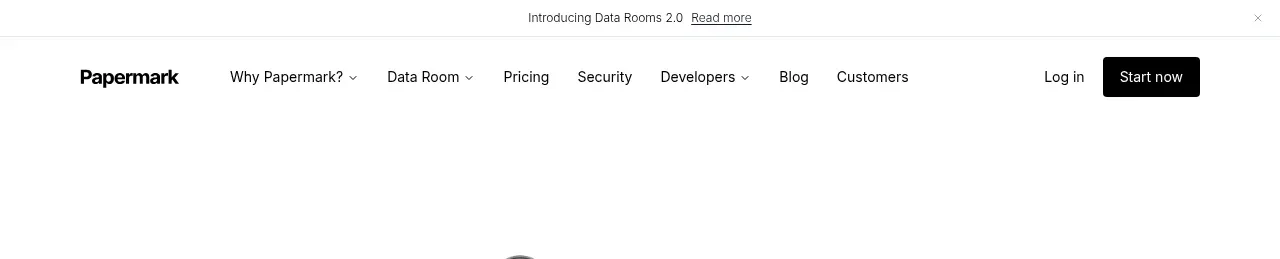
 Announcement bar and primary navigation
Papermark Data Rooms · Navigation
Announcement bar and primary navigation
Papermark Data Rooms · Navigation

 Minimal product navigation
Badgey · Navigation
Minimal product navigation
Badgey · Navigation

 Floating product navigation
Clips by Plastic · Navigation
Floating product navigation
Clips by Plastic · Navigation

 Top navigation
AgentGrid.io · Navigation
Top navigation
AgentGrid.io · Navigation

 Announcement bar and primary navigation
Context Engine · Navigation
Announcement bar and primary navigation
Context Engine · Navigation

 Minimal brand navigation
Peras · Navigation
Minimal brand navigation
Peras · Navigation