 kage
kage
contextengine.com
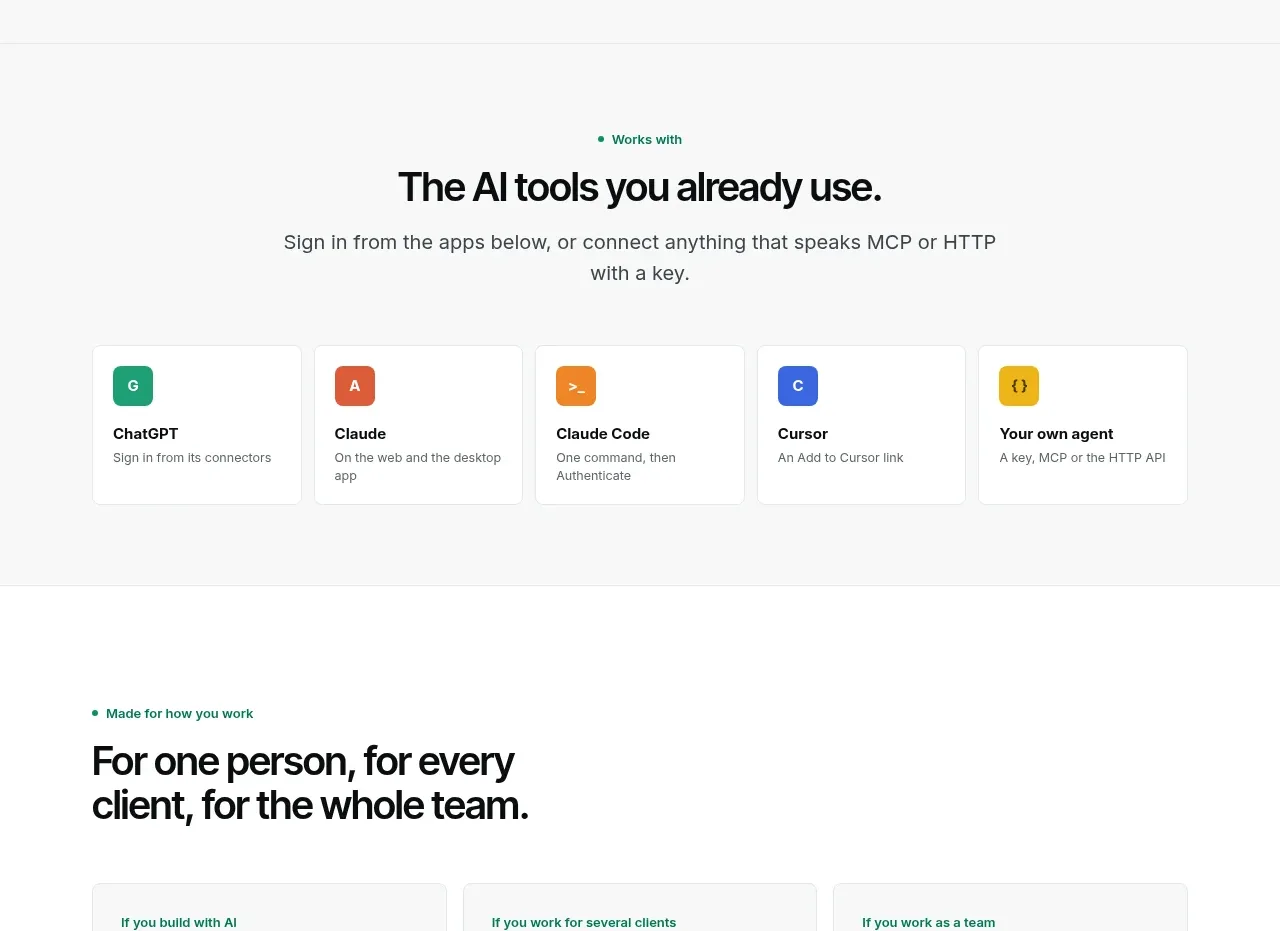
Design analysis
A centered compatibility section turns integrations into a simple row of equal cards with recognizable app-like color blocks.
Prompt preview
## Reference images

Study these alongside the description below: hierarchy, rhythm, spacing, colour. Build for the product you are asked about, using this design language.

- Component: https://kage-design-assets.t3.tigrisfiles.io/components/context-engine/37fe6fcb-aa91-474a-8a89-1c1cadc0a655-1792821972-6.webp
- Full page it was cut from: https://kage-design-assets.t3.tigrisfiles.io/screenshots/context-engine/37fe6fcb-aa91-474a-8a89-1c1cadc0a655-1792821825382-full.webp
- Component on Kage: https://kage.design/component/context-engine-logo-cloud

## Before you start
Ask which tools or systems the user's product integrates with and which one or two should be most prominent. Use placeholders or original icon treatments appropriate to that ecosystem.

Create a centered integrations section with a small eyebrow, concise headline, and supporting sentence. Below, show five equal-width integration cards in a responsive grid. Each card should include a small colored rounded-square icon treatment, a tool/category name, and one short description. Use white cards against a near-white background, 1px #E3E8E5 borders, 8px radius, compact internal padding, and evenly distributed spacing. Use distinct but muted accent colors for each icon, while keeping typography black and gray. On small screens, change to two columns or a horizontal scroll with clear focus states.

Never: use logos, product names, copy, illustrations, or imagery from the reference.
More components
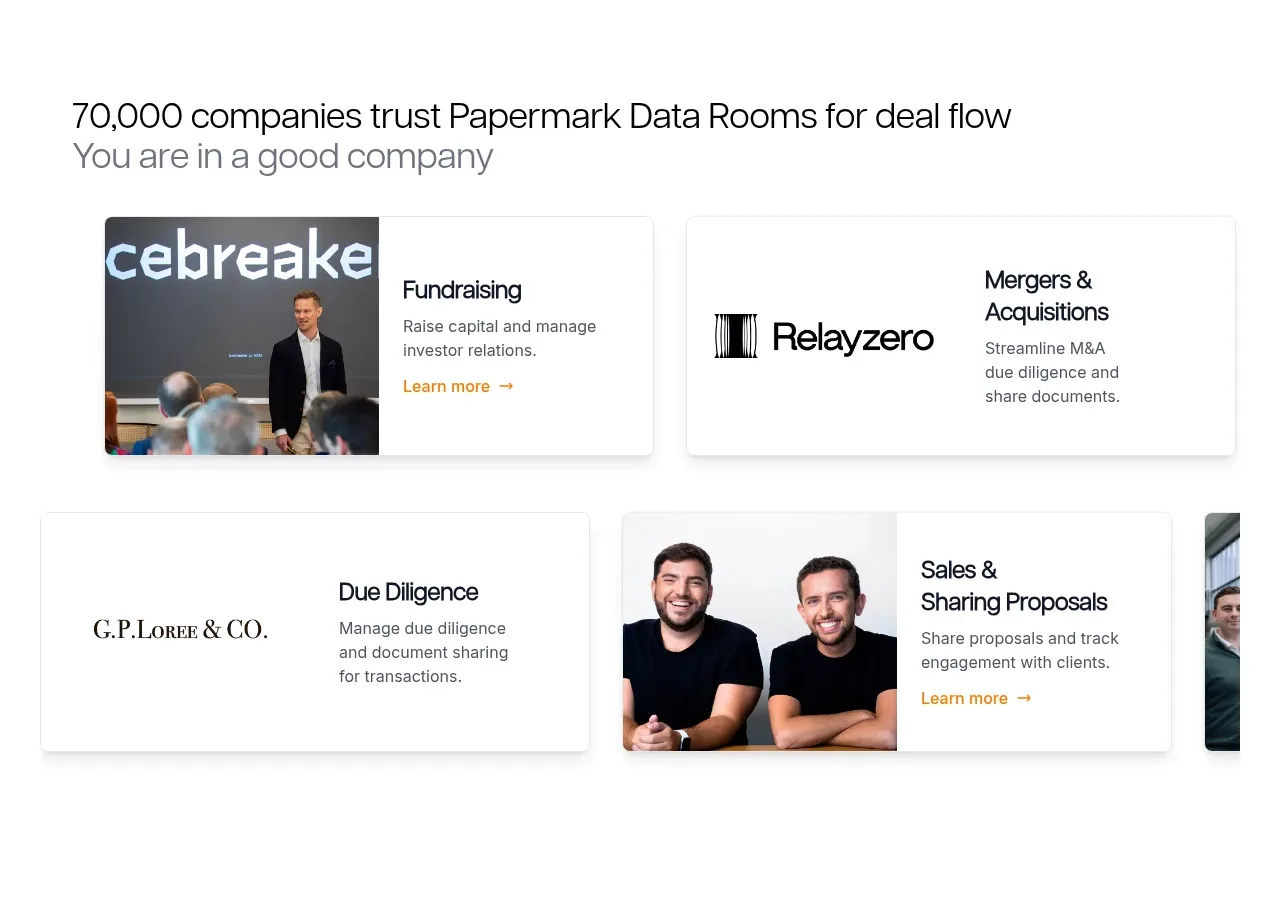
 Customer proof and use-case cards
Papermark Data Rooms · Logo cloud
Customer proof and use-case cards
Papermark Data Rooms · Logo cloud

M
AI model compatibility strip
MOVO AI · Logo cloud

 Customer logo strip
Inflight · Logo cloud
Customer logo strip
Inflight · Logo cloud
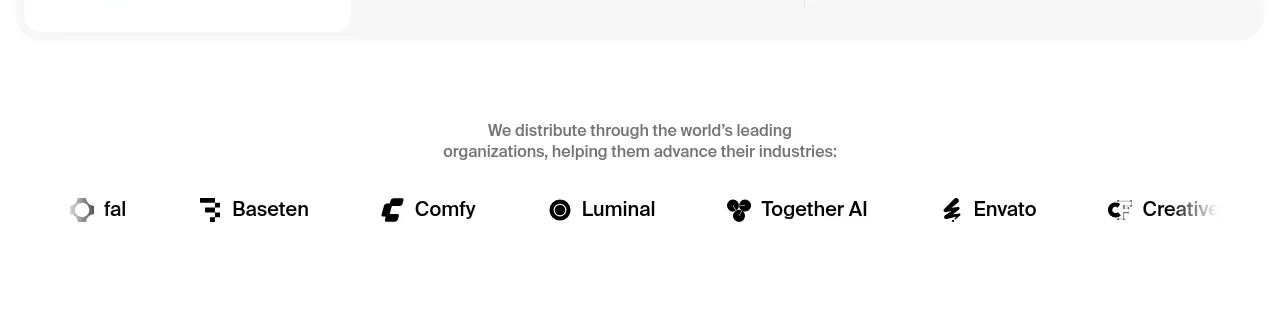
 Customer logo strip
Krea 3 · Logo cloud
Customer logo strip
Krea 3 · Logo cloud

 Trusted by professional teams
Inbox Zero · Logo cloud
Trusted by professional teams
Inbox Zero · Logo cloud

 Customer trust logos
bestproxy.com · Logo cloud
Customer trust logos
bestproxy.com · Logo cloud