kage
kage
contextengine.com

Design analysis
A long-form SaaS landing page with a restrained white canvas, oversized black sans-serif headings, and small mint-green section labels and status accents. The hero uses centered typography and a product-memory diagram, then the page shifts into alternating explanatory two-column sections, workflow cards, integration tiles, use-case cards, a dark privacy section, pricing, FAQ, and a compact conversion footer; generous spacing keeps the dense product evidence readable.
Prompt preview
## Reference images

Study these alongside the description below: hierarchy, rhythm, spacing, colour. Build for the product you are asked about, using this design language.

- Full page: https://kage-design-assets.t3.tigrisfiles.io/screenshots/context-engine/37fe6fcb-aa91-474a-8a89-1c1cadc0a655-1792821825382-full.webp
- Above the fold: https://kage-design-assets.t3.tigrisfiles.io/screenshots/context-engine/37fe6fcb-aa91-474a-8a89-1c1cadc0a655-1792821822973.webp
- Design on Kage: https://kage.design/designs/context-engine-landing-page

## Before you start
Ask the user what they are building, who it is for, and what brand assets they already have, including the product name, colours, type choices, logo, and any existing UI patterns. Wait for their answers before designing. Apply the system below to their product, not to the reference product.

## Page structure
1. **Announcement strip** — Add a very shallow pale-gray strip above the navigation for one short promotional message, a highlighted link, and a small dismiss control.
2. **Primary navigation** — Use a clean horizontal header with a compact product mark and name on the left, a restrained set of anchor links in the centre, and sign-in plus a dark primary button on the right.
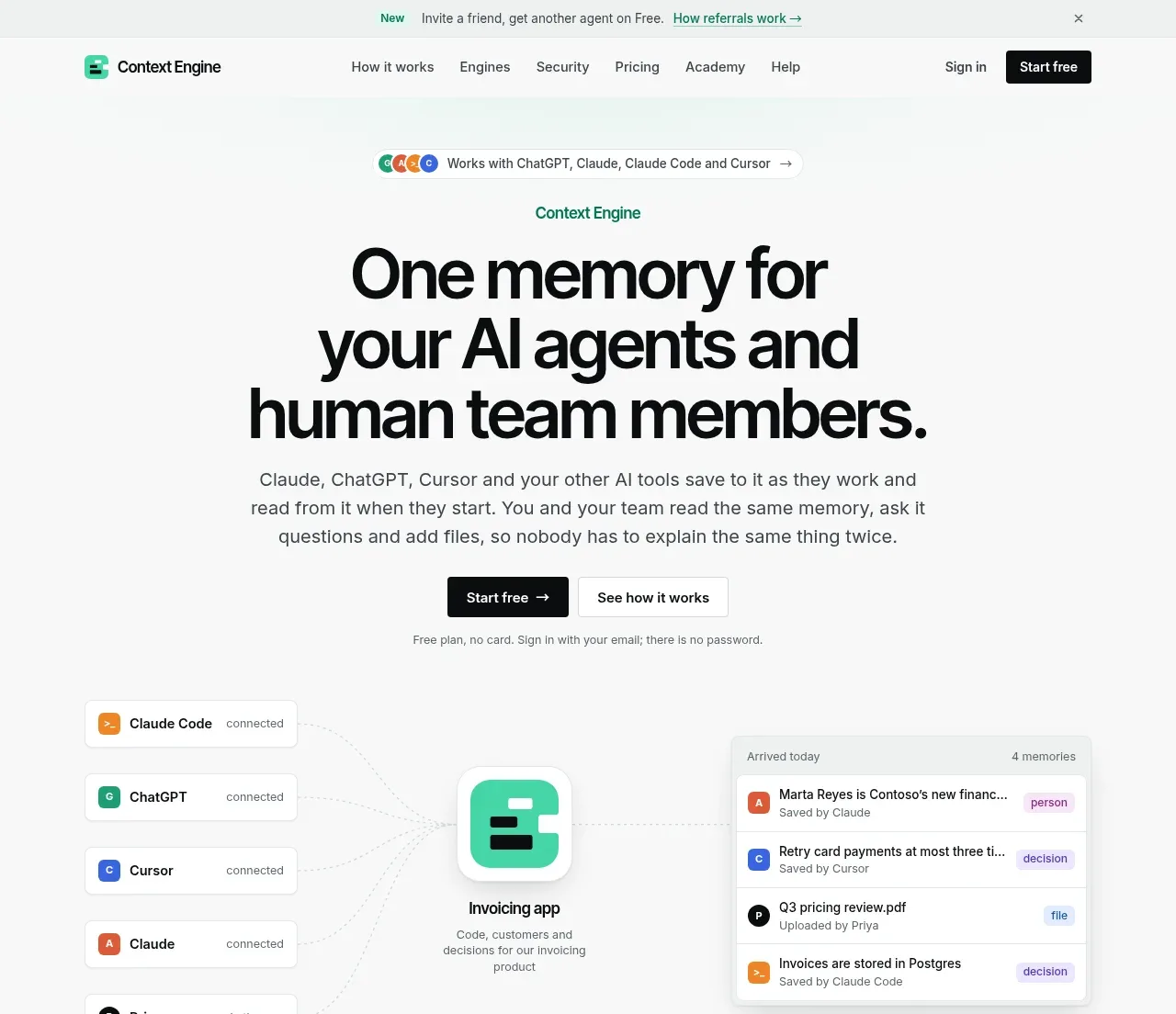
3. **Hero eyebrow and compatibility pill** — Centre a small green-labeled product cue and a slim pill showing compatible tools or platforms.
4. **Hero headline and explanation** — Place a very large, tightly set, multi-line headline in the centre, followed by a short muted paragraph that explains the product in concrete terms.
5. **Hero actions and reassurance** — Put a dark filled CTA beside a light outlined secondary CTA, then add a tiny line of friction-reducing helper text underneath.
6. **Hero product diagram** — Show a spacious visual proof area: several connected source/tool rows on the left, a central product object, and a structured memory/result panel on the right. Use thin connector lines and small labels rather than decorative illustration.
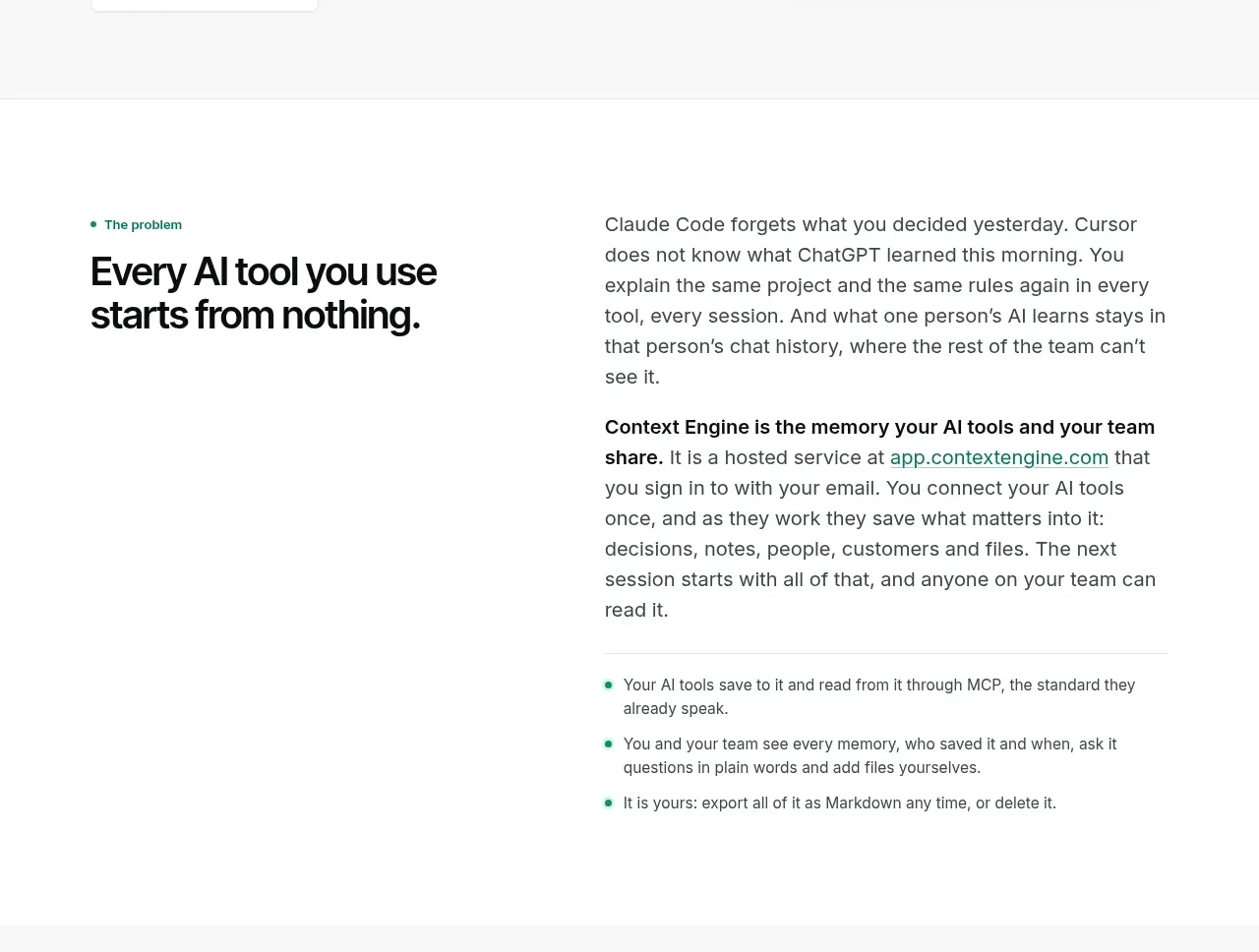
7. **Problem section** — On a white background, use a two-column layout with a small green eyebrow and bold problem statement on the left, and explanatory paragraphs plus a short green-bulleted list on the right.
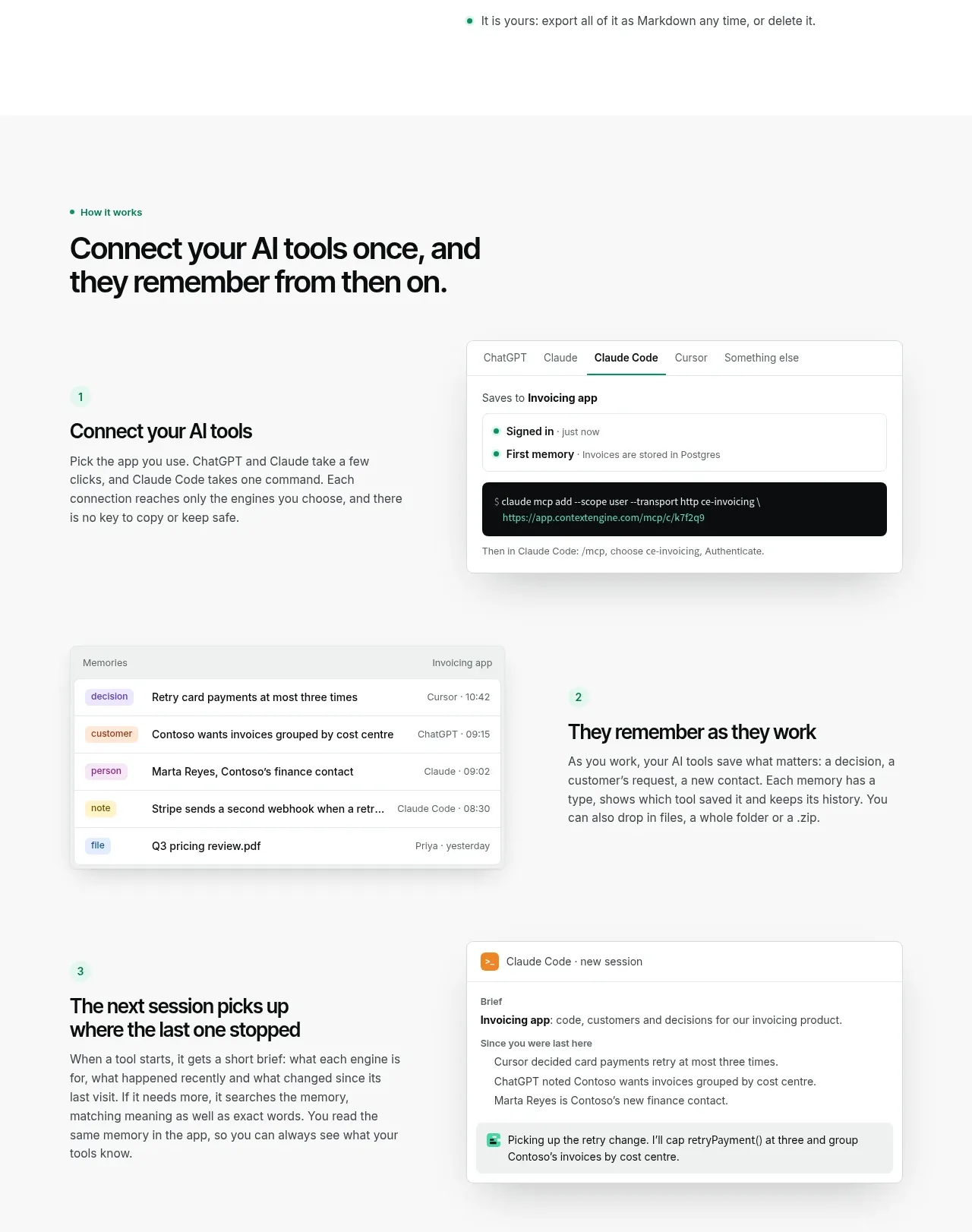
8. **How-it-works introduction** — Start a pale-gray feature section with an eyebrow and a large heading aligned to the content margin.
9. **Workflow step one** — Pair a numbered text block explaining setup with a product UI card showing an integration or connection command.
10. **Workflow step two** — Reverse the visual order: show a memory list or table on the left and the numbered explanation on the right.
11. **Workflow step three** — Return to the first arrangement, with explanatory copy on the left and a conversational/session-resumption UI card on the right.
12. **Engines section** — Use a white two-column feature block: explanatory copy and checkmarked principles on the left, and a framed permissions/engine-management interface on the right.
13. **Organisation section** — On a pale-gray background, introduce the organisation benefit with a heading and paragraph, then use a bento grid of cards for search, summaries, linked items, deduplication, and history.
14. **Works-with section** — Centre an eyebrow, heading, and short explanation above a row of equal integration tiles. Each tile should have a small coloured square marker, a name, and one-line supporting detail.
15. **Audience/use-case section** — Present a heading followed by three equal cards describing distinct audiences or working modes. Keep the cards text-led and lightly bordered.
16. **Security and privacy section** — Switch to a near-black full-width band. Introduce the trust message at the top, then lay out six short security principles in a three-column, two-row grid with fine dividers, followed by a small compliance/privacy note.
17. **Pricing section** — Return to a light background and centre the pricing introduction. Show four horizontally aligned plan cards, with one plan highlighted by a green border, then add small comparison and referral links below.
18. **FAQ section** — Use a two-column layout with the FAQ heading and contact/help note on the left and a vertical accordion list on the right. Keep one item expanded and the remaining rows collapsed with plus controls.
19. **Final CTA** — Centre a small product mark above a two-line closing heading, followed by primary and secondary actions, helper text, and a very soft mint glow or wash behind the content.
20. **Footer** — Use a multi-column footer with a compact brand summary and buttons, grouped product/learning/company links, then a thin bottom row for copyright and a short maker note.

## Design language
- Build hierarchy through scale and spacing rather than decoration: use near-black headings, very large hero type, medium section headings, and compact muted body copy.
- Use a neutral canvas around `#ffffff` and `#f7f8f7`, with near-black text around `#101112`; reserve mint green around `#39d6aa` and dark green around `#147b62` for labels, active borders, bullets, and small status cues.
- Pair a bold, modern sans-serif for headings with the same or a closely related neutral sans-serif for body text. Use a tightly tracked hero headline, roughly 64–88px on desktop, 34–44px section headings, and 14–17px body copy with generous line height.
- Keep the page wide but controlled, using a central max-width container and strong left alignment for most sections. Let the hero and final CTA centre-align while explanatory content returns to a two-column editorial rhythm.
- Change density down the page: the hero is spacious and diagram-led; the problem and workflow sections are airy and narrative; the organisation, integrations, audience, pricing, and FAQ sections become progressively more structured through cards, grids, and rows.
- Treat UI demonstrations as product evidence: use white cards, pale gray headers, tiny labels, coloured square avatars, compact tables, tags, commands, and realistic text hierarchy. Avoid ornamental illustrations.
- Use 1px borders in `#e4e7e5`, subtle pale-gray fills, and small to medium radii around 4–8px. Cards should have almost no shadow, except for product mockups where a soft diffuse shadow can separate them from the background.
- Use green sparingly as a semantic accent, not as a page-wide colour wash. Highlight one pricing card with a green outline and use mint only as a very faint glow near the final CTA.
- Make the dark privacy band a deliberate tonal break: use `#0d0f10`, white headings, muted gray body text, faint charcoal dividers, and tiny mint bullets.
- Keep interactions quiet and functional: buttons use clear filled/outlined states, links underline or change to green, FAQ rows expand with plus/minus controls, and cards may lift only slightly on hover. Avoid large animated transitions or noisy effects.
- Preserve generous vertical section padding and thin horizontal separators so the long page feels like a sequence of distinct chapters rather than one continuous wall of content.

## Never
- Do not reuse the reference product's logo, wordmark, product name, tagline, copy, UI labels, sample data, illustrations, photography, or icon set.
- Do not present the result as Context Engine or imply an affiliation with it.
- Replace all examples with content, brand assets, and product-specific workflows supplied by the user.
Components from this page
All components
 Announcement bar and primary navigation
Context Engine · Navigation
Announcement bar and primary navigation
Context Engine · Navigation
 Memory platform hero
Context Engine · Hero
Memory platform hero
Context Engine · Hero
 The problem and shared memory explanation
Context Engine · Feature grid
The problem and shared memory explanation
Context Engine · Feature grid
 How the workflow works
Context Engine · Feature grid
How the workflow works
Context Engine · Feature grid
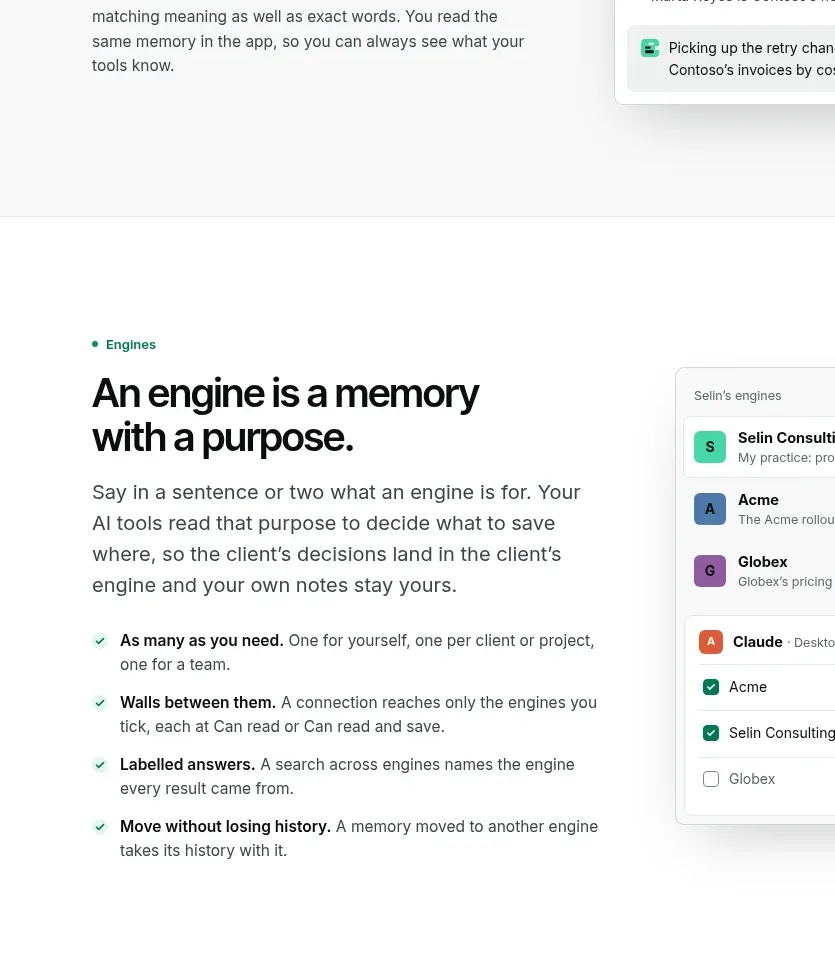 Purpose-built engines
Context Engine · Feature grid
Purpose-built engines
Context Engine · Feature grid
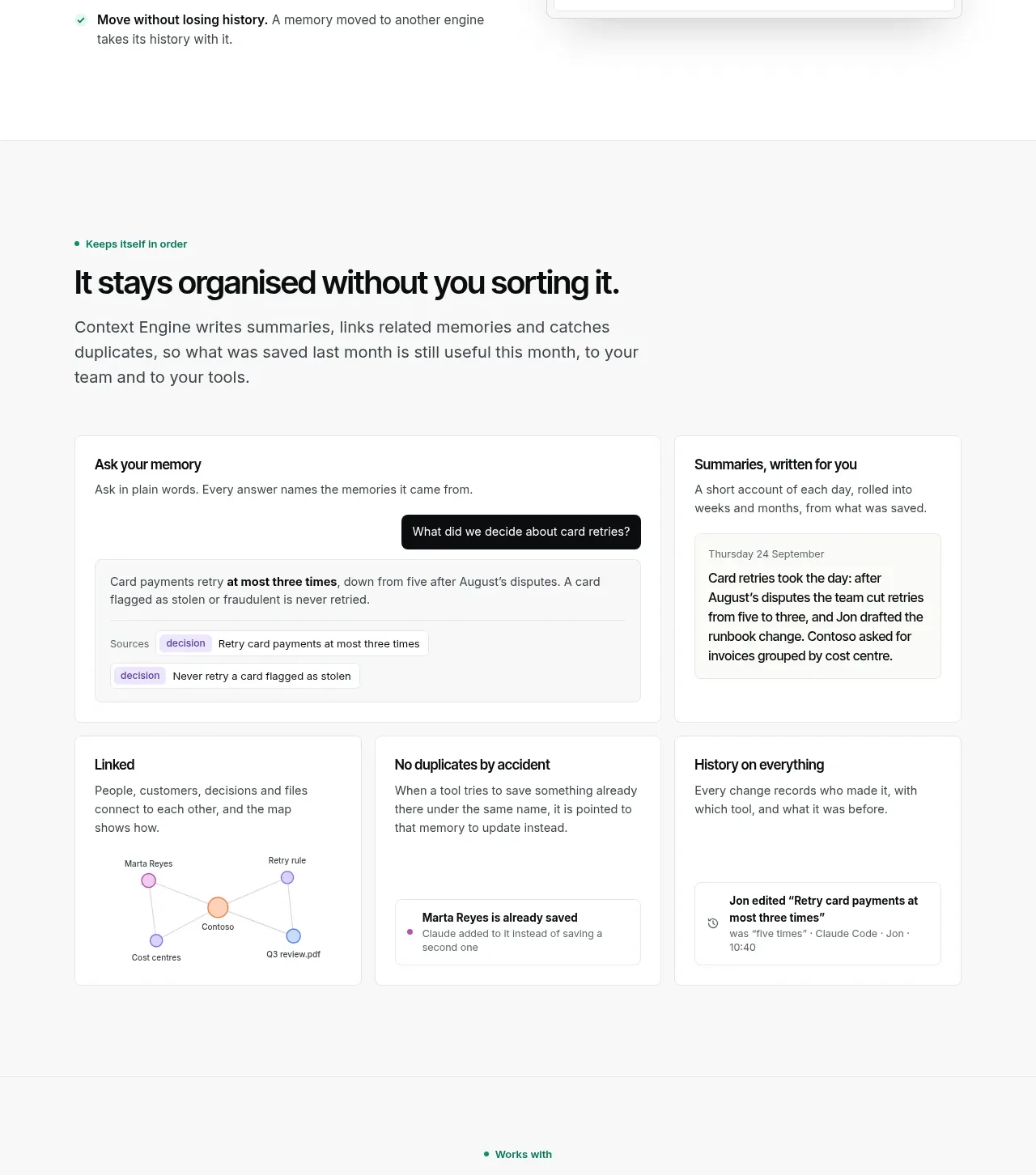 Organized memory features
Context Engine · Feature grid
Organized memory features
Context Engine · Feature grid
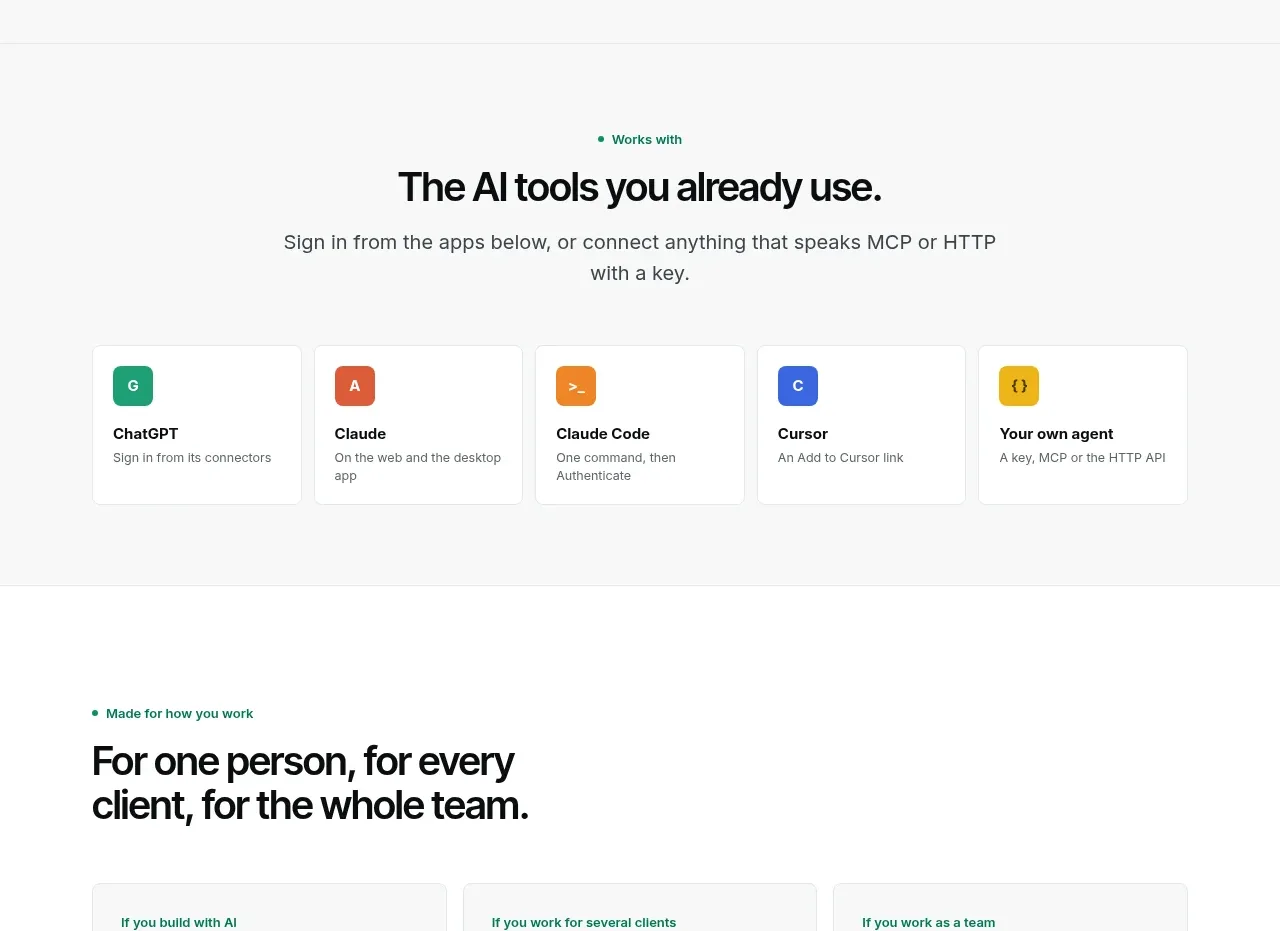 Compatible tools grid
Context Engine · Logo cloud
Compatible tools grid
Context Engine · Logo cloud
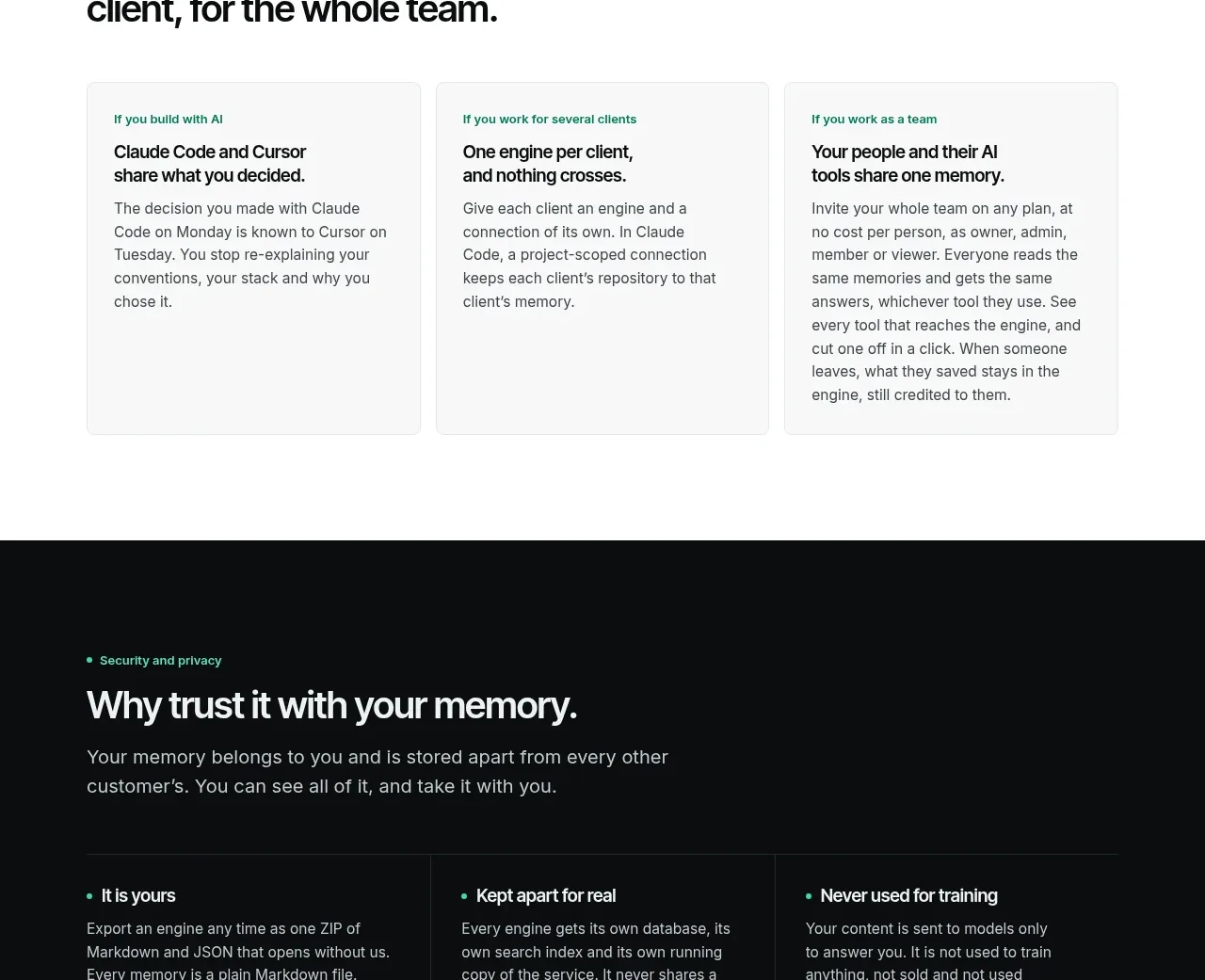 Use-case cards
Context Engine · Card
Use-case cards
Context Engine · Card
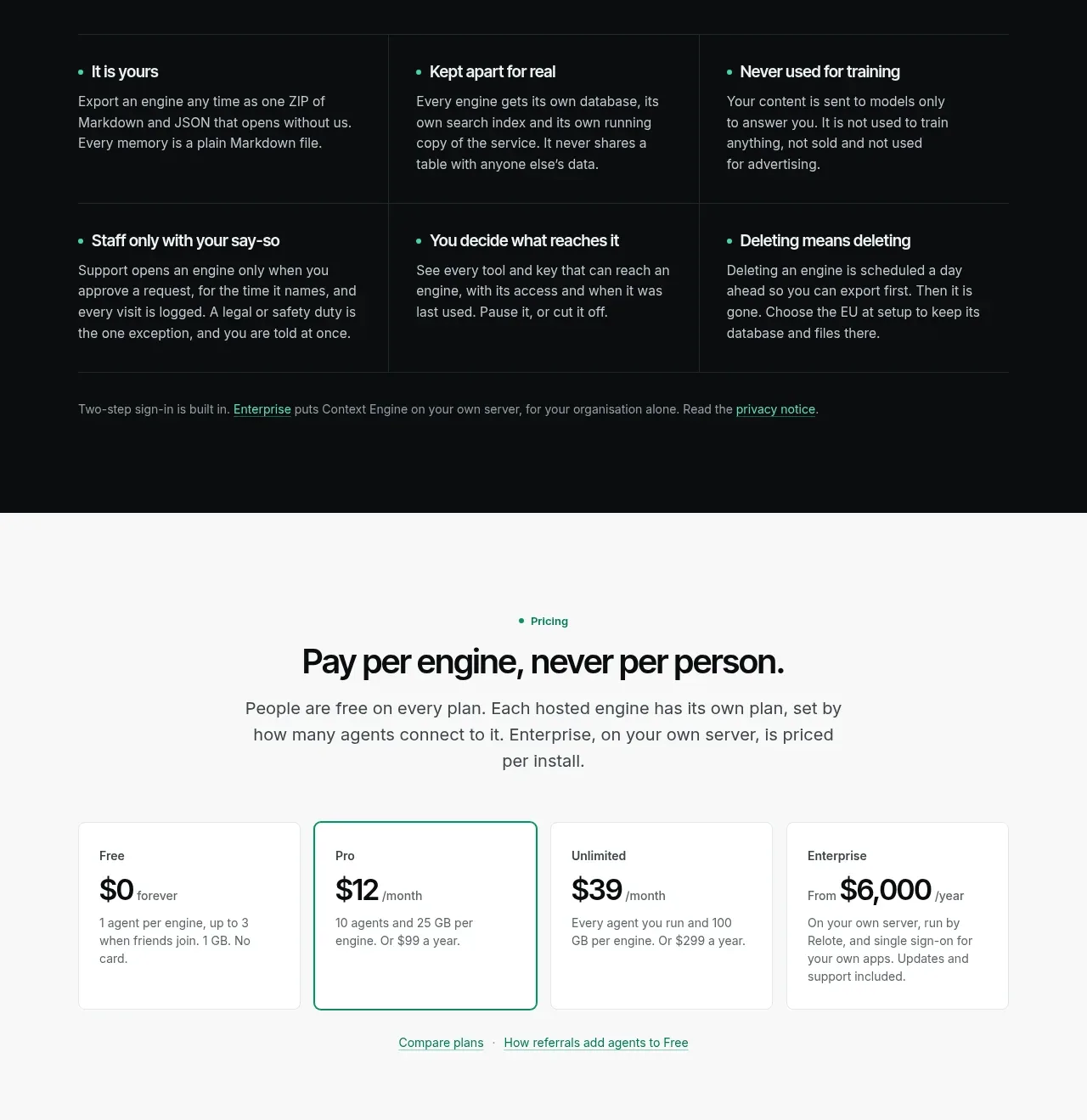 Security and privacy principles
Context Engine · Feature grid
Security and privacy principles
Context Engine · Feature grid
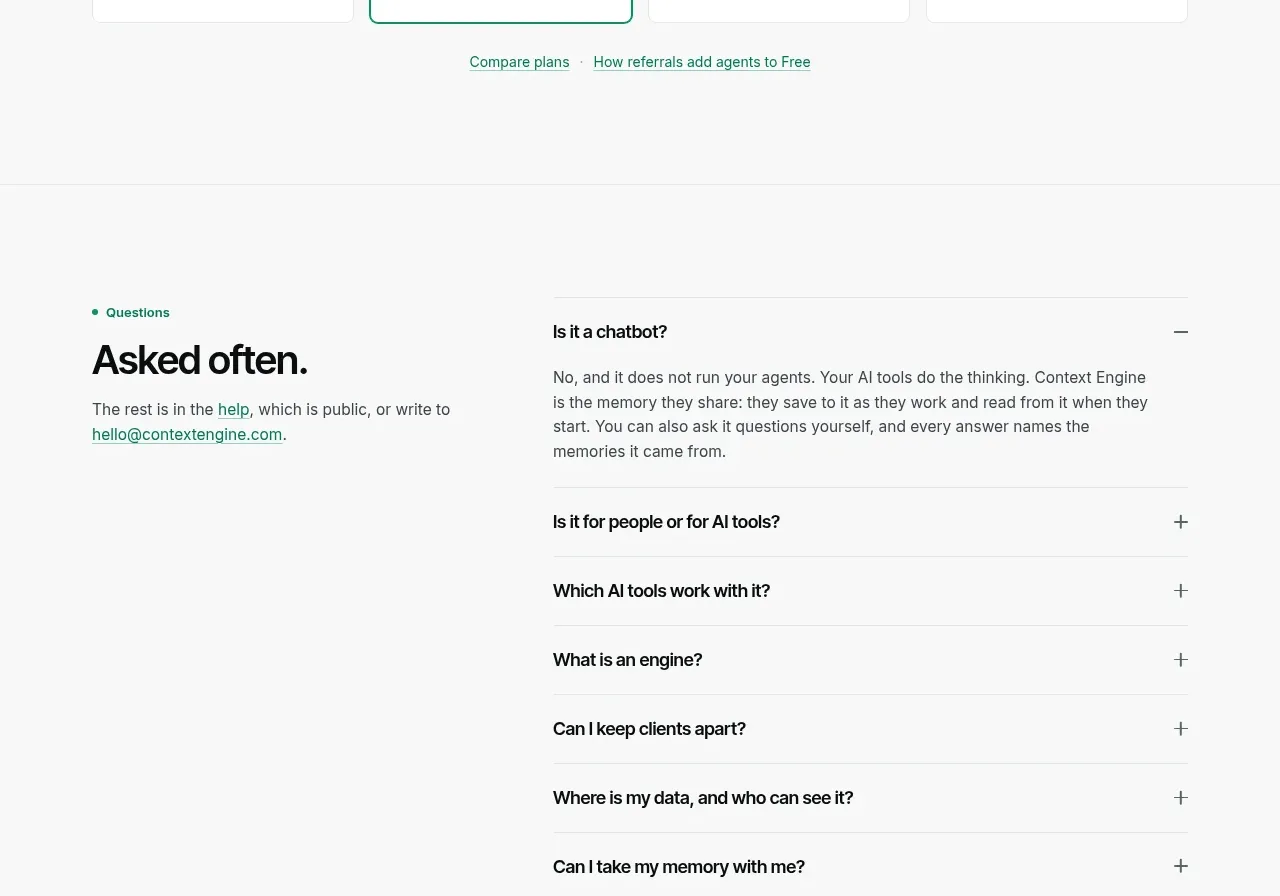 Per-unit pricing table
Context Engine · Pricing table
Per-unit pricing table
Context Engine · Pricing table
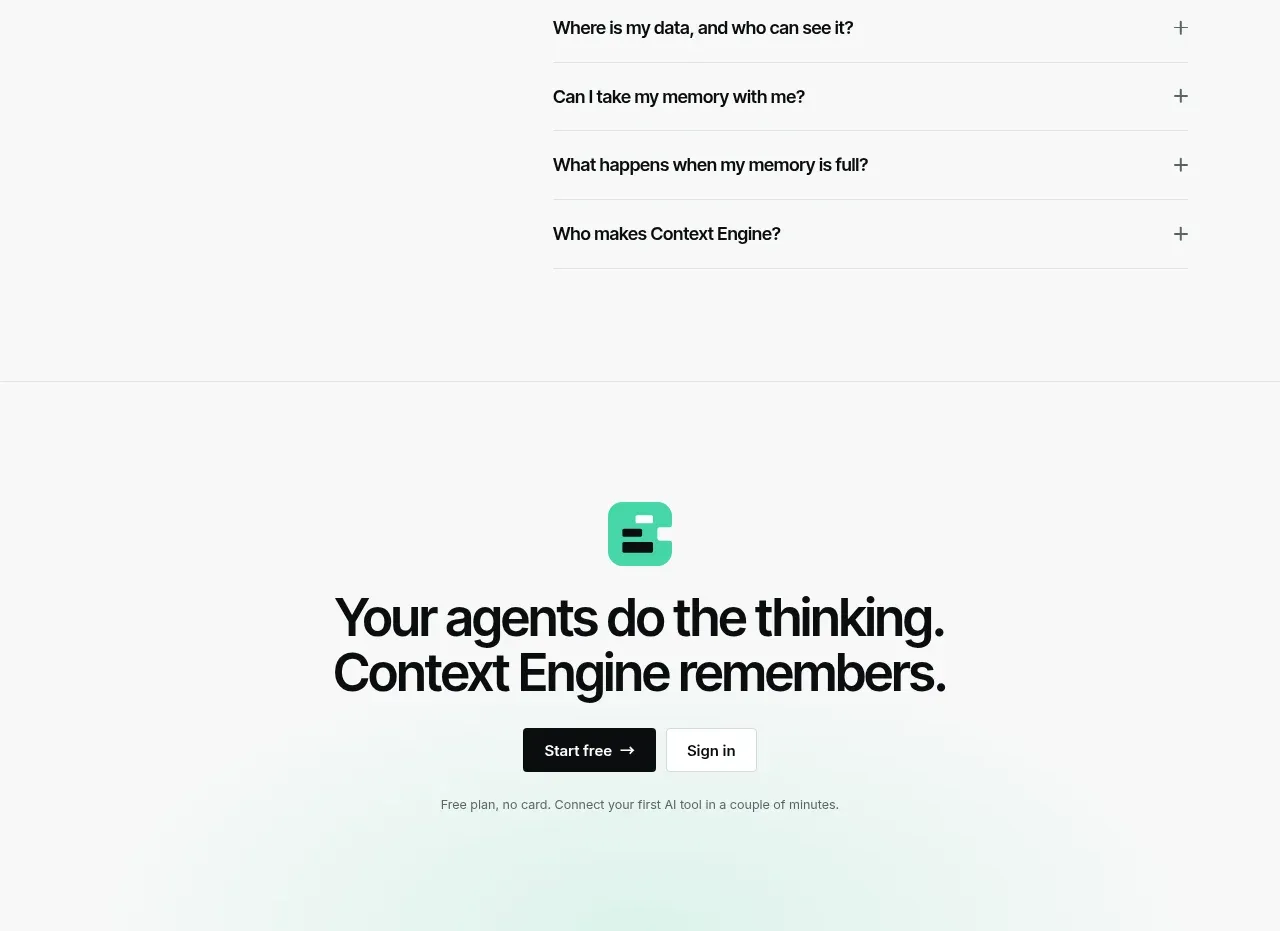 Frequently asked questions
Context Engine · FAQ
Frequently asked questions
Context Engine · FAQ
 Final conversion call to action
Context Engine · Call to action
Final conversion call to action
Context Engine · Call to action