 kage
kage
movoai.pro

Design analysis
A compact trust strip names the categories of leading AI models supported, giving the gallery a technical credibility cue before the product differentiators.
Prompt preview
## Reference images

Study these alongside the description below: hierarchy, rhythm, spacing, colour. Build for the product you are asked about, using this design language.

- Component: https://kage-design-assets.t3.tigrisfiles.io/components/movo-ai/8c1aa91f-026c-4018-9b05-6044a1e6f3fb-1792821689-3.webp
- Full page it was cut from: https://kage-design-assets.t3.tigrisfiles.io/screenshots/movo-ai/8c1aa91f-026c-4018-9b05-6044a1e6f3fb-1792821641495-full.webp
- Component on Kage: https://kage.design/component/movo-logo-cloud

## Before you start
Ask what integrations, platforms, or technologies the user's product supports and which partnerships may legally be shown. Then apply this pattern with original content.

Build a compact centered logo cloud section with a short sentence above a single horizontal row of five to six monochrome partner or technology marks. Keep the strip visually quiet and avoid turning it into a competing section. Use equal-width flex items, consistent mark heights, and muted grayscale treatment with a small accent detail if appropriate.

Use a 16–18px centered heading, 12–14px labels, 56–72px vertical padding, and a max-width around 760px. Use white #FFFFFF, text #222222, and muted gray #7B7B7B. Add responsive horizontal scrolling or a two-row wrap on narrow screens. Logos should be accessible with text labels and links where relevant.

Never: use the reference's model names, logos, product name, exact wording, or trademark artwork.
More components
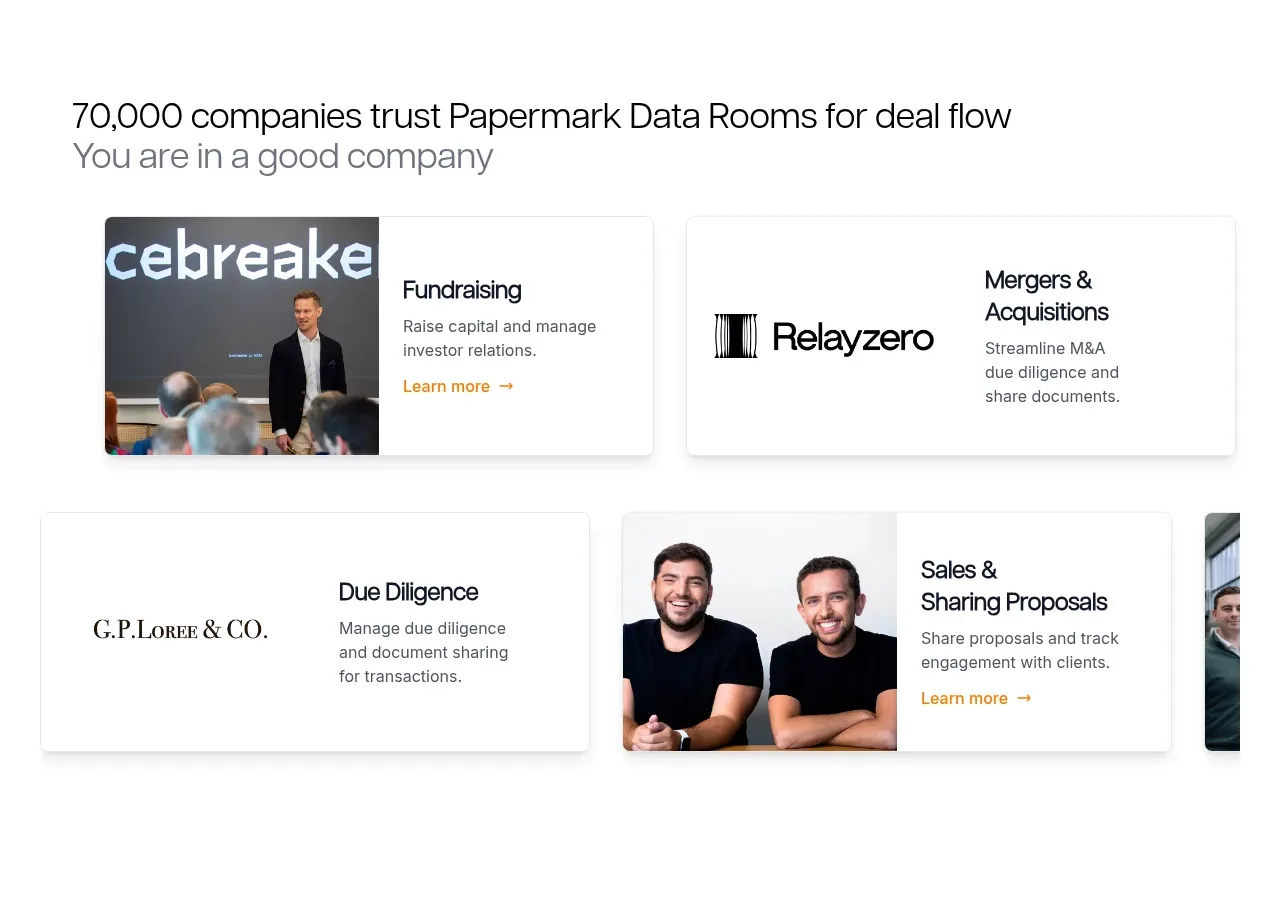
 Customer proof and use-case cards
Papermark Data Rooms · Logo cloud
Customer proof and use-case cards
Papermark Data Rooms · Logo cloud
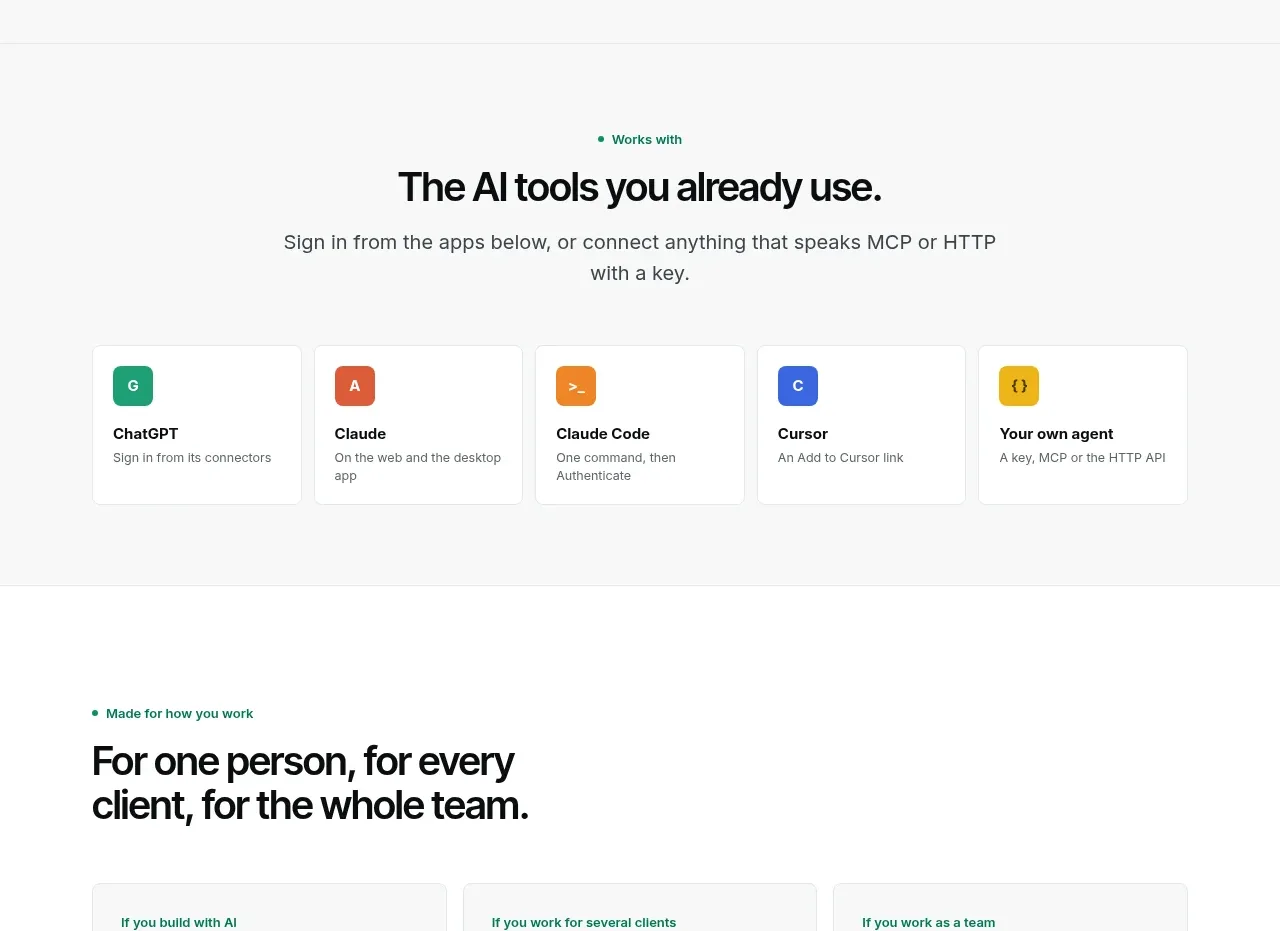
 Compatible tools grid
Context Engine · Logo cloud
Compatible tools grid
Context Engine · Logo cloud

 Customer logo strip
Inflight · Logo cloud
Customer logo strip
Inflight · Logo cloud
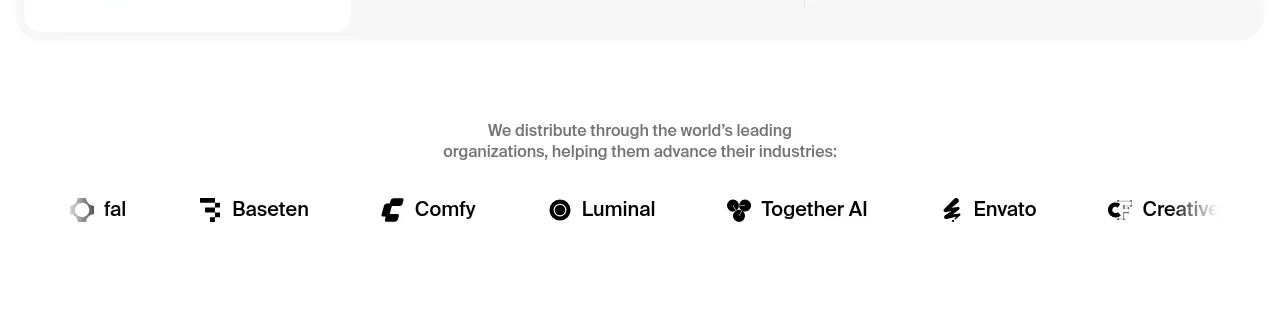
 Customer logo strip
Krea 3 · Logo cloud
Customer logo strip
Krea 3 · Logo cloud

 Trusted by professional teams
Inbox Zero · Logo cloud
Trusted by professional teams
Inbox Zero · Logo cloud

 Customer trust logos
bestproxy.com · Logo cloud
Customer trust logos
bestproxy.com · Logo cloud