kage
kage
papermark.com
Design analysis
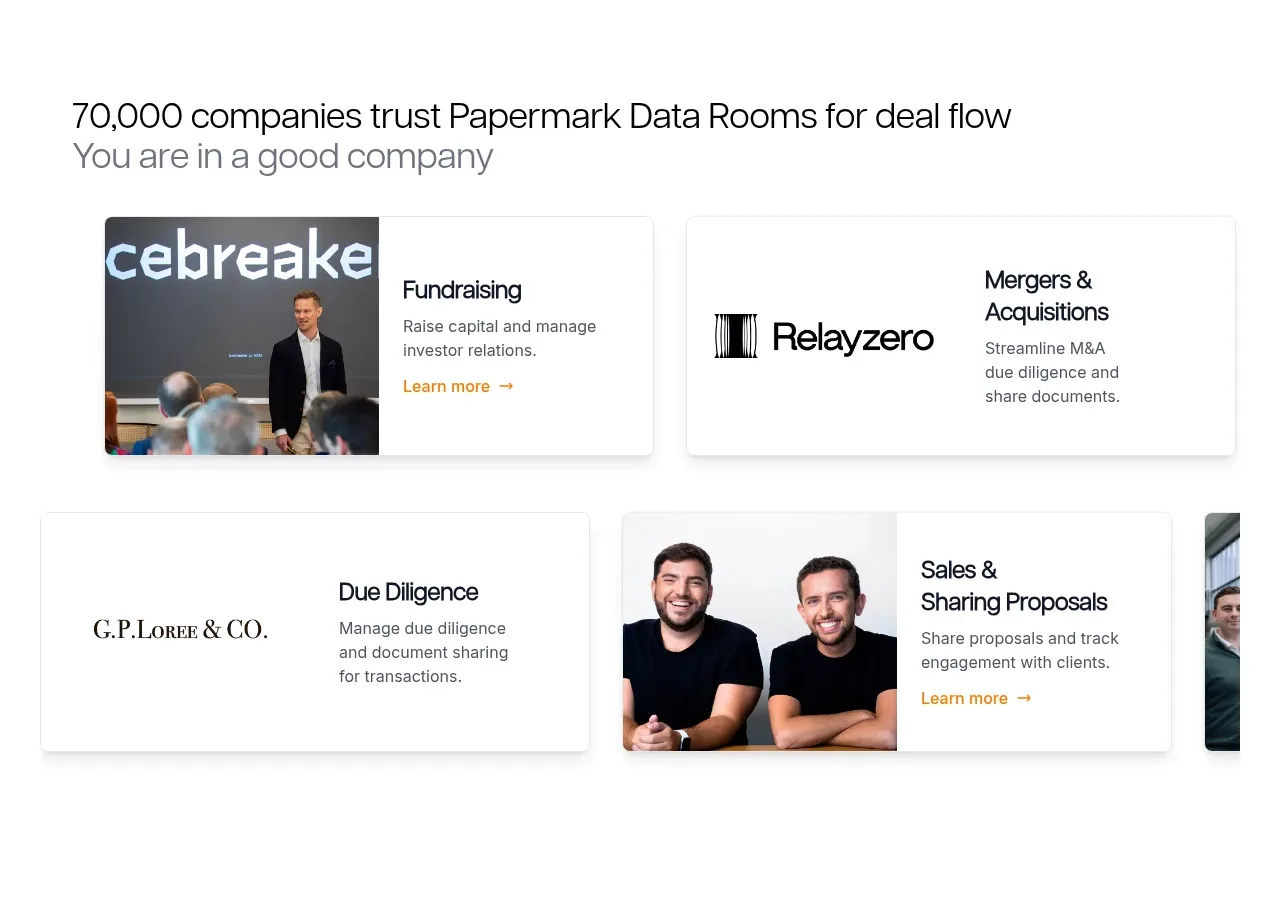
A trust headline introduces a horizontal set of customer/use-case cards. Each card combines a recognizable visual treatment with a specific business scenario and a small learn-more cue.
Prompt preview
## Reference images

Study these alongside the description below: hierarchy, rhythm, spacing, colour. Build for the product you are asked about, using this design language.

- Component: https://kage-design-assets.t3.tigrisfiles.io/components/papermark-data-rooms/d90c2ffc-2788-45c6-a044-36fe7b171e0c-1792994577-3.webp
- Full page it was cut from: https://kage-design-assets.t3.tigrisfiles.io/screenshots/papermark-data-rooms/d90c2ffc-2788-45c6-a044-36fe7b171e0c-1792994482140-full.webp
- Component on Kage: https://kage.design/component/papermark-data-rooms-logo-cloud

## Before you start
Ask which customer segments, industries, or use cases are most important for the user's product and what proof is available. Apply the principles below to that product.

Create a social-proof section with a short trust-oriented heading and supporting subheading, followed by a horizontally arranged set of 3–4 cards. Each card should communicate one customer segment or use case using a compact media area, a category label, a short title, one sentence of context, and a low-emphasis link. Use a responsive grid on desktop and a horizontally scrollable card rail on mobile. Give cards white backgrounds, #E8E8E8 borders, 6–10px radii, and very soft shadows. Use 20–24px heading text, 12–14px body text, clear card gutters, and a restrained neutral palette with one accent for links. Avoid making every card visually identical: vary media treatments while preserving a consistent information hierarchy.

Never: use logos, product names, copy, illustrations, or imagery from the reference.