 kage
kage
ilha.app

Design analysis
A compact black navigation bar anchors the page with the product mark at left, a single section link, and status/date utilities at right.
Prompt preview
## Reference images

Study these alongside the description below: hierarchy, rhythm, spacing, colour. Build for the product you are asked about, using this design language.

- Component: https://kage-design-assets.t3.tigrisfiles.io/components/ilha/abf8b55c-66d5-414b-9583-571f1b47ea7e-1792648866-0.webp
- Full page it was cut from: https://kage-design-assets.t3.tigrisfiles.io/screenshots/ilha/abf8b55c-66d5-414b-9583-571f1b47ea7e-1792648836592-full.webp
- Component on Kage: https://kage.design/component/ilha-navigation

## Before you start
Ask what the user's product and brand are, then apply the principles below to that context rather than reproducing this reference.

Build a compact, full-width desktop navigation bar for a dark productivity product. Use a near-black background (#080809), a 1px subtle bottom border, and a restrained horizontal layout with the brand at the far left, one or two primary links beside it, and low-emphasis utility/status controls aligned right. Keep the bar about 32–40px tall, use 12–13px typography, muted gray text (#a7a7aa), and one small warm accent (#e26b68) for the active mark or indicator. Align everything to a consistent 20–24px page gutter; use generous horizontal breathing room but very little vertical padding. Buttons should be icon-sized and quiet, with hover states that raise contrast or reveal a subtle surface. Keep the navigation responsive by collapsing secondary utilities on narrow screens.

### Never
- Never use logos, product names, copy, illustrations, or imagery from the reference.
- Never make the nav visually louder than the hero.
- Never use a bright gradient or excessive rounded-pill controls.
More components
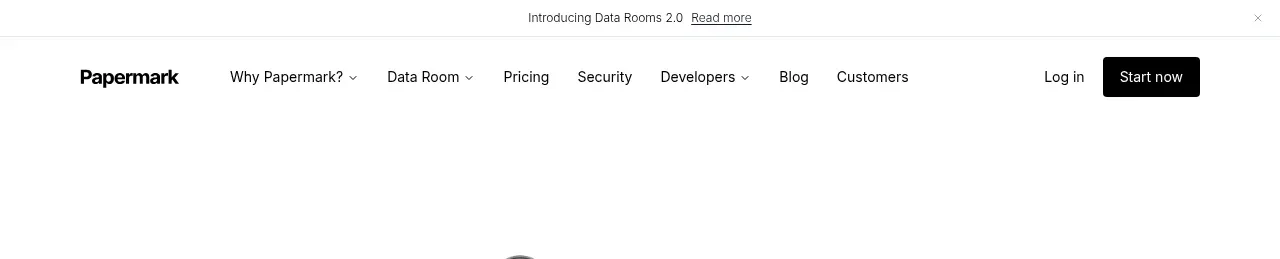
 Announcement bar and primary navigation
Papermark Data Rooms · Navigation
Announcement bar and primary navigation
Papermark Data Rooms · Navigation

 Minimal product navigation
Badgey · Navigation
Minimal product navigation
Badgey · Navigation

 Floating product navigation
Clips by Plastic · Navigation
Floating product navigation
Clips by Plastic · Navigation

 Top navigation
AgentGrid.io · Navigation
Top navigation
AgentGrid.io · Navigation

 Announcement bar and primary navigation
Context Engine · Navigation
Announcement bar and primary navigation
Context Engine · Navigation

 Minimal brand navigation
Peras · Navigation
Minimal brand navigation
Peras · Navigation