kage
kage
movoai.pro

Design analysis
A long, white editorial landing page uses a full-bleed cinematic hero, translucent navigation, a floating credit-offer card, and restrained black typography to establish the product quickly. Below the hero, the rhythm alternates between media-led proof (video carousel, model strip, vivid product cards, app mockup) and large open feature sections with generous whitespace; purple pill CTAs and mint accents provide the recurring interaction language, while compact process, community, testimonials, FAQ, and footer sections tighten the ending.
Prompt preview
## Reference images

Study these alongside the description below: hierarchy, rhythm, spacing, colour. Build for the product you are asked about, using this design language.

- Full page: https://kage-design-assets.t3.tigrisfiles.io/screenshots/movo-ai/8c1aa91f-026c-4018-9b05-6044a1e6f3fb-1792821641495-full.webp
- Above the fold: https://kage-design-assets.t3.tigrisfiles.io/screenshots/movo-ai/8c1aa91f-026c-4018-9b05-6044a1e6f3fb-1792821639632.webp
- Design on Kage: https://kage.design/designs/movo-landing-page

## Before you start
Ask the user what they are building, who it is for, and which brand assets they already have, including product name, logo, colours, typefaces, imagery, and app-store or social links. Wait for their answers before designing. Apply the system below to their product, not to the reference product, and replace all reference-specific copy and assets with their own.

## Page structure
1. **Announcement bar** — A very thin, bright promotional strip sits above the navigation, with a small offer, a highlighted discount, a compact outlined action, and a dismiss control aligned on one line.
2. **Hero navigation** — Overlay a translucent dark navigation row on the hero media. Put the brand mark at left, a moderate set of text links with dropdown indicators in the centre, utility icons near the right, and one purple rounded sign-in/action button at the far right.
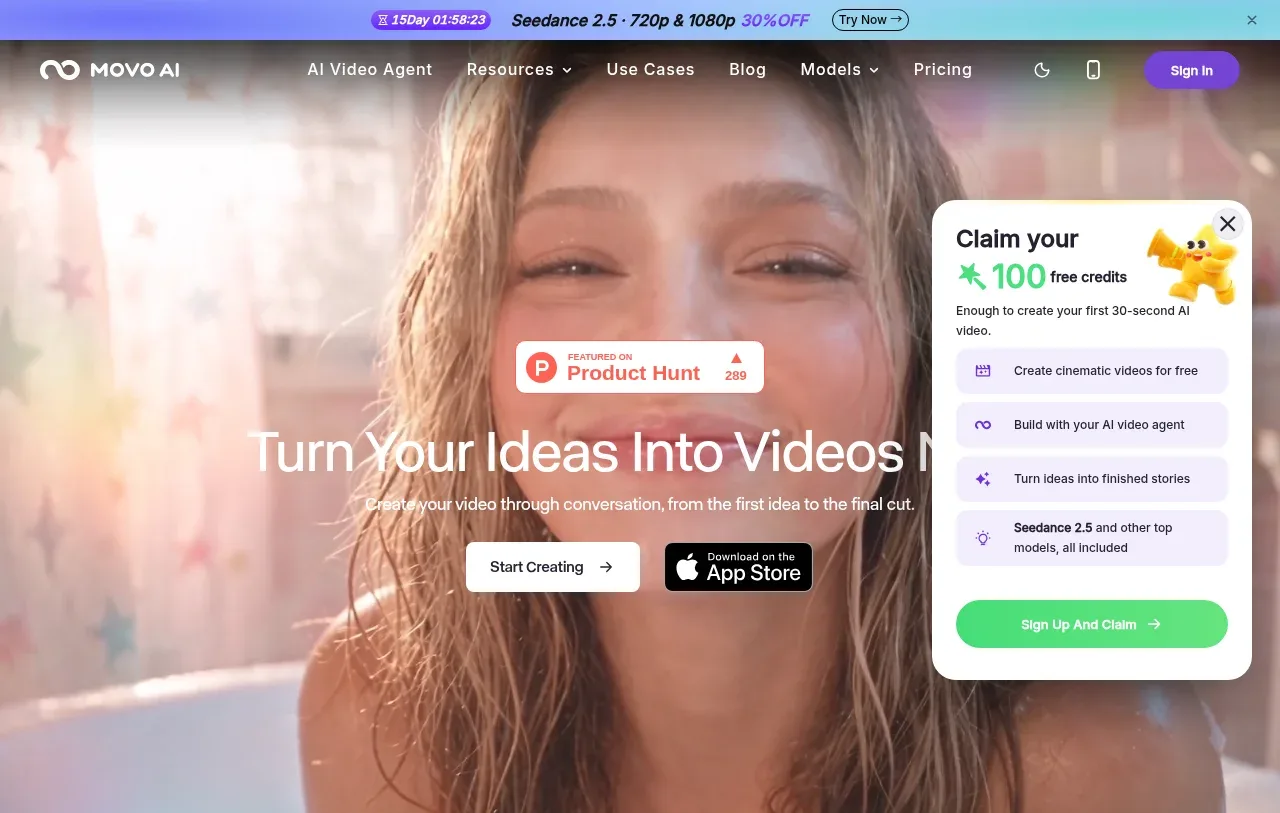
3. **Cinematic hero** — Use a tall full-width video or image with a soft dark/colour veil so centered white content remains readable. Stack a small social-proof badge, a very large one-line or two-line headline, a short explanatory sentence, and two CTAs: a light primary button and a dark app-store style badge.
4. **Floating offer card** — Pin a white rounded promotional card over the hero’s right side. Include a close icon, an oversized coloured credit/value statement, several pale lavender benefit rows with small icons, and a bright green full-width claim button.
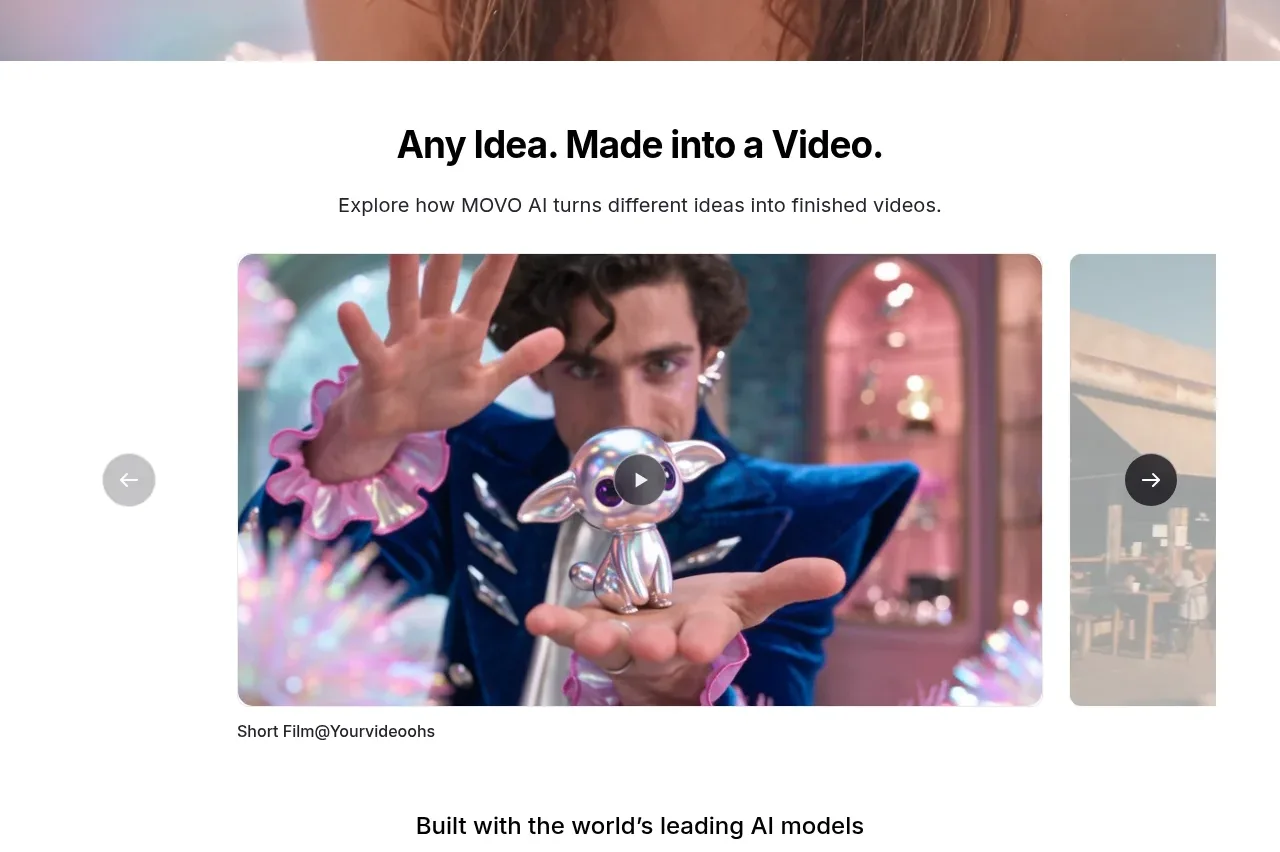
5. **Idea-to-video showcase** — Transition to a white section with a centered heading and subtitle, then a wide media carousel. Use one large rounded video thumbnail, a partially visible neighbouring slide to imply horizontal continuation, circular previous/next controls outside the media, a central play button, and a small caption below.
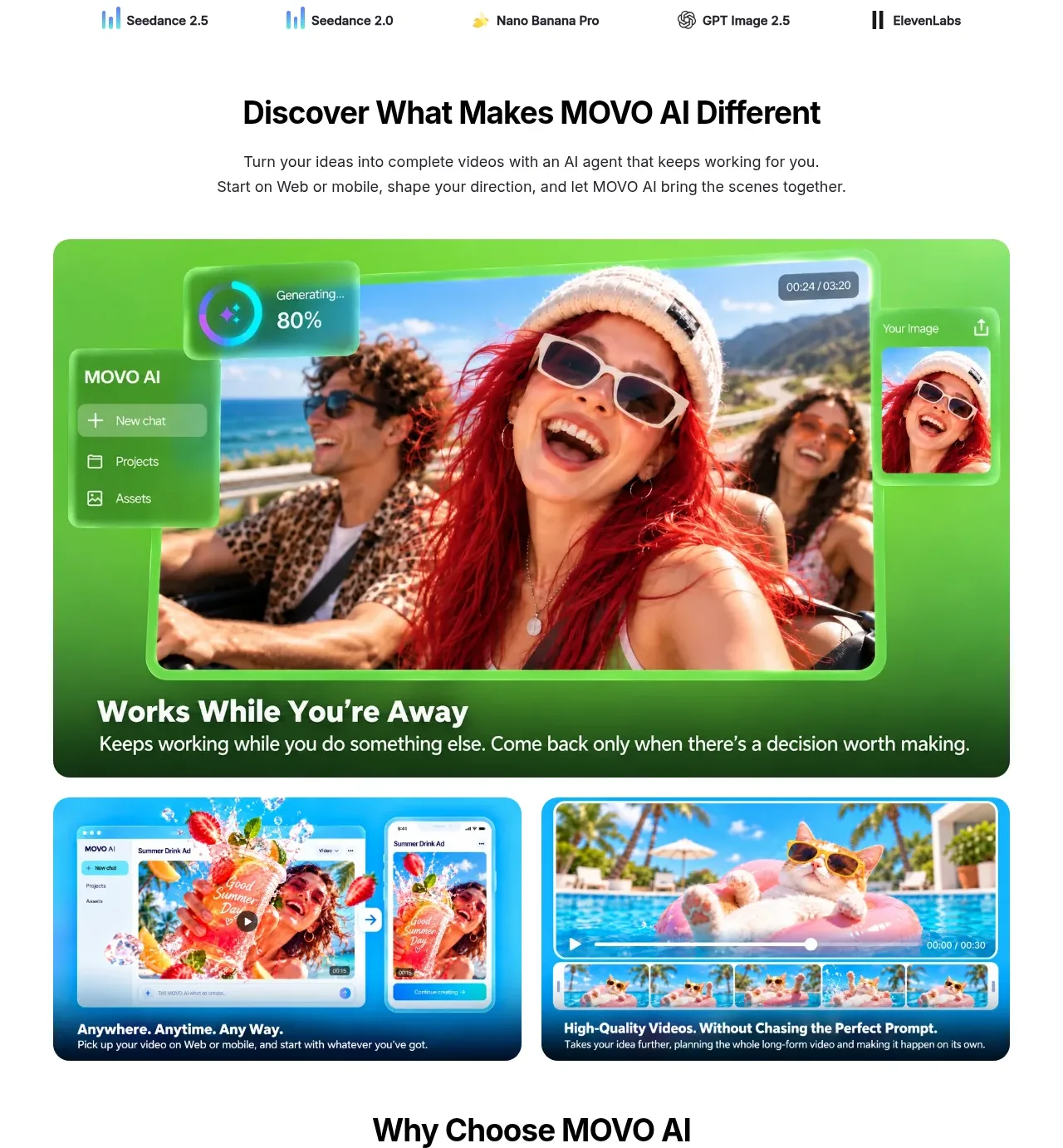
6. **Model compatibility strip** — Center a short heading followed by a sparse horizontal row of partner/model names and tiny marks. Keep this section much lighter and shorter than the showcase above it.
7. **Product-difference introduction** — Add a centered black heading with two lines of supporting copy that explain the agent concept and its web/mobile availability.
8. **Feature media grid** — Lead with one large rounded, bright green product demonstration card spanning most of the content width, with UI overlays, a video image, and white title/body text anchored at the bottom. Follow it with two equal-width rounded cards in a two-column grid using blue and dark-blue treatments, each combining product imagery with a short white caption.
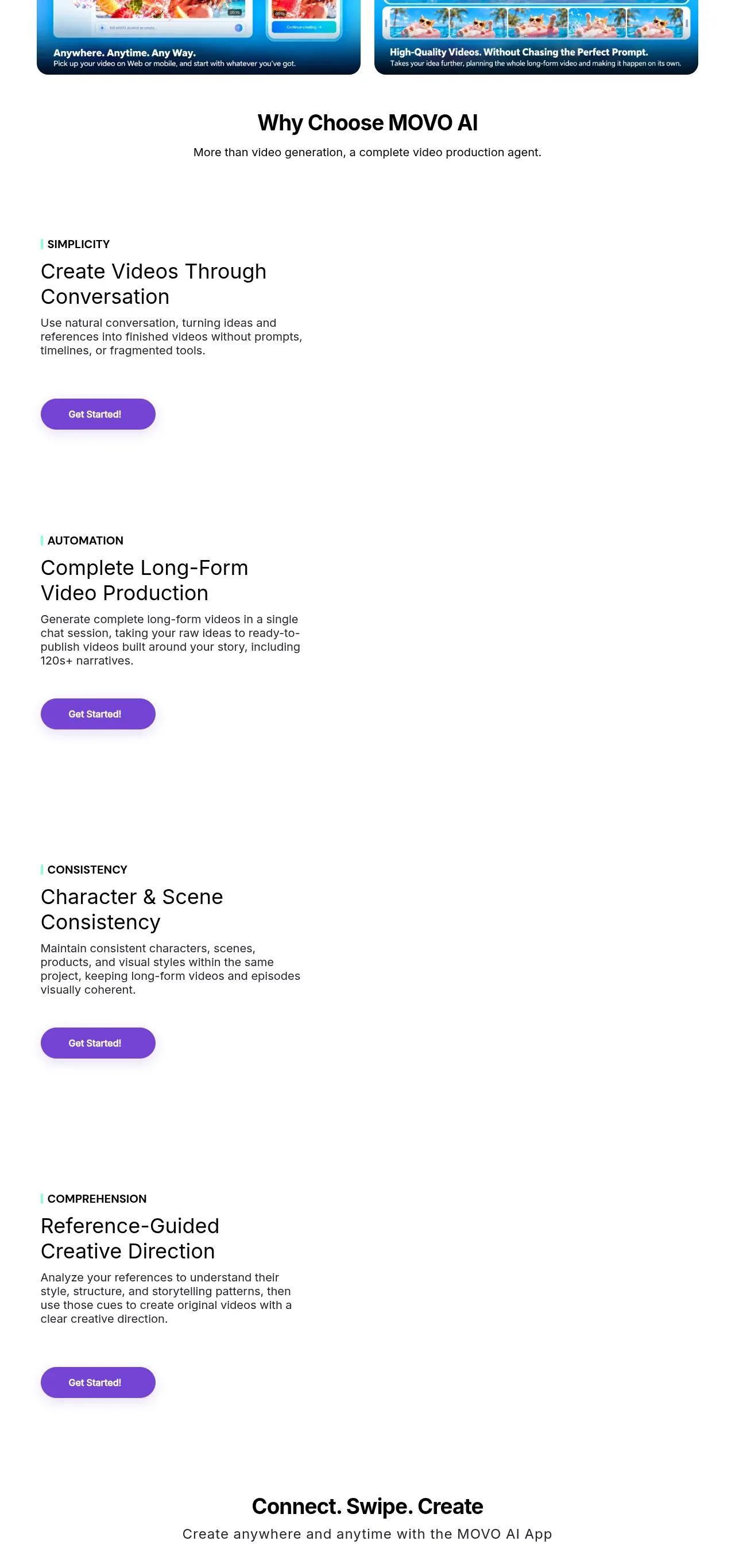
9. **Why choose section** — Introduce a centered heading and subtitle, then create a very tall, extremely open feature sequence. Each item is left-aligned in a narrow column: a mint vertical marker and uppercase category label, a large two-line feature title, a compact paragraph, and a purple pill “get started” action. Preserve large blank space or reserve room for supporting media on the right so each feature feels like a spacious alternating showcase rather than a dense list. Include four items in order: conversational simplicity, automated long-form production, character/scene consistency, and reference-guided creative direction.
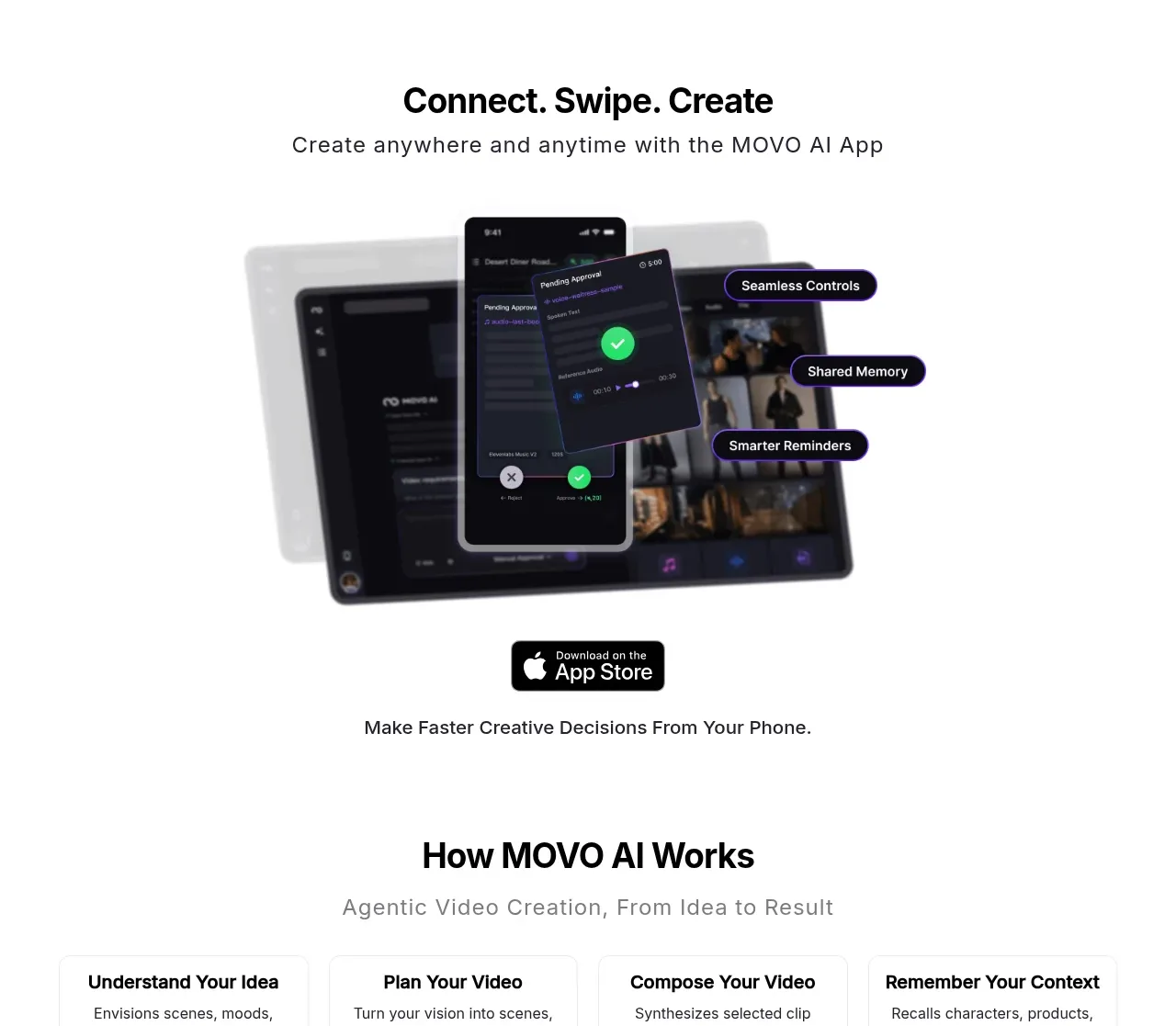
10. **Mobile app promotion** — Center a heading and subtitle, place a large angled phone/tablet mockup with dark UI and small purple-outlined feature callouts, then an app-store badge and a centered supporting line beneath.
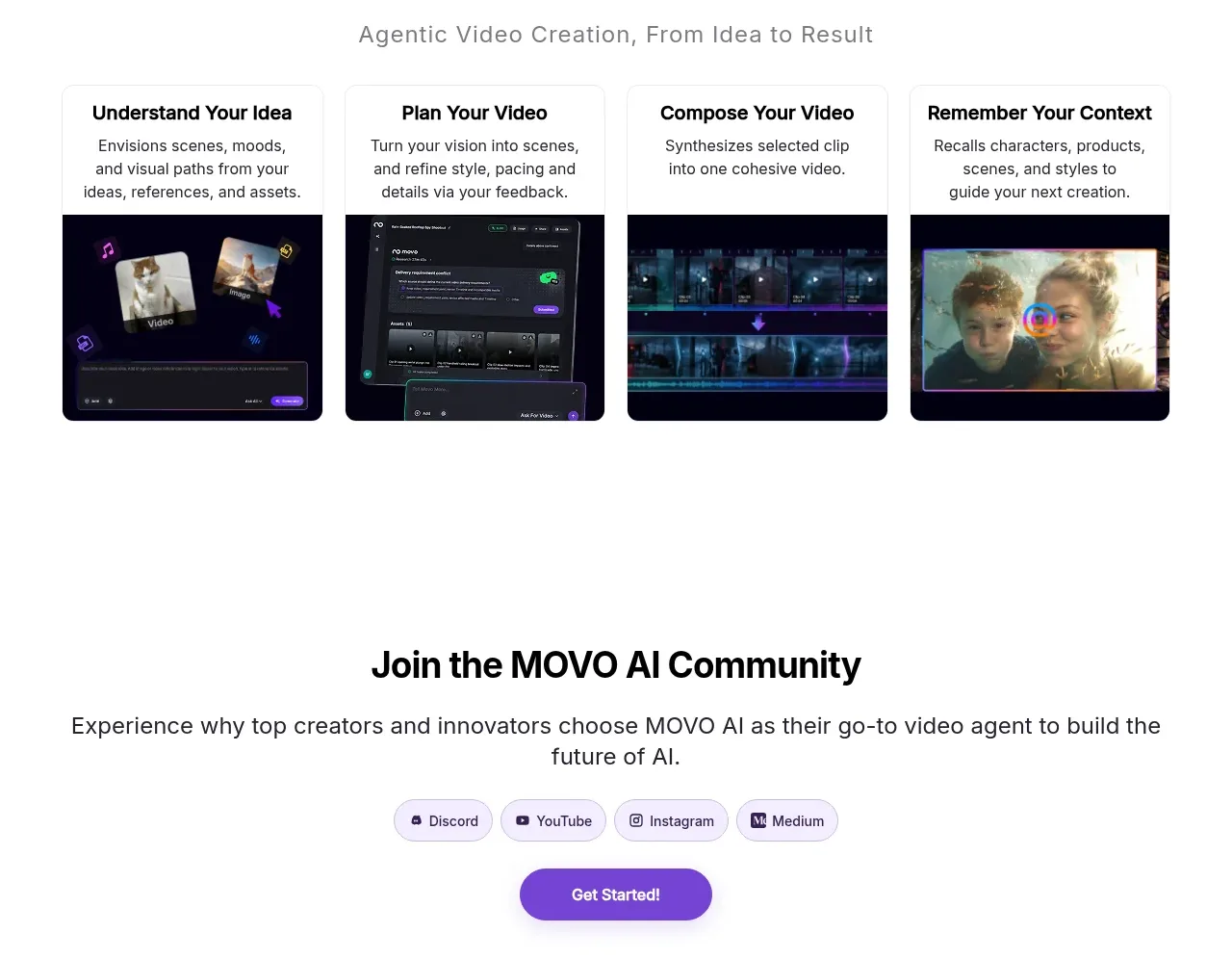
11. **How it works** — Use a centered heading and muted subtitle, followed by four equal cards in a row. Each card has a bold step title, short explanatory copy, and a dark media thumbnail along the bottom; cover understanding the idea, planning the video, composing the video, and remembering context.
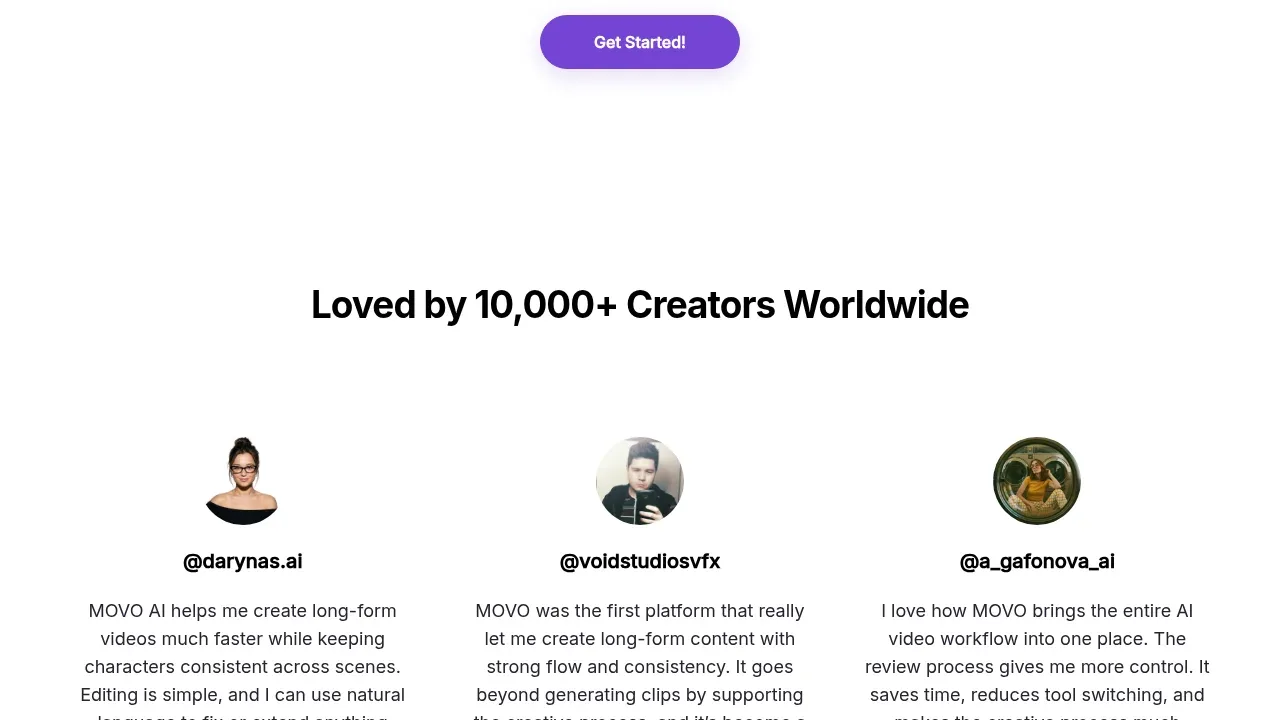
12. **Community CTA** — Center a heading, a wide supporting sentence, a row of small pale-lavender social/community pills, and one purple CTA button.
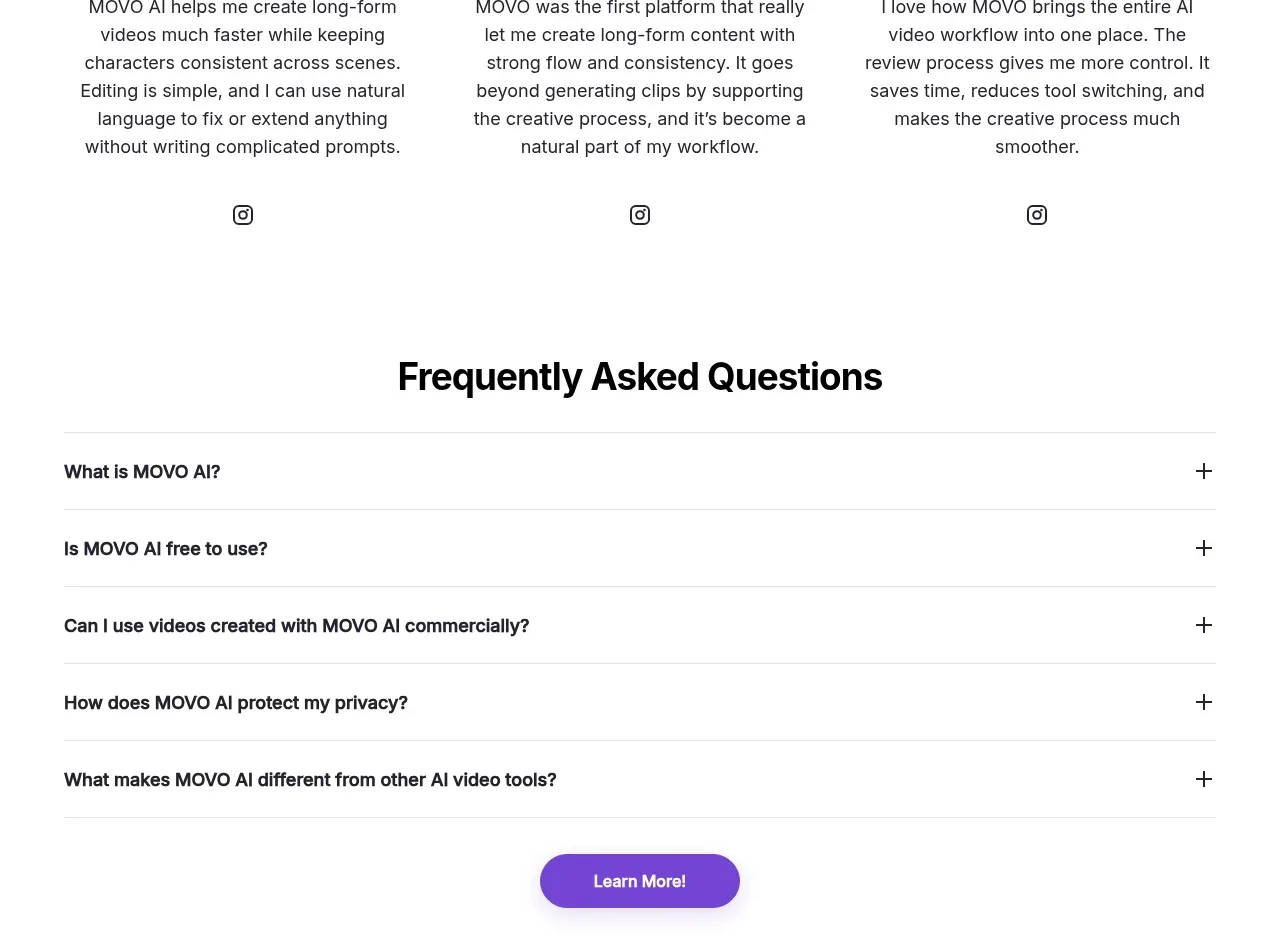
13. **Creator testimonials** — Add a centered heading followed by three equal testimonial columns. Each has a circular creator avatar, handle, compact paragraph, and small social icon, with generous spacing and no heavy card containers.
14. **FAQ** — Center the section title above a full-width list of five horizontal accordion rows. Use fine gray dividers, bold left-aligned questions, and plus signs at the far right. Finish with a centered purple “learn more” button.
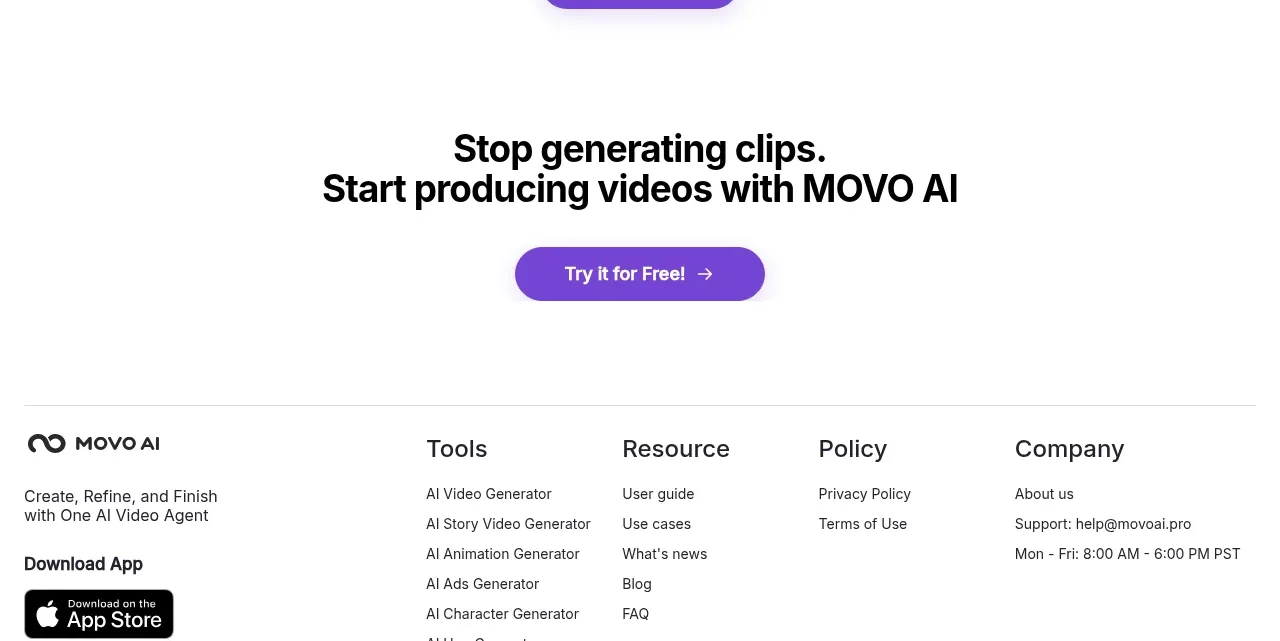
15. **Final conversion block** — Place a centered two-line closing headline, a purple “try it” button, and generous white space before the footer.
16. **Footer** — Separate the footer with a thin top rule. Use a multi-column layout: brand description and app-store/social links at left, then Tools, Resource, Policy, and Company link columns. End with a bottom rule, copyright text, and a small back-to-top arrow aligned to the right.

## Design language
- Build hierarchy with a near-black geometric sans-serif: oversized bold centered headings for section introductions, medium-weight feature titles, compact regular body copy, and tiny uppercase category labels. Use generous line-height and avoid decorative display type.
- Keep the default canvas white and let media sections create the visual rhythm. Move from an immersive, high-colour hero to short proof strips, then vivid media cards, then unusually spacious feature rows, and finally increasingly compact process, social proof, FAQ, and footer sections.
- Use colour as an accent system rather than a page background: electric violet/purple around `#7135D8` for primary pills and links, mint/aqua around `#8FF5D0` for feature markers, vivid green around `#45DF76` for offer actions and the hero feature card, pale lavender around `#F1ECFB` for utility rows and community chips, and blue/teal gradients inside media cards. Keep text approximately `#111111` and dividers `#E7E7E7`.
- Pair large black headlines with short, plainspoken supporting text. Use a responsive scale roughly from 48–64px for the hero, 30–40px for section headings, 24–32px for feature titles, and 14–16px for body copy; reduce each step cleanly on mobile.
- Treat cards as soft media frames: use 14–22px corner radii, clipping for thumbnails, very light borders where needed, and little or no shadow except for floating offer cards and purple CTA elevation. Buttons are compact, pill-shaped, and usually have subtle hover lift or glow.
- Let imagery carry personality: use cinematic video, saturated editorial stills, dark product UI, device mockups, and gradients. Do not make every section a card; the open feature sequence depends on whitespace and asymmetry.
- Use a translucent or lightly blurred hero nav over media, but use solid white navigation/content surfaces below. Maintain a centered max-width content container with occasional full-bleed media and a two-column grid for supporting cards.
- Make interactions quiet and direct: carousel arrows are circular and high-contrast, videos show a centered play control, accordions use plus icons and expand inline, dropdown links reveal menus, and CTAs can use a small arrow. Add smooth hover colour/lift transitions without excessive animation.
- On smaller screens, collapse the nav into a menu, stack hero CTAs and offer card content, turn the media carousel into a single-slide viewport, stack the two feature cards and testimonials, convert the four-step row to a vertical or two-column sequence, and retain generous but reduced vertical spacing.

## Never
- Do not copy the reference product’s logo, wordmark, product name, tagline, exact copy, model names, creator identities, screenshots, illustrations, photography, app-store artwork, social icons, or icon set.
- Do not present the result as MOVO AI or imply an affiliation with it.
- Do not reproduce reference-specific promotional claims, credit amounts, testimonials, handles, or footer links; invent structure-appropriate content for the user’s product instead.
- Do not turn every section into a dense dashboard or generic SaaS template; preserve the contrast between cinematic media, vivid product proof, and large areas of white space.
Components from this page
All components
M
Announcement bar and primary navigation
MOVO AI · Navigation
M
Video creation hero with claim modal
MOVO AI · Hero
M
Idea showcase video gallery
MOVO AI · Gallery

M
AI model compatibility strip
MOVO AI · Logo cloud
M
Product differentiators showcase
MOVO AI · Feature grid
M
Reasons to choose the product
MOVO AI · Feature grid
M
Mobile app promotion
MOVO AI · Call to action
M
How the workflow works
MOVO AI · Feature grid
M
Community invitation
MOVO AI · Call to action
M
Creator testimonials
MOVO AI · Testimonials
M
Frequently asked questions
MOVO AI · FAQ

M
Final conversion banner
MOVO AI · Call to action