kage
kage
papermark.com

Design analysis
A long-form B2B security landing page uses a restrained white canvas, thin gray rules, compact sans-serif typography, and black controls with orange reserved for high-intent conversion moments. The page moves from a spacious centered hero and product proof into trust logos, explanatory two-column content, certification cards, feature tabs, a dense comparison table, customer stories, alternating product demos, feature summaries, use-case pills, testimonials, video, FAQ, and a strong orange closing CTA/footer; density increases in the middle and then relaxes into editorial proof and conversion sections.
Prompt preview
## Reference images

Study these alongside the description below: hierarchy, rhythm, spacing, colour. Build for the product you are asked about, using this design language.

- Full page: https://kage-design-assets.t3.tigrisfiles.io/screenshots/papermark-data-rooms/d90c2ffc-2788-45c6-a044-36fe7b171e0c-1792994482140-full.webp
- Above the fold: https://kage-design-assets.t3.tigrisfiles.io/screenshots/papermark-data-rooms/d90c2ffc-2788-45c6-a044-36fe7b171e0c-1792994477959.webp
- Design on Kage: https://kage.design/designs/papermark-data-rooms-landing-page

## Before you start
Ask the user what they are building, who it is for, and what brand assets they already have (name, colours, type, logo, imagery, and product screenshots). Wait for their answers before proceeding. Apply the system below to their product, not to the reference product, and use their own brand assets and content.

## Page structure
Build a long-form B2B product landing page in this order:
1. **Announcement strip and global navigation** — Add a very thin announcement bar, then a compact desktop header with a left-aligned wordmark, several product/resource links, and right-aligned login plus a filled primary button.
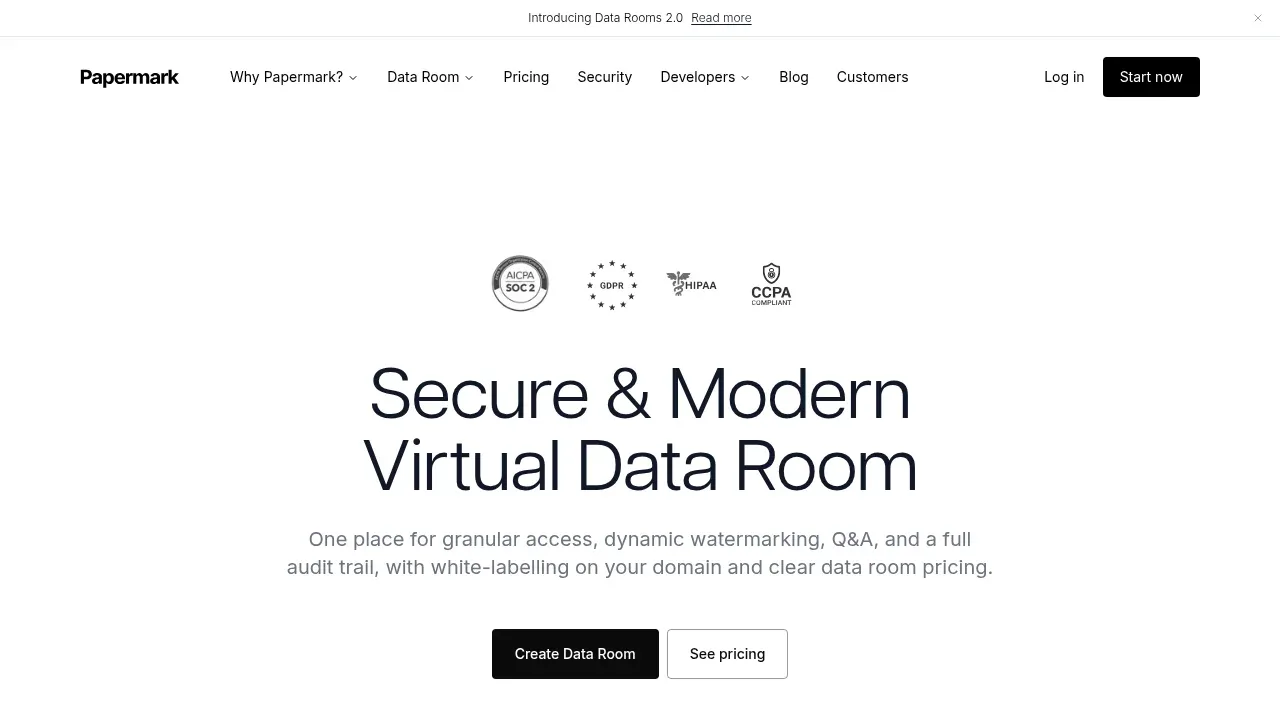
2. **Hero** — Center a generous hero with small compliance/security marks above a large two-line headline, concise supporting copy, and paired primary/secondary actions.
3. **Sticky conversion bar** — Immediately below, place a bordered horizontal strip with a short readiness prompt on the left and trial/demo actions on the right.
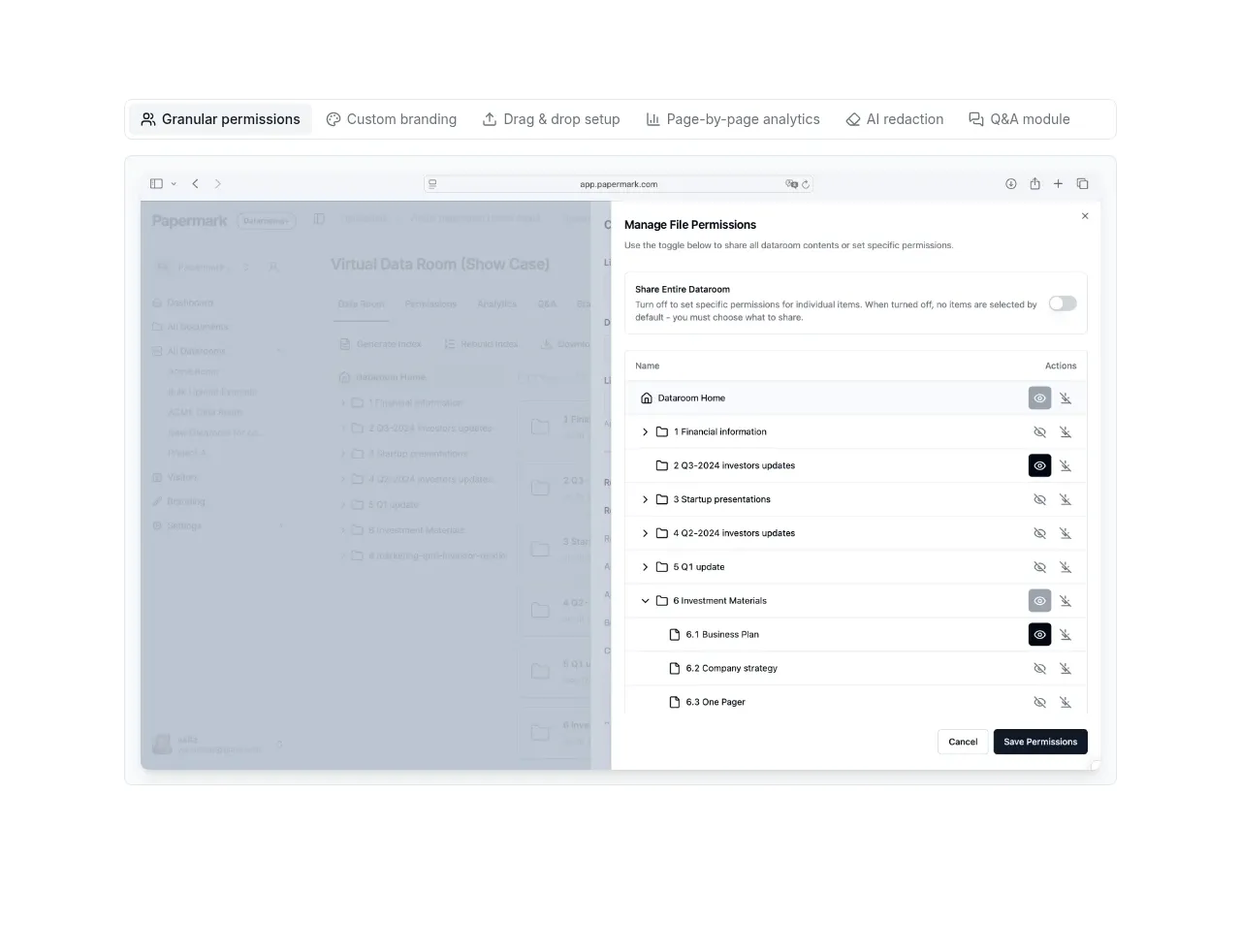
4. **Product capability preview** — Show a slim capability label row above a large, lightly framed product screenshot demonstrating permissions or document controls.
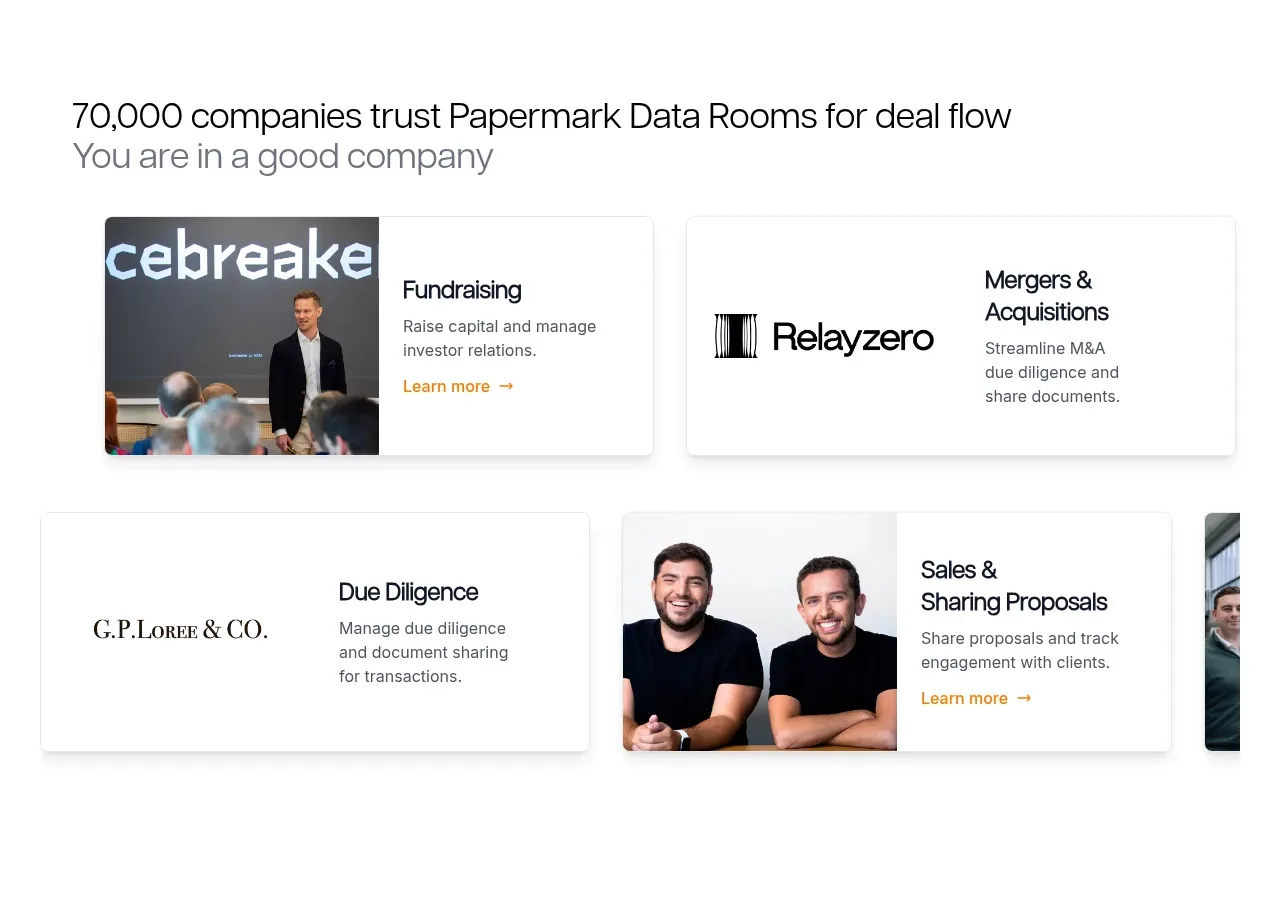
5. **Trust and use-case cards** — Introduce a customer-count heading and subtitle, followed by a horizontal grid/carousel of compact customer/use-case cards combining logos, photos, and short descriptions.
6. **Educational overview** — Use a two-column editorial section explaining what the product is, why it matters, and how it is chosen. Include subheadings, short paragraphs, and a lightly tinted common-use-cases callout.
7. **Security and compliance** — Split the section between a short security statement with certification marks on the left and a multi-column grid of small certification/compliance cards on the right.
8. **Advanced features showcase** — Add a section title/subtitle, a vertical feature navigation list on the left, and a large selected-feature screenshot with a short explanatory caption on the right.
9. **Plan comparison table** — Present a wide bordered comparison table with a feature-name column, multiple plan columns, alternating pale-gray rows, compact typography, and small affirmative status marks. Follow it with separate enterprise and self-hosting rows.
10. **Customer outcomes** — Add a heading and subtitle above two large case-study cards with prominent portrait/team photography, small metadata labels, and outcome-focused titles.
11. **Alternating product demos** — Create two spacious two-column sections. Put text and a black CTA on the left and a framed product screenshot on the right; reverse or vary the composition for the next capability.
12. **Essential features strip** — Use a short heading/subtitle and a row of compact bordered feature cards, followed by a centered “show all” control.
13. **Drag-and-drop use cases** — Display rounded dark and light pill-like tiles in a staggered two-row grid, each naming a different workflow or audience.
14. **Customer testimonials** — Add a heading/subtitle and a three-column card grid with portrait images, short quotes, and named attribution.
15. **Demo video** — Introduce another heading/subtitle and place a wide video player inside a soft off-white frame.
16. **FAQ** — Use a simple full-width accordion list with thin separators, concise questions, and right-aligned chevrons.
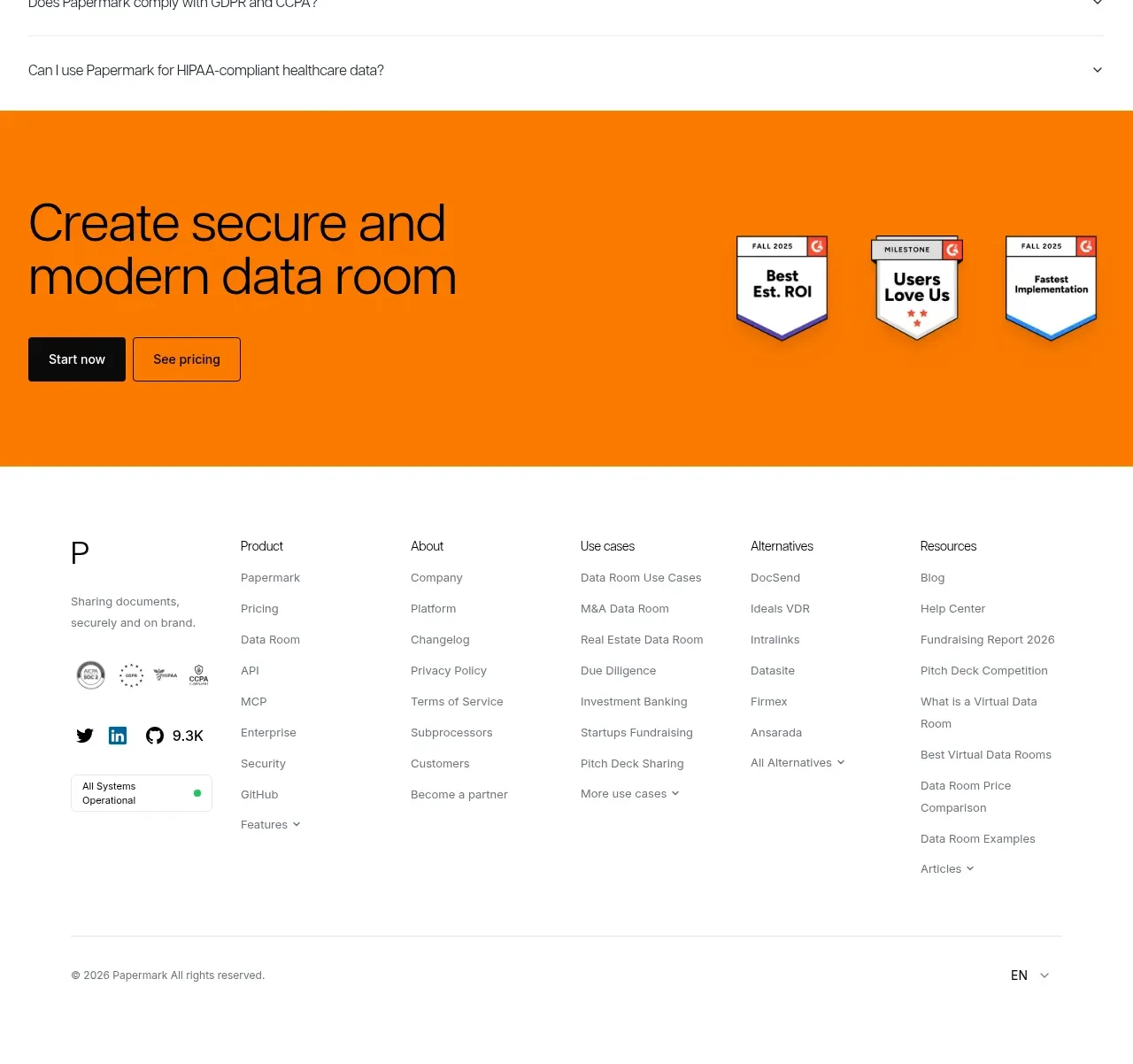
17. **Closing CTA band** — Finish with a full-width saturated orange section containing a large two-line CTA, black/outlined actions, and a small cluster of trust or award badges.
18. **Footer** — Use a clean white multi-column footer with a minimal brand mark, short description, social/compliance marks, grouped navigation links, a divider, copyright, and locale selector.

## Design language
- Build hierarchy through scale and whitespace rather than decoration: use large, tightly set sans-serif headlines, medium section headings, and compact gray body copy.
- Let the page rhythm change deliberately: spacious centered hero, compact trust strip, image-led proof, denser educational and comparison sections, then alternating generous demos and a calmer FAQ/footer close.
- Keep the base palette near white `#FFFFFF`, black `#111111`, and cool light gray `#F4F5F6` / `#E6E7E8`; reserve a vivid orange around `#FF7A00` for major CTA bands, status accents, and small highlights.
- Pair one neutral modern sans-serif family throughout; use a restrained scale with oversized hero text around 56–72px, section headings around 30–40px, body text around 14–16px, and table/footer text around 11–13px. Keep line lengths short in editorial columns.
- Use thin gray borders, subtle shadows, and mostly square or gently rounded cards. Product screenshots should sit in pale frames with minimal radius; CTA buttons can use a small radius, while use-case tiles can be more rounded.
- Use black filled buttons for primary actions and white or transparent bordered buttons for secondary actions. Keep button labels short and aligned consistently.
- Treat orange as a conversion colour, not a general background colour: use it for the closing CTA, occasional badges, and small feature/status details while preserving a mostly monochrome page.
- Use real product UI screenshots as the main visual language. Keep screenshots large, lightly framed, and separated by generous white space; do not overload sections with decorative illustrations.
- Make dense information scannable with columns, compact labels, alternating table rows, thin rules, and repeated card structures. Maintain generous outer margins and a consistent wide content container.
- For interaction, support horizontal customer-card browsing, selectable feature navigation, expandable FAQ rows, and standard video controls. Use restrained hover states—slight border or background changes and short transitions rather than dramatic animation.

## Never
- Do not copy any logos, wordmarks, product names, copy, illustrations, photography, badges, or icon sets from the reference.
- Do not present the result as Papermark or imply any connection to it.
- Replace all content, imagery, screenshots, certification marks, customer stories, and brand details with assets appropriate to the user’s product and audience.
Components from this page
All components
 Announcement bar and primary navigation
Papermark Data Rooms · Navigation
Announcement bar and primary navigation
Papermark Data Rooms · Navigation
 Secure virtual data room hero
Papermark Data Rooms · Hero
Secure virtual data room hero
Papermark Data Rooms · Hero
 Product interface showcase
Papermark Data Rooms · Gallery
Product interface showcase
Papermark Data Rooms · Gallery
 Customer proof and use-case cards
Papermark Data Rooms · Logo cloud
Customer proof and use-case cards
Papermark Data Rooms · Logo cloud
 Data-room education and security overview
Papermark Data Rooms · Feature grid
Data-room education and security overview
Papermark Data Rooms · Feature grid
 Advanced data-room features
Papermark Data Rooms · Feature grid
Advanced data-room features
Papermark Data Rooms · Feature grid
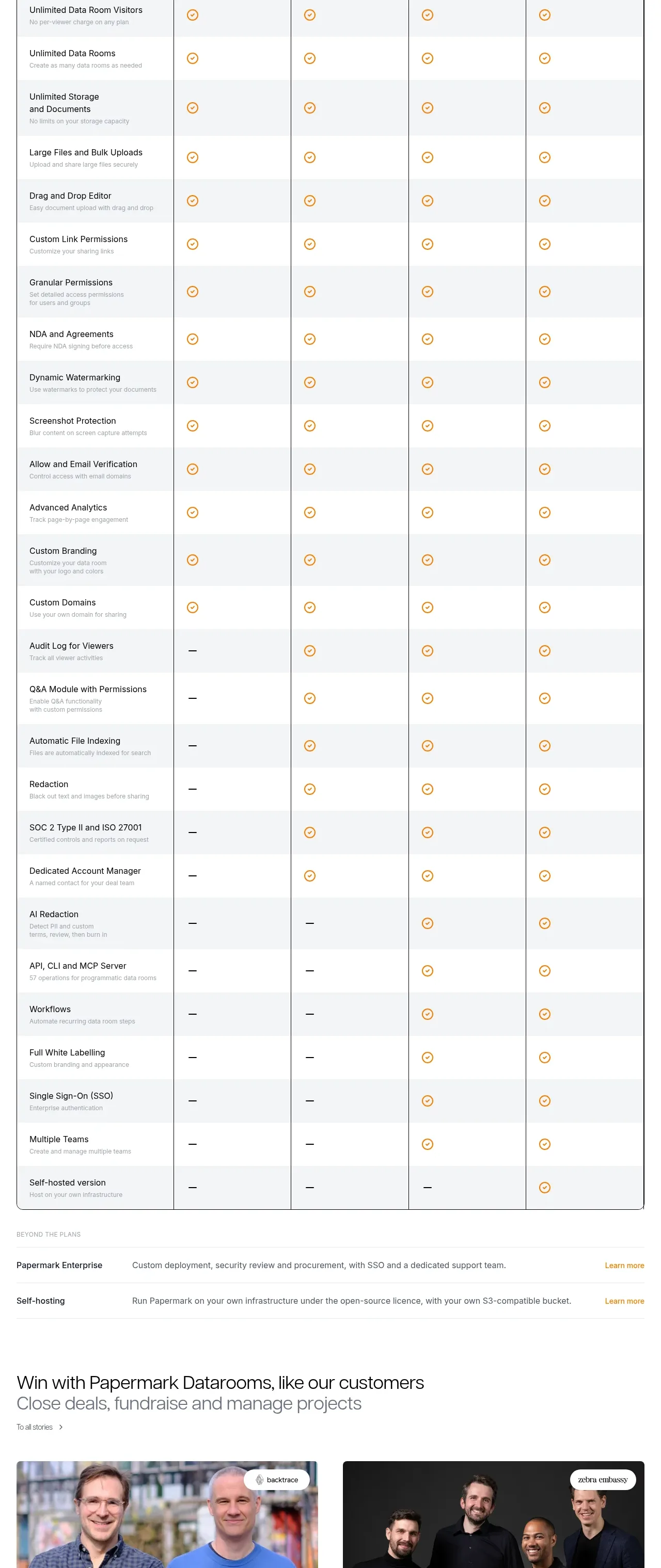 Plan comparison table
Papermark Data Rooms · Pricing table
Plan comparison table
Papermark Data Rooms · Pricing table
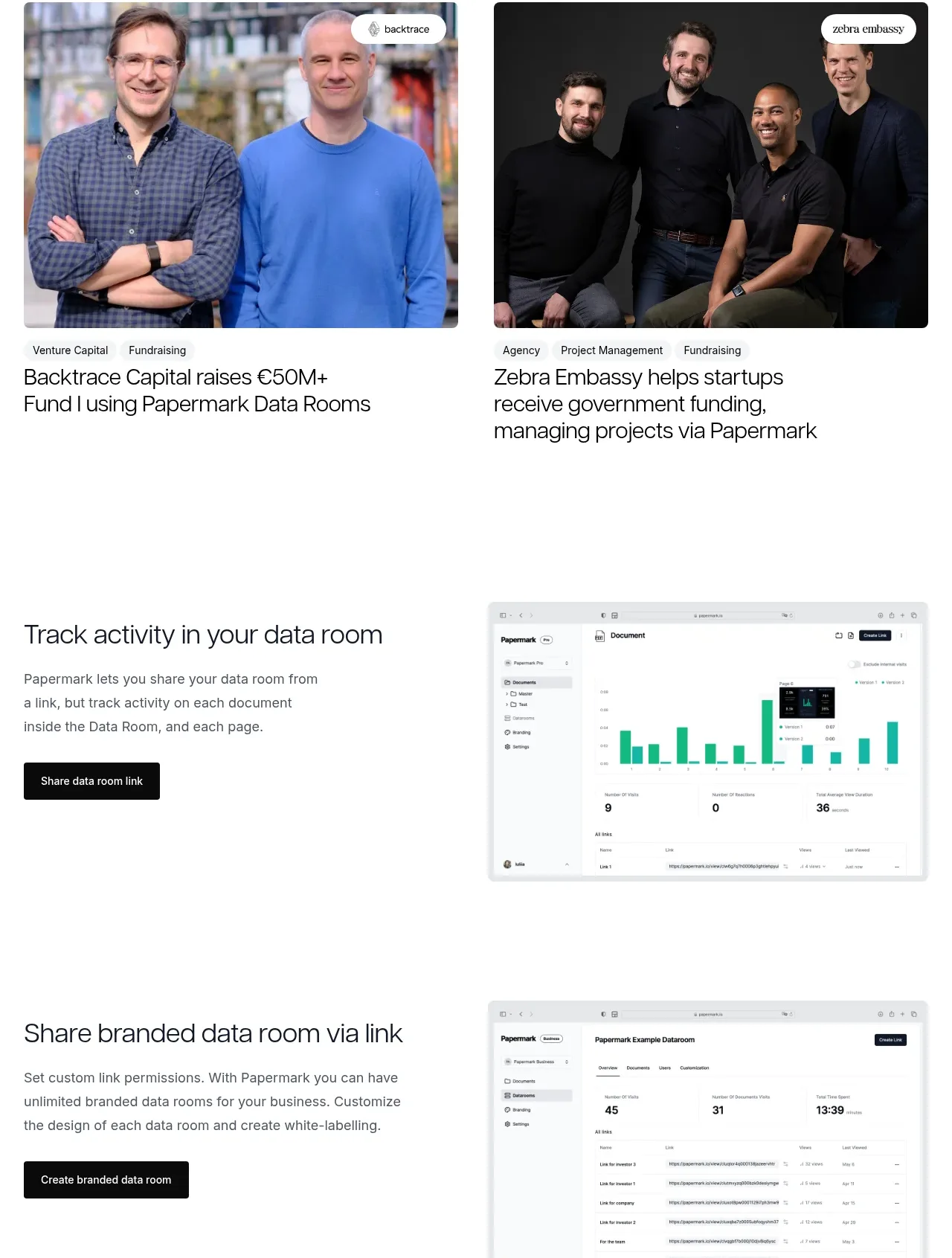 Customer success stories
Papermark Data Rooms · Testimonials
Customer success stories
Papermark Data Rooms · Testimonials
 Workflow demonstrations
Papermark Data Rooms · Feature grid
Workflow demonstrations
Papermark Data Rooms · Feature grid
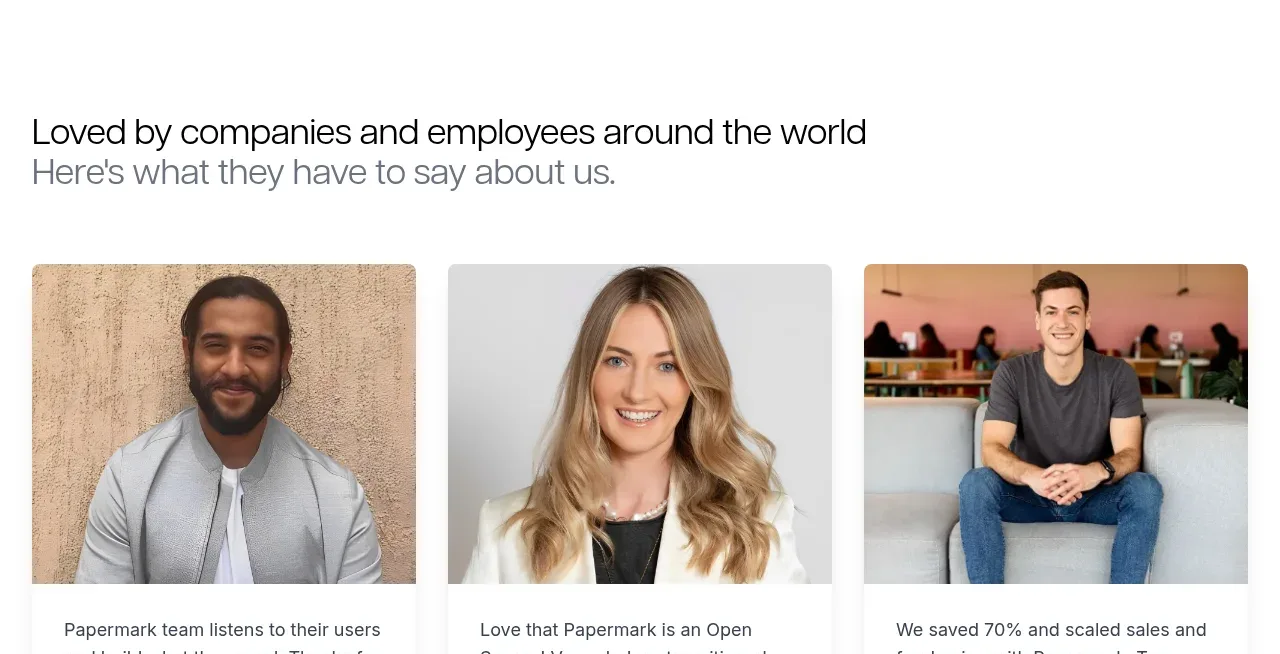 Conversion banner
Papermark Data Rooms · Call to action
Conversion banner
Papermark Data Rooms · Call to action
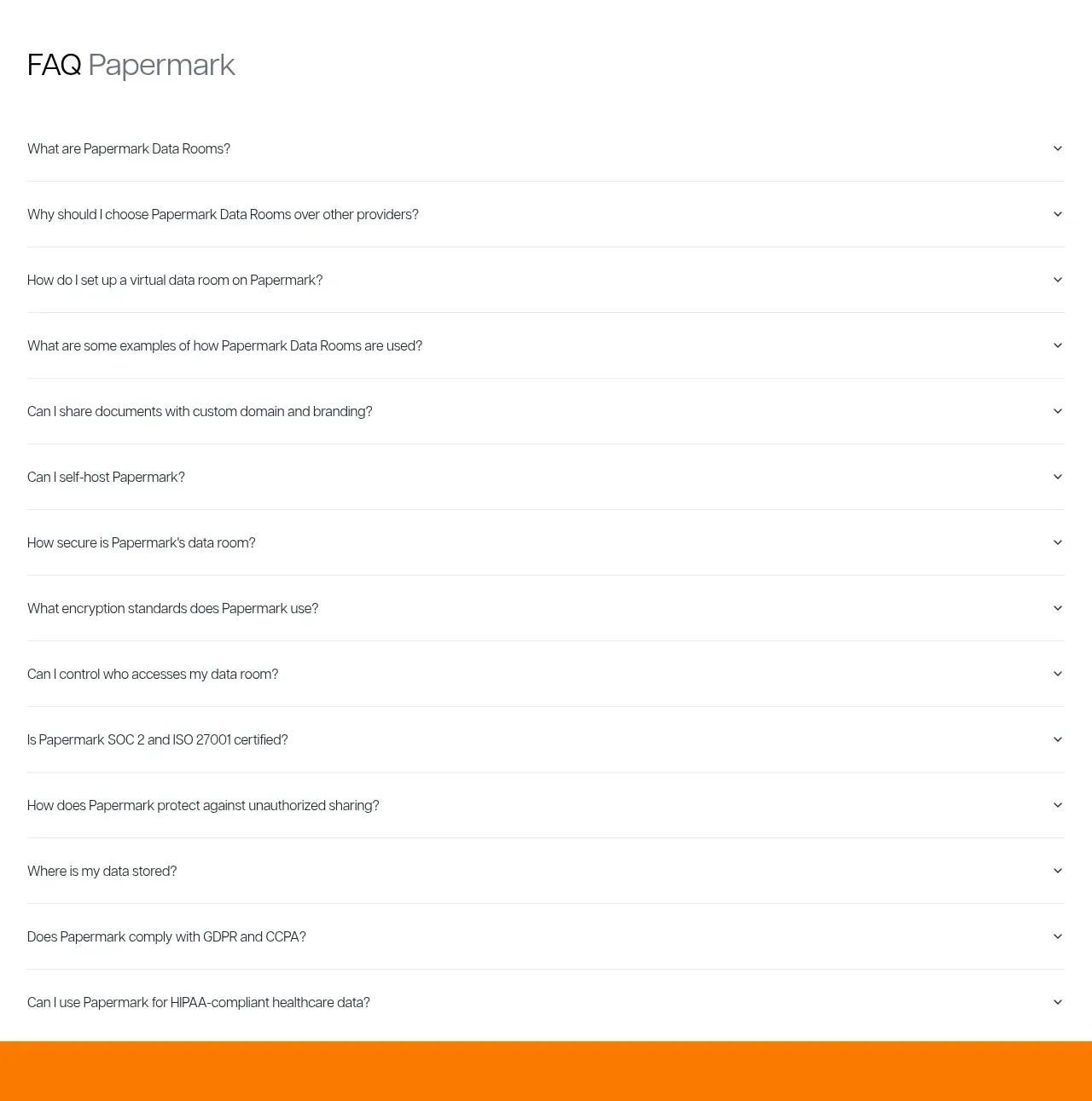 Employee and community testimonials
Papermark Data Rooms · Testimonials
Employee and community testimonials
Papermark Data Rooms · Testimonials
 Frequently asked questions
Papermark Data Rooms · FAQ
Frequently asked questions
Papermark Data Rooms · FAQ