 kage
kage
useit.im

Design analysis
A compact white header anchors the brand at left, keeps the primary product areas centered, and gives the main action strong contrast at right.
Prompt preview
## Reference images

Study these alongside the description below: hierarchy, rhythm, spacing, colour. Build for the product you are asked about, using this design language.

- Component: https://kage-design-assets.t3.tigrisfiles.io/components/useit-studio/292486c5-265b-4687-bbec-a08df326a6fd-1792648910-0.webp
- Full page it was cut from: https://kage-design-assets.t3.tigrisfiles.io/screenshots/useit-studio/292486c5-265b-4687-bbec-a08df326a6fd-1792648867851-full.webp
- Component on Kage: https://kage.design/component/useit-navigation

## Before you start
Ask what the user's product is, who it serves, and what their brand personality and primary action should be. Apply the principles below to that product rather than reproducing the reference.

Build a slim desktop navigation bar with a light warm-white background and a thin accent rule along the top. Use a constrained horizontal layout: brand mark and wordmark on the left, a small set of evenly spaced product-area links centered, and a dark pill-shaped primary CTA on the right. Keep the header about 44–52px tall, vertically center everything, and use generous side padding. Use near-black text (#151515), warm white (#FBFAF6), a small orange accent (#F29A18), and a black CTA with white text. Use a clean geometric sans-serif, compact 12–14px navigation labels, and a slightly heavier CTA label. Give the CTA a 999px radius, subtle hover lift, and an arrow icon; show a small active-state marker under the current navigation item.

Never:
- use logos, product names, copy, illustrations, or imagery from the reference
- make the navigation tall, crowded, or dependent on a hamburger menu on desktop
- use gradients or excessive shadows
More components
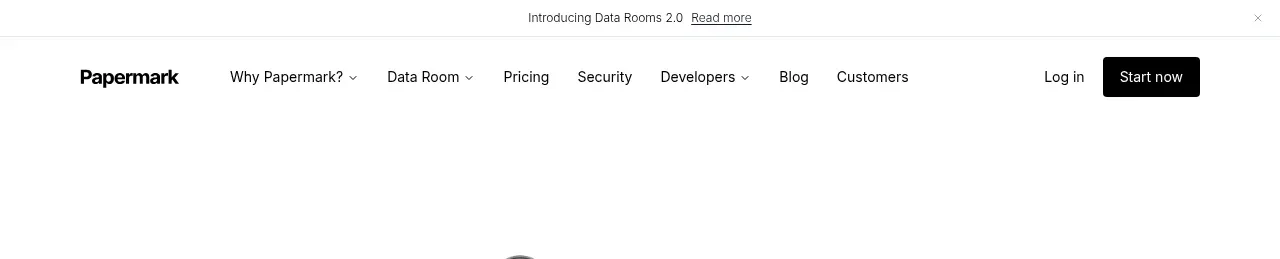
 Announcement bar and primary navigation
Papermark Data Rooms · Navigation
Announcement bar and primary navigation
Papermark Data Rooms · Navigation

 Minimal product navigation
Badgey · Navigation
Minimal product navigation
Badgey · Navigation

 Floating product navigation
Clips by Plastic · Navigation
Floating product navigation
Clips by Plastic · Navigation

 Top navigation
AgentGrid.io · Navigation
Top navigation
AgentGrid.io · Navigation

 Announcement bar and primary navigation
Context Engine · Navigation
Announcement bar and primary navigation
Context Engine · Navigation

 Minimal brand navigation
Peras · Navigation
Minimal brand navigation
Peras · Navigation