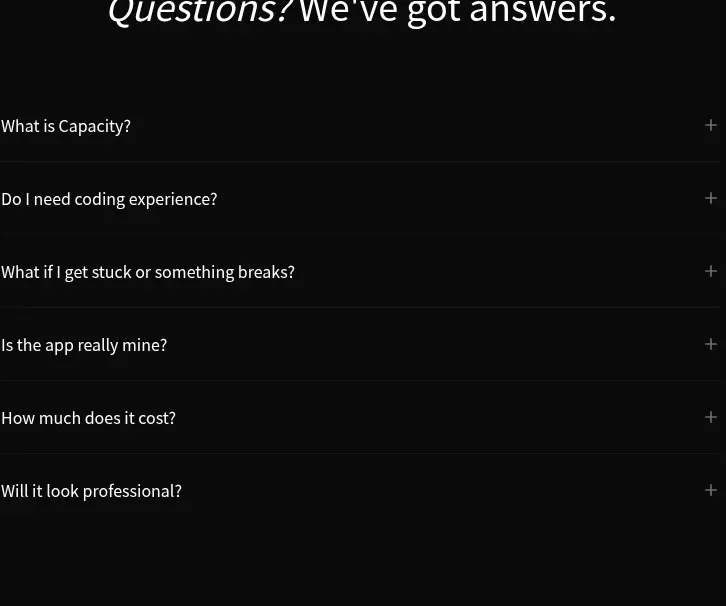
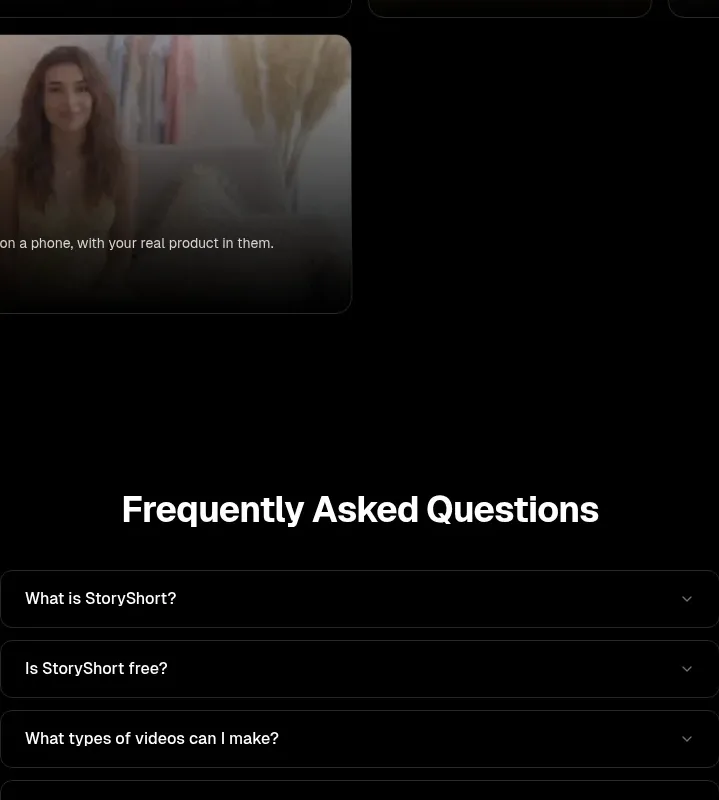
kage
kage
agibot.sh
Design analysis
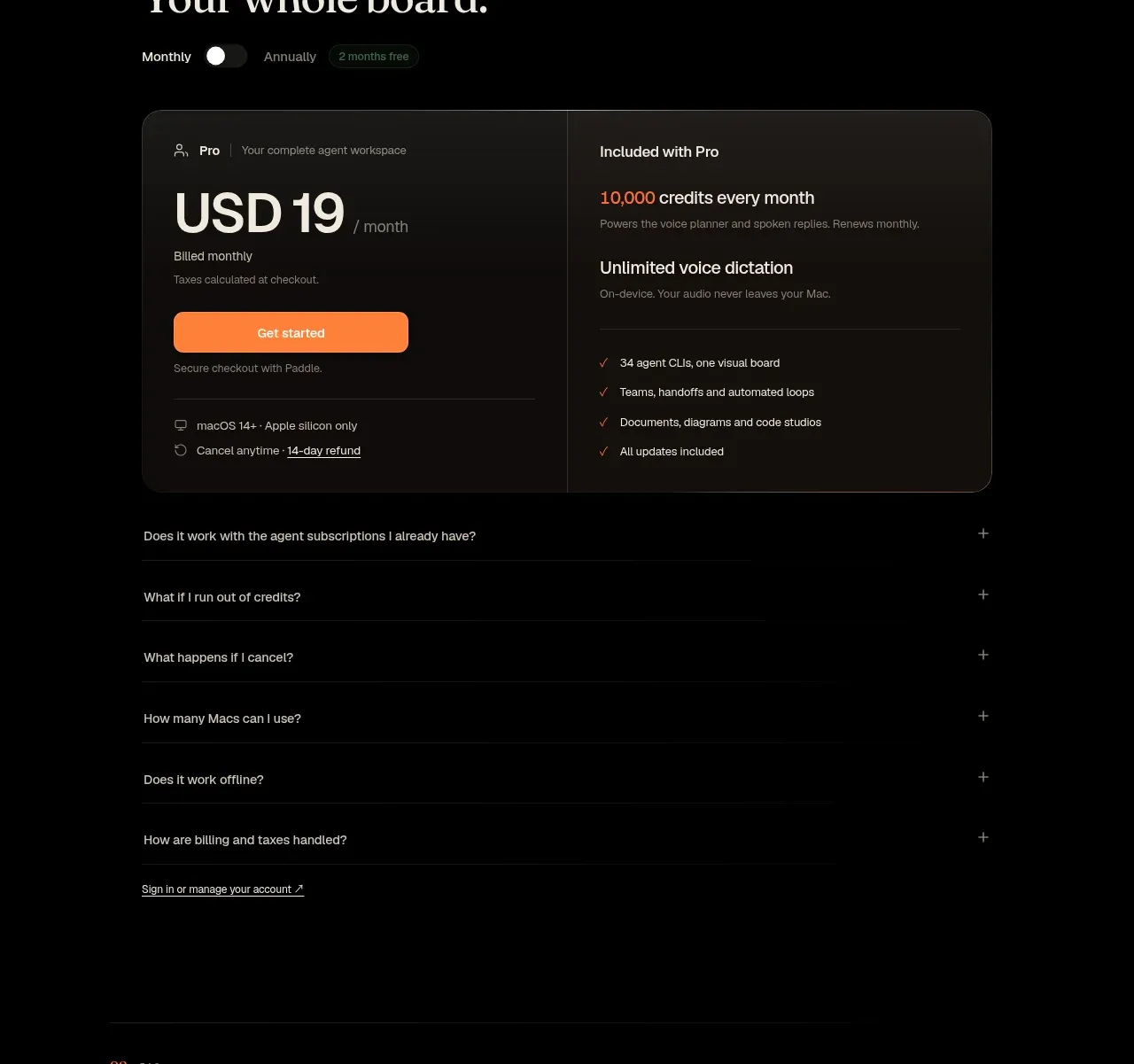
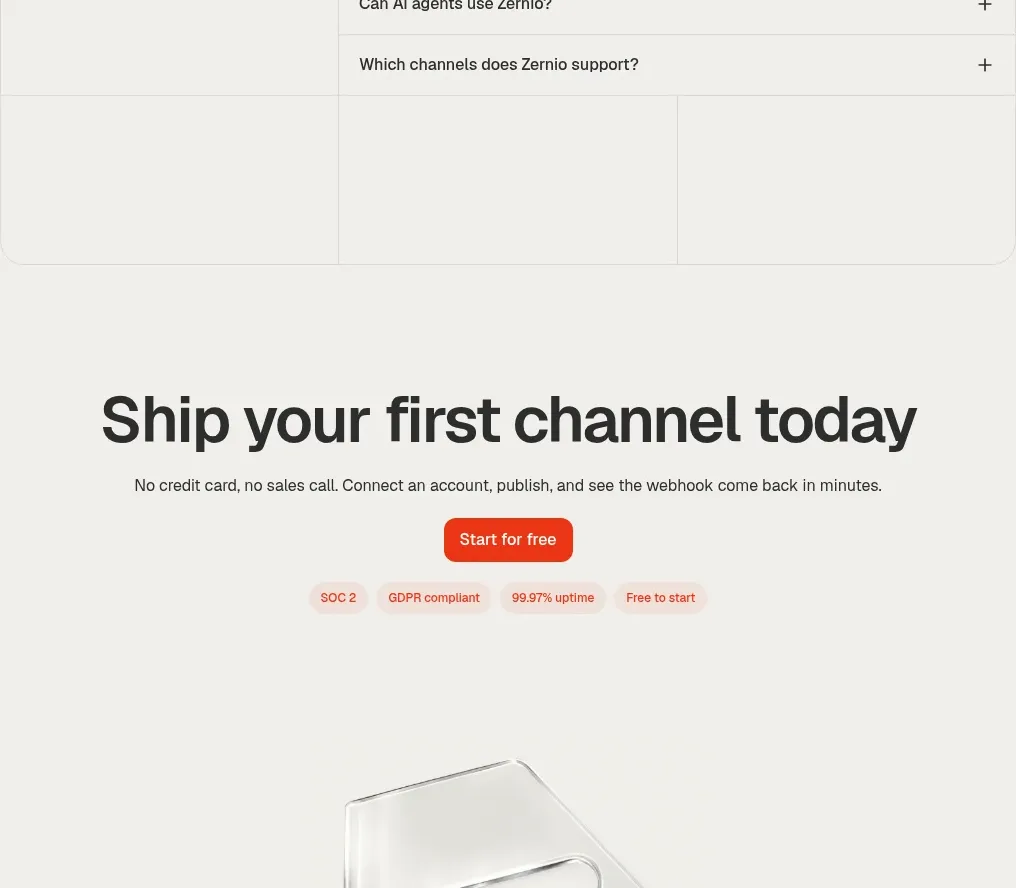
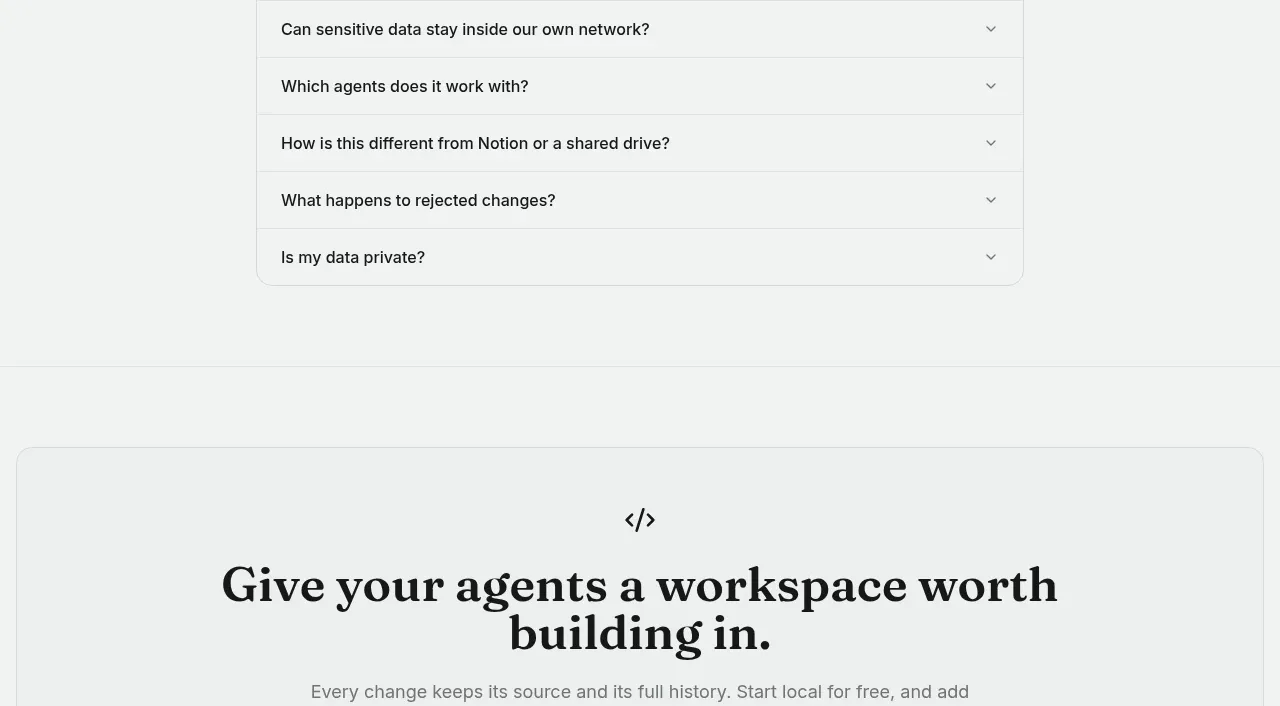
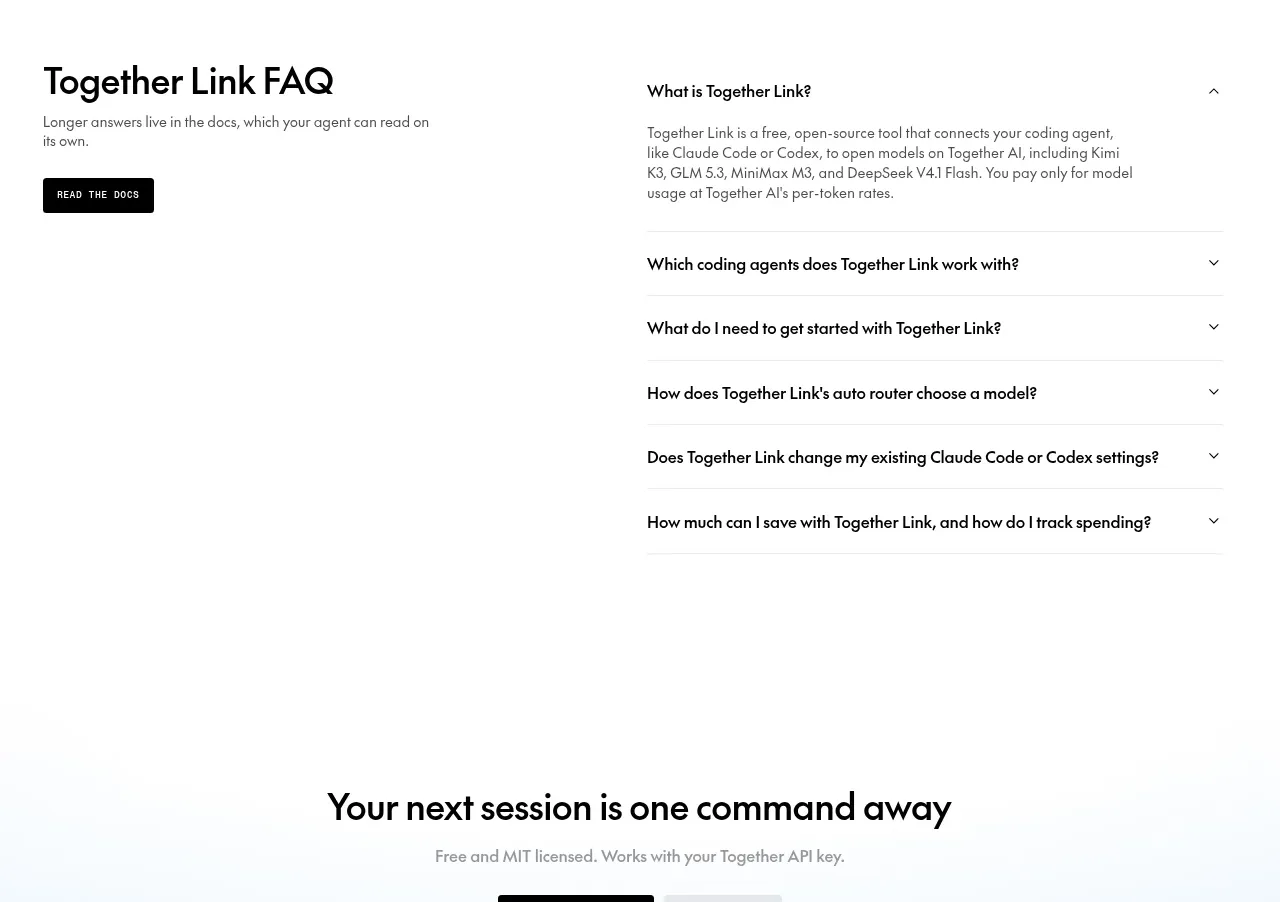
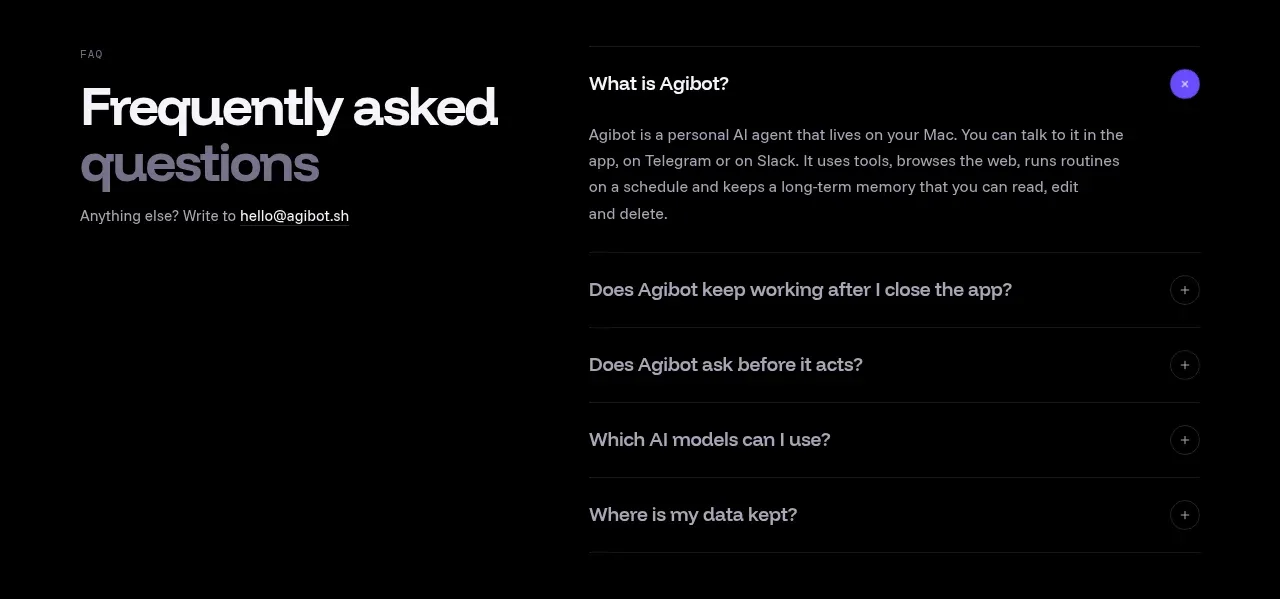
The FAQ is split into an oversized left introduction and a right accordion, with one expanded answer and several compact collapsed rows.
Prompt preview
## Reference images

Study these alongside the description below: hierarchy, rhythm, spacing, colour. Build for the product you are asked about, using this design language.

- Component: https://kage-design-assets.t3.tigrisfiles.io/components/agibot/caf89d58-757f-4493-9c2d-6456be940e33-1791784915-2.webp
- Full page it was cut from: https://kage-design-assets.t3.tigrisfiles.io/screenshots/agibot/caf89d58-757f-4493-9c2d-6456be940e33-1791784894236-full.webp
- Component on Kage: https://kage.design/component/agibot-faq

## Before you start
Ask what the user's product and brand are, then apply the following principles to that context rather than copying the reference.

Build a dark FAQ section in a two-column layout. On the left, place a small uppercase eyebrow, an oversized two-line heading with the second line in a softer gray, and a short support/contact sentence. On the right, place a short introductory question and answer followed by accordion rows separated by thin horizontal rules. Use near-black #050506, primary text #f3f1f7, muted text #9895a0, and a small violet #6844f5 accent for active controls. Use a bold geometric sans-serif heading around 36–42px with tight line-height, 13–15px body text, 16–18px row labels, and 20–24px vertical row padding. Keep the content inside a centered max-width around 780px with a 40–56px column gap. Add plus/minus controls in subtle outlined circles; animate height and icon rotation when opened. Stack columns on mobile.

Never: use logos, product names, copy, illustrations, or imagery from the reference.