kage
kage
hypervibe.so
Design analysis
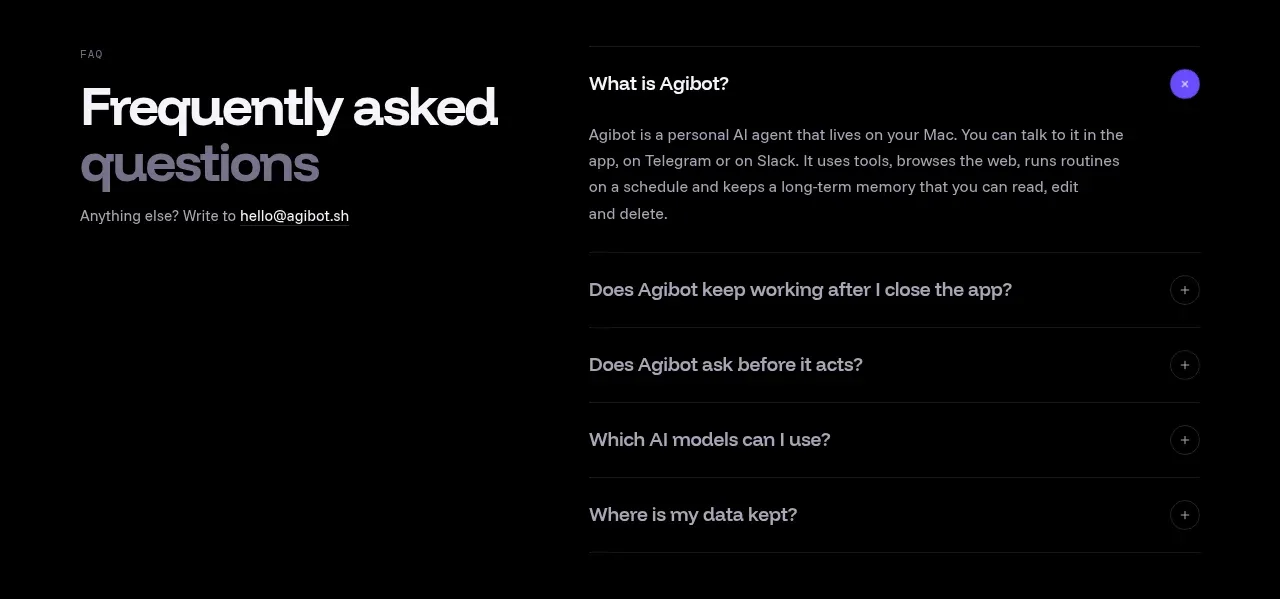
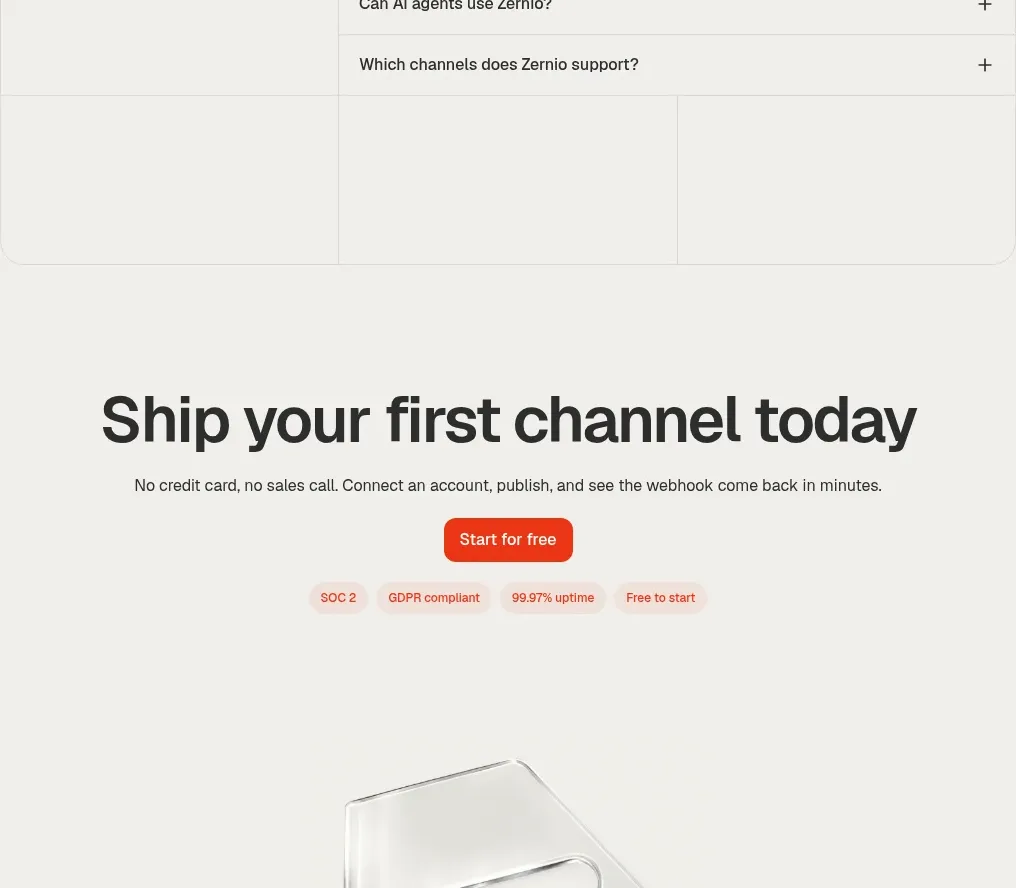
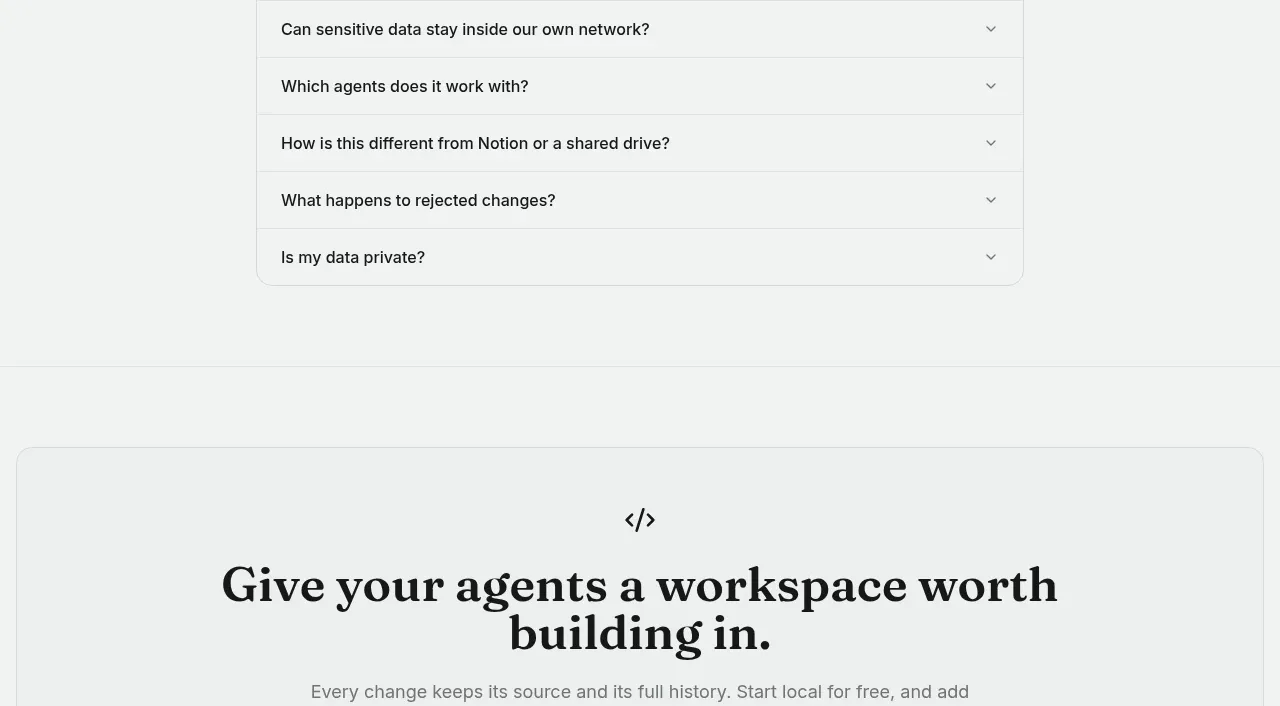
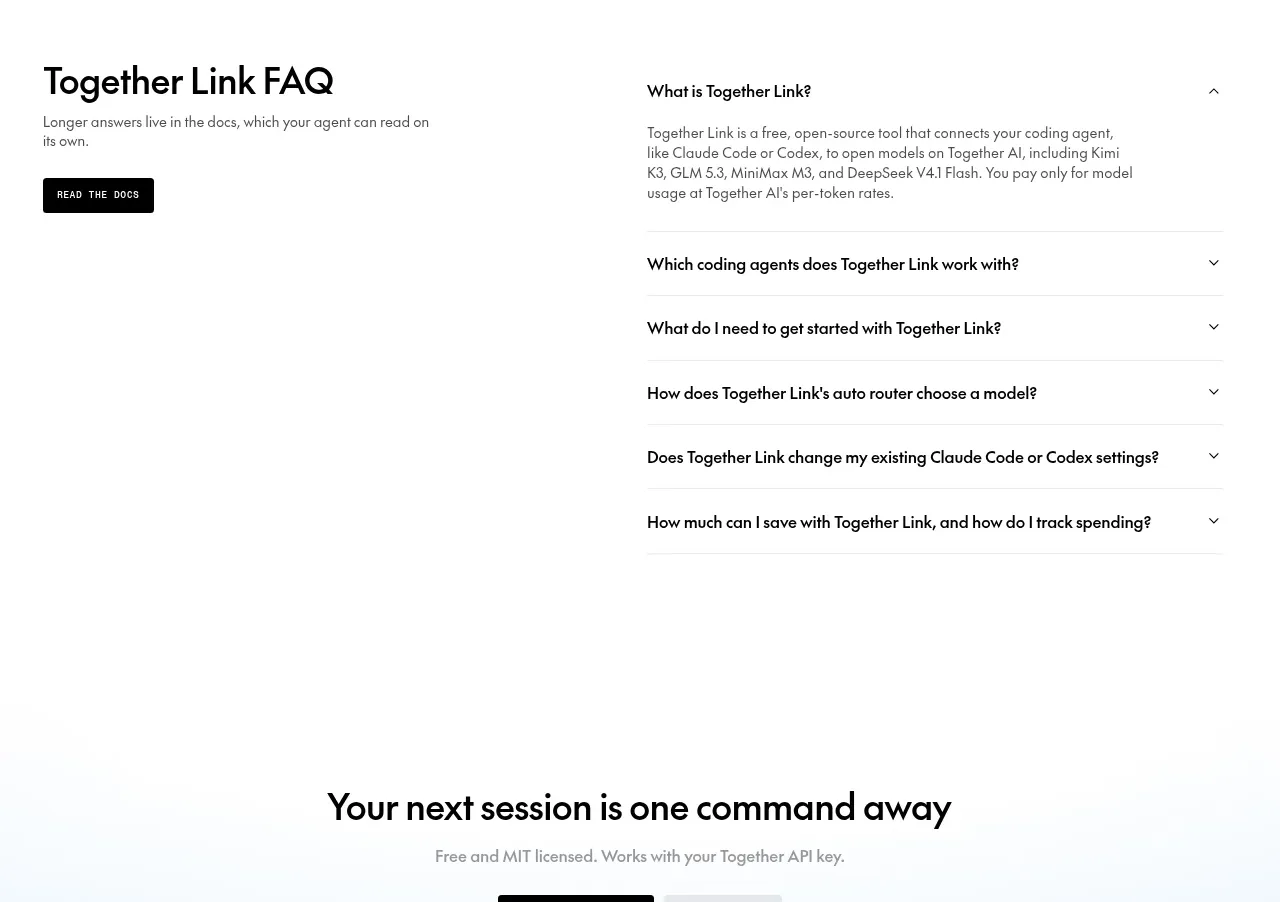
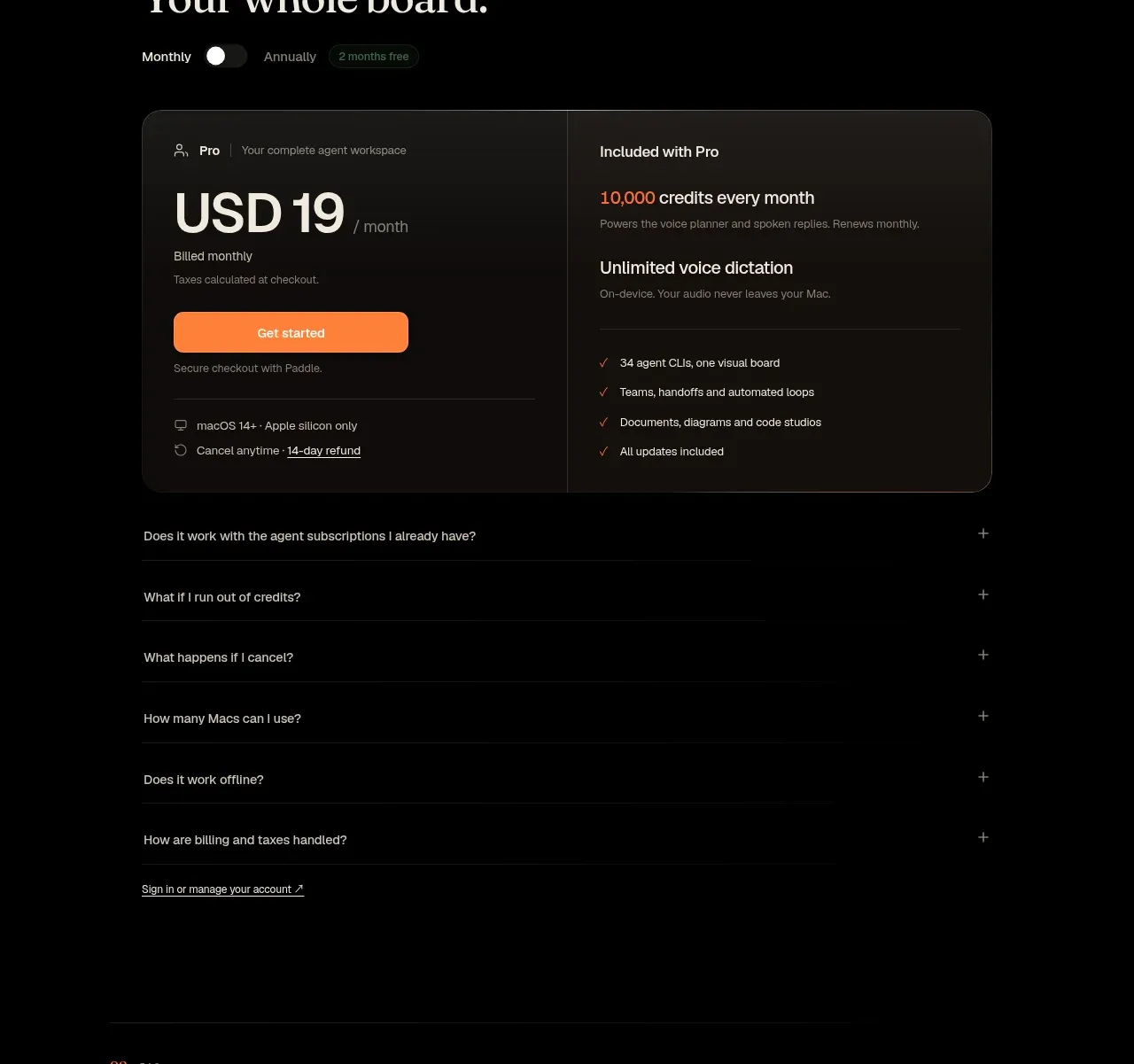
A separate FAQ section uses a strong heading and a clean list of expandable questions to resolve product objections.
Prompt preview
## Reference images

Study these alongside the description below: hierarchy, rhythm, spacing, colour. Build for the product you are asked about, using this design language.

- Component: https://kage-design-assets.t3.tigrisfiles.io/components/hypervibe/0f025394-2dff-4c9b-be5f-8e394ec4a30f-1791699117-10.webp
- Full page it was cut from: https://kage-design-assets.t3.tigrisfiles.io/screenshots/hypervibe/0f025394-2dff-4c9b-be5f-8e394ec4a30f-1791699070438-full.webp
- Component on Kage: https://kage.design/component/hypervibe-faq

## Before you start
Ask what questions repeatedly block adoption of the user's product and which answers must be explicit for trust, privacy, compatibility, and setup. Then populate a custom FAQ.

Build a focused FAQ section on a black background with a small numbered eyebrow and a large editorial heading. Use a narrow, left-aligned accordion list beneath it, with each row separated by a faint horizontal rule and a plus/minus affordance aligned on the right. Use 16–18px question text, muted gray separators, generous 18–24px row padding, and a single expanded state with readable body copy. Animate height and icon rotation subtly, respect reduced motion, and make the entire row keyboard accessible. Keep the content width narrower than the page to improve reading comfort.

### Never
- Never use logos, product names, copy, illustrations, or imagery from the reference.
- Never copy the reference questions or answers.
- Never use accordions to conceal essential pricing, safety, or legal information.