kage
kage
menlo.ai
Design analysis
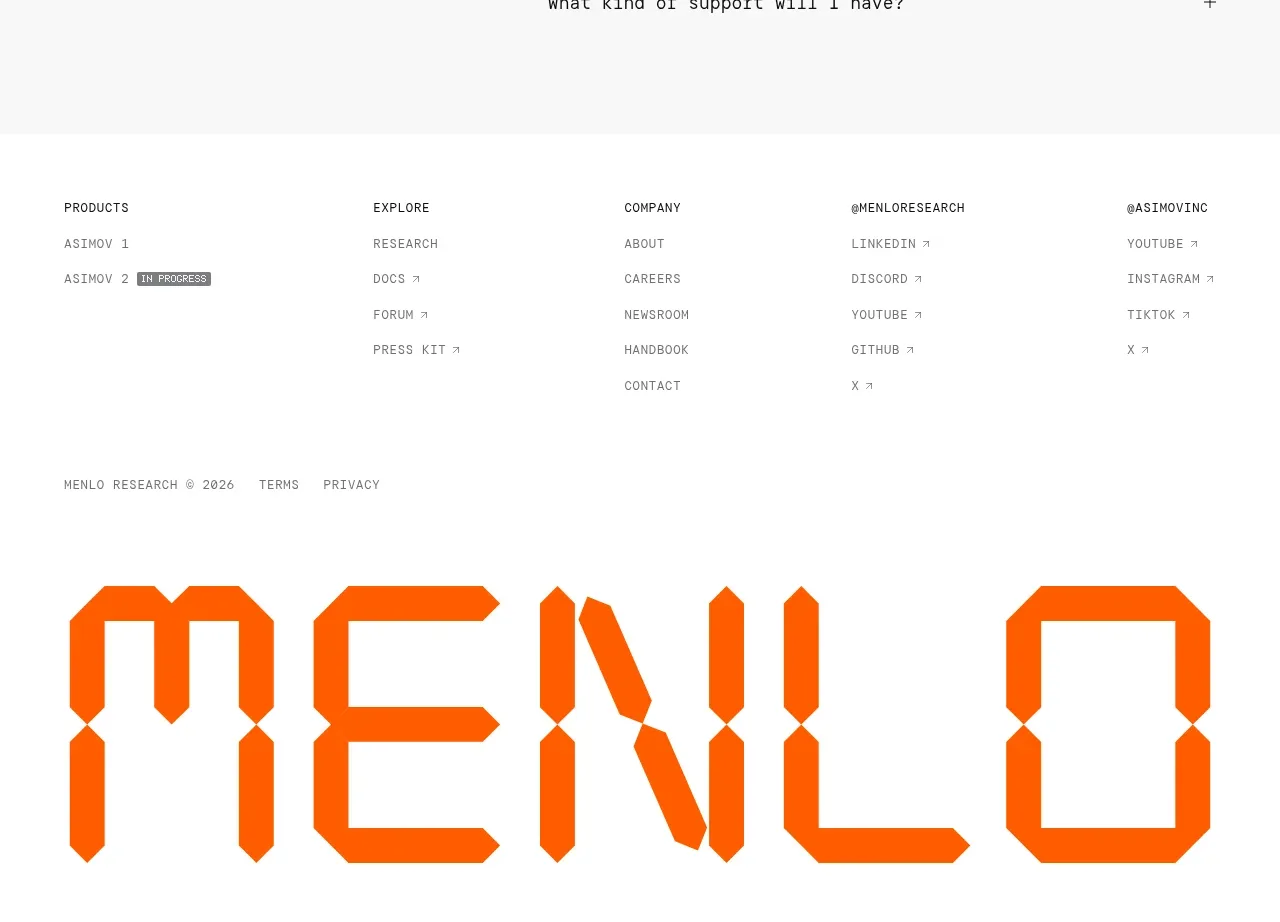
The footer organizes product, exploration, company, research, and social destinations into compact columns, then ends with legal text and a large typographic brand treatment.
Prompt preview
## Reference images

Study these alongside the description below: hierarchy, rhythm, spacing, colour. Build for the product you are asked about, using this design language.

- Component: https://kage-design-assets.t3.tigrisfiles.io/components/asimov-1/d16421bf-78be-4064-9aab-fabd3467d820-1792562776-9.webp
- Full page it was cut from: https://kage-design-assets.t3.tigrisfiles.io/screenshots/asimov-1/d16421bf-78be-4064-9aab-fabd3467d820-1792562736076-full.webp
- Component on Kage: https://kage.design/component/asimov-1-footer

## Before you start
Ask what the user's product, audience, and brand are, then apply the principles below to that product rather than reproducing this reference.

Create a spacious site footer on white. Use a five-column desktop link grid with small uppercase section labels and muted compact links beneath each label. Include product, resources, company, and social/community groupings relevant to the user's product. Beneath the links, add a thin legal row with copyright, terms, and privacy links. End with a large oversized typographic brand word or abstract brand treatment that is clipped by the viewport and acts as a memorable visual signature; use the user's own wordmark or type, not an imported logo. Keep the palette monochrome with one accent orange (#ff6500), use generous vertical spacing, and stack columns cleanly on mobile. Ensure all links have visible hover and focus states.

Never: use the reference logo, product name, exact link copy, footer artwork, illustrations, imagery, or branded assets.