kage
kage
formabledocs.com

Design analysis
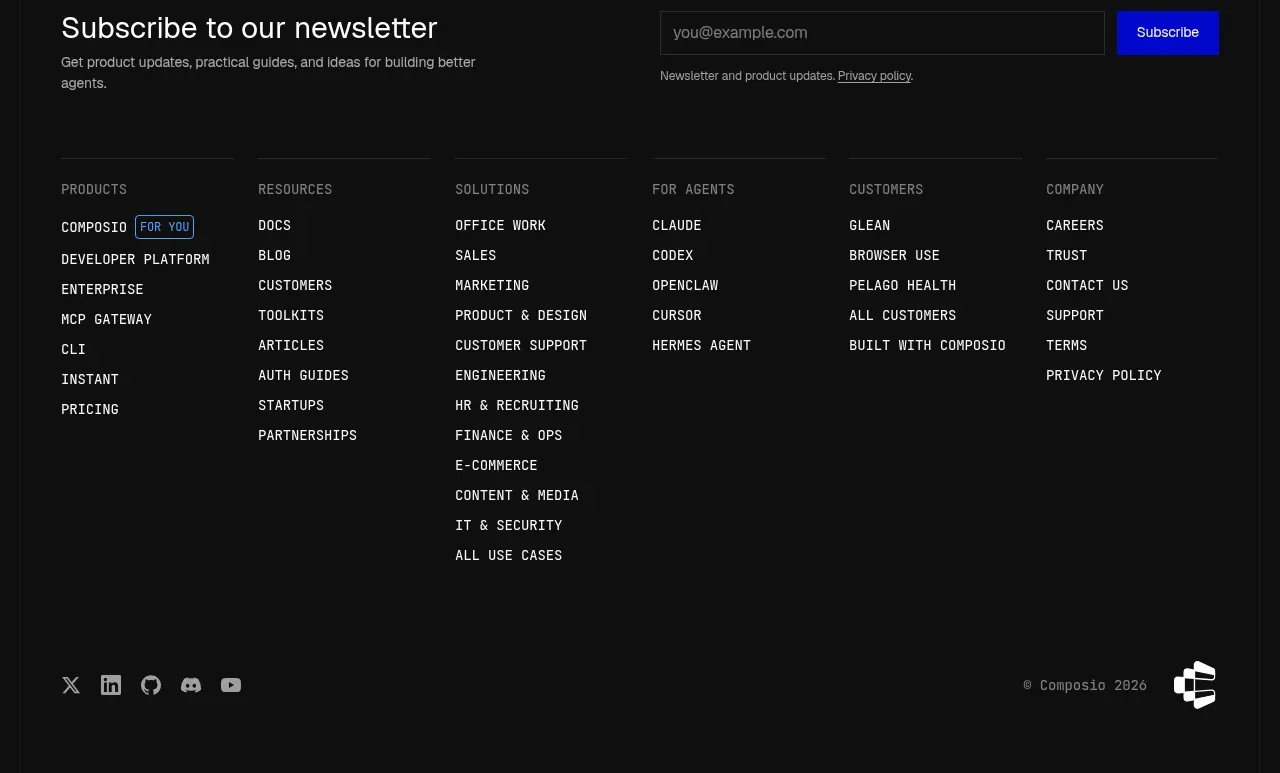
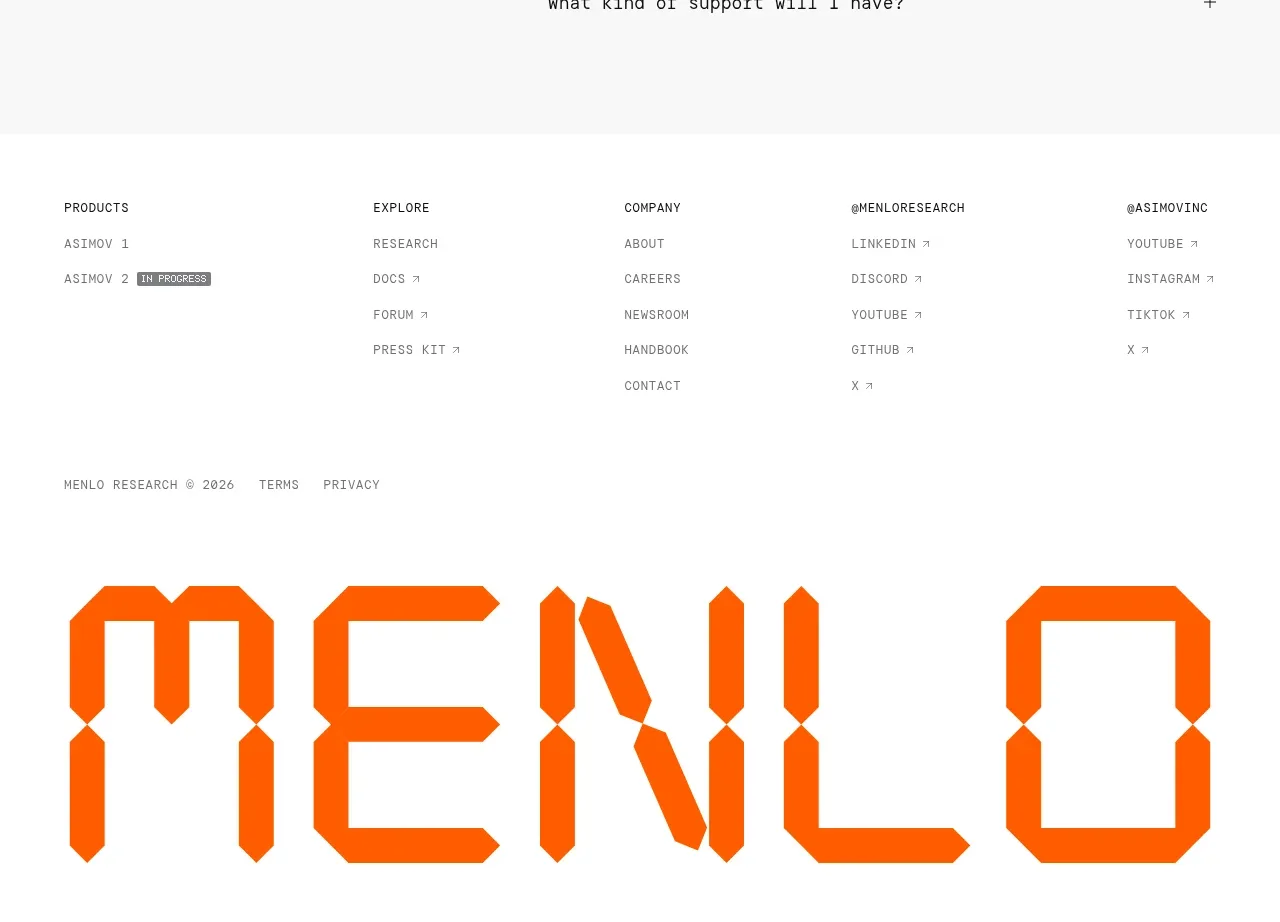
The footer organizes links into several labeled columns, includes social icons, and ends with a large low-contrast brand treatment and copyright line.
Prompt preview
## Reference images

Study these alongside the description below: hierarchy, rhythm, spacing, colour. Build for the product you are asked about, using this design language.

- Component: https://kage-design-assets.t3.tigrisfiles.io/components/formabledocs-com/3108c64d-0f5a-4f45-931d-d27909065482-1792440524-9.webp
- Full page it was cut from: https://kage-design-assets.t3.tigrisfiles.io/screenshots/formabledocs-com/3108c64d-0f5a-4f45-931d-d27909065482-1792440481208-full.webp
- Component on Kage: https://kage.design/component/formabledocs-footer

## Before you start
Ask what the user's product, audience, and brand are, then apply the following principles to that product rather than reproducing the reference.

Build a spacious multi-column footer beneath the final CTA. Group links under clear labels such as product, company, resources, and legal; include a small social icon row; then finish with a large, low-contrast brand wordmark treatment and a copyright line. Keep link text compact but readable, use consistent column alignment, and make every icon and link keyboard accessible. On mobile, collapse columns into stacked groups or accordions.

Use the same pale background #eeeef4, text #222329, muted labels #9a9ca4, and a very faint oversized brand treatment around #dfe0e6. Use 13–15px link text, 11px uppercase labels with letter spacing, 24–32px column gaps, and 64px or more top padding. Add visible focus rings and ensure legal links remain easy to find.

### Never
- Never copy logos, product names, copy, illustrations, or imagery from the reference.
- Never use a giant wordmark that harms readability or accessibility.
- Never omit privacy, terms, or accessibility links when relevant.