kage
kage
menlo.ai

Design analysis
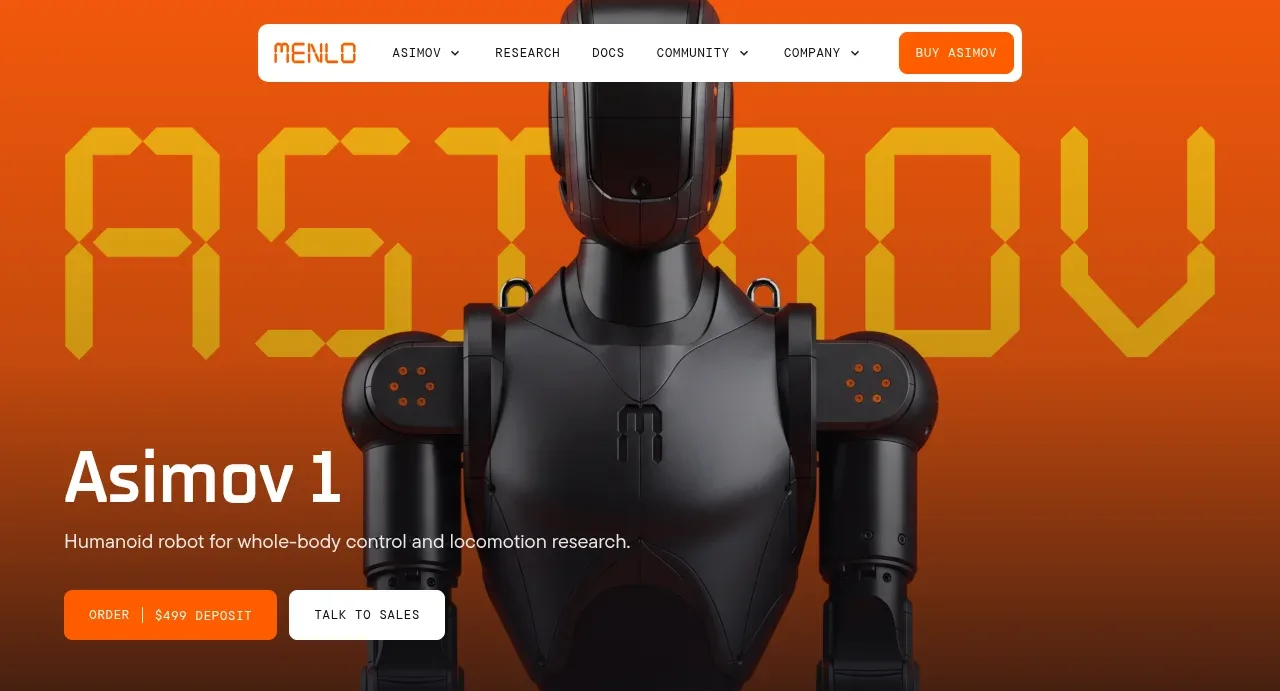
The design uses high-contrast, cinematic presentation to highlight the robotic product. Typography is bold and dominant in the hero section, while subsequent sections utilize sparse icon grids and schematic diagrams, maintaining a dark, technical aesthetic accented by a vibrant orange color palette for emphasis.
Prompt preview
## Reference images

Study these alongside the description below: hierarchy, rhythm, spacing, colour. Build for the product you are asked about, using this design language.

- Full page: https://kage-design-assets.t3.tigrisfiles.io/screenshots/asimov-1/d16421bf-78be-4064-9aab-fabd3467d820-1792562736076-full.webp
- Above the fold: https://kage-design-assets.t3.tigrisfiles.io/screenshots/asimov-1/d16421bf-78be-4064-9aab-fabd3467d820-1792562731526.webp
- Design on Kage: https://kage.design/designs/asimov-1-landing-page

## Before you start
Ask the user what they are building, who it is for, and what brand assets (name, colours, type) they already have, and wait for the answers. All subsequent design instructions apply to their product, not this reference.

## Page structure
1. Hero Section: A large, high-impact image of the product (the robot) is displayed against a dramatic, dark background, coupled with a large, bold headline and taglines, establishing a high-tech, futuristic tone.
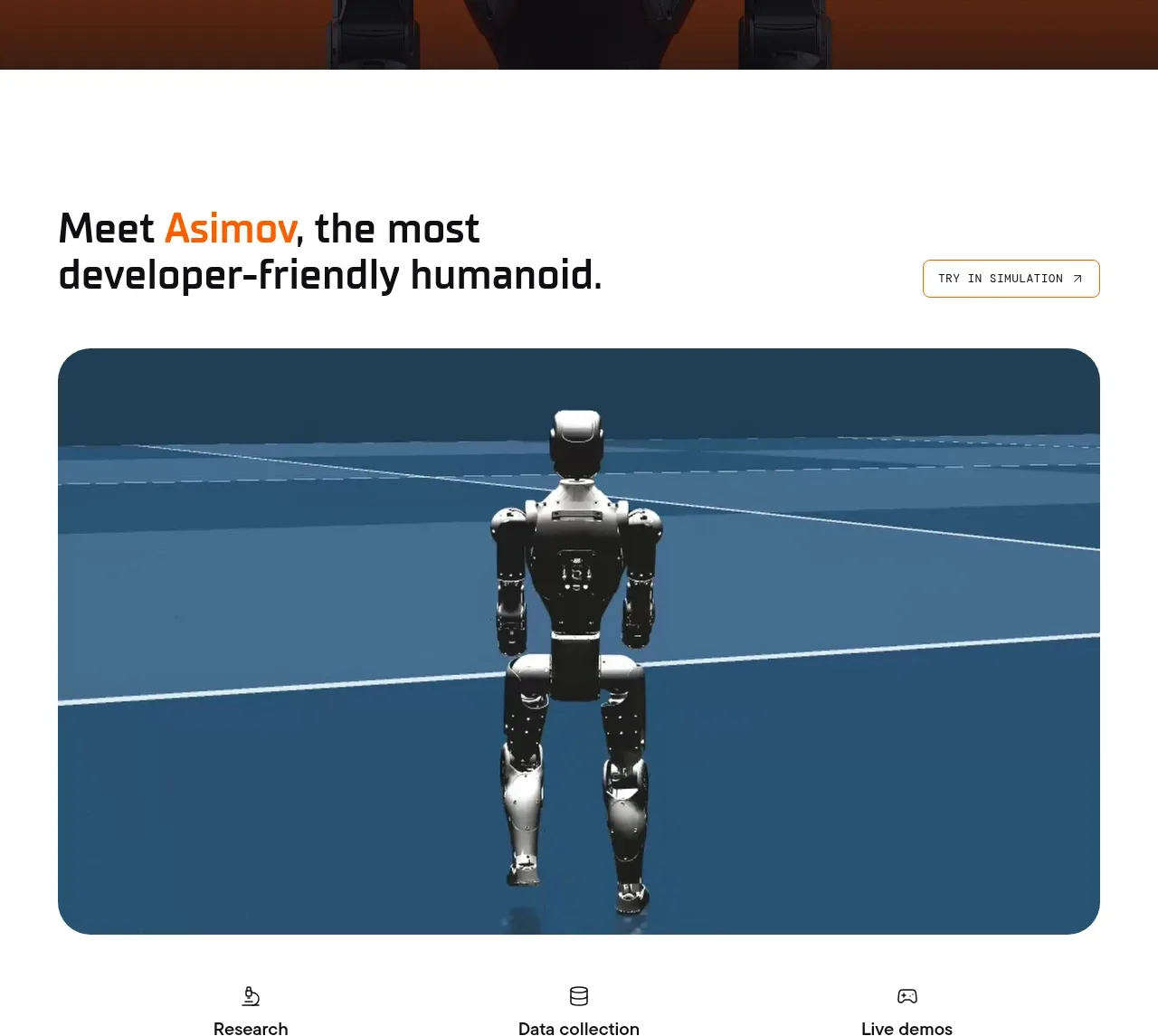
2. Detail Showcase: A section featuring a focused, dark image of the product in a profile view to emphasize its specific design details.
3. Modular Feature Grid: A series of small, stylized icons are displayed in a loose, customizable grid, showcasing various available parts or modules. The layout is sparse, allowing the icons to breathe.
4. System Diagram: A minimalist, schematic flow diagram is presented, using lines and abstract shapes to illustrate how different components or concepts interact within the overall system.
5. Key Feature Block: A visually distinct block with a dark background and a vibrant orange graphic element highlights a core technological capability or feature. This block serves as a strong visual anchor mid-page.
6. Product Gallery/Variations: A horizontal gallery showcases several finalized configurations or color variations of the product, allowing users to quickly visualize different options.
7. Detail Narrative: The final section comprises structured text blocks detailing specifications, use cases, or supporting features, maintaining a clean, columnar layout to manage density.
8. Footer: A simple, unadorned footer containing the brand name.

## Design language
*   **Contrast & Atmosphere:** Use a dark, near-black background (approximating #111111) as the primary canvas. Use stark, high-contrast visuals (like the robot model) to create a cinematic and premium feel.
*   **Color Use:** Employ a single, vibrant accent color (like a fiery orange, approximating #FF6600) exclusively for highlights, key graphics, titles, and calls-to-action. Neutral colors should be black, white, and various shades of gray.
*   **Typography:** Utilize a bold, sans-serif typeface for maximum impact, particularly in headers. Use significant variations in scale to create a clear hierarchy—massive for the main headline, medium/small for body copy.
*   **Rhythm and Density:** The page transitions from high-impact, low-information (Hero) to sparse, detailed-yet-abstract (Icon Grids/Diagrams), and finally settles into a moderately dense, informative pattern (Narrative blocks). Generous use of negative space is critical throughout the design.
*   **Graphics:** When depicting components or systems, favor a minimalist, schematic, or line-art style rather than hyper-realistic rendering, unless the object itself is the primary focus (like the robot).

## Never
Do not use the specific visual identity, logos, wordmarks, product names, or original imagery from this reference. Never present the resulting design as the original product.
Components from this page
All components
 Floating product navigation
Asimov 1 · Navigation
Floating product navigation
Asimov 1 · Navigation
 Robot product hero
Asimov 1 · Hero
Robot product hero
Asimov 1 · Hero
 Product introduction visual
Asimov 1 · Hero
Product introduction visual
Asimov 1 · Hero
 Capability overview and specification cards
Asimov 1 · Feature grid
Capability overview and specification cards
Asimov 1 · Feature grid
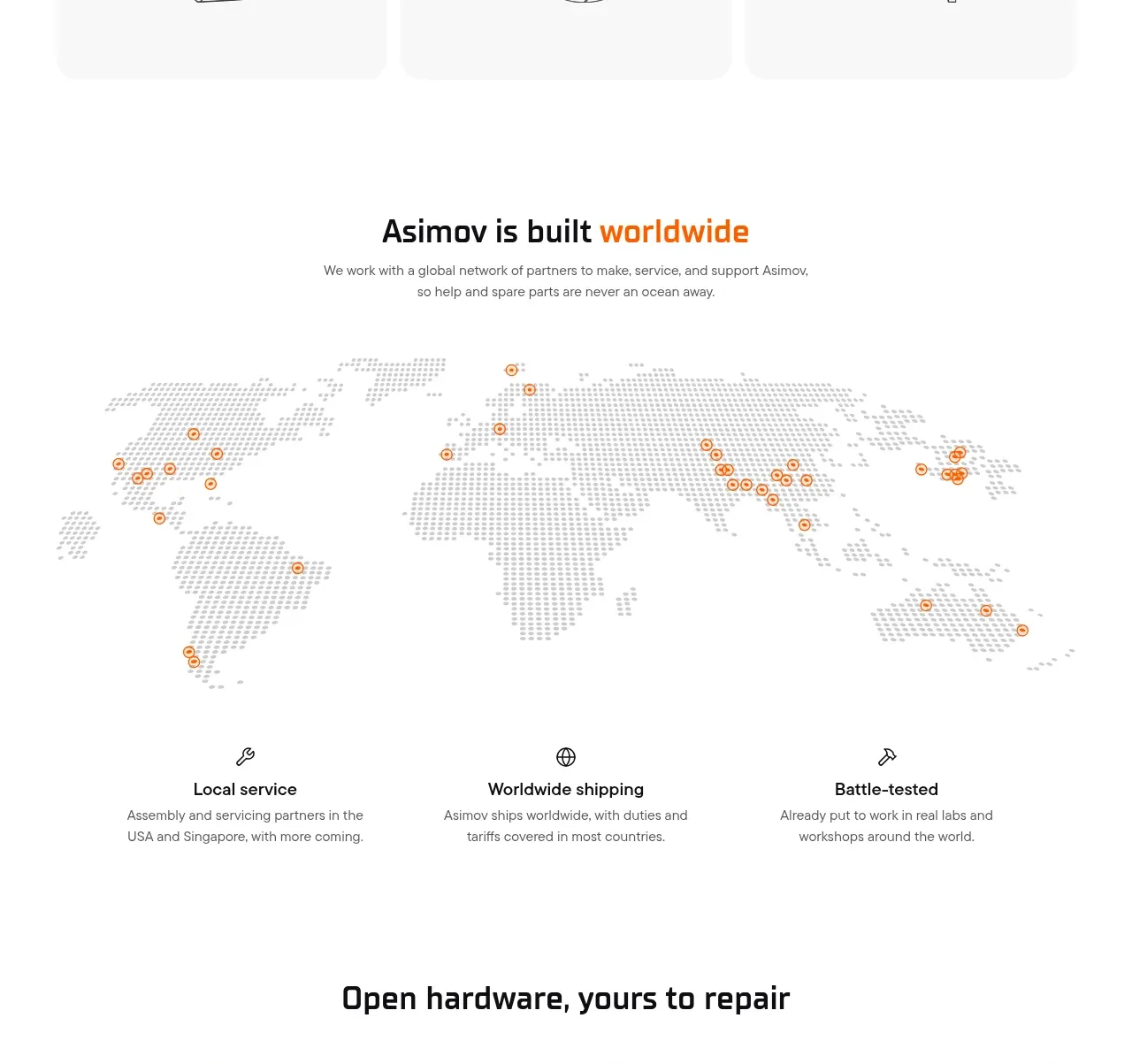 Global support network
Asimov 1 · Feature grid
Global support network
Asimov 1 · Feature grid
 Open hardware pathways
Asimov 1 · Feature grid
Open hardware pathways
Asimov 1 · Feature grid
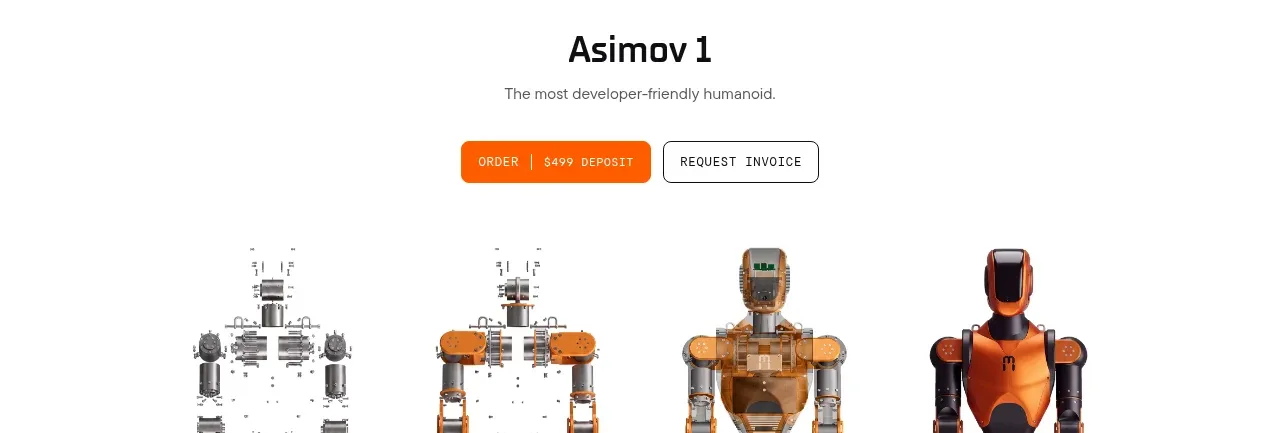 Product purchase call to action
Asimov 1 · Call to action
Product purchase call to action
Asimov 1 · Call to action
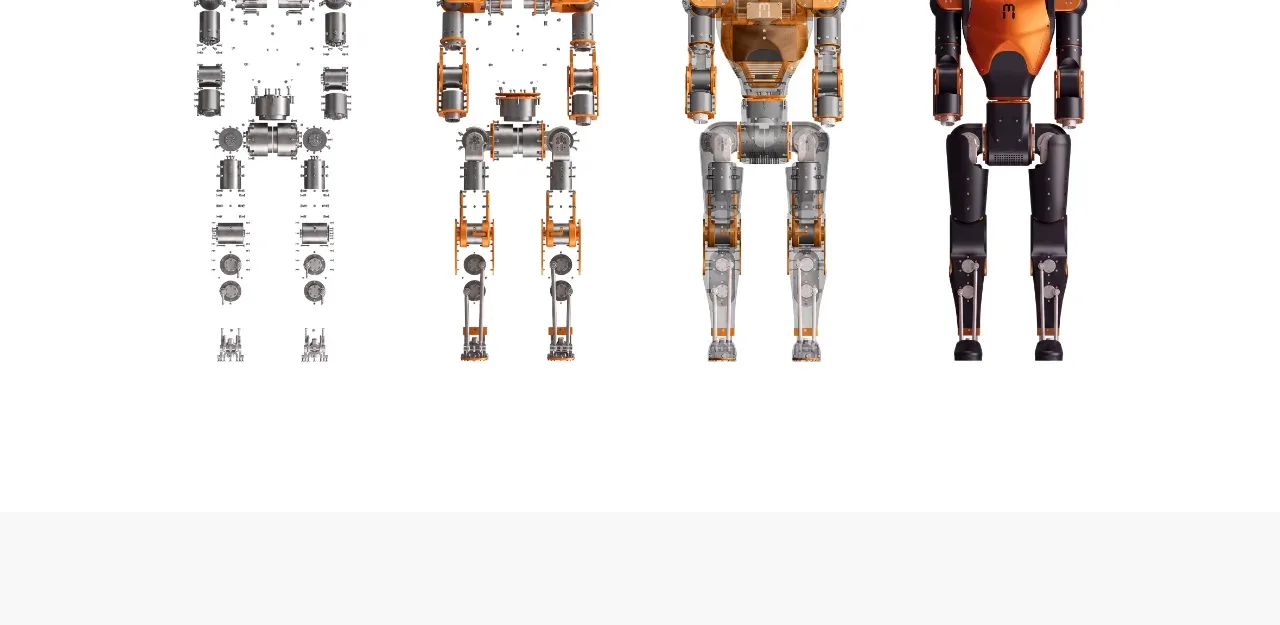 Product evolution gallery
Asimov 1 · Gallery
Product evolution gallery
Asimov 1 · Gallery
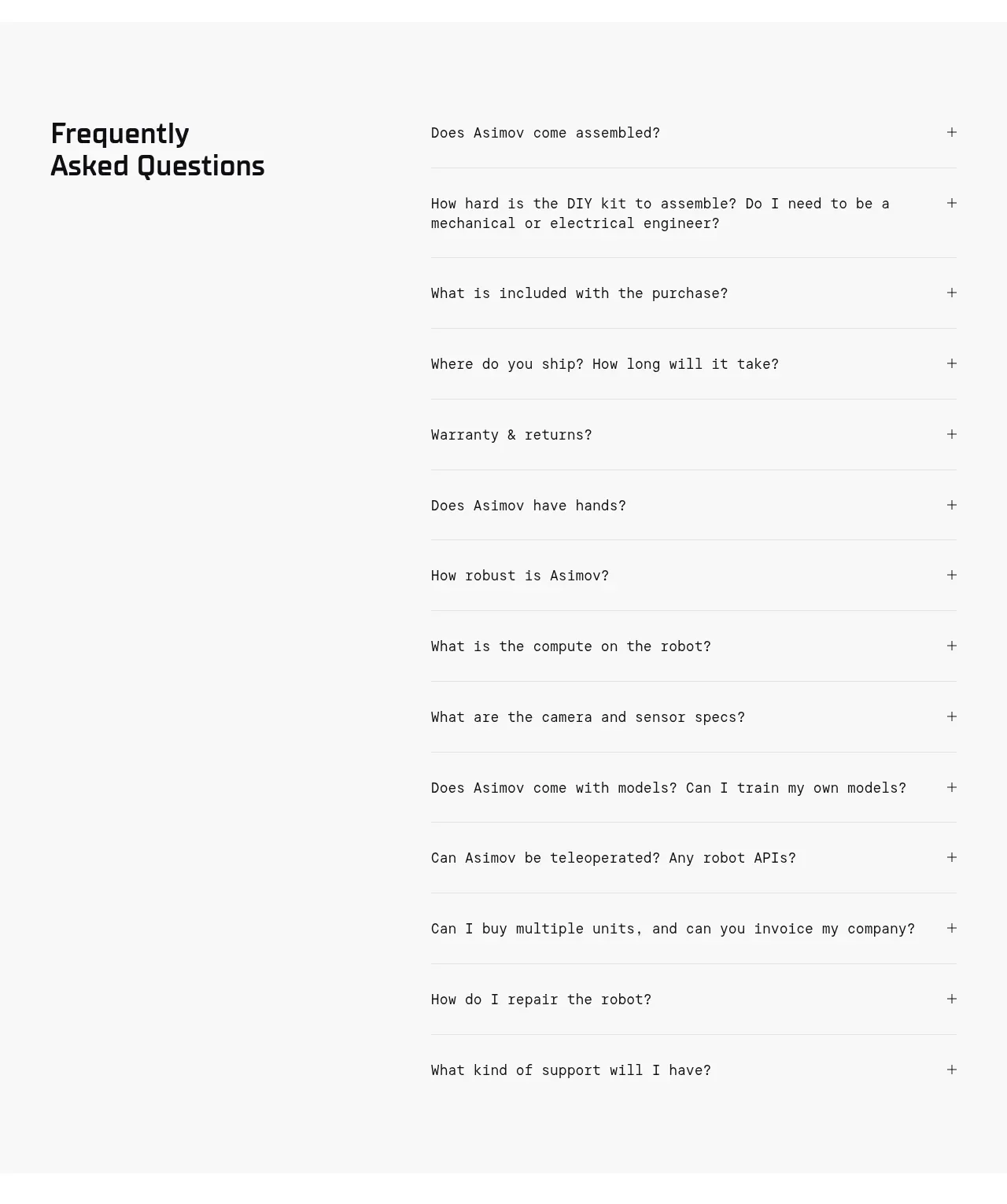 Frequently asked questions
Asimov 1 · FAQ
Frequently asked questions
Asimov 1 · FAQ
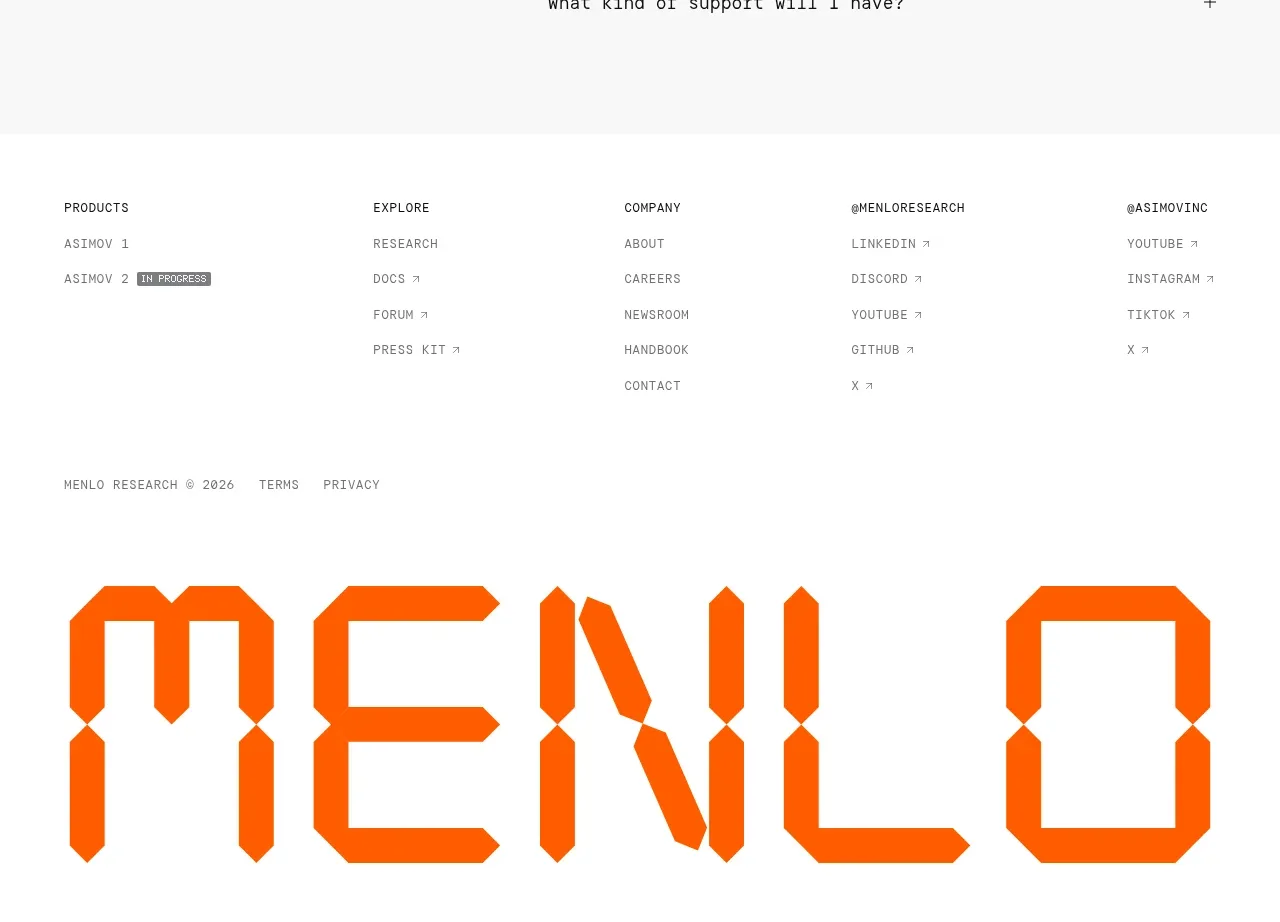 Multi-column site footer
Asimov 1 · Footer
Multi-column site footer
Asimov 1 · Footer