kage
kage
framefields.dev

Design analysis
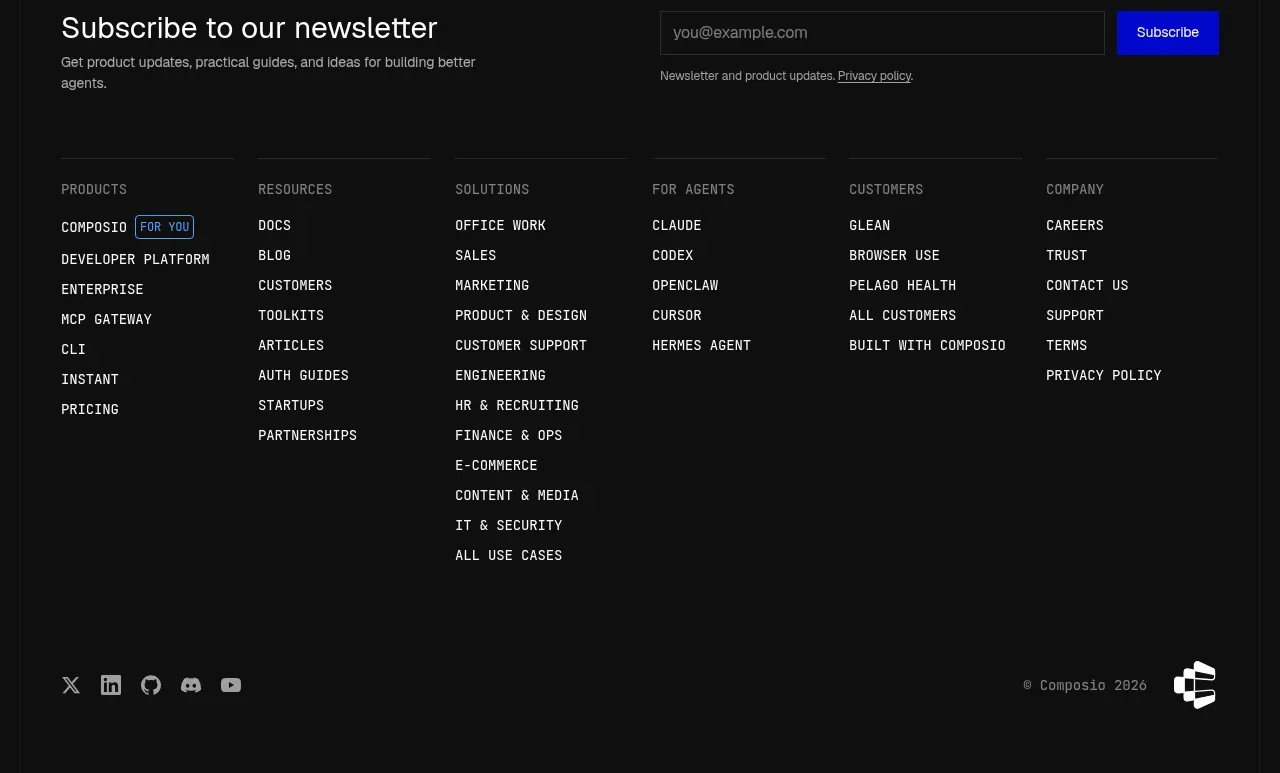
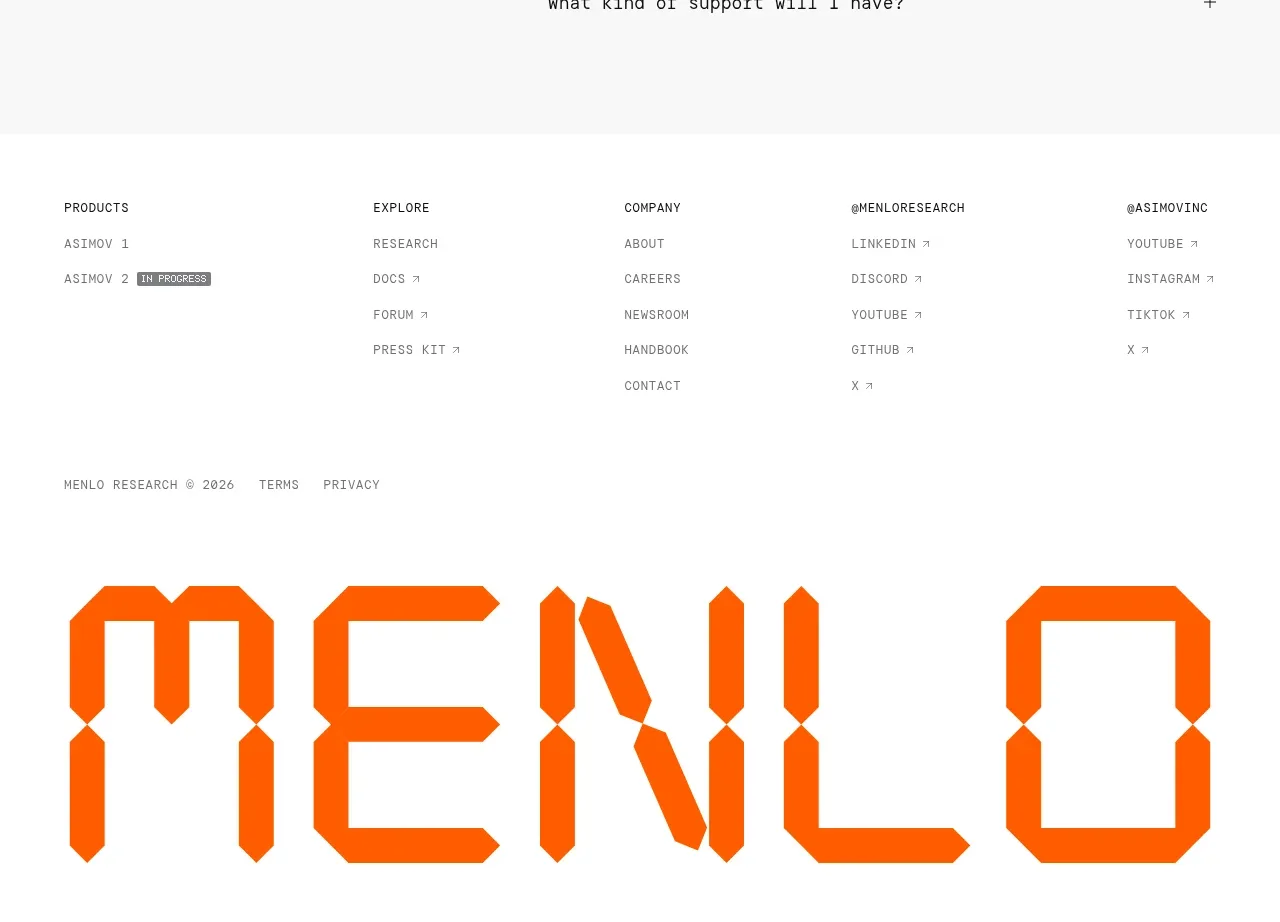
A restrained footer provides licensing context on the left and a compact set of utility links on the right.
Prompt preview
## Reference images

Study these alongside the description below: hierarchy, rhythm, spacing, colour. Build for the product you are asked about, using this design language.

- Component: https://kage-design-assets.t3.tigrisfiles.io/components/framefields/70450159-6614-49a5-a5e2-7c6c30c81571-1792476190-8.webp
- Full page it was cut from: https://kage-design-assets.t3.tigrisfiles.io/screenshots/framefields/70450159-6614-49a5-a5e2-7c6c30c81571-1792476110643-full.webp
- Component on Kage: https://kage.design/component/framefields-footer

## Before you start
Ask what legal text, support links, and community destinations the user's product needs, plus the footer's brand tone. Apply the principles below to that product rather than copying the reference.

Build a minimal footer separated by a 1px black top rule. Use the same pale gray background and a compact horizontal layout: small muted legal or open-source text on the left and underlined utility links on the right. Use 13–15px sans-serif type, generous top and bottom padding, and enough gap for comfortable pointer and keyboard interaction. Allow links to wrap gracefully on narrow screens and preserve visible focus rings.

Never: use logos, product names, copy, illustrations, or imagery from the reference.