 kage
kage
basedash.com
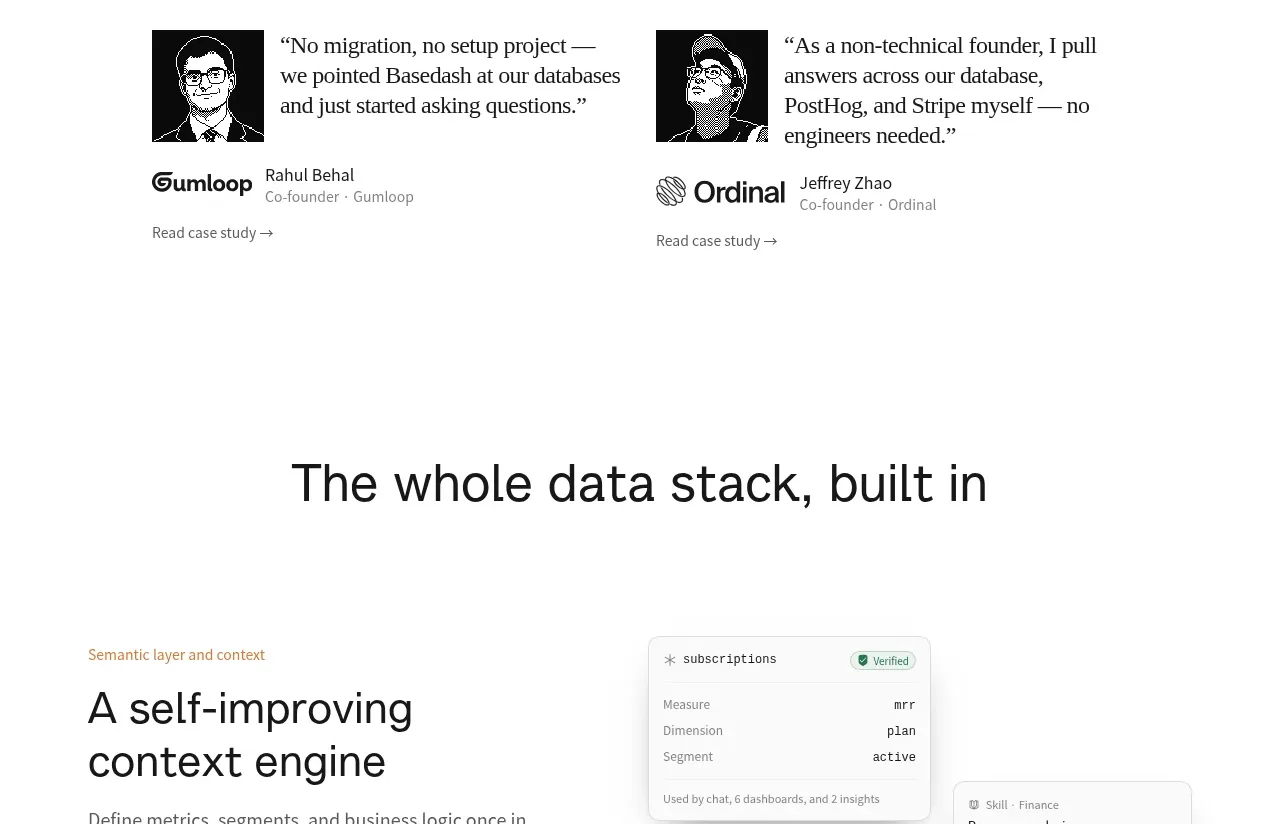
Design analysis
A large centered statement introduces a second capability family, followed by enough breathing room to separate it from the detailed rows below.
Prompt preview
## Reference images

Study these alongside the description below: hierarchy, rhythm, spacing, colour. Build for the product you are asked about, using this design language.

- Component: https://kage-design-assets.t3.tigrisfiles.io/components/basedash-view-only-members/6dbd0b50-cdba-4977-b7dc-6a7ba68a352e-1793253919-7.webp
- Full page it was cut from: https://kage-design-assets.t3.tigrisfiles.io/screenshots/basedash-view-only-members/6dbd0b50-cdba-4977-b7dc-6a7ba68a352e-1793253800610-full.webp
- Component on Kage: https://kage.design/component/basedash-view-only-members-banner-2

## Before you start
Ask what major product area follows the previous section and what concise promise should frame it. Apply that content to the user's product.

Create a spacious transition area for a product platform or data-stack section. Center a large 36–42px headline in a constrained width, using white space as the primary visual device. Below or around it, allow generous separation before the first detailed feature row begins. Keep styling minimal: white #fff background, #171717 type, 30–40px mobile headline, and no decorative assets. The section should feel like a deliberate chapter break rather than an empty gap.

Never: use logos, product names, copy, illustrations, or imagery from the reference.
More components

 Team-wide product promise
Basedash View-only members · Banner
Team-wide product promise
Basedash View-only members · Banner

 Product Hunt announcement bar
Zro: Uncensored Security Models · Banner
Product Hunt announcement bar
Zro: Uncensored Security Models · Banner

 Early-adopter offer banner
Flyweel · Banner
Early-adopter offer banner
Flyweel · Banner

 Product Hunt announcement bar
Takweem AI · Banner
Product Hunt announcement bar
Takweem AI · Banner

 Product Hunt announcement bar
Incredible · Banner
Product Hunt announcement bar
Incredible · Banner
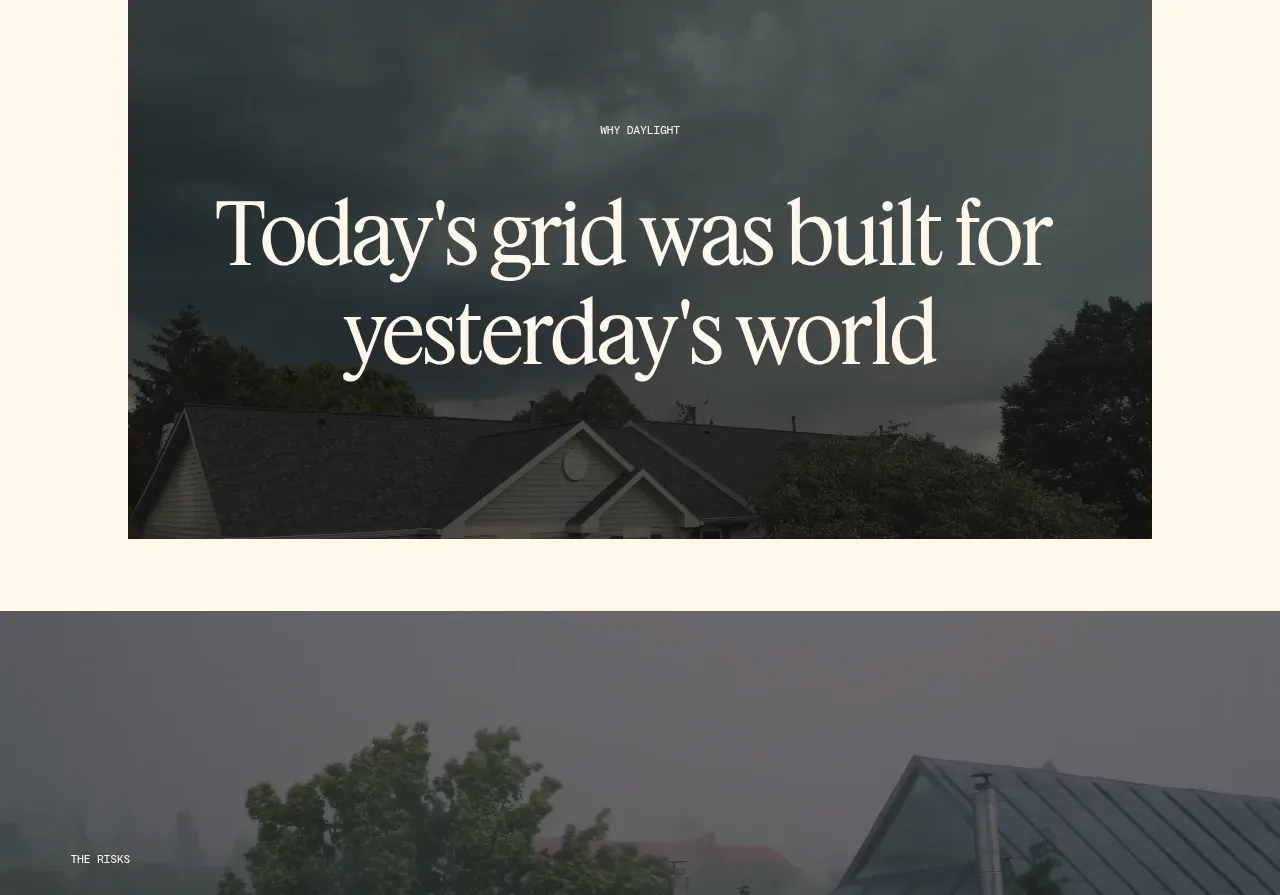
 Risks statistic banner
godaylight.com · Banner
Risks statistic banner
godaylight.com · Banner