 kage
kage
basedash.com

Design analysis
A white, type-led landing page for an AI analytics platform that stays editorial despite heavy product content. It opens with a centred grotesque headline and a dense dashboard mockup, then settles into a long middle of orange-eyebrowed feature rows alternating text and product mockups, punctuated twice by serif pull-quote testimonial pairs with black-and-white portraits. Rhythm shifts deliberately: airy alternating rows, a dense cloud of integration icons, a compact 4×2 governance grid, a black-pill CTA, a neon glitch-art band, and a four-column mega footer. Colour is disciplined — near-black ink on white, one orange accent, chart colours confined to mockups.
Prompt preview
## Reference images

Study these alongside the description below: hierarchy, rhythm, spacing, colour. Build for the product you are asked about, using this design language.

- Full page: https://kage-design-assets.t3.tigrisfiles.io/screenshots/basedash-view-only-members/6dbd0b50-cdba-4977-b7dc-6a7ba68a352e-1793253800610-full.webp
- Above the fold: https://kage-design-assets.t3.tigrisfiles.io/screenshots/basedash-view-only-members/6dbd0b50-cdba-4977-b7dc-6a7ba68a352e-1793253796038.webp
- Design on Kage: https://kage.design/designs/basedash-view-only-members-landing-page

## Before you start

Ask the user, and wait for the answers before writing any code:

1. What product are we building, and what does it actually do?
2. Who is it for (role, company size, technical level)?
3. What brand assets exist: name, logo/wordmark, brand colours, and any typeface preferences?
4. Which sections from the structure below do they want, and do they have real product screenshots or should mockups be rebuilt in code?

Apply everything below to *their* product and brand — not to the reference site.

## Page structure

Build a single long marketing page in this order:

1. **Top nav** — wordmark left; 3–4 product links with dropdown chevrons centre; right side a text "Log in" link and a black pill CTA. White background, hairline bottom border.
2. **Hero** — centred display headline (one short line), a two-line muted subhead listing capabilities, then two side-by-side pill CTAs: black primary, white bordered secondary.
3. **Hero product visual** — a large dashboard mockup card directly under the CTAs: KPI stat card + labelled bar chart + a small data table on the left, an AI chat panel with a blue user bubble and metadata chips on the right. This anchors the whole page.
4. **Logo strip** — one small gray caption line ("Powering analytics for N teams") above a single row of 6 partner logos in dark gray.
5. **Testimonial pair** — two columns, each: serif pull quote (3–4 lines), small black-and-white portrait, name + role, company logo, "Read case study →" text link.
6. **Section intro** — a huge centred two-line heading framing the next four rows (audience-oriented, e.g. answers for team/customers/agents).
7. **Feature rows ×4, alternating** — each row: orange eyebrow label, 2–3-line feature headline, short paragraph, black pill CTA with a small arrow; opposite column holds a product mockup card. Alternate text left / visual right each row. Cover: trusted self-serve analytics, proactive anomaly monitoring, embedded-in-your-product analytics, and interoperability (show a terminal mockup for the last one).
8. **Second testimonial pair** — same pattern as step 5, two new quotes.
9. **Second section intro** — centred heading framing the platform/stack story ("the whole stack, built in" idea).
10. **Feature rows ×3, alternating** — semantic/context layer (small stacked metadata cards as the mockup), managed warehouse (mockup with source icons and an "or bring your own" row), data ingestion (text left, a loose cloud/grid of colourful integration icons right).
11. **Governance block** — left-aligned heading + paragraph on one side, CTA button right, then a full-width 4×2 grid of compact items: small icon, bold title, one-liner (audit logs, SSO, row-level security, compliance, etc.).
12. **Closing CTA** — centred headline with a time promise ("under 30 minutes" style), one-line subhead, same black + outline pill pair.
13. **Pre-footer art band** — one full-width dark, high-contrast decorative visual (neon/glitch data aesthetic) as a palate cleanser before the footer.
14. **Mega footer** — left: brand blurb, social icons, legal links, language picker; right: four link columns (Platform, Comparisons, Features, Resources), the last two with 10–15 links each.

## Design language

- **Overall mood**: calm, white, type-led; product screenshots carry the colour. Everything editorial, nothing shouty.
- **Hierarchy**: size does the work. Display headline ~68–76px regular weight with tight tracking (-0.03em); section intros ~48–56px; feature headings ~32–36px; body 16px/1.6 muted gray. Orange eyebrow labels (13–14px, medium weight, normal case, ~#F45B0B) name each feature and add the only saturated accent in text.
- **Type pairing**: one modern grotesque sans (Inter/Söhne-like) for all UI and headings; a text serif (Tiempos/Newsreader-like, ~22–24px) reserved exclusively for testimonial pull quotes — this contrast is a signature move.
- **Colour**: page background #FFFFFF; ink #16171B; secondary text #71757E; hairlines #EBEBED; card fill #FAFAFB. Chart palette lives only inside mockups: blue #3E7BFA, green #2FA97C, orange #FF9540, pink #F06AA8. Chat/user bubbles blue #2E6BF6.
- **Buttons**: black pill (#111114, white text, fully rounded) for primary; white pill with 1px #E4E4E7 border for secondary. Same pair reused at hero and closing CTA for symmetry.
- **Cards & mockups**: 12–16px radius, 1px hairline border, near-invisible shadow (0 1px 2px rgba(0,0,0,.04)). Mockups are believable mini-UIs — real labels, numbers, tables, verified/governed chips — sometimes layered with a small overlapping card (e.g. a notification over a chart) for depth.
- **Rhythm down the page**: hero and intros are centred and airy (~140px section padding); feature rows use a narrow text column (~40%) against a wider mockup (~60%); density intentionally peaks at the icon cloud and the 4×2 governance grid, then releases into the centred CTA and the dark art band. Alternate sides every row to keep the scroll engaging.
- **Social proof rhythm**: proof appears twice (after hero, mid-page) as matched pairs — quotes, portraits, logos, case-study links — rather than one long carousel.
- **Motion**: none is essential. Use subtle only: 150ms ease hover (button darkens slightly, arrow links nudge right). No parallax, no autoplaying animation.
- **Grid**: single container, max-width ~1160–1200px, 24px gutters; footer link columns align to the same grid.

## Never

- Never reuse Basedash's name, wordmark, logo, copy, testimonials, partner logos, or its neon footer artwork.
- Never use their customers' names or invented testimonials presented as real.
- Never reproduce their exact headline or section wording; write copy for the user's product.
- Do not copy the integration icon cloud's specific brand icons — use the user's actual integrations.
- Never present the result as Basedash or imply affiliation.
Components from this page
All components
 Minimal product navigation
Basedash View-only members · Navigation
Minimal product navigation
Basedash View-only members · Navigation
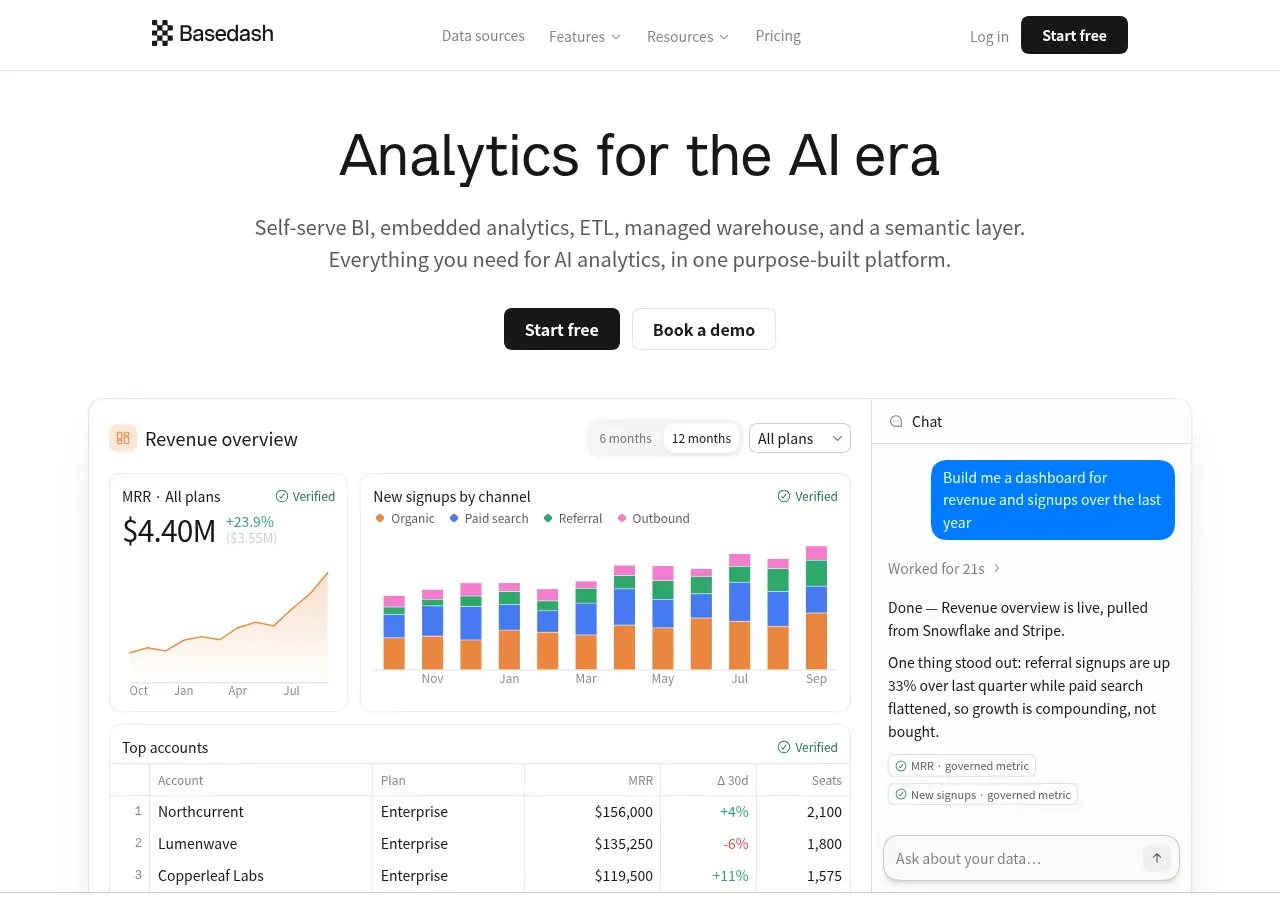 Analytics product hero
Basedash View-only members · Hero
Analytics product hero
Basedash View-only members · Hero
 Customer logo strip
Basedash View-only members · Logo cloud
Customer logo strip
Basedash View-only members · Logo cloud
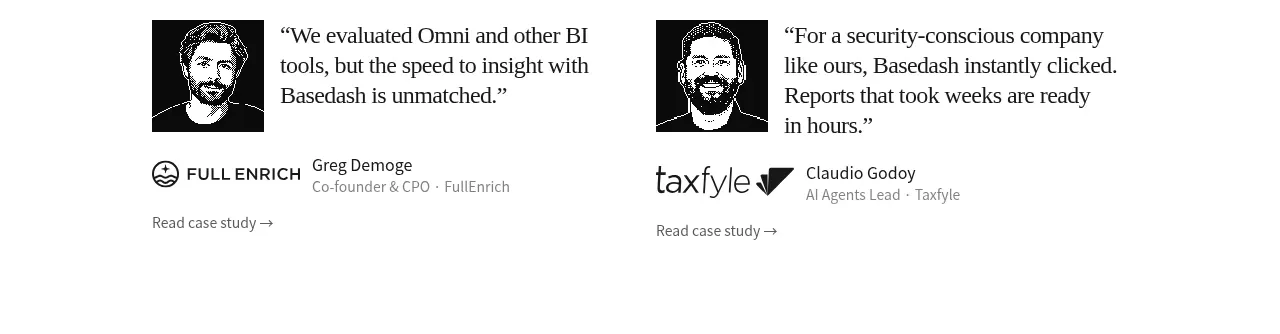 Early customer proof
Basedash View-only members · Testimonials
Early customer proof
Basedash View-only members · Testimonials
 Team-wide product promise
Basedash View-only members · Banner
Team-wide product promise
Basedash View-only members · Banner
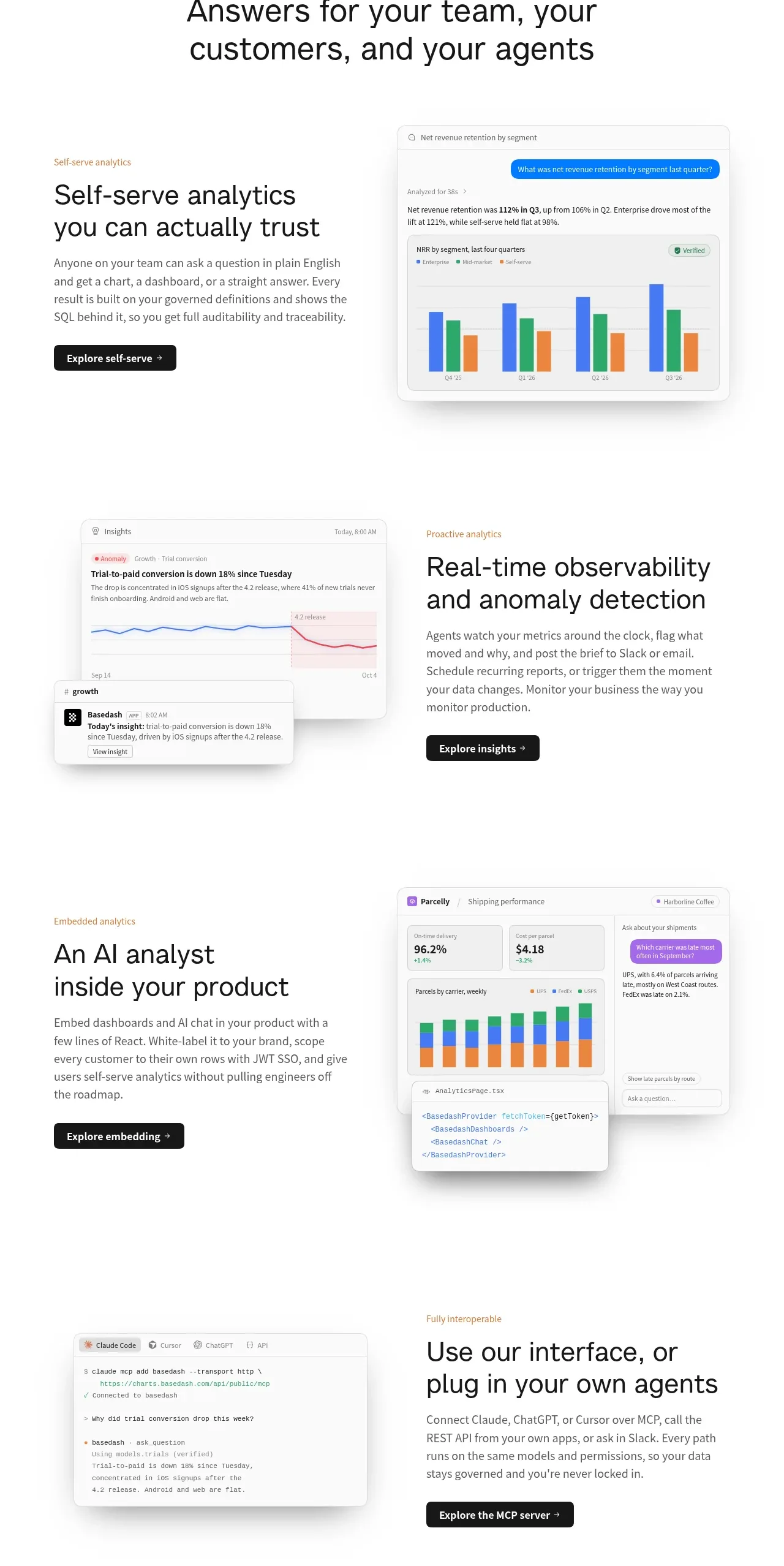 Analytics capability showcase
Basedash View-only members · Feature grid
Analytics capability showcase
Basedash View-only members · Feature grid
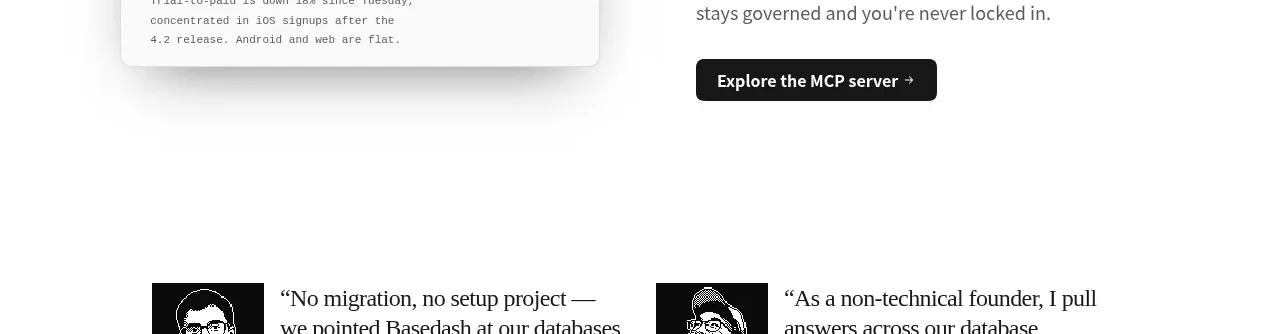 Additional customer stories
Basedash View-only members · Testimonials
Additional customer stories
Basedash View-only members · Testimonials
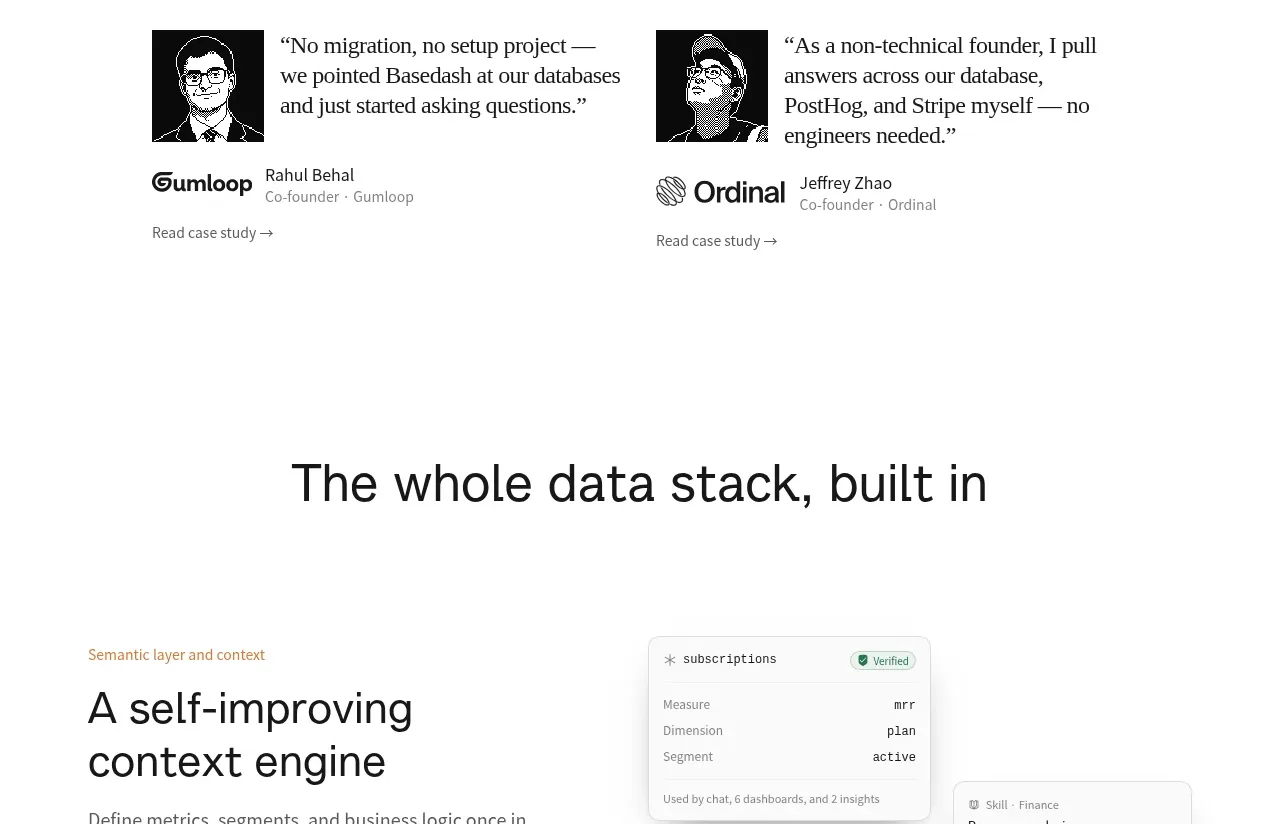 Data stack introduction
Basedash View-only members · Banner
Data stack introduction
Basedash View-only members · Banner
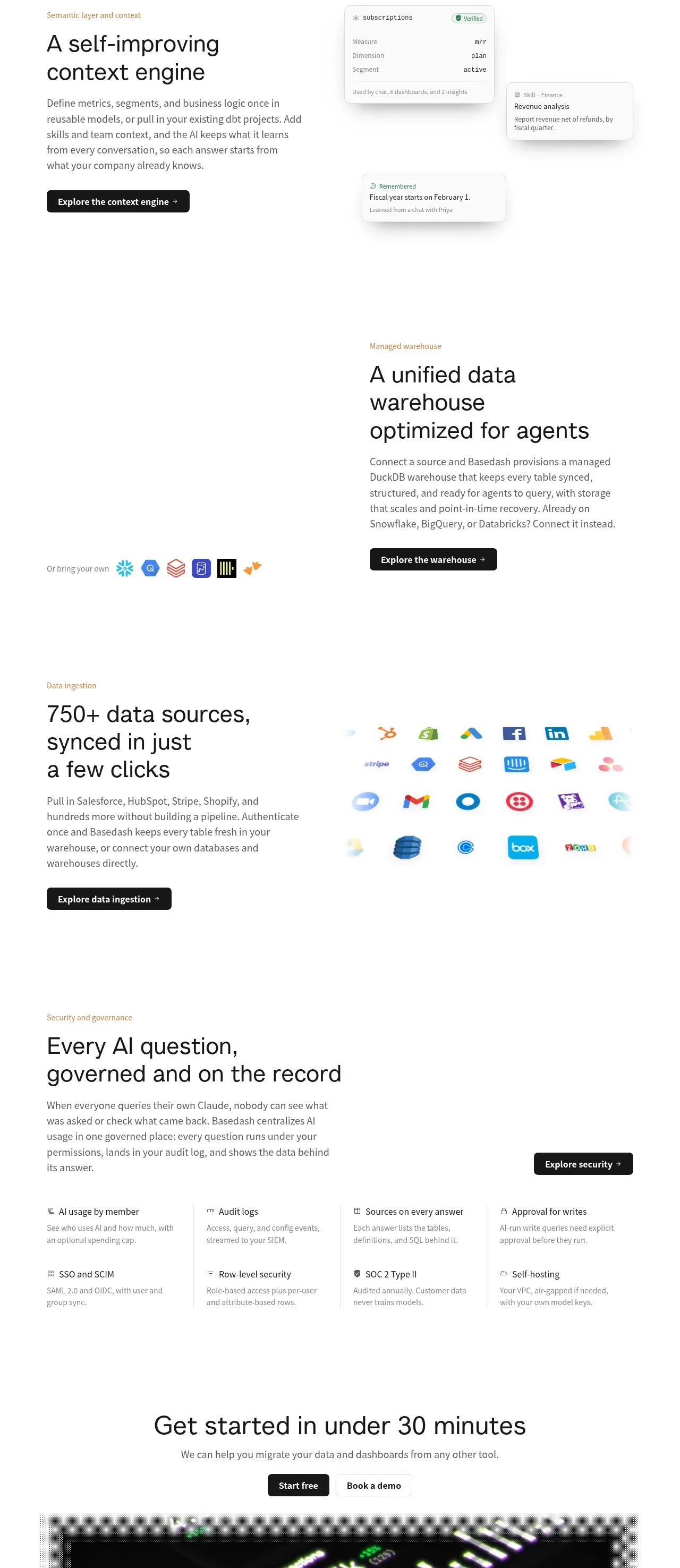 Platform foundation features
Basedash View-only members · Feature grid
Platform foundation features
Basedash View-only members · Feature grid
 Fast-start conversion CTA
Basedash View-only members · Call to action
Fast-start conversion CTA
Basedash View-only members · Call to action
 Multi-column site footer
Basedash View-only members · Footer
Multi-column site footer
Basedash View-only members · Footer
Related designs
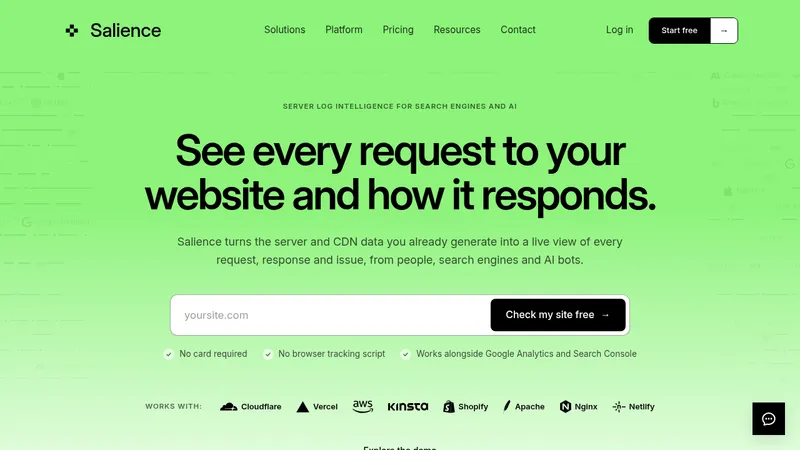

 Salience
Landing page · Analytics & data
Salience
Landing page · Analytics & data
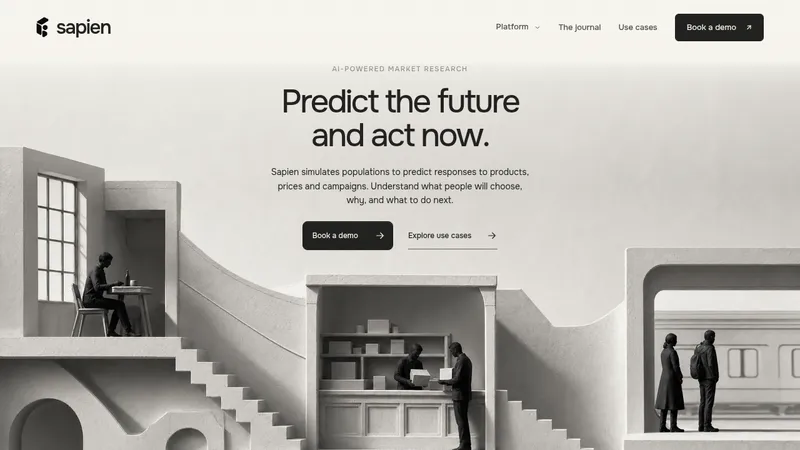

 Sapien
Landing page · Analytics & data
Sapien
Landing page · Analytics & data
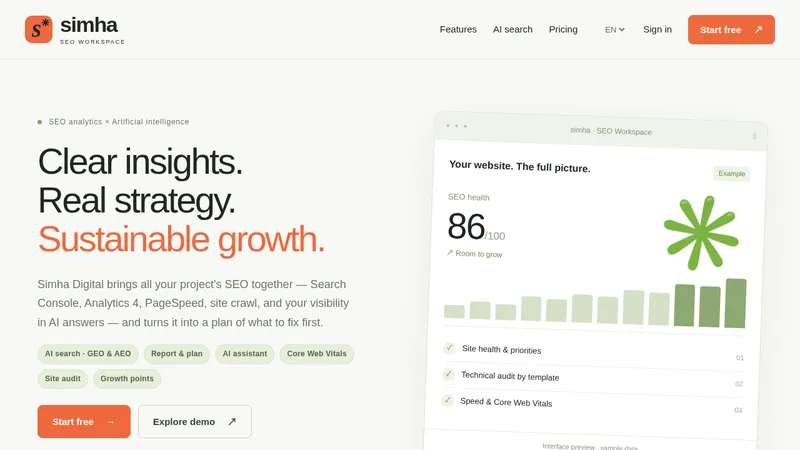

 Simha Digital
Landing page · Analytics & data
Simha Digital
Landing page · Analytics & data
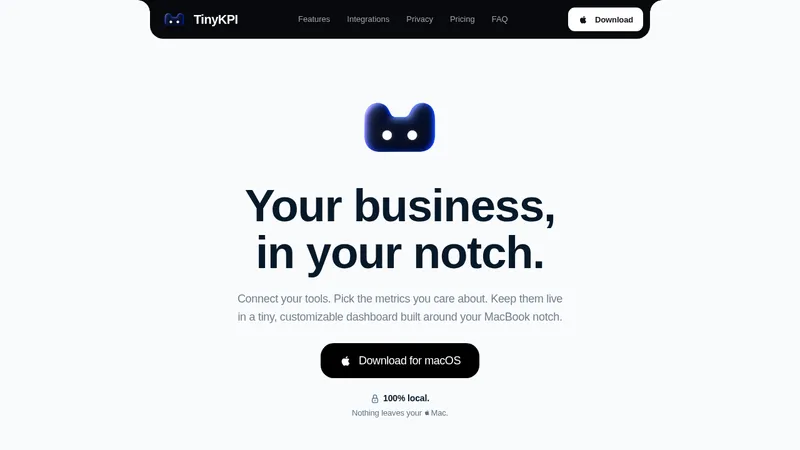

 TinyKPI
Landing page · Analytics & data
TinyKPI
Landing page · Analytics & data


 Basedash in Español Français & Português
Landing page · Analytics & data
Basedash in Español Français & Português
Landing page · Analytics & data


 AI Observability by OpenObserve
Landing page · Analytics & data
AI Observability by OpenObserve
Landing page · Analytics & data