kage
kage
dotsapp.cloudaeri.com
Design analysis
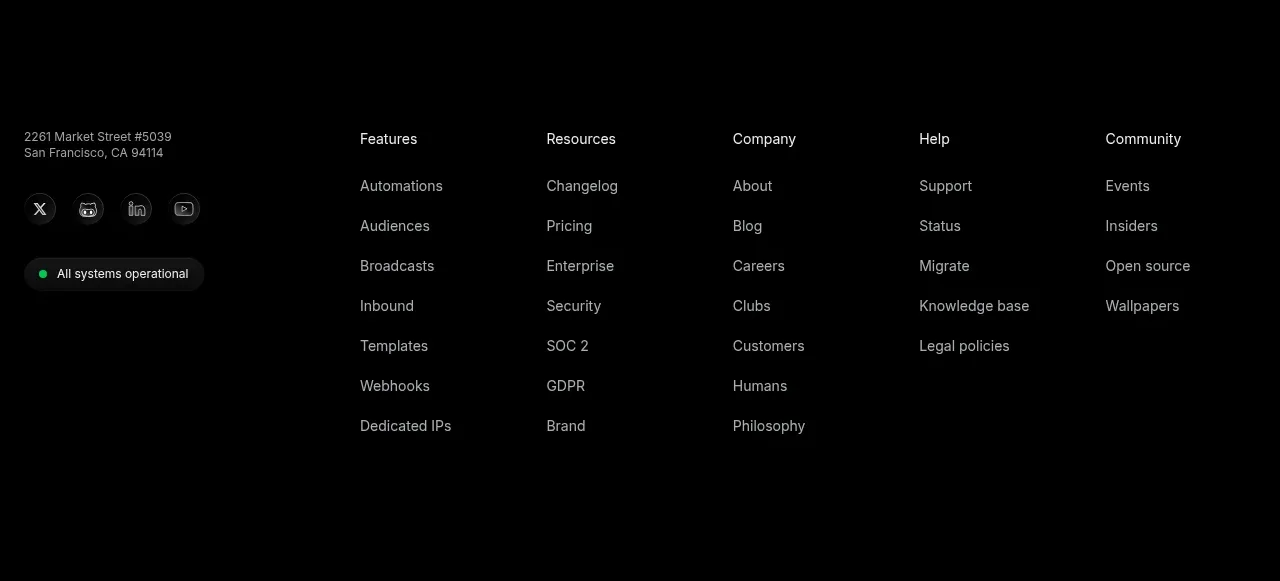
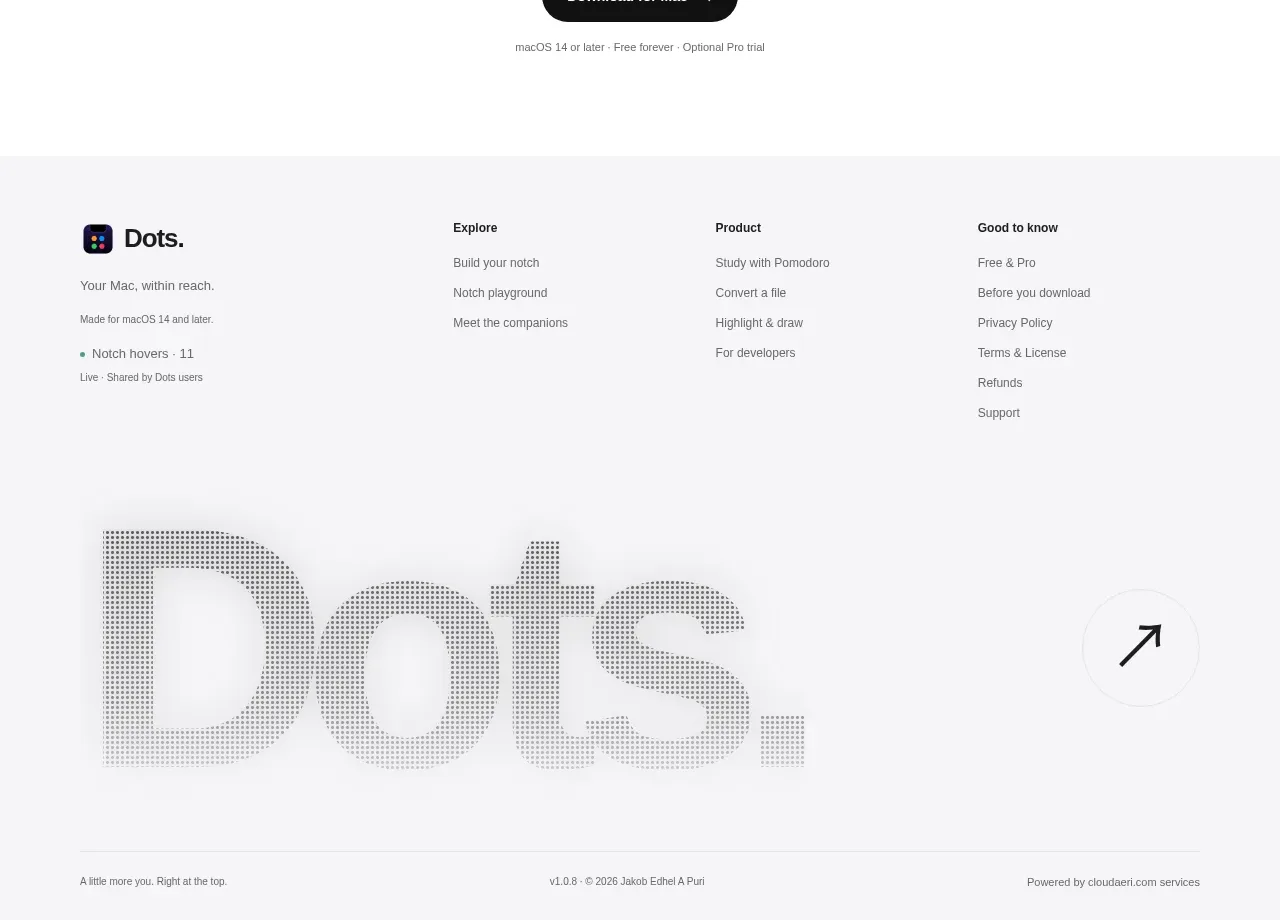
A pale footer organizes product information and navigation into clear columns, then closes with a large typographic brand treatment and a small legal baseline. The low-contrast palette keeps it present but secondary.
Prompt preview
## Reference images

Study these alongside the description below: hierarchy, rhythm, spacing, colour. Build for the product you are asked about, using this design language.

- Component: https://kage-design-assets.t3.tigrisfiles.io/components/dots/b0dd4f13-dbbe-4e80-ab36-79d3ad587c26-1792821815-9.webp
- Full page it was cut from: https://kage-design-assets.t3.tigrisfiles.io/screenshots/dots/b0dd4f13-dbbe-4e80-ab36-79d3ad587c26-1792821726796-full.webp
- Component on Kage: https://kage.design/component/dots-footer

## Before you start
Ask what destinations, legal links, support resources, and brand details the user's product needs in its footer. Apply the hierarchy below to that information.

Create a spacious footer on a very light gray canvas (`#f7f7f8`) with a max-width container. Place a compact brand block at left with a mark, one-line description, platform note, and a small status or version line; place three or four navigation columns to the right with short uppercase or medium-weight group headings and muted links. Use 12–14px link text, 11–12px metadata, 20–28px column gaps, and 56–72px top padding. Below the columns, add a large low-contrast typographic brand or abstract wordmark treatment, then finish with a hairline divider and a baseline containing copyright, version, and a small external-link affordance. Keep contrast accessible despite the quiet palette, provide visible hover states, and collapse columns gracefully on mobile.

Never: use the reference's logo, product name, copy, illustrations, imagery, or exact footer links.