kage
kage
resend.com
Design analysis
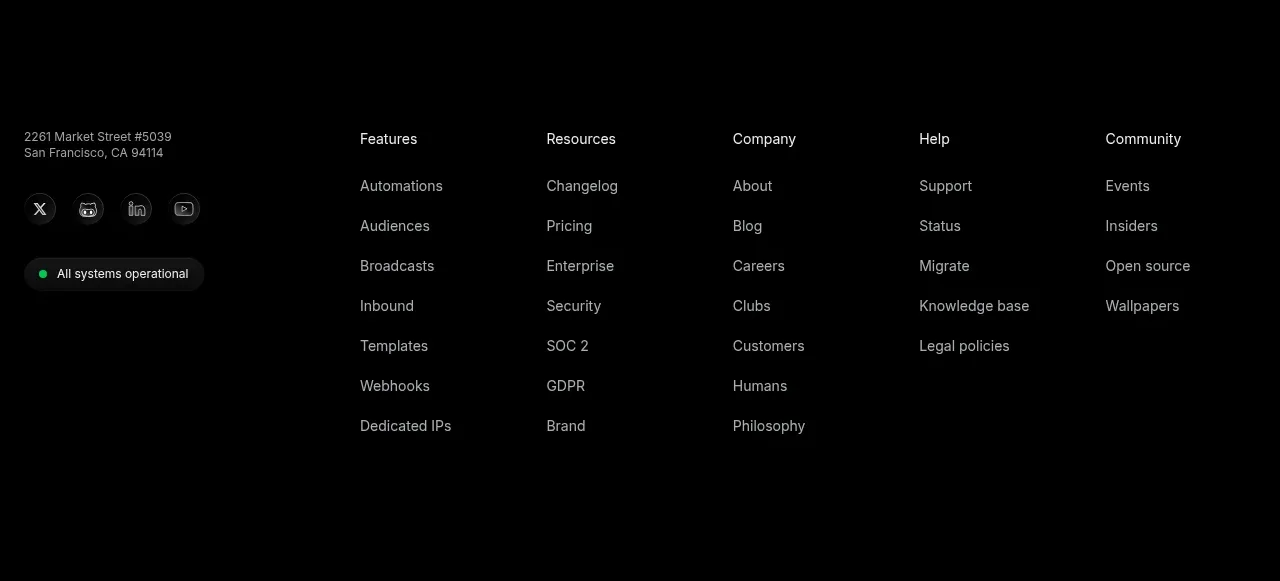
The footer combines company details and operational status with several organized link columns and social controls on a dark canvas.
Prompt preview
## Reference images

Study these alongside the description below: hierarchy, rhythm, spacing, colour. Build for the product you are asked about, using this design language.

- Component: https://kage-design-assets.t3.tigrisfiles.io/components/resend-inboxes/352e3462-9455-4ac7-822b-63aef1588265-1792735568-9.webp
- Full page it was cut from: https://kage-design-assets.t3.tigrisfiles.io/screenshots/resend-inboxes/352e3462-9455-4ac7-822b-63aef1588265-1792735452629-full.webp
- Component on Kage: https://kage.design/component/resend-inboxes-footer

## Before you start
Ask for the user's company details, support destinations, social channels, legal links, and brand assets. Then use this information to build an original footer.

Create a spacious dark footer with a left information block and multiple link columns to the right. The left block may contain an address or short company statement, social icon buttons, and a compact system-status pill. Group links under clear muted headings and use generous row spacing. Use #030303 background, #eeeeee for important labels, #929292 for links, #1c1c1c dividers and icon-button fills, and an optional green status accent #49ca94. Use a max-width container around 860–1120px, 12-column or CSS grid alignment, 24–32px column gaps, 14px body text, and enough bottom padding for legibility. Make every link and icon keyboard accessible; collapse link groups into an accordion or stacked layout on mobile.

Never: use the reference logo, product name, exact address, exact link labels, exact copy, illustrations, imagery, or copied social icons.