kage
kage
framefields.dev

Design analysis
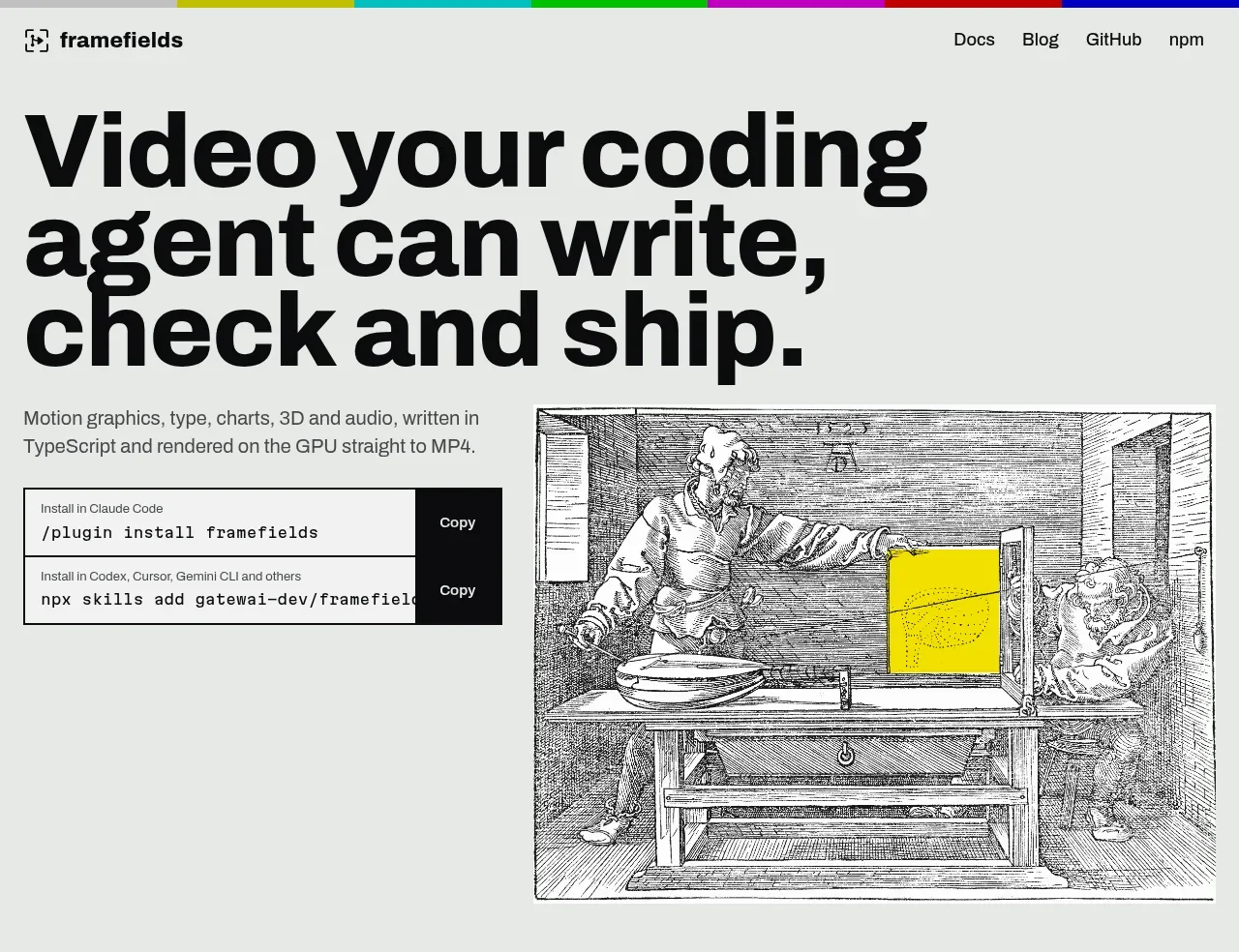
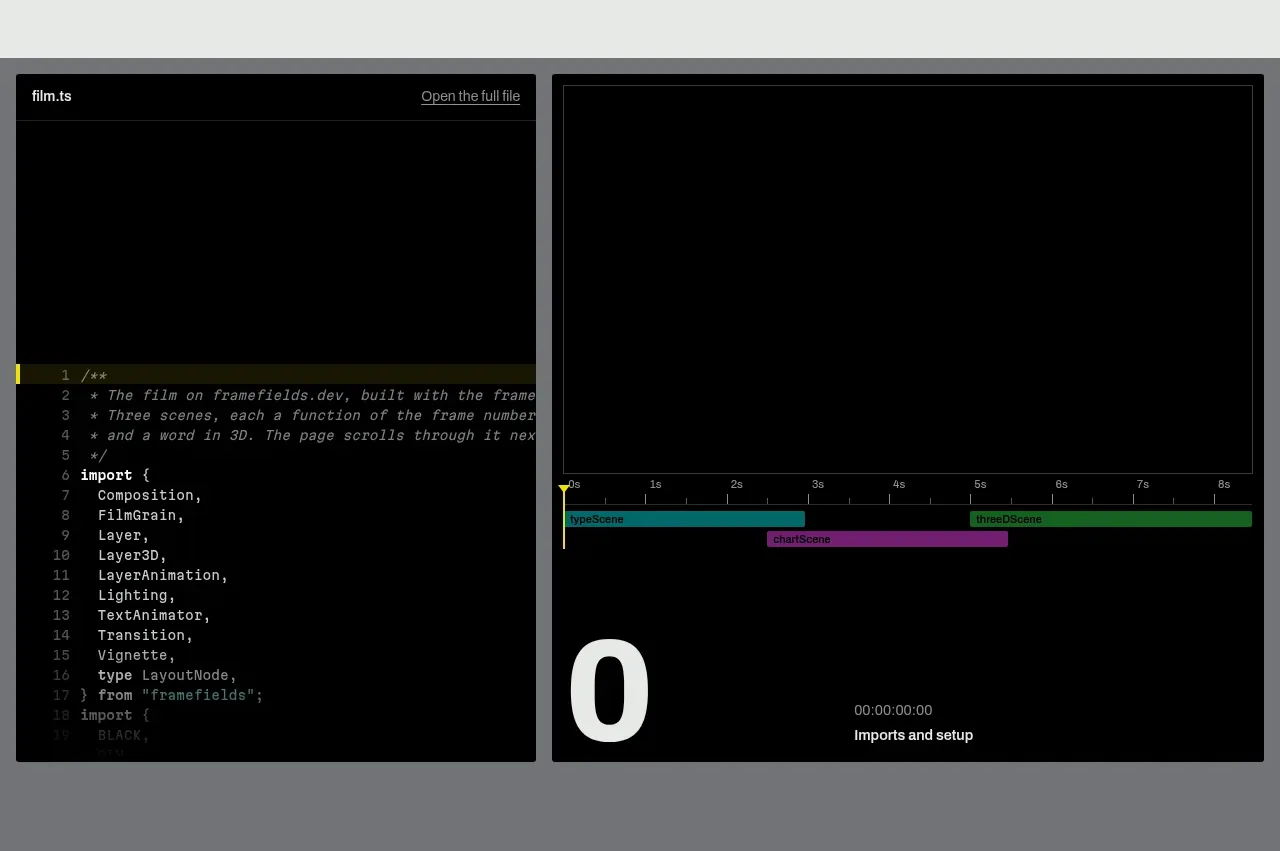
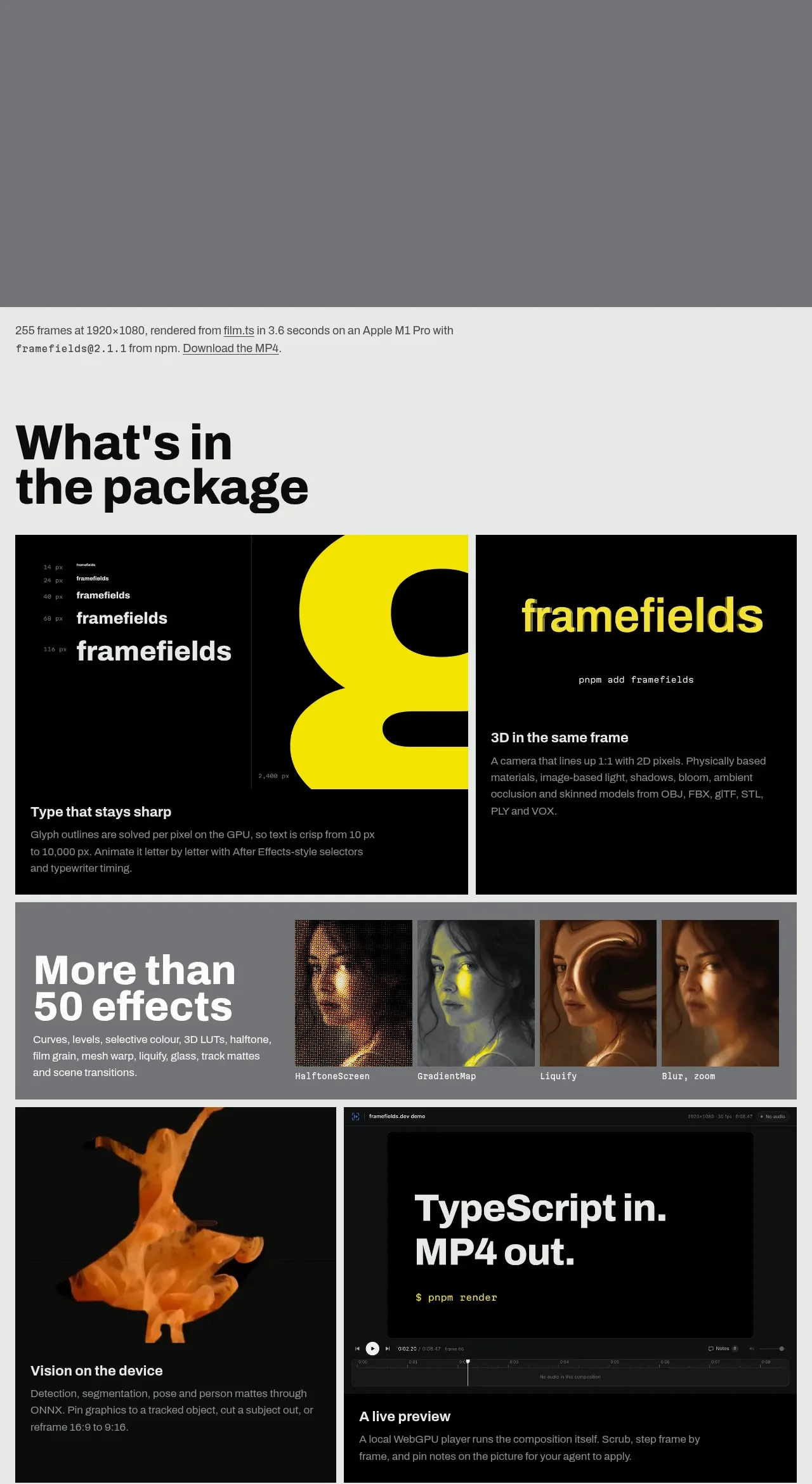
A restrained developer-tool landing page uses a pale gray canvas, near-black oversized grotesk headings, and thin rules to create an editorial, technical rhythm. The hero pairs a large three-line claim and install commands with an engraved illustration, then shifts into a dark interactive code/timeline demonstration; farther down, dense black feature cards, a gray effects strip, comparison metrics, and a video gallery alternate against the light page to make the long page feel modular rather than repetitive. Yellow appears sparingly in timelines, charts, typography samples, and key media details, while generous gutters and hard-edged rectangular containers keep the presentation precise.
Prompt preview
## Reference images

Study these alongside the description below: hierarchy, rhythm, spacing, colour. Build for the product you are asked about, using this design language.

- Full page: https://kage-design-assets.t3.tigrisfiles.io/screenshots/framefields/70450159-6614-49a5-a5e2-7c6c30c81571-1792476110643-full.webp
- Above the fold: https://kage-design-assets.t3.tigrisfiles.io/screenshots/framefields/70450159-6614-49a5-a5e2-7c6c30c81571-1792476108110.webp
- Design on Kage: https://kage.design/designs/framefields-landing-page

## Before you start
Ask the user what they are building, who it is for, and what brand assets they already have, including the product name, colours, type choices, logo, and any existing media. Wait for their answers before designing. Apply the following system to their product, not to the reference site, and write original copy and use original assets.

## Page structure
1. **Top navigation:** Place a compact brand mark/name at the upper left and a short row of text links at the upper right on a pale gray background. Add a thin multicolour accent strip along the very top edge only if it suits the user's brand.
2. **Hero:** Use a two-column layout with an oversized, tightly set, multi-line headline on the left, a short technical description below it, and bordered installation-command rows with dark copy buttons. Place one large, framed editorial image or product visual in the right column.
3. **Interactive demonstration:** Transition into a full-width medium-gray section containing two aligned dark panels: a code editor on the left and a timeline/render preview on the right. Use fine borders, tiny labels, syntax-like detail, a visible playhead, and restrained bright accent colours to make the product feel inspectable.
4. **Render metadata line:** After the demonstration, add a small technical status sentence with output dimensions, render time, environment, version, and a download link.
5. **“Package” feature section:** Return to the pale gray canvas with a large two-line heading. Follow with a two-column row of black feature cards: one focused on typography/type rendering and one on 3D or the product's core technical capability, each combining a visual sample with a short description.
6. **Effects strip:** Add a medium-gray horizontal feature band with a bold statement on the left and a row of small effect thumbnails or examples on the right. Keep the copy compact and let the visual samples carry the variety.
7. **Capability cards:** Build a two-column grid of black cards alternating image-heavy and interface-heavy examples. Include cards for visual processing, live preview, sound or data synchronization, charts, or equivalent product capabilities; use a bold card title and muted explanatory text at the bottom of each card.
8. **Motion testing row:** Insert a thin ruled section with a short explanatory text block on the left and a wide filmstrip or sequence of tiny preview frames on the right, communicating that the system can be tested frame by frame.
9. **Comparison section:** Use a large question-like heading followed by a five-column comparison grid. Separate columns with faint vertical rules, give each a small category label, a bold measurable claim, and a short explanatory note comparing the user's approach with a conventional alternative.
10. **Long-form examples:** Introduce a gallery with a large heading, one sentence of context, one dominant wide showcase thumbnail, and a vertical stack of smaller thumbnails paired with concise captions. Link out to the relevant source or viewing destination where appropriate.
11. **Final install CTA:** Create a spacious closing row with a large multi-line call to action on the left and the same bordered install-command component on the right, adapting commands to the user's product.
12. **Footer:** Finish with a thin top rule, a small ownership/open-source or product status note on the left, and compact text links on the right. Keep it quiet and aligned to the page gutters.

## Design language
- Build hierarchy through an extreme type scale: use a very large, heavy grotesk display face for hero and section headings, compact bold subheads for cards, and small neutral sans-serif body text. Keep display leading tight, often around 0.86–0.95, and body leading relaxed enough for technical descriptions.
- Use a pale cool gray canvas around `#e8ebe9`, near-black text and panels around `#050505`, medium gray section backgrounds around `#777a7e`, and a highlighter yellow accent around `#f4ed00`. Add other saturated colours only for data/timeline categories or when they belong to the user's brand.
- Change rhythm deliberately down the page: begin with generous light-space and a dramatic hero, compress into dense dark technical demos, expand again around large section headings, then use compact grids, ruled comparison data, and image-led gallery modules.
- Prefer a strict editorial grid with wide outer gutters, hard rectangular alignment, two-column splits, and consistent gaps. Let large media panels and black cards create visual pauses instead of rounded containers.
- Treat borders as functional: use thin black rules around controls and cards, faint gray rules for comparisons, and almost no decorative shadow. Use square or minimally rounded corners; never make the interface feel like a generic rounded SaaS dashboard.
- Make command rows, code panes, timelines, charts, and preview frames visibly legible as working artifacts. Use tiny labels, monospace for commands and technical metadata, and dark controls with light text for copy/action affordances.
- Use yellow sparingly as a signal colour: highlight a playhead, chart series, wordmark-like sample text, selected region, or a small visual object rather than washing whole sections in colour.
- Use media as evidence of capability. Mix engraved/editorial stills, black-background renders, UI captures, charts, waveforms, and thumbnail sequences, but replace all reference imagery with assets relevant to the user's product.
- Where motion is implemented, favour restrained technical interactions: scrubbing, step-through frames, hover previews, copy feedback, and subtle timeline transitions. Avoid excessive easing, floating effects, or decorative animation that competes with the content.
- Keep navigation, footer links, and metadata understated; the primary expressive moments should be the display typography, technical previews, and changing light/dark section blocks.

## Never
- Do not copy the reference site's logos, wordmarks, product name, tagline, exact copy, illustrations, photography, screenshots, media, icon set, or brand assets.
- Do not present the result as Framefields or imply affiliation with it.
- Do not reproduce the exact reference layout when the user's product needs a different information architecture; preserve the reusable design language while adapting the sections, content, and evidence to the user's product.
Components from this page
All components
 Minimal product navigation
Framefields · Navigation
Minimal product navigation
Framefields · Navigation
 Editorial developer-tool hero
Framefields · Hero
Editorial developer-tool hero
Framefields · Hero
 Live render and code preview
Framefields · Code block
Live render and code preview
Framefields · Code block
 Package capabilities showcase
Framefields · Feature grid
Package capabilities showcase
Framefields · Feature grid
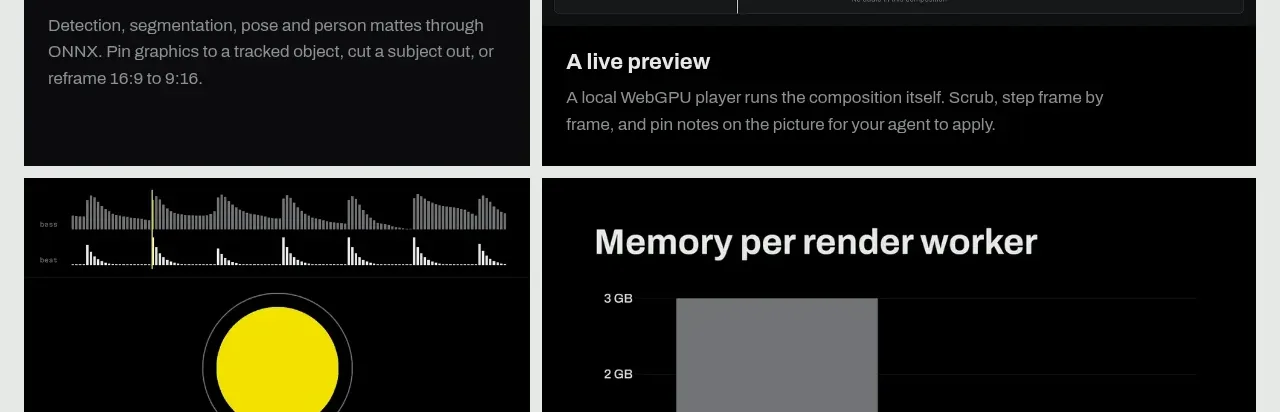 Motion and frame comparison
Framefields · Card
Motion and frame comparison
Framefields · Card
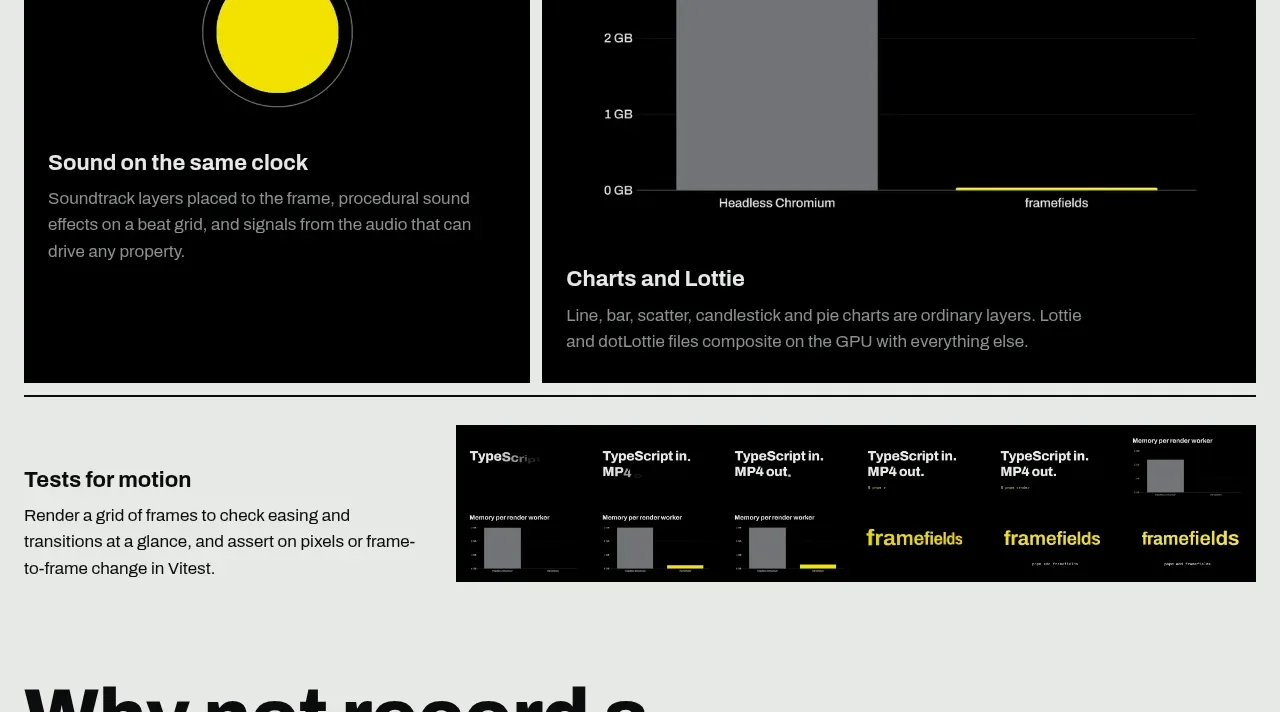 Technical performance facts
Framefields · Stats
Technical performance facts
Framefields · Stats
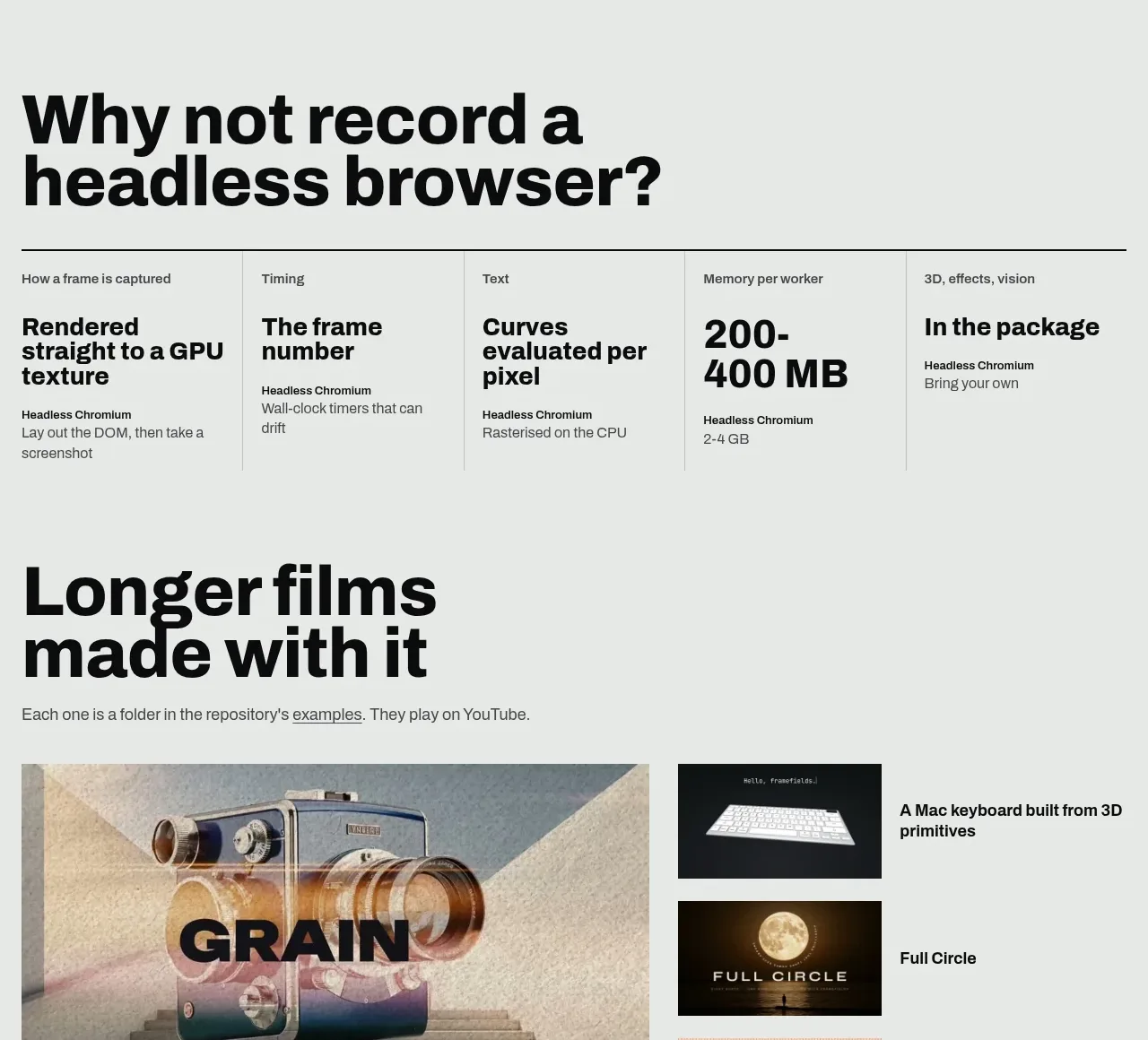 Long-form film gallery
Framefields · Gallery
Long-form film gallery
Framefields · Gallery
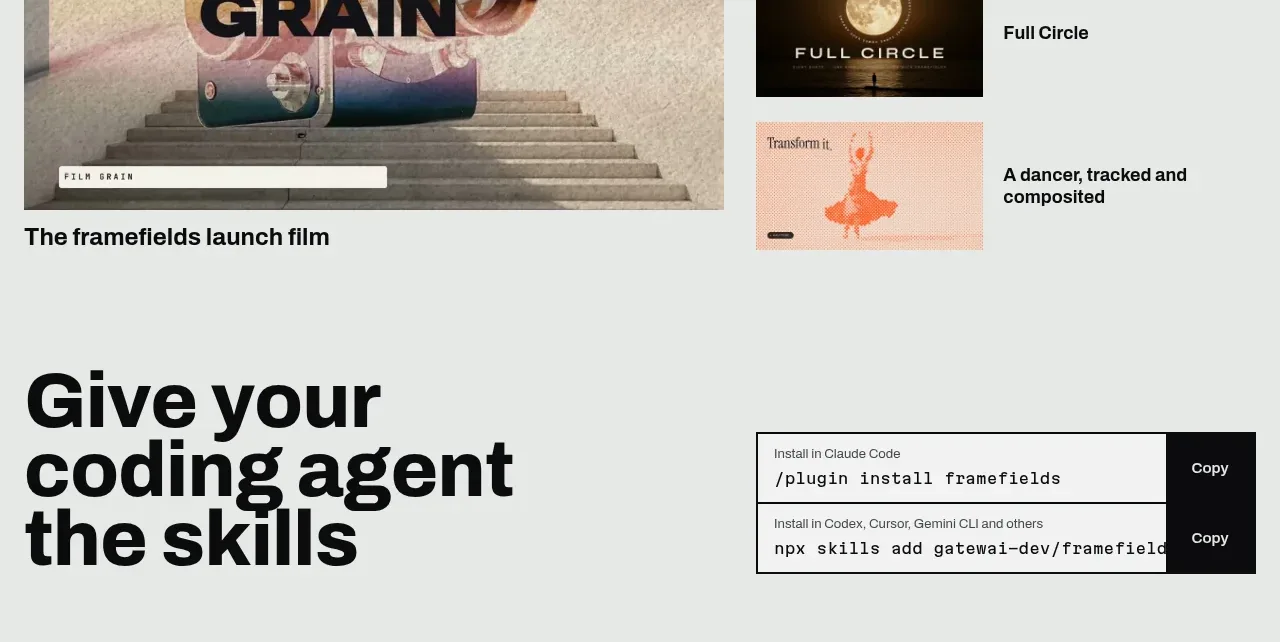 Developer installation call to action
Framefields · Call to action
Developer installation call to action
Framefields · Call to action
 Utility footer
Framefields · Footer
Utility footer
Framefields · Footer