kage
kage
hypervibe.so
Design analysis
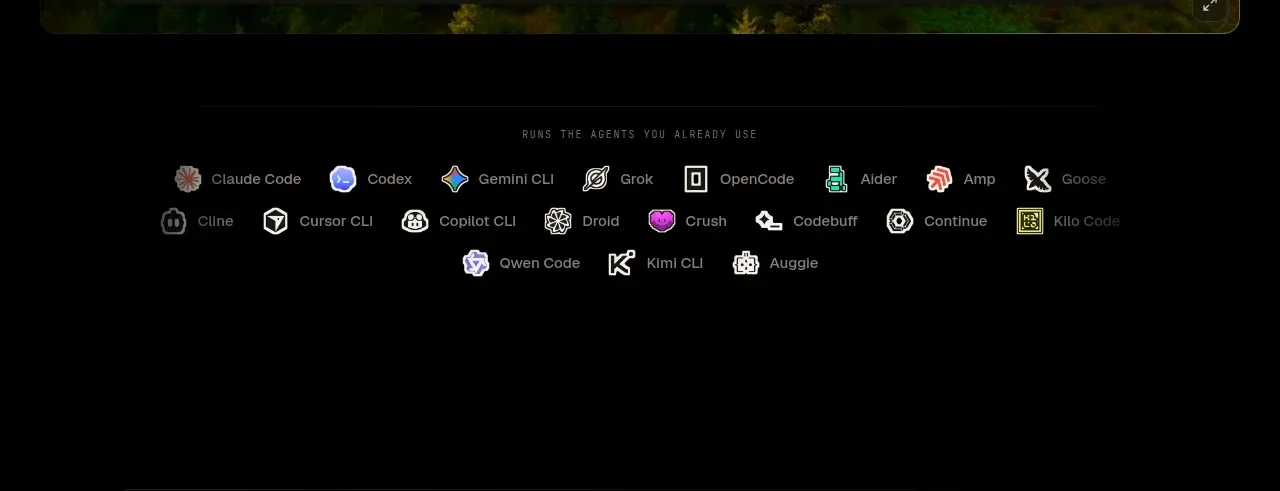
A restrained ecosystem strip follows the hero, using a small caption and several rows of tool names to communicate compatibility and credibility.
Prompt preview
## Reference images

Study these alongside the description below: hierarchy, rhythm, spacing, colour. Build for the product you are asked about, using this design language.

- Component: https://kage-design-assets.t3.tigrisfiles.io/components/hypervibe/0f025394-2dff-4c9b-be5f-8e394ec4a30f-1791699112-2.webp
- Full page it was cut from: https://kage-design-assets.t3.tigrisfiles.io/screenshots/hypervibe/0f025394-2dff-4c9b-be5f-8e394ec4a30f-1791699070438-full.webp
- Component on Kage: https://kage.design/component/hypervibe-logo-cloud

## Before you start
Ask what integrations, platforms, or technologies matter to the user's product and whether they have permission to display their marks. Then design a relevant trust strip using these principles.

Create a centered compatibility/logo cloud section on a black background. Start with a tiny uppercase caption in widely tracked muted text, then arrange a flexible multi-row set of integration names or approved logos in evenly distributed columns. Keep marks small, monochrome or low-saturation, and low contrast so the strip supports rather than dominates the page. Use approximately 64–96px vertical padding, 20–32px horizontal gaps, off-white/gray marks, and subtle hover brightening. Ensure the layout wraps cleanly and remains legible without relying on color alone.

### Never
- Never use logos, product names, copy, illustrations, or imagery from the reference.
- Never show third-party marks without permission.
- Never turn the strip into a noisy wall of oversized logos.