kage
kage
getinboxzero.com

Design analysis
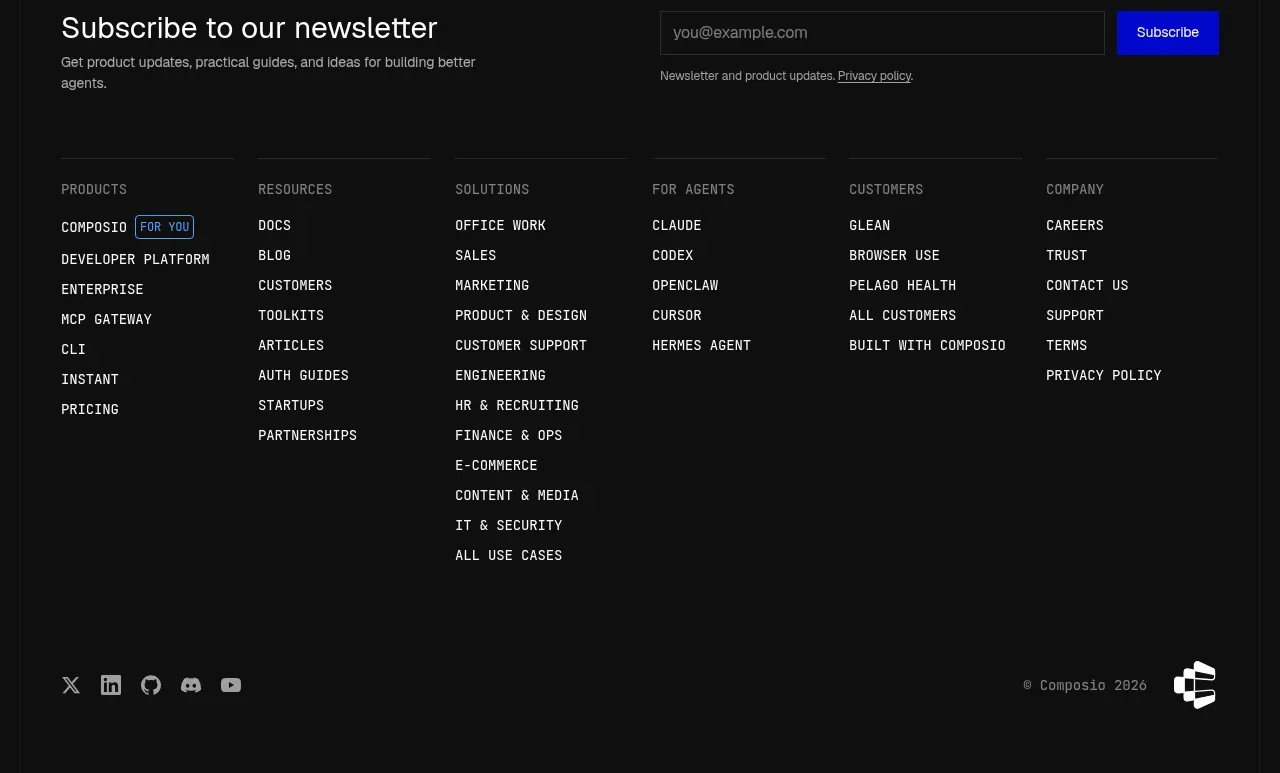
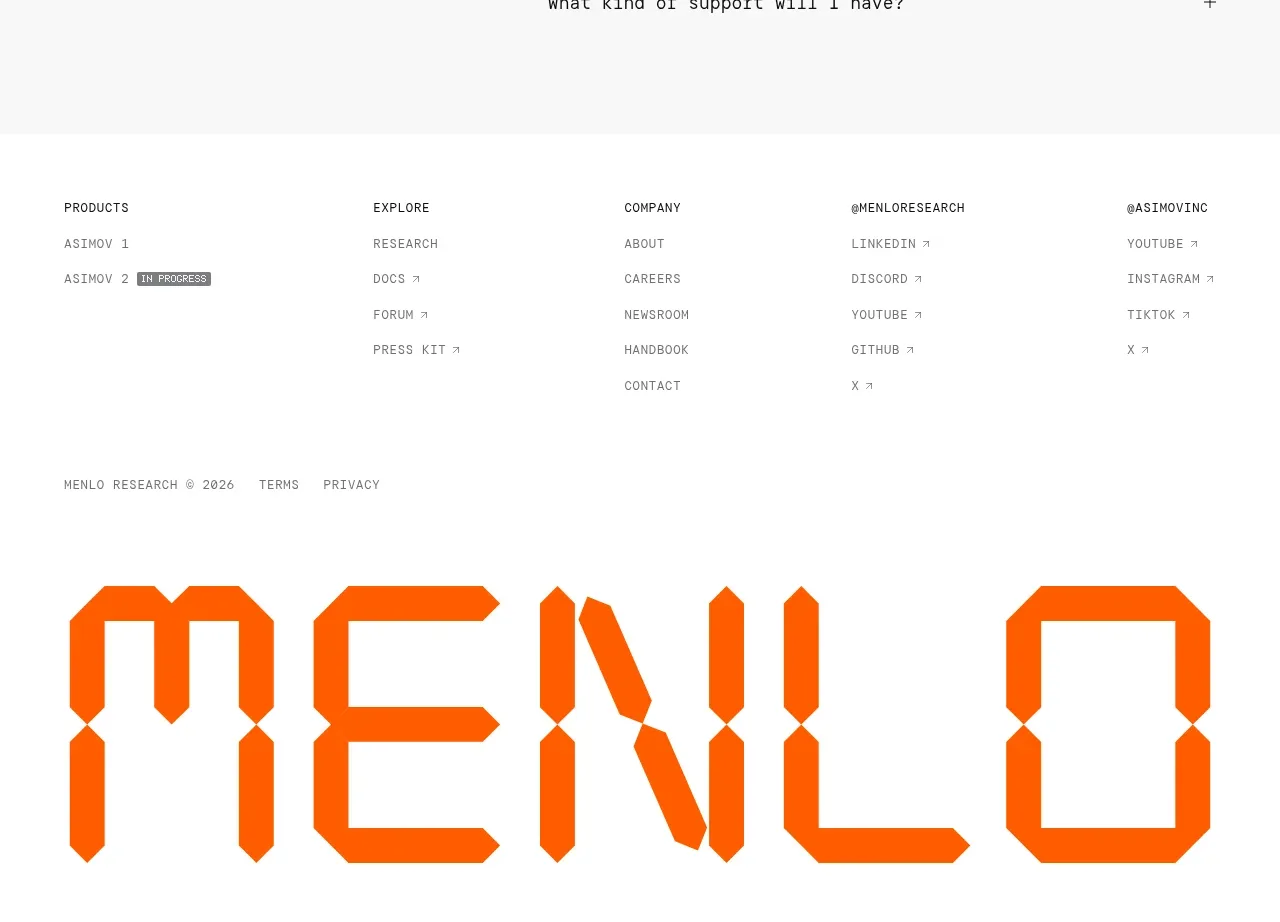
The footer organizes a large set of product, use-case, support, company, legal, and comparison links into columns, then ends with a brand line and social icons.
Prompt preview
## Reference images

Study these alongside the description below: hierarchy, rhythm, spacing, colour. Build for the product you are asked about, using this design language.

- Component: https://kage-design-assets.t3.tigrisfiles.io/components/inbox-zero/752b92b1-2db1-4db8-be4f-72f48a430ed6-1792389761-11.webp
- Full page it was cut from: https://kage-design-assets.t3.tigrisfiles.io/screenshots/inbox-zero/752b92b1-2db1-4db8-be4f-72f48a430ed6-1792389697138-full.webp
- Component on Kage: https://kage.design/component/inbox-zero-footer

## Before you start
Ask what the user's product and brand are, then apply the principles below to that product rather than reproducing this reference.

Create a spacious SaaS footer with a thin top divider. Use five columns of grouped links with small bold group headings and compact muted links, allowing one or two groups to contain a secondary subheading. Below the link area, add a larger brand wordmark on the left and a small row of monochrome social icons on the right. Use white background, #202020 headings, #777777 links, 13–14px text, 36–48px column gaps, 64px top padding, and generous bottom padding. Add hover underlines or color transitions and collapse columns into accessible accordions on narrow screens.

Never use the reference's logo, product name, copy, illustrations, or imagery.