 kage
kage
viso.ai

Design analysis
A restrained horizontal trust bar that pairs a compact credibility label with a single row of muted customer marks. Its low-contrast treatment supports the page without competing with the primary product messaging above it.
Prompt preview
## Reference images

Study these alongside the description below: hierarchy, rhythm, spacing, colour. Build for the product you are asked about, using this design language.

- Component: https://kage-design-assets.t3.tigrisfiles.io/components/viso-now/0aea1f2c-e643-44c4-ac70-db26df0b3931-1789106575-1.webp
- Full page it was cut from: https://kage-design-assets.t3.tigrisfiles.io/screenshots/viso-now/0aea1f2c-e643-44c4-ac70-db26df0b3931-1789106536289-full.webp
- Component on Kage: https://kage.design/component/viso-now-logo-cloud

## Before you start
Ask the user what their product is, who it is for, and what brand personality, colours, and typography they want to use. Then apply the principles below to create a version for their product—not a copy of the reference.

## Design this section
Create a horizontal customer-logo trust strip for a modern B2B software website. It should sit directly below a hero or product showcase and provide quiet social proof without becoming the visual focus.

### Layout and alignment
- Use a full-width, shallow section with a centered inner container, approximately 1120–1280px wide.
- On desktop, arrange a compact credibility label on the left and a single horizontal row of 4–6 customer logo placeholders on the right.
- Vertically center all content within the same row; do not make the label or logos feel like separate cards.
- Give the label a fixed but modest width, and distribute the logo marks evenly across the remaining space.
- On smaller screens, stack the label above the logos or allow the logos to wrap into two balanced rows. Preserve generous horizontal padding of roughly 24px.
- Keep the section height compact: approximately 96–132px on desktop, with responsive height determined by the stacked layout on mobile.

### Typography hierarchy
- Use a small uppercase or sentence-case eyebrow such as a credibility statement, set at 12–14px with a medium or semibold weight.
- If the label has two lines, use a restrained line height around 1.25–1.35 and avoid oversized marketing copy.
- Treat the logo marks as visual assets rather than text content; if placeholders are needed, use abstract wordmark-like shapes with no recognizable names.

### Colour
- Use a white or very pale neutral background, approximately #FFFFFF or #F8F9FA.
- Set the credibility label in a medium grey such as #777777 or #858585.
- Render logo placeholders in a soft grey, approximately #B8B9BB to #C7C8CA, with consistent muted contrast.
- Avoid colourful marks unless the user's brand system specifically requires them; this component works best when the logos recede behind the main page content.

### Borders and shape
- Add a very subtle 1px divider along the bottom, approximately #E5E5E5, and optionally a matching top divider if the section needs separation.
- Keep the background flat; do not use cards, shadows, gradients, or elevated containers.
- Preserve the natural silhouette of each logo placeholder. If using generic placeholders, vary their proportions slightly while keeping their visual weight balanced.

### Interaction and accessibility
- If the logos link to customer stories or company pages, make each mark a clear keyboard-focusable link with an accessible label.
- Use a gentle opacity or colour transition on hover, but avoid dramatic movement or scaling.
- If the logos are decorative and non-interactive, mark them as decorative and provide the trust statement as meaningful text.
- Ensure sufficient contrast for the label and focus indicators, even though the logos themselves are intentionally subdued.

## Never
- Never copy the reference's logos, product names, customer names, or exact copy.
- Never use the Viso Now or Viso brand, or any recognizable logo from the reference.
- Never include illustrations, photography, or decorative imagery in this section.
- Never turn the trust strip into a large promotional hero, a carousel, or a set of individual logo cards.
- Never rely on low-contrast text for essential information or remove keyboard focus states.
More components
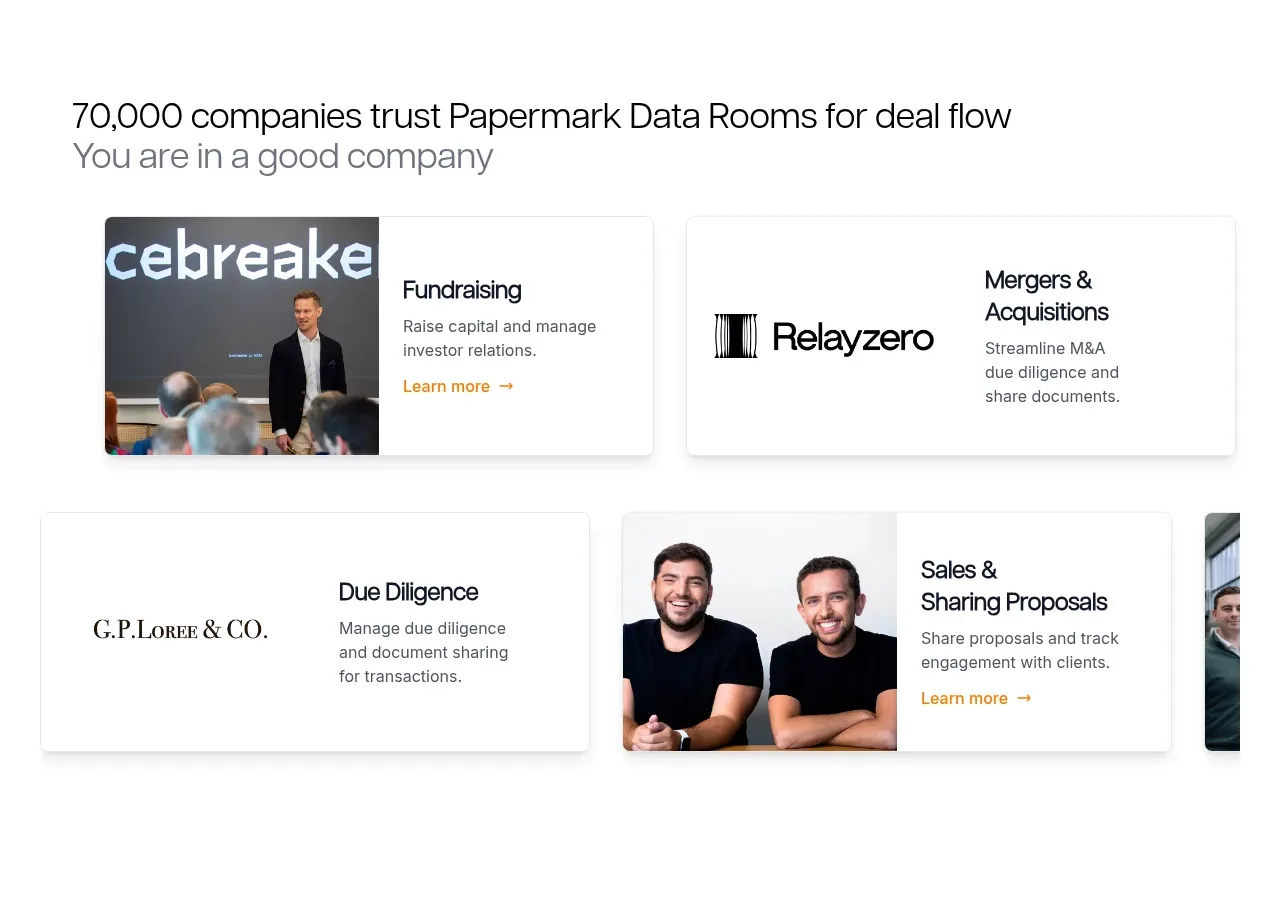
 Customer proof and use-case cards
Papermark Data Rooms · Logo cloud
Customer proof and use-case cards
Papermark Data Rooms · Logo cloud
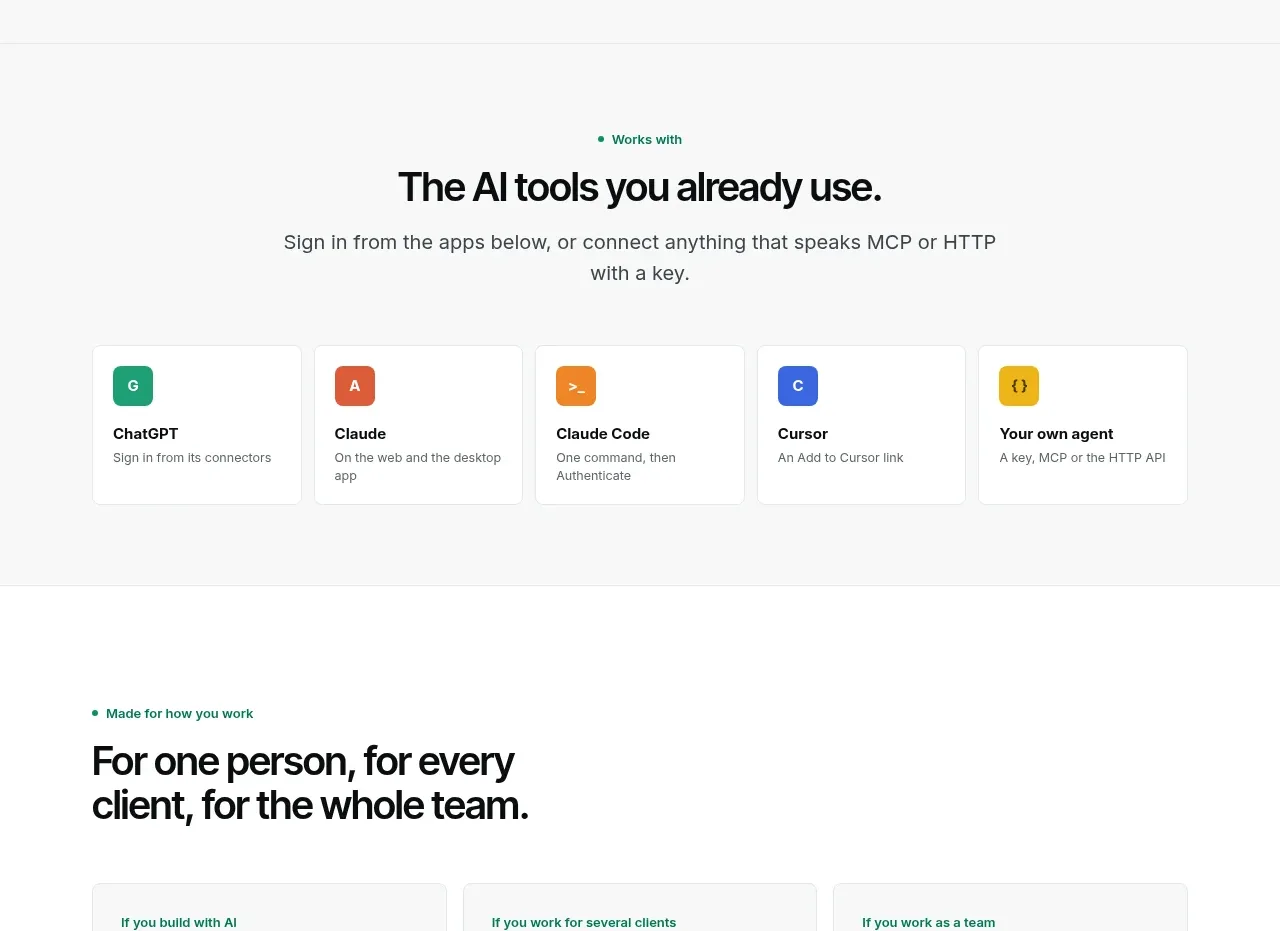
 Compatible tools grid
Context Engine · Logo cloud
Compatible tools grid
Context Engine · Logo cloud

M
AI model compatibility strip
MOVO AI · Logo cloud

 Customer logo strip
Inflight · Logo cloud
Customer logo strip
Inflight · Logo cloud
 Customer logo strip
Krea 3 · Logo cloud
Customer logo strip
Krea 3 · Logo cloud

 Trusted by professional teams
Inbox Zero · Logo cloud
Trusted by professional teams
Inbox Zero · Logo cloud