kage
kage
aibridge.sh
Design analysis
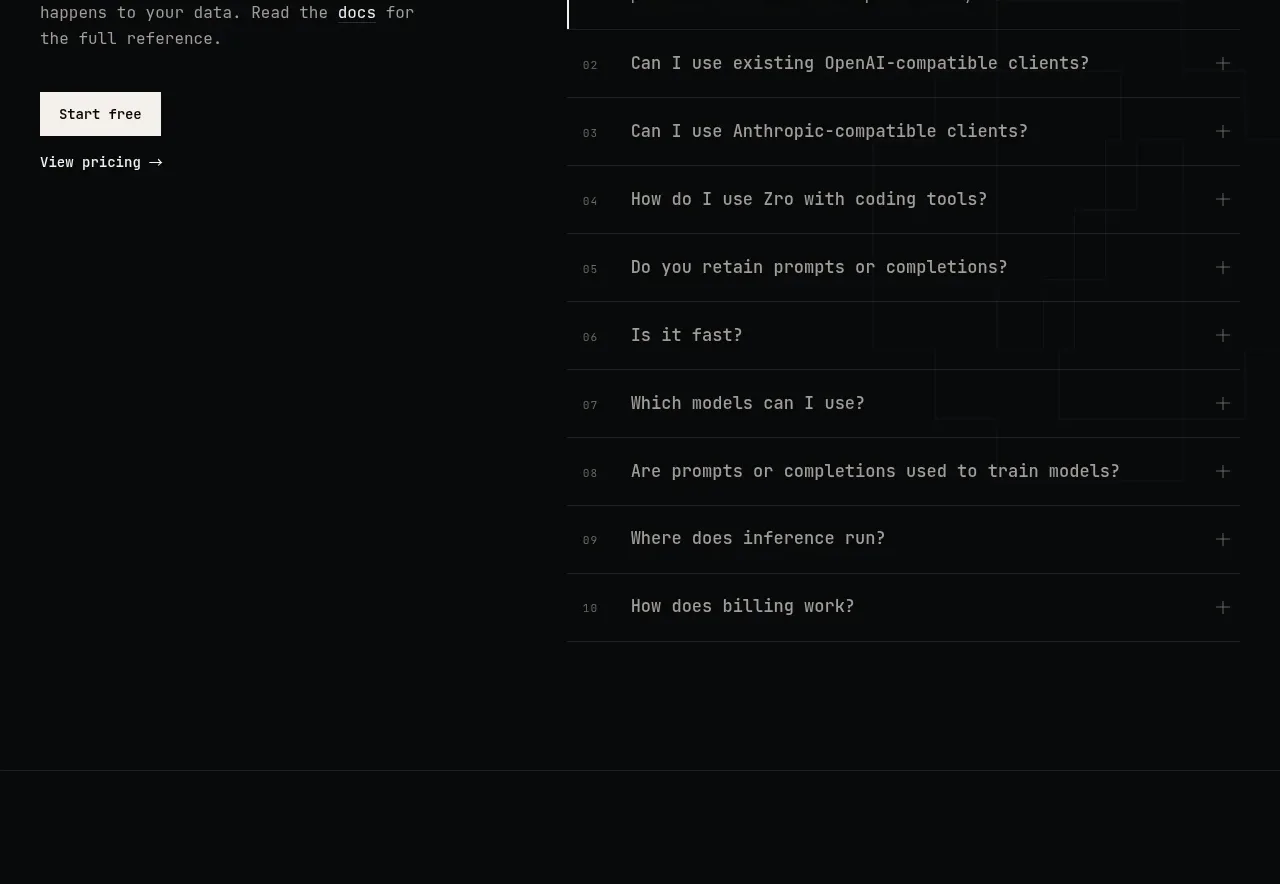
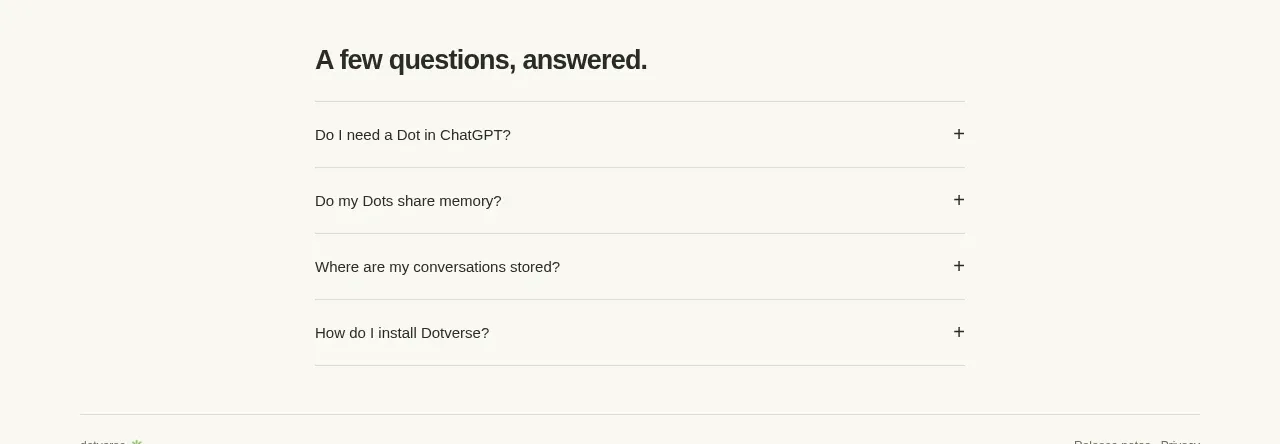
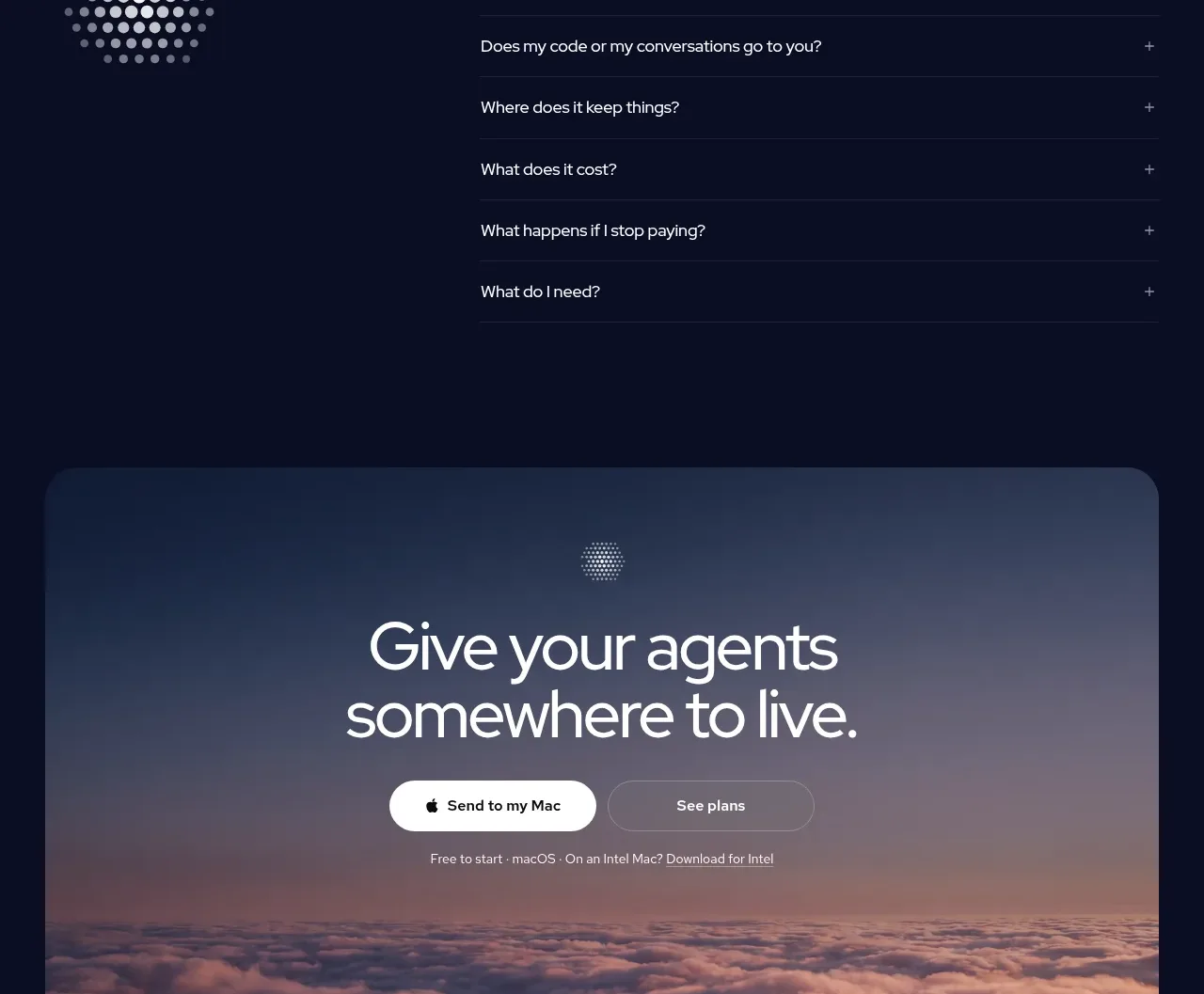
The FAQ uses a large section title and contact reassurance on the left, while a clean stack of bordered question rows occupies the right.
Prompt preview
## Reference images

Study these alongside the description below: hierarchy, rhythm, spacing, colour. Build for the product you are asked about, using this design language.

- Component: https://kage-design-assets.t3.tigrisfiles.io/components/ai-bridge/b251bcbf-eae9-4af6-9324-2c0c35690cf2-1793080971-6.webp
- Full page it was cut from: https://kage-design-assets.t3.tigrisfiles.io/screenshots/ai-bridge/b251bcbf-eae9-4af6-9324-2c0c35690cf2-1793080894182-full.webp
- Component on Kage: https://kage.design/component/ai-bridge-faq

## Before you start
Ask what the user's product, audience, and brand are, then apply these principles to that product rather than reproducing the reference.

Build a two-column FAQ section on `#080D22`. The left column should contain a large 40px heading, a small support/contact line, and an abstract dotted decorative mark made from CSS or simple circles. The right column should contain 7–9 accordion rows, each spanning the column with a top or bottom divider (`#1B2340`), a 14px question, and a plus/minus control aligned to the far right in muted gray. Give each row 48–56px of vertical space and animate expansion with a short height/opacity transition. Keep the layout spacious and editorial; on mobile, stack the intro above the questions and preserve accessible keyboard focus states.

Never use the reference's logo, product name, copy, illustrations, imagery, or exact questions.