kage
kage
bytemailapp.com
Design analysis
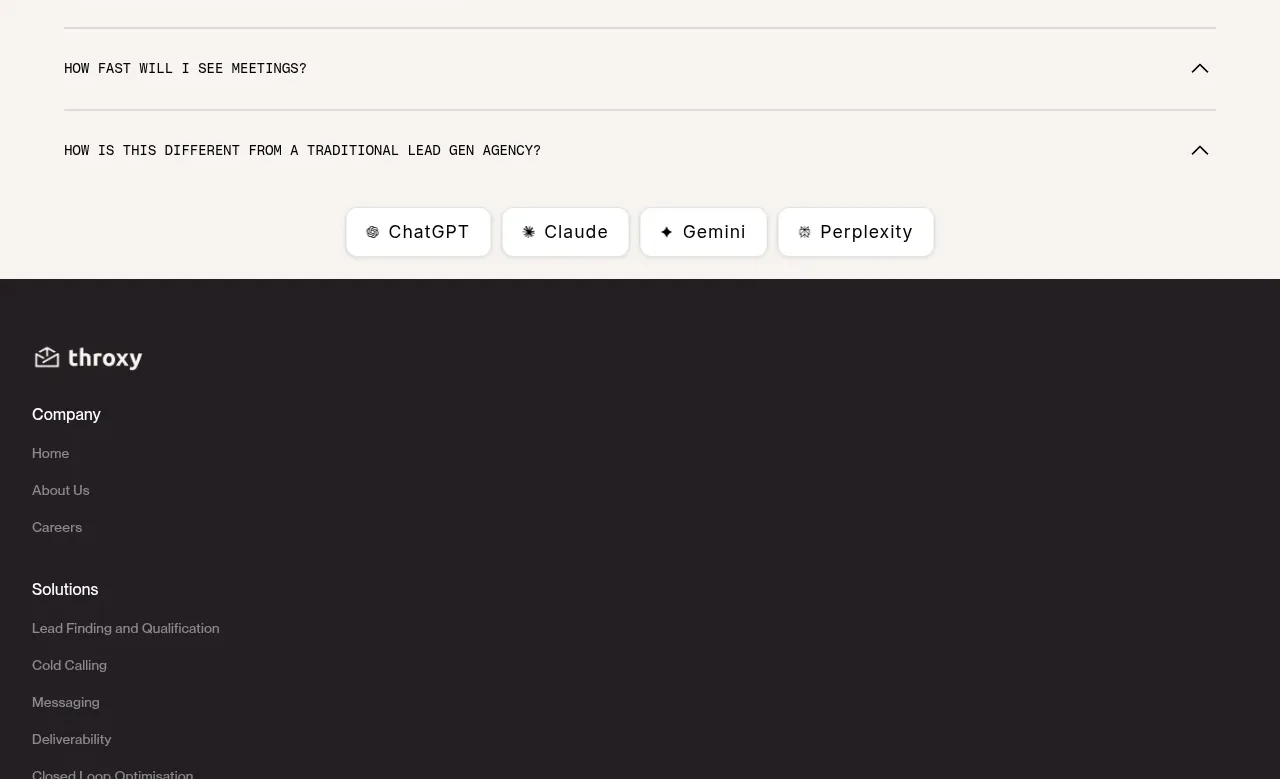
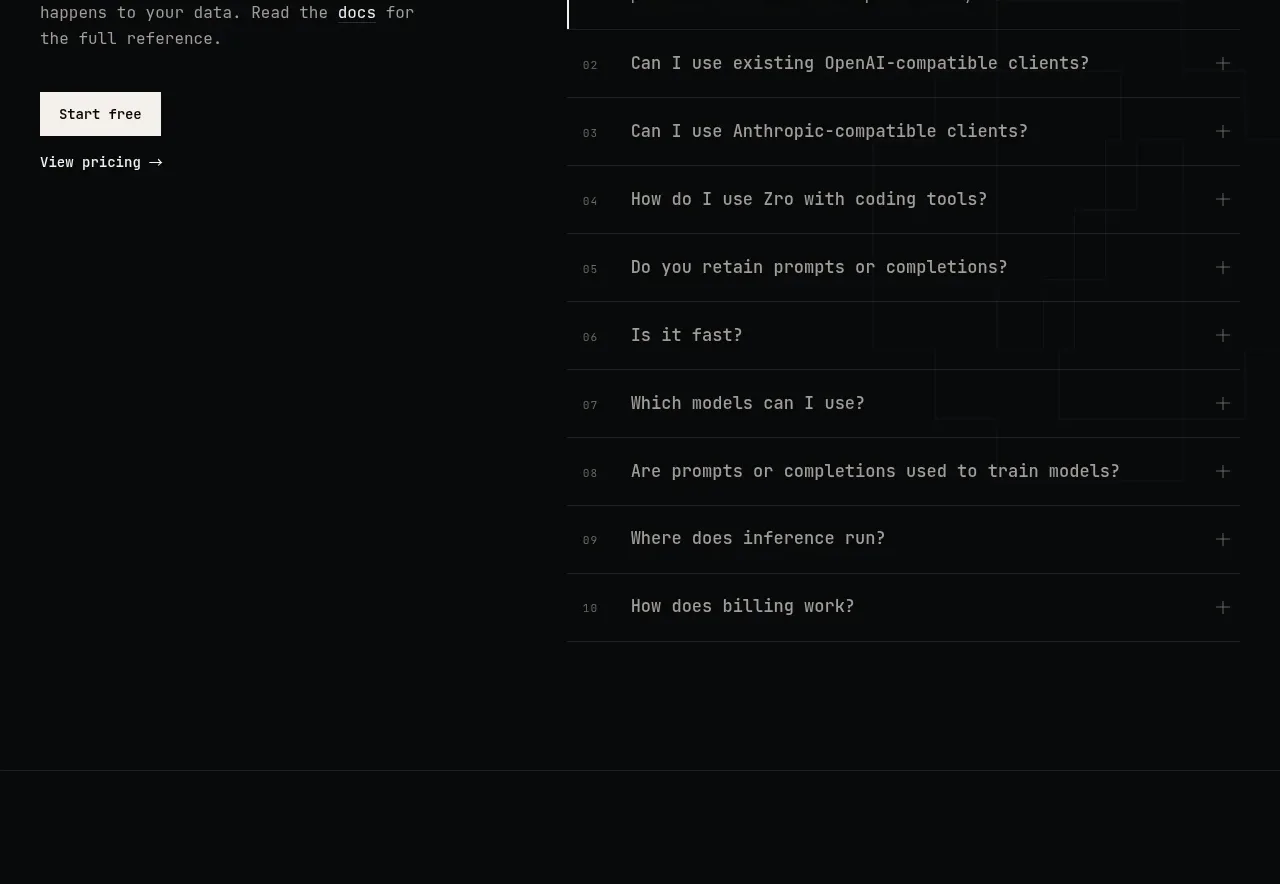
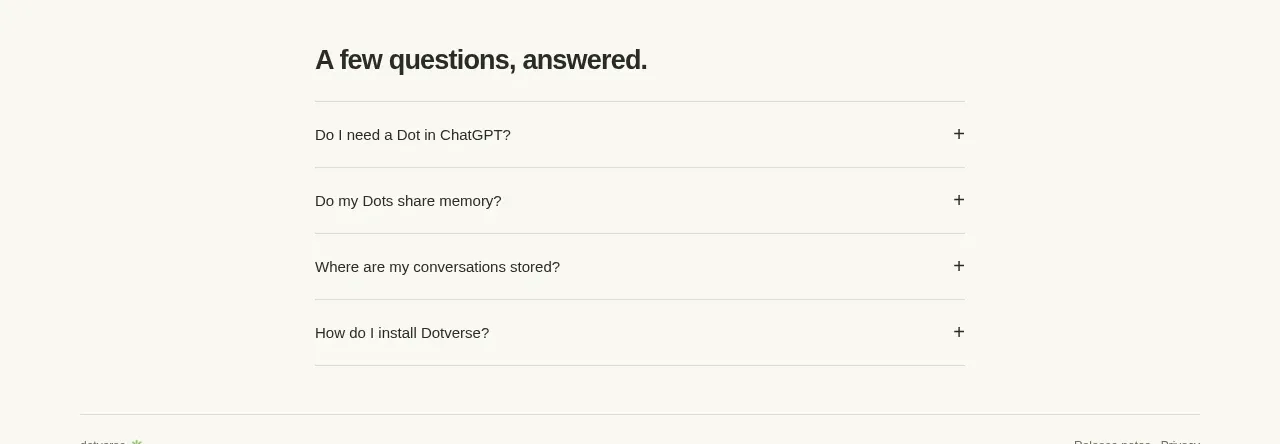
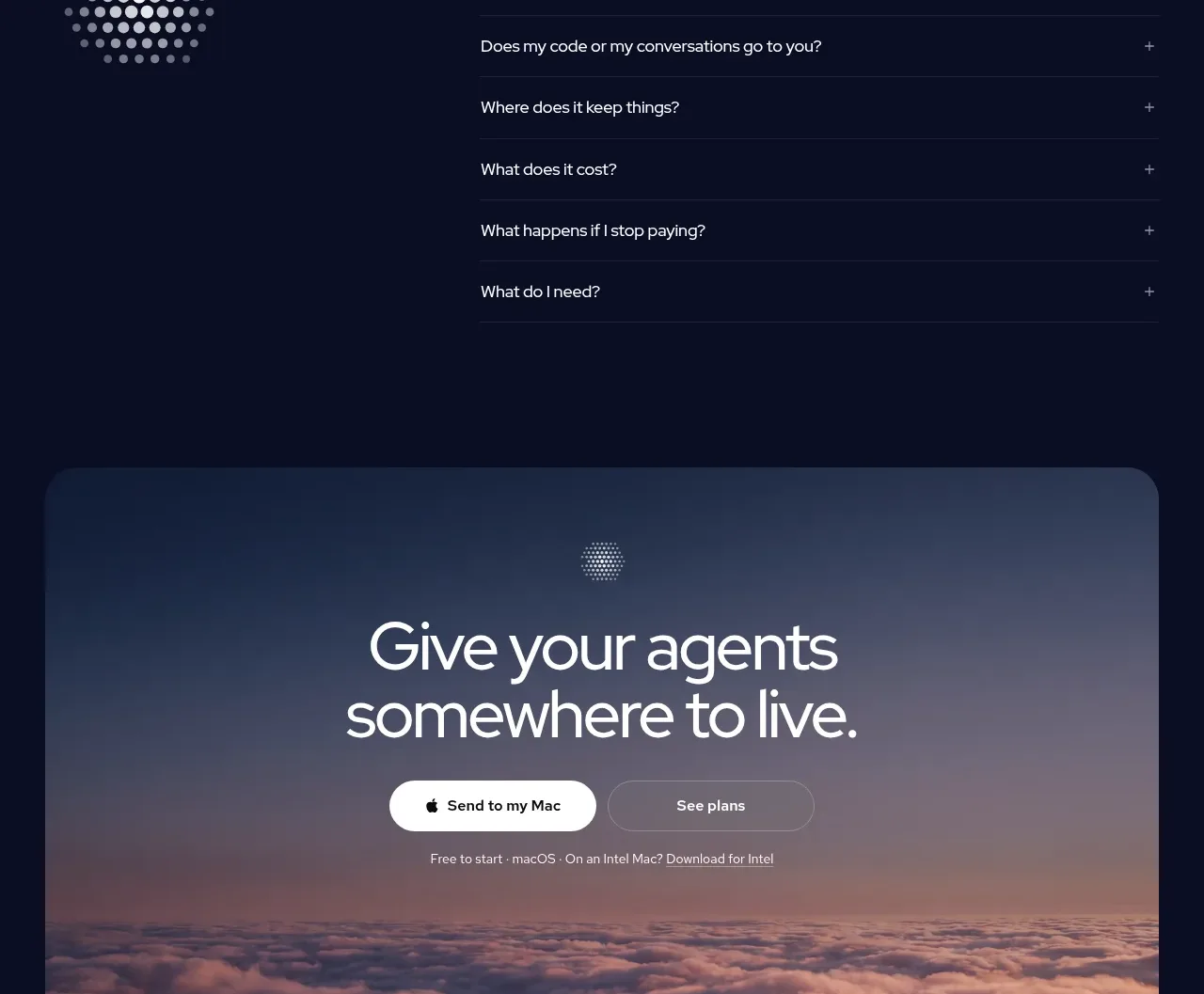
A simple accordion FAQ answers adoption questions with generous row spacing, then transitions into a compact community invitation. The section reduces hesitation while offering a human support path.
Prompt preview
## Reference images

Study these alongside the description below: hierarchy, rhythm, spacing, colour. Build for the product you are asked about, using this design language.

- Component: https://kage-design-assets.t3.tigrisfiles.io/components/bytemail/045a2cef-1fc1-40ba-865c-126b992dab68-1793253737-10.webp
- Full page it was cut from: https://kage-design-assets.t3.tigrisfiles.io/screenshots/bytemail/045a2cef-1fc1-40ba-865c-126b992dab68-1793253665308-full.webp
- Component on Kage: https://kage.design/component/bytemail-faq

## Before you start
Ask what objections, compatibility questions, and support needs users have for the user's product. Apply the principles below to that product.

Create an FAQ section with an eyebrow, a direct heading, and a vertical accordion list. Each row should have a question, a clear disclosure affordance, a generous hit area, and a visible focus/expanded state. Use white rows on #fbfbf8, 1px #e8ebe8 borders, 10–14px radius, 16px horizontal padding, and 14–16px text. Below it, add a compact community CTA with a short invitation and one filled button. Keep the tone helpful and specific; do not hide essential purchase information inside collapsed answers.

Never use logos, product names, copy, illustrations, or imagery from the reference.