kage
kage
parthjadhav.com
Design analysis
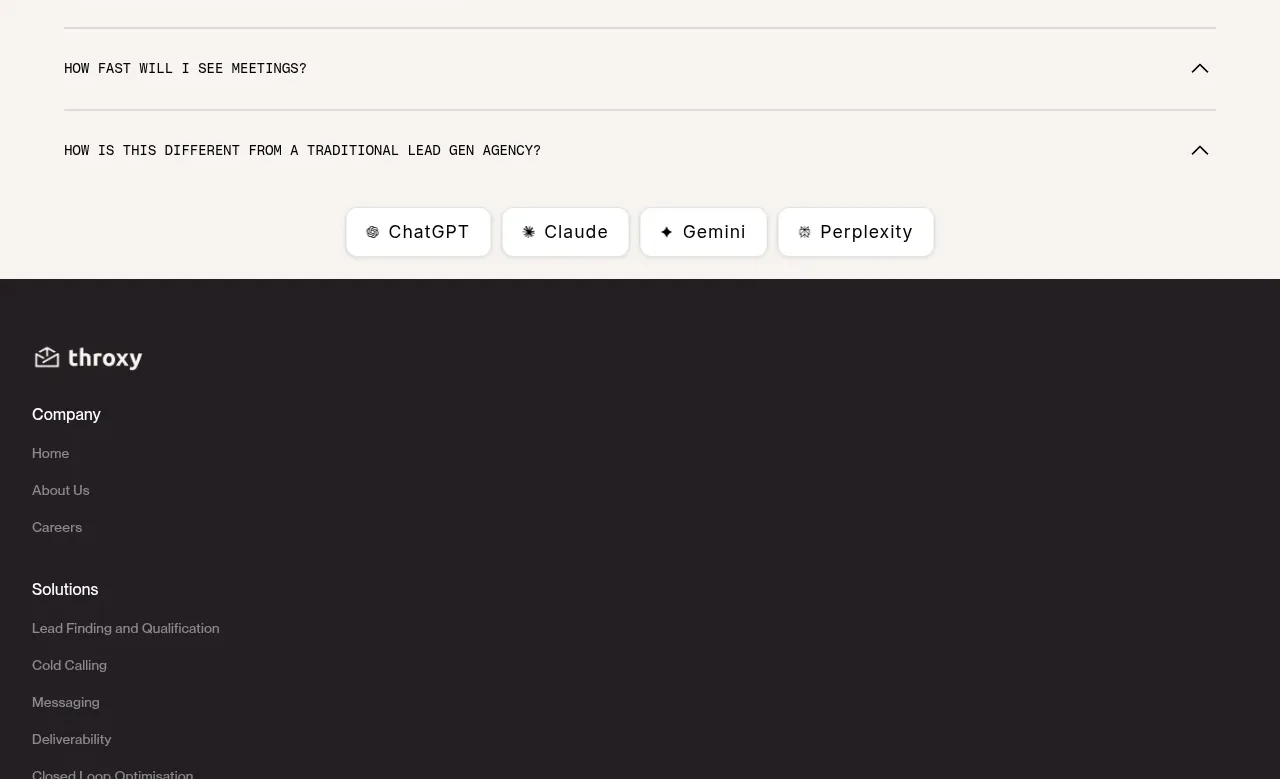
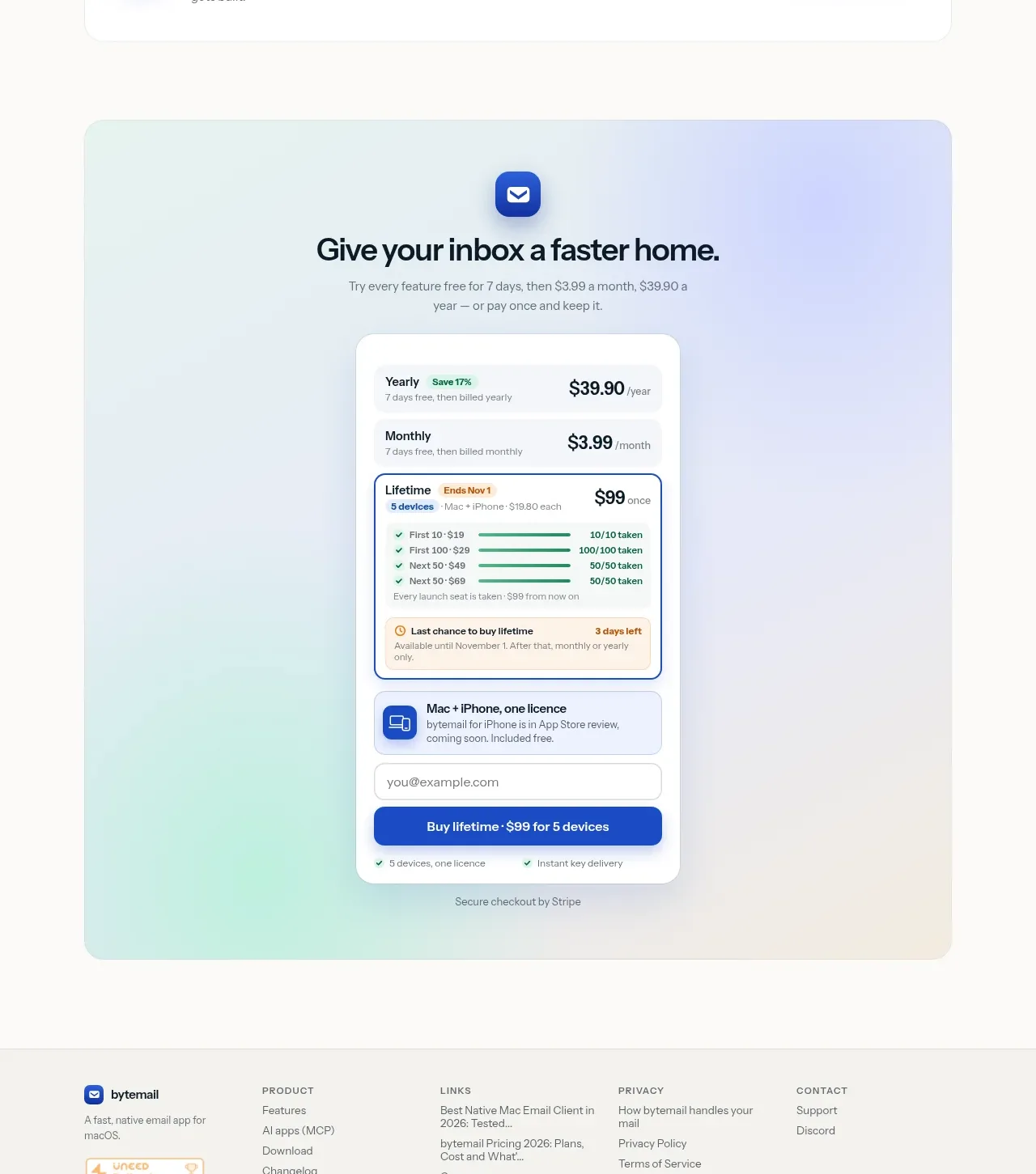
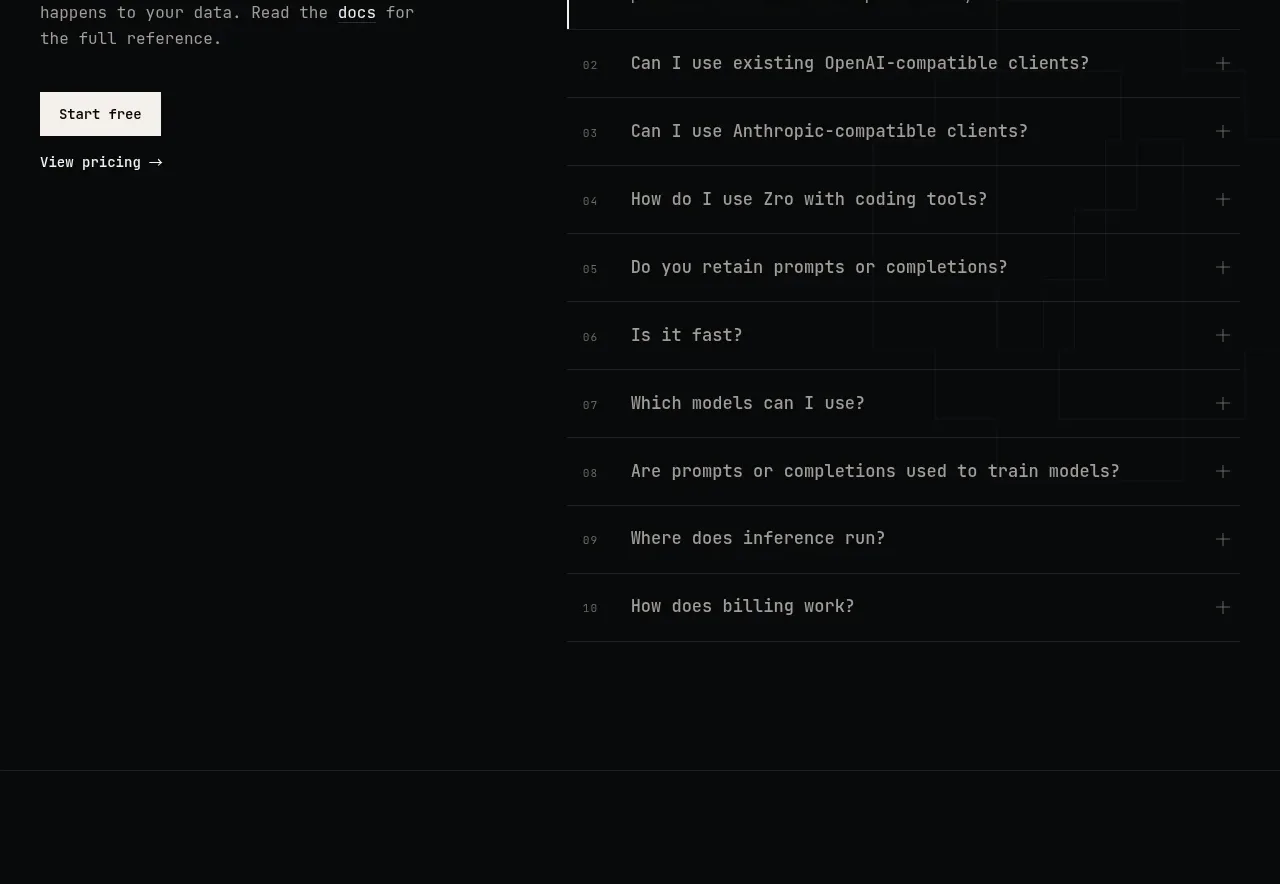
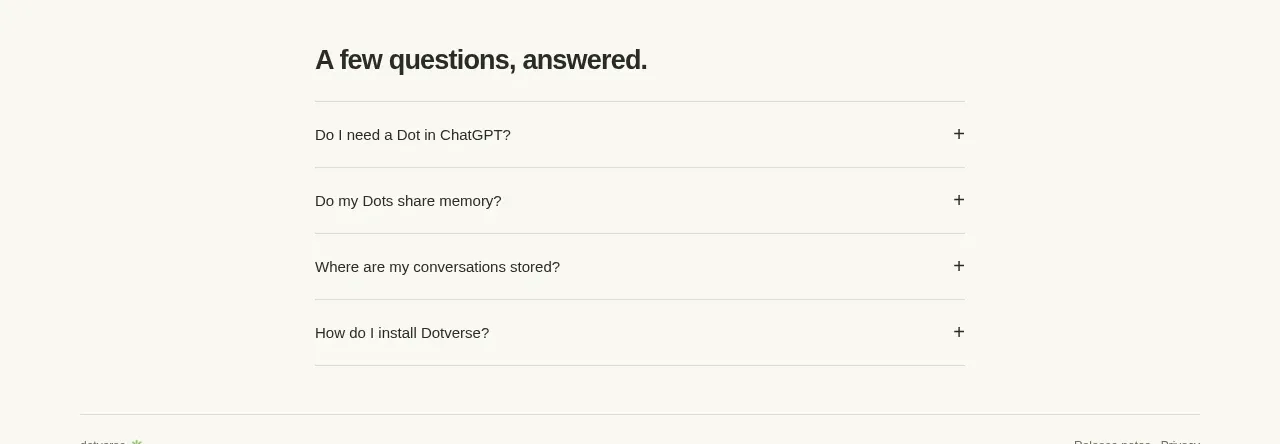
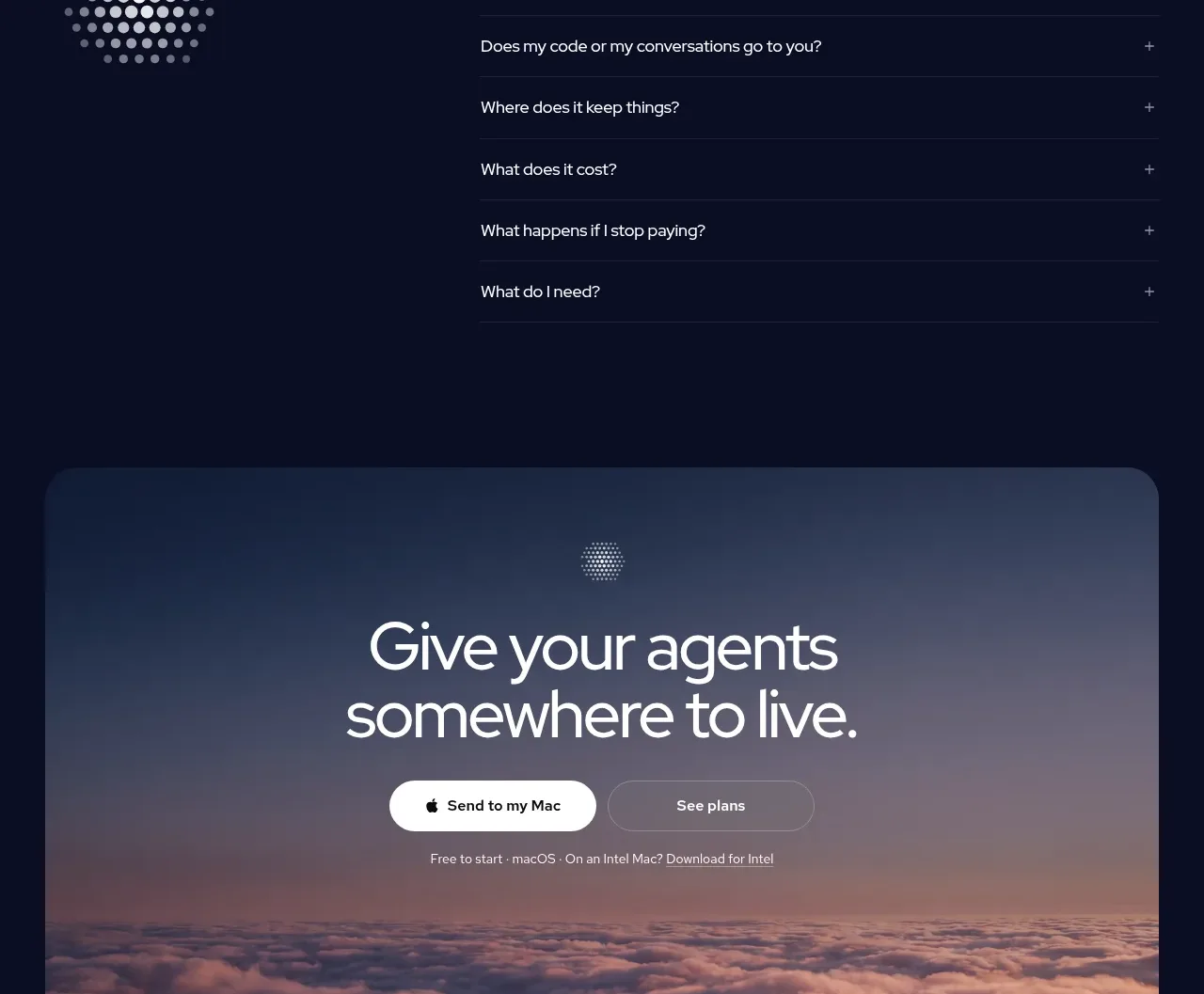
The FAQ uses a strong left-side heading and intro beside a clean stack of expandable questions, giving support content a highly scannable structure.
Prompt preview
## Reference images

Study these alongside the description below: hierarchy, rhythm, spacing, colour. Build for the product you are asked about, using this design language.

- Component: https://kage-design-assets.t3.tigrisfiles.io/components/app-store-screenshots/ebba8a13-8dd3-48a7-9b23-a1c0db4171af-1793253672-6.webp
- Full page it was cut from: https://kage-design-assets.t3.tigrisfiles.io/screenshots/app-store-screenshots/ebba8a13-8dd3-48a7-9b23-a1c0db4171af-1793253637144-full.webp
- Component on Kage: https://kage.design/component/app-store-screenshots-faq

## Before you start
Ask what the user's product, customer concerns, support tone, and most important questions are, then apply these principles to that product.

Build a two-column FAQ section with a bold heading and short supporting line on the left and a vertical accordion list on the right. Separate rows with thin #e5e5e7 rules, keep question text around 14–16px, and place a simple plus/minus control at the far right. Use generous row height and ample whitespace; when expanded, reveal answers with a subtle height transition without shifting focus unexpectedly. Use black headings, dark gray questions, muted gray supporting text, and an accent color only for links or focus rings. Stack the columns on mobile.

Never:
- use logos, product names, copy, illustrations, or imagery from the reference
- include irrelevant questions or fake testimonials
- make accordion controls too small or inaccessible