kage
kage
dotverse.app
Design analysis
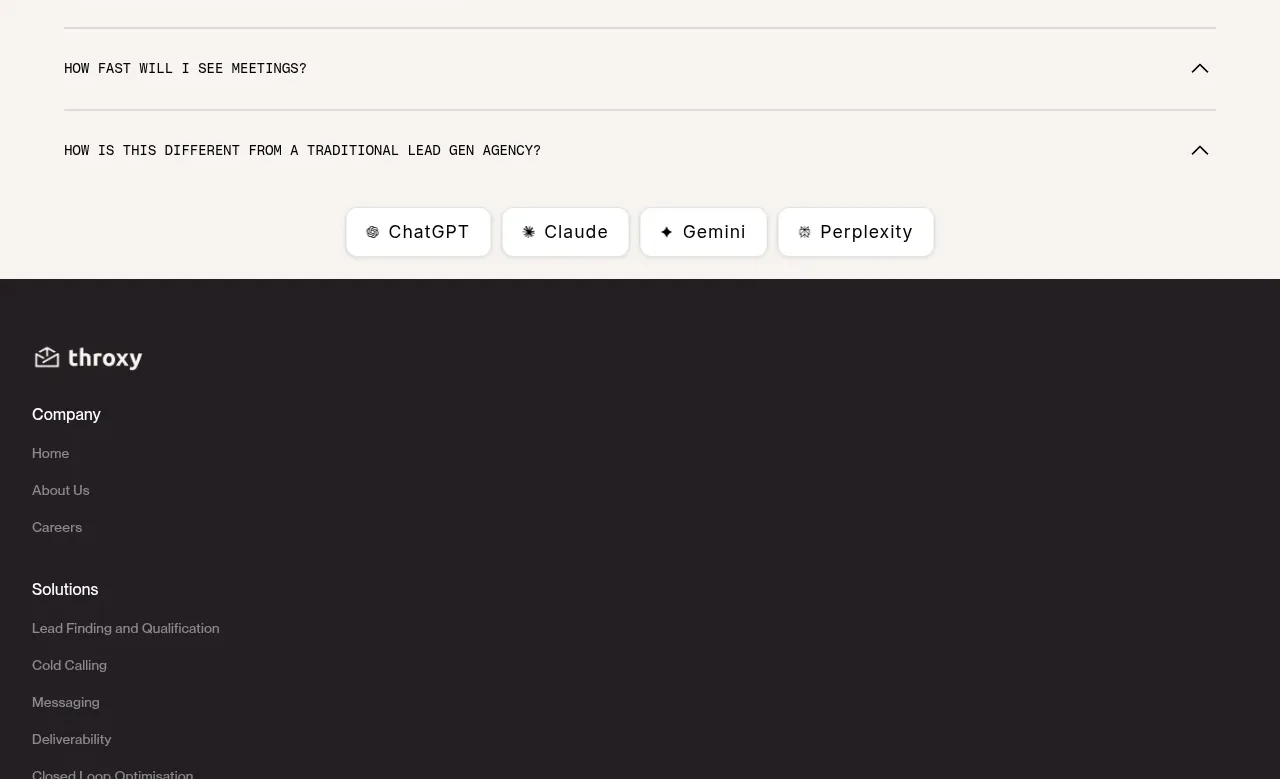
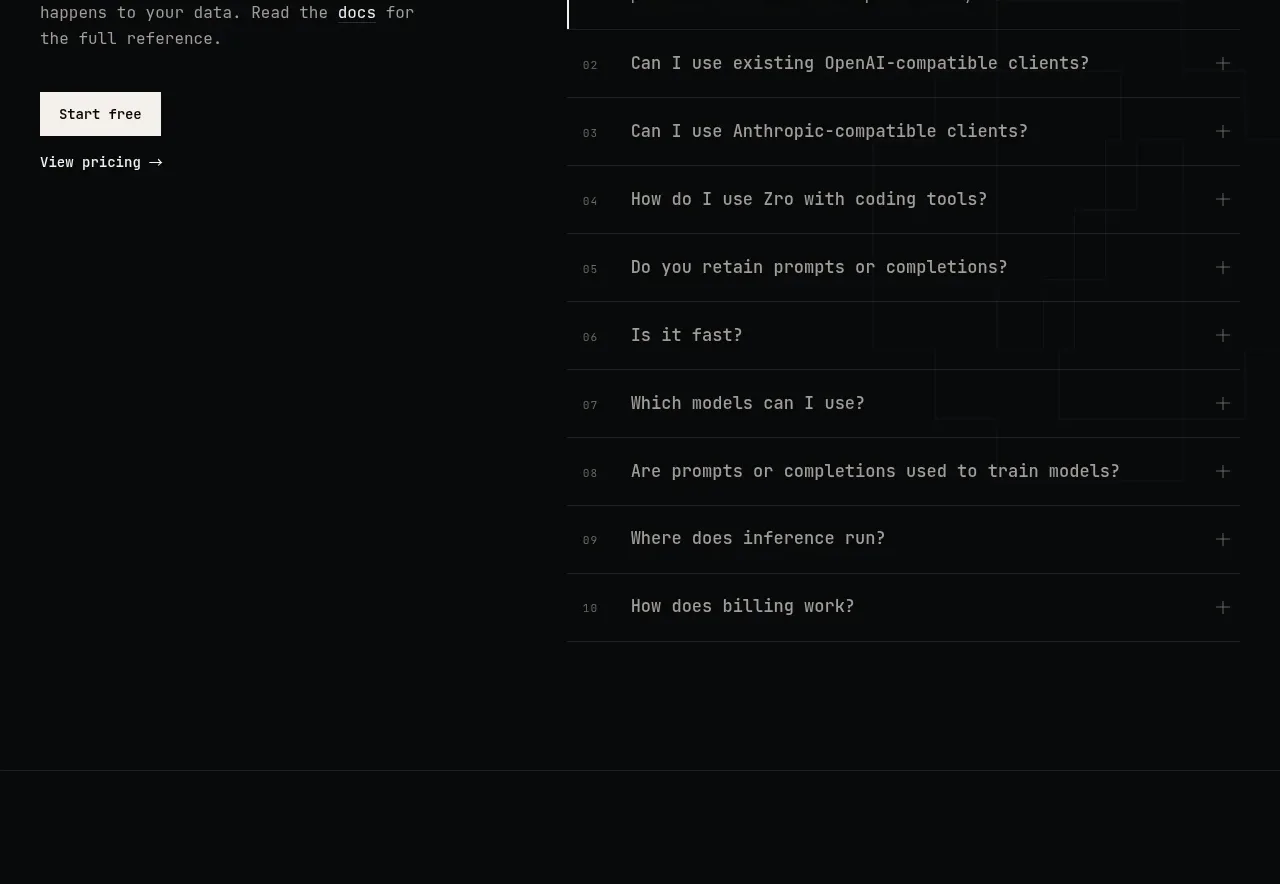
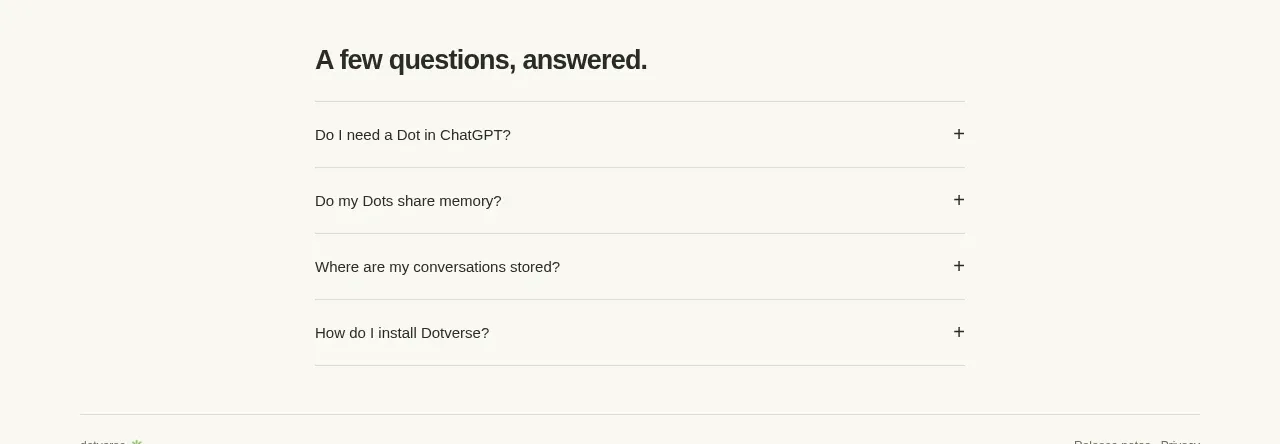
The FAQ uses a narrow centered column, a bold heading, and four clean rows with questions on the left and plus affordances on the right. Fine rules separate items and make the interaction obvious.
Prompt preview
## Reference images

Study these alongside the description below: hierarchy, rhythm, spacing, colour. Build for the product you are asked about, using this design language.

- Component: https://kage-design-assets.t3.tigrisfiles.io/components/dotverse/da38b075-ca59-4d6c-be00-140ffcca760c-1793253652-4.webp
- Full page it was cut from: https://kage-design-assets.t3.tigrisfiles.io/screenshots/dotverse/da38b075-ca59-4d6c-be00-140ffcca760c-1793253624916-full.webp
- Component on Kage: https://kage.design/component/dotverse-faq

## Before you start
Ask the user which customer objections and support questions should be answered, and what their brand tone is. Build an original FAQ around those answers.

Create a FAQ section on a warm off-white background `#f8f7f2`, using a centered narrow column around 455–500px wide. Start with a bold heading around 21–25px in near-black `#292824`, then render four accordion rows. Each row should have a concise question on the left, a plus icon on the right, and 16–20px vertical padding. Separate rows with thin rules in `#dedcd3`; use 12–14px regular sans-serif text and a clear hover state such as a slightly darker text color or softly tinted background. If opened, reveal the answer below the question with muted 13–14px text and animate the plus into a minus, while preserving layout stability. Keep the section simple and highly scannable.

Never: use logos, product names, copy, illustrations, or imagery from the reference.