kage
kage
aibridge.sh

Design analysis
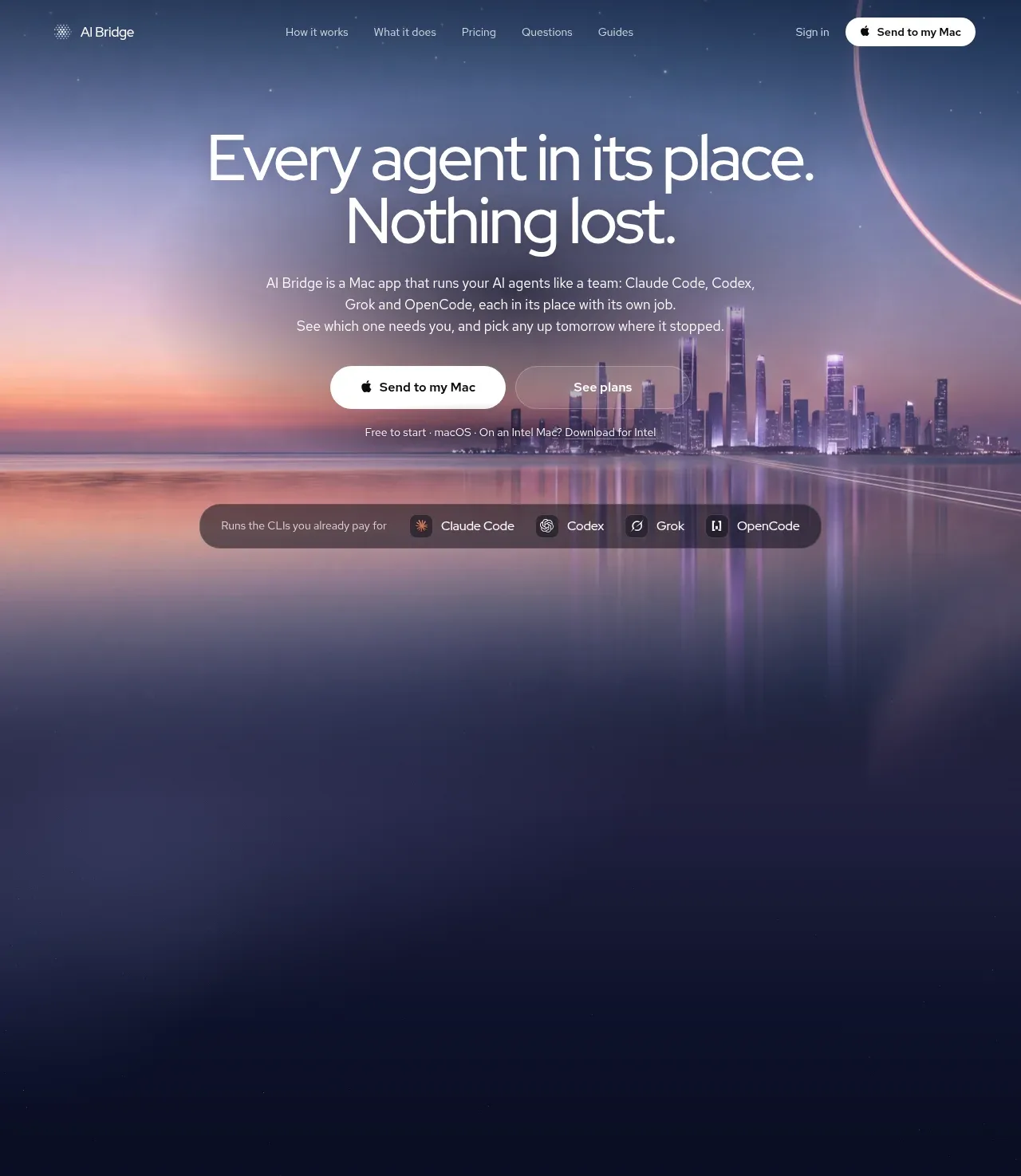
A long-form dark landing page uses a deep navy canvas and a cinematic blue-purple sunset hero to establish atmosphere, then shifts into sparse explanatory sections with large two-tone headlines and compact supporting copy. The rhythm develops from an expansive hero and generous vertical gaps into denser product diagrams, three feature cards, a two-column trust section, pricing cards, FAQ rows, and a rounded closing CTA; thin borders, translucent surfaces, restrained radii, and soft glows keep the interface cohesive.
Prompt preview
## Reference images

Study these alongside the description below: hierarchy, rhythm, spacing, colour. Build for the product you are asked about, using this design language.

- Full page: https://kage-design-assets.t3.tigrisfiles.io/screenshots/ai-bridge/b251bcbf-eae9-4af6-9324-2c0c35690cf2-1793080894182-full.webp
- Above the fold: https://kage-design-assets.t3.tigrisfiles.io/screenshots/ai-bridge/b251bcbf-eae9-4af6-9324-2c0c35690cf2-1793080890649.webp
- Design on Kage: https://kage.design/designs/ai-bridge-landing-page

## Before you start
Ask the user what they are building, who it is for, and what brand assets they already have (name, colours, type). Wait for their answers before designing. Apply everything below to their product, using original content and assets rather than copying the reference.

## Page structure
1. **Top navigation:** Place a small brand mark and name at left, centered text links for the main sections, and a sign-in link plus bright primary CTA at right over the hero.
2. **Hero:** Use a full-width cinematic visual background with a dark navy-to-blue-purple treatment, oversized centered two-line headline, short centered explanation, paired primary and secondary CTAs, and a small compatibility note below.
3. **Supported-tools strip:** Add a centered, pill-shaped translucent bar beneath the hero content that briefly explains compatibility and displays several tool/product categories with compact circular marks.
4. **Intro spacing transition:** Preserve a very large dark vertical interval after the hero so the page moves from atmospheric acquisition messaging into product explanation.
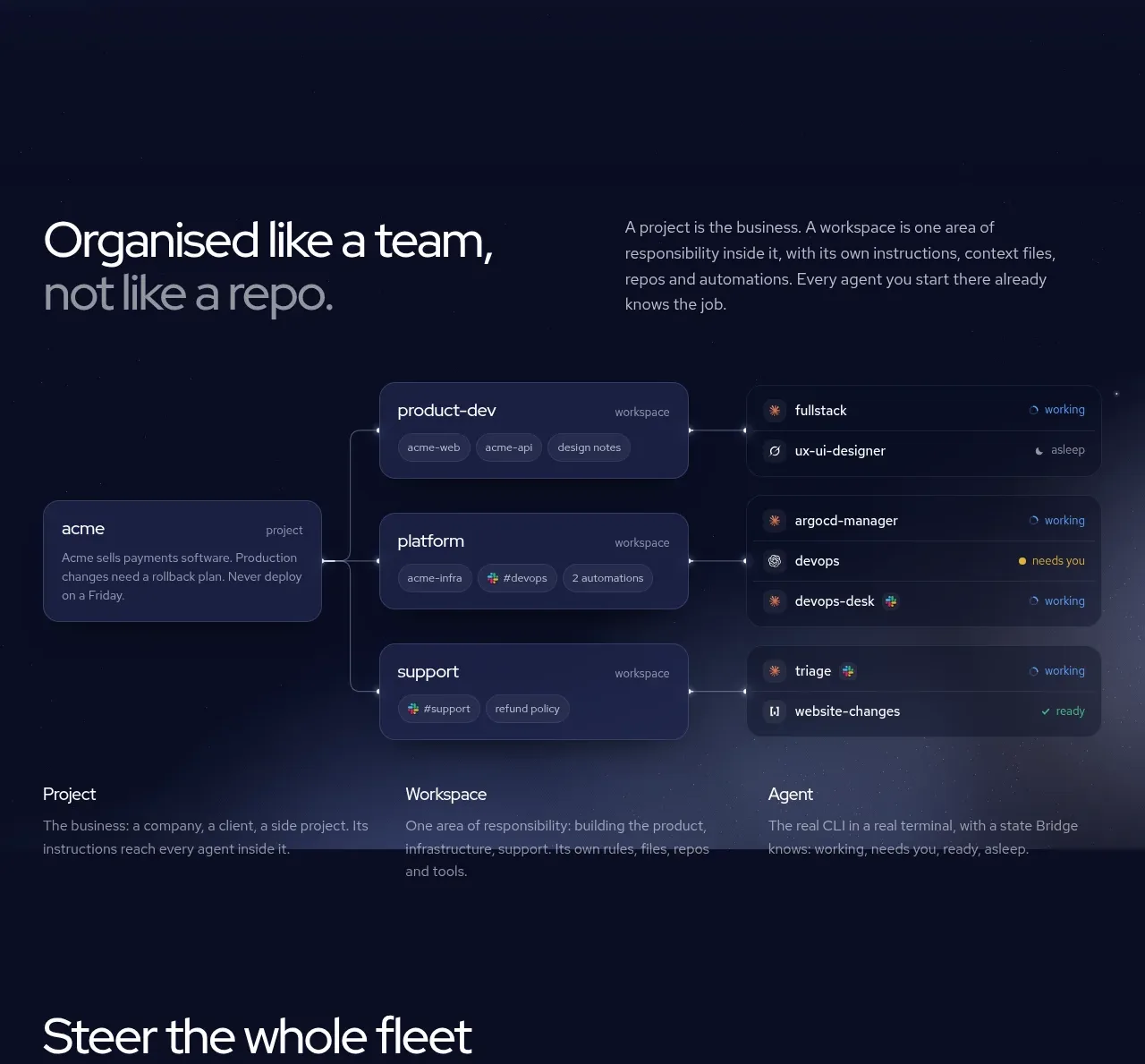
5. **Team/workspace explanation:** Use a two-column heading-and-copy row, followed by a wide branching product diagram showing a parent project connected to workspaces and agent rows. Finish with three evenly spaced definitions explaining the hierarchy.
6. **Centralized-control section:** Introduce another large left-aligned two-line heading, then show three equal feature cards in a row. Each card combines a dark framed product screenshot, a feature title, body copy, and a small text link.
7. **No-lock-in section:** Use a two-column layout with a large heading and explanatory copy on the left, including separated bold assurance statements, and a dark terminal/file-tree panel on the right.
8. **Pricing intro:** Center a short heading, explanatory paragraph, and monthly/yearly segmented toggle with a small savings badge.
9. **Pricing cards:** Present three equal-height cards for free, professional, and team tiers. Give each price a strong typographic treatment, include a full-width CTA, divider, and concise checkmarked feature list; visually emphasize the middle card with a cool gradient glow.
10. **Pricing footnote:** Add small centered billing and tax clarification beneath the cards.
11. **FAQ section:** Set a large “questions” heading and contact note on the left with a dotted circular decorative motif, and a vertically stacked accordion list on the right using thin separators and plus controls.
12. **Closing CTA panel:** Place a large rounded rectangular panel with a soft sunset/cloud image or gradient, centered decorative mark, headline, paired CTAs, and small compatibility note.
13. **Footer:** Add a thin top rule, grouped guide/resource links, then a compact legal row with brand mark, copyright, utility links, social icons, contact, and a final disclaimer.

## Design language
- Use a very dark navy base around `#080d25` or `#090d20`, with near-white text around `#f5f5f7` and muted lavender-gray copy around `#9da1b8`.
- Establish hierarchy with large, lightweight geometric sans headlines: roughly 56–72px in the hero, 42–56px for section titles, and 14–16px for body copy. Use two-tone headings by making the second line or phrase muted gray-purple.
- Let rhythm change down the page: begin with an expansive, image-led hero and generous empty space, then increase density through diagrams, feature cards, pricing, and FAQ rows before opening back up for the closing CTA.
- Use cool blue, indigo, violet, and pale pink sunset gradients sparingly, mainly in the hero, highlighted pricing card, and final CTA. Keep most content on flat navy rather than applying gradients everywhere.
- Treat screenshots and diagrams as product UI: use translucent indigo panels, subtle inner highlights, faint blue borders, tiny labels, chips, status dots, and compact monospace-like data where appropriate.
- Keep borders thin and low contrast, approximately `rgba(170,180,230,.14)`. Use medium corner radii around 14–20px for cards and about 28px for major panels; avoid heavy shadows, using soft blue-violet glows only to separate elevated surfaces.
- Use white pill buttons for primary actions with dark text, and transparent or lightly outlined pills for secondary actions. Keep button labels short and include small platform symbols only when relevant to the user's product.
- Align major content to a wide centered container, approximately 1100–1240px, with consistent horizontal gutters. Use three-column grids for feature and pricing cards and two-column grids for explanatory sections.
- Make interaction understated: accordion rows reveal content with a plus-to-minus transition, pricing toggles update the displayed billing period, and cards or CTA buttons may use slight brightness or lift on hover without exaggerated animation.
- Build the decorative identity from small dot fields and subtle atmospheric imagery rather than large illustrations; keep the page feeling calm, technical, and spacious.

## Never
- Do not use the reference product's logos, wordmarks, product name, copy, illustrations, photography, screenshots, UI labels, or icon sets.
- Do not reproduce AI Bridge's exact sunset skyline, cloud image, diagrams, pricing text, FAQ questions, or branded tool marks.
- Do not present the result as AI Bridge or imply an affiliation; create an original page for the user's product using the same structural and visual principles only.
Components from this page
All components
 Floating dark navigation bar
AI Bridge · Navigation
Floating dark navigation bar
AI Bridge · Navigation
 Atmospheric agent orchestration hero
AI Bridge · Hero
Atmospheric agent orchestration hero
AI Bridge · Hero
 Project, workspace, and agent system
AI Bridge · Feature grid
Project, workspace, and agent system
AI Bridge · Feature grid
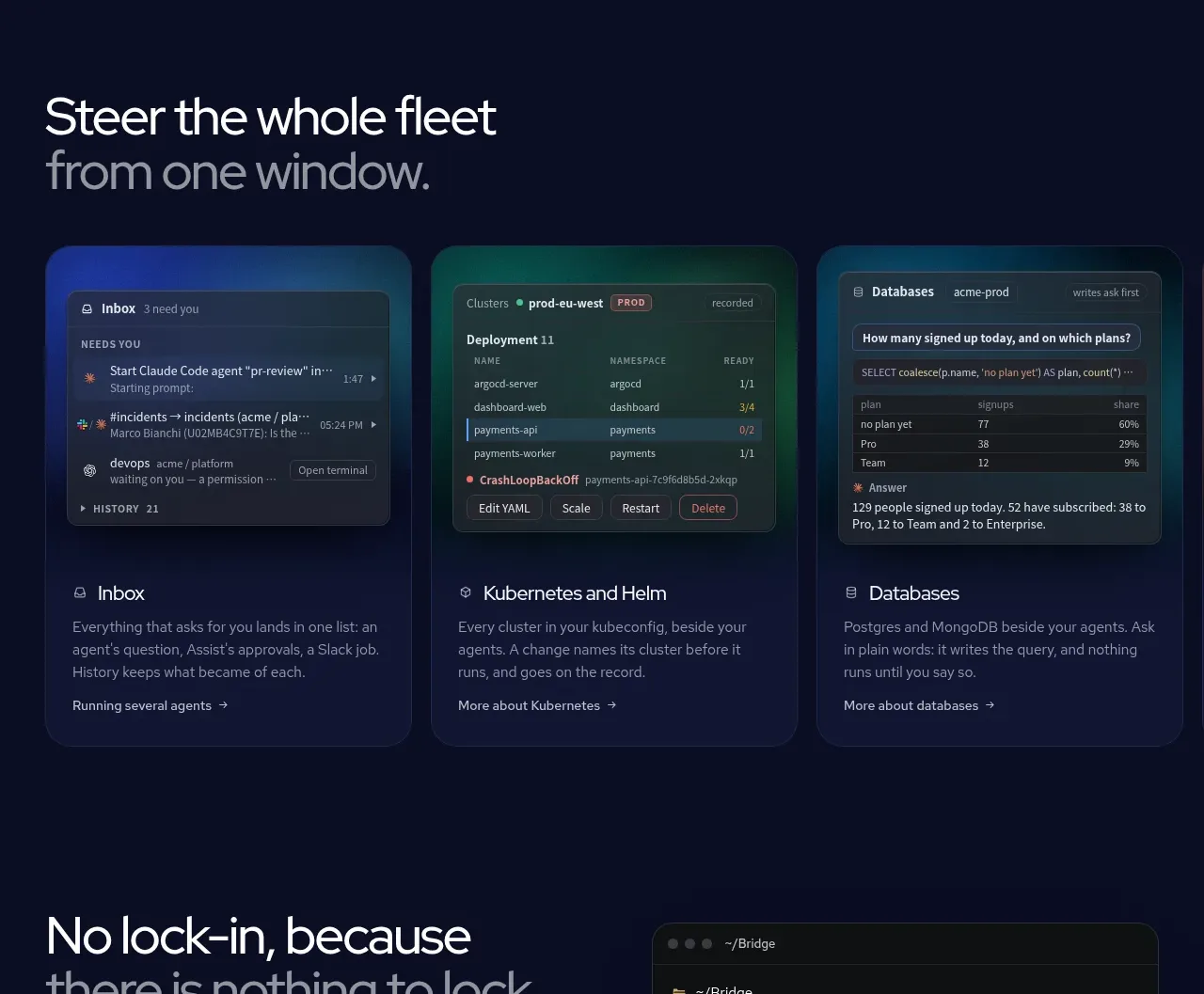 One window for the whole fleet
AI Bridge · Feature grid
One window for the whole fleet
AI Bridge · Feature grid
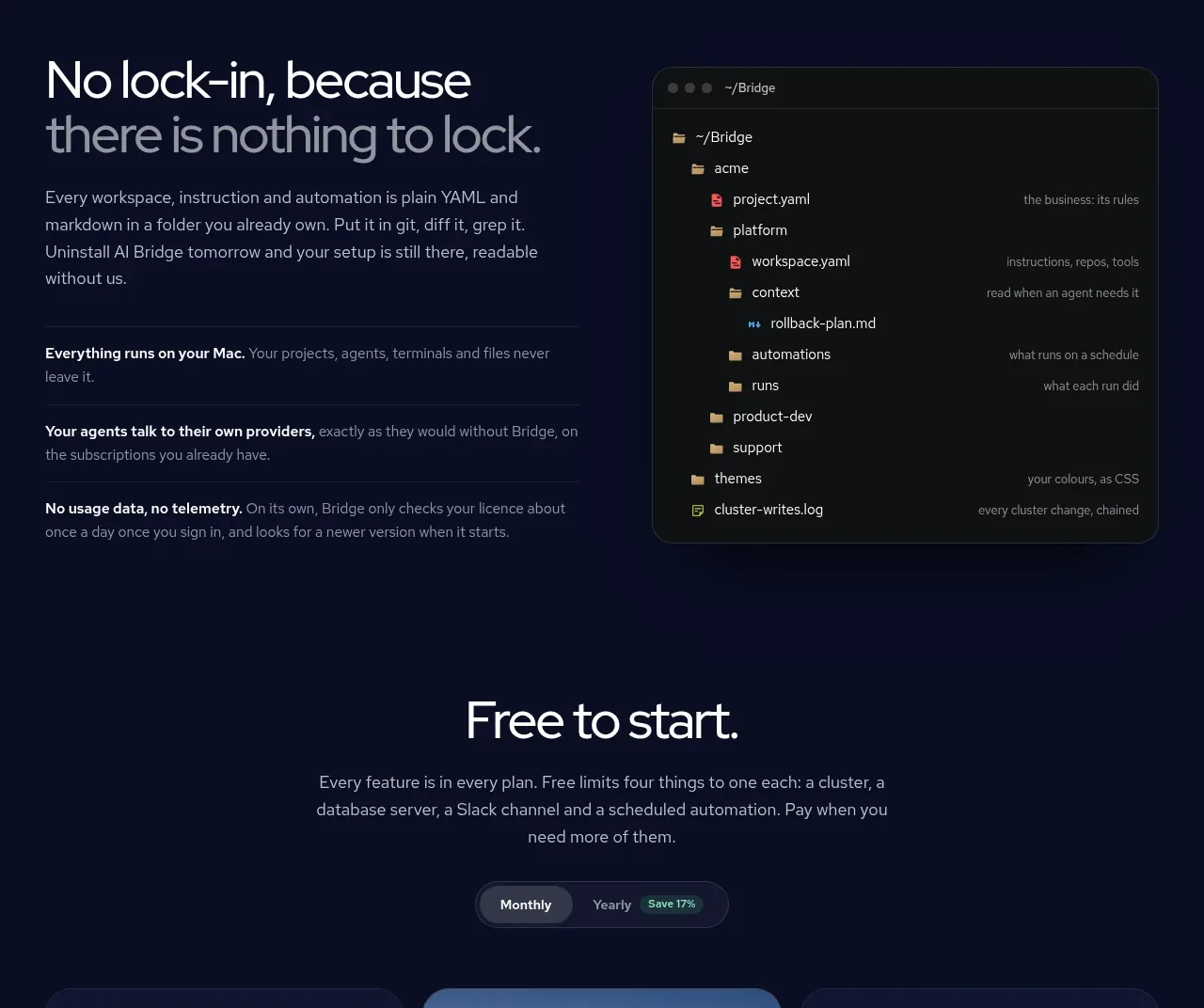 Portable, transparent workspace
AI Bridge · Feature grid
Portable, transparent workspace
AI Bridge · Feature grid
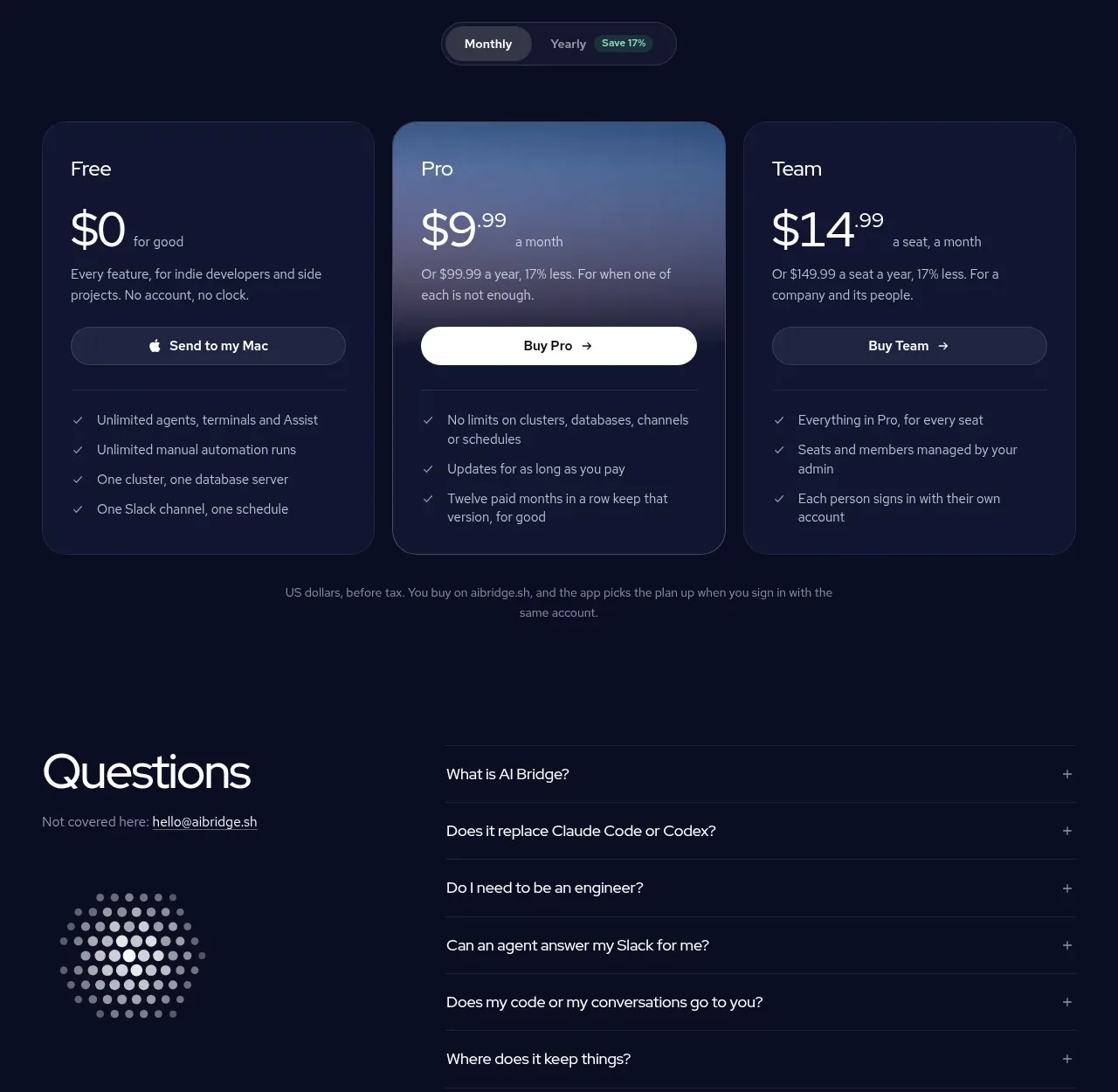 Three-plan pricing table
AI Bridge · Pricing table
Three-plan pricing table
AI Bridge · Pricing table
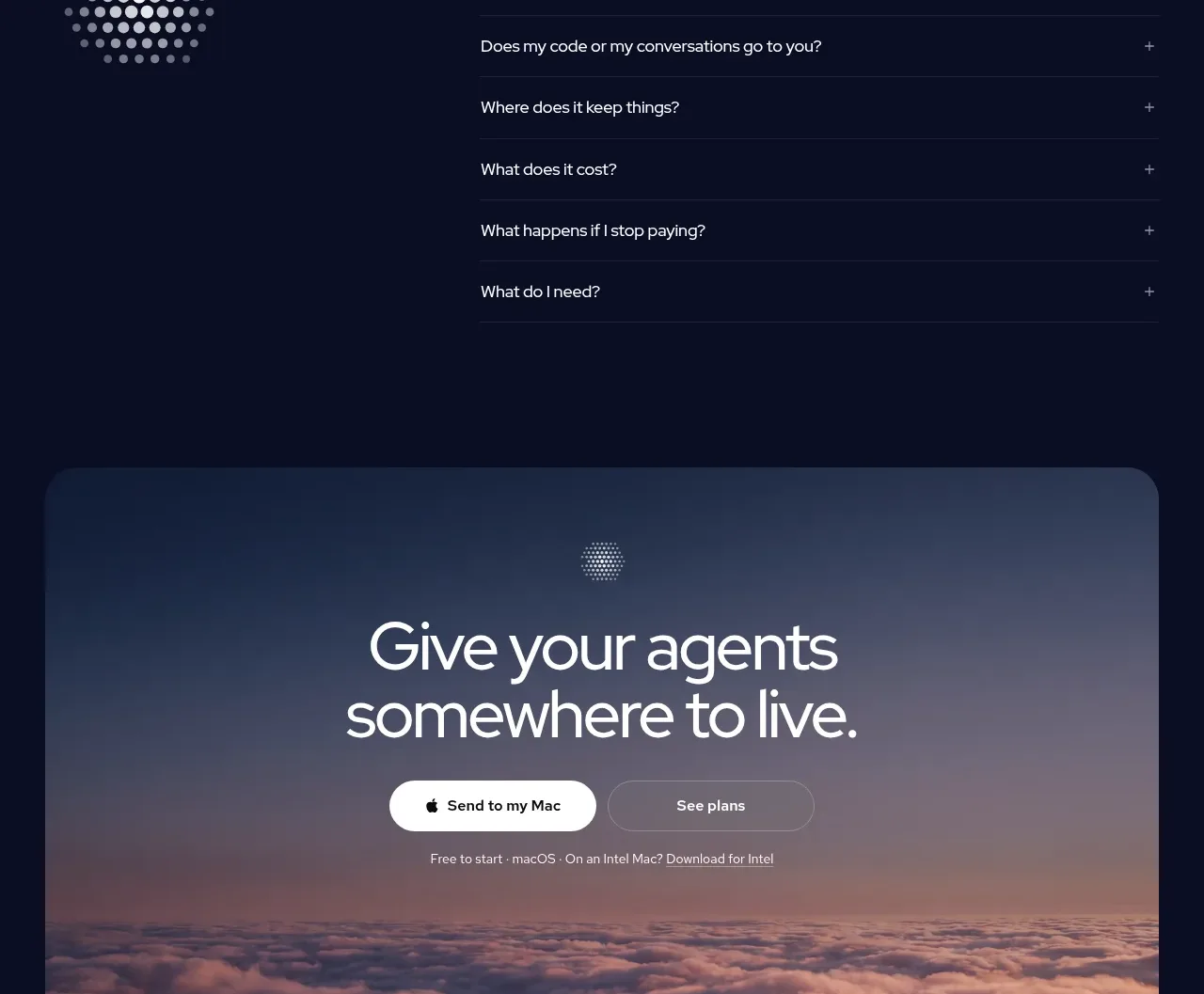 Questions accordion
AI Bridge · FAQ
Questions accordion
AI Bridge · FAQ
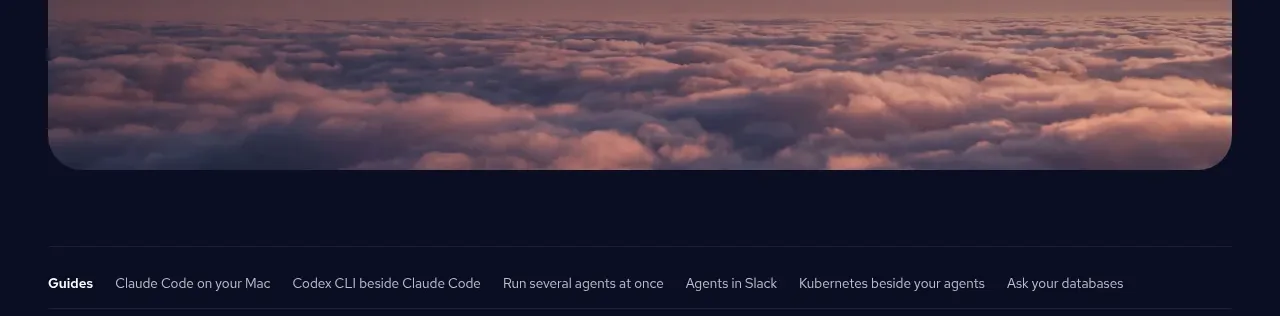 Final atmospheric download CTA
AI Bridge · Call to action
Final atmospheric download CTA
AI Bridge · Call to action
 Utility footer
AI Bridge · Footer
Utility footer
AI Bridge · Footer