kage
kage
albie.school
Design analysis
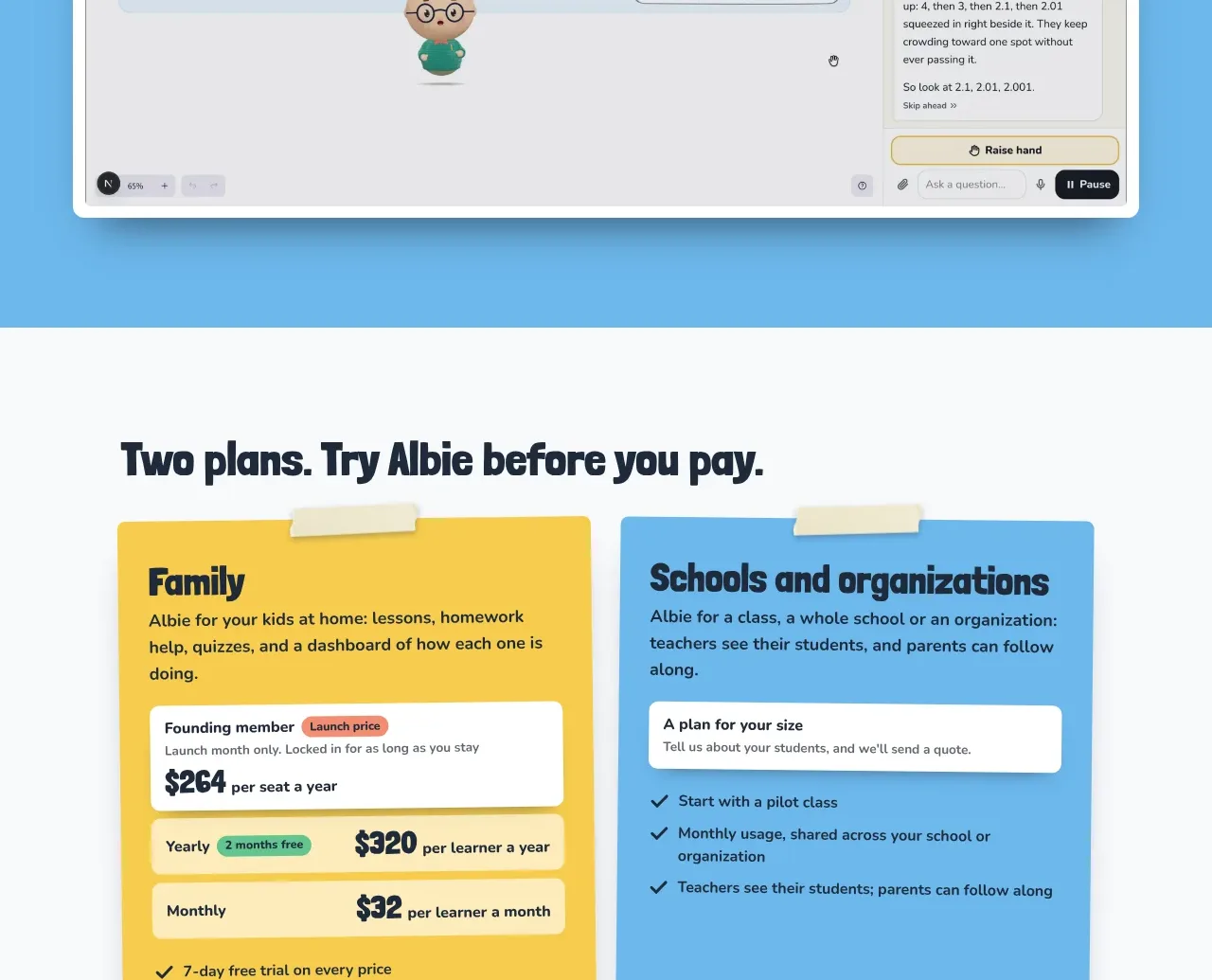
A blue media band presents a large framed product walkthrough with a central play affordance, making the experience concrete before pricing appears.
Prompt preview
## Reference images

Study these alongside the description below: hierarchy, rhythm, spacing, colour. Build for the product you are asked about, using this design language.

- Component: https://kage-design-assets.t3.tigrisfiles.io/components/albie/924ea594-904d-48ee-866c-6d109761f321-1791439552-8.webp
- Full page it was cut from: https://kage-design-assets.t3.tigrisfiles.io/screenshots/albie/924ea594-904d-48ee-866c-6d109761f321-1791439457023-full.webp
- Component on Kage: https://kage.design/component/albie-gallery

## Before you start
Ask what product experience should be demonstrated and whether the user has a video, interactive prototype, or screenshot sequence. Ask what single moment best communicates value.

Create a media-led section with a sky-blue background around #68B5DC and a large centered video or product-demo frame. Give the frame a clean white or pale-gray surface, 10–14px radius, subtle dark border, and a soft shadow. Add a large circular play button centered over the media, using dark navy #17263A with a white play icon, and make the entire frame keyboard and screen-reader accessible. Include a small cream caption or eyebrow above the frame if useful, but do not compete with the demo. Keep the frame within a max-width container and preserve its aspect ratio responsively.

Never: copy logos, product names, copy, illustrations, or imagery from the reference.