 kage
kage
parthjadhav.com
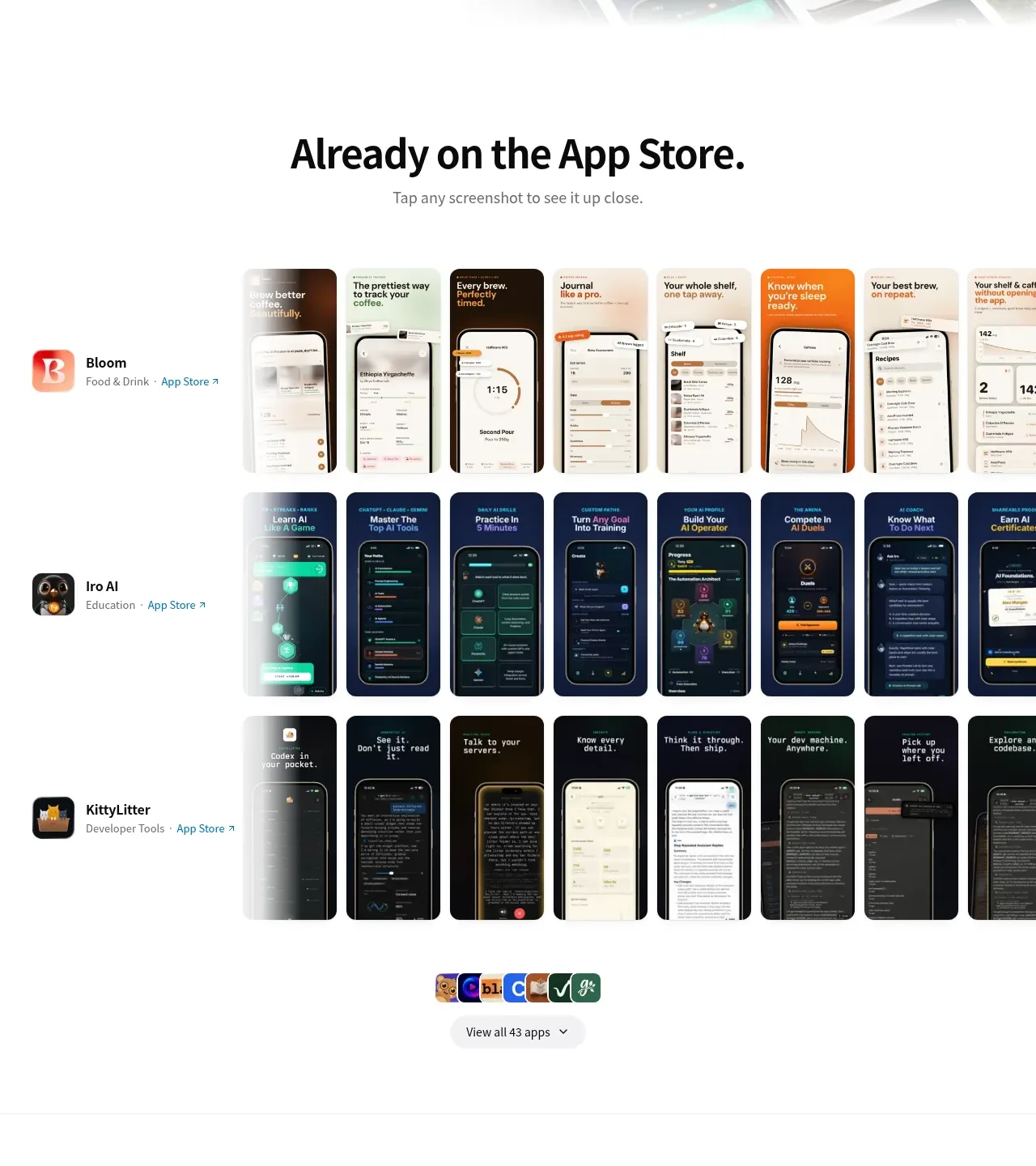
Design analysis
A centered showcase section organizes many app screenshot strips into labeled rows, making breadth immediately scannable while preserving a single clear browse action.
Prompt preview
## Reference images

Study these alongside the description below: hierarchy, rhythm, spacing, colour. Build for the product you are asked about, using this design language.

- Component: https://kage-design-assets.t3.tigrisfiles.io/components/app-store-screenshots/ebba8a13-8dd3-48a7-9b23-a1c0db4171af-1793253670-2.webp
- Full page it was cut from: https://kage-design-assets.t3.tigrisfiles.io/screenshots/app-store-screenshots/ebba8a13-8dd3-48a7-9b23-a1c0db4171af-1793253637144-full.webp
- Component on Kage: https://kage.design/component/app-store-screenshots-gallery

## Before you start
Ask what the user's product, brand, app catalog, image assets, and preferred browse behavior are, then apply these principles to that product.

Build a full-width showcase gallery with a centered heading and short subtitle. Present several horizontally arranged rows of portrait product screenshots, each paired with a small app identity block on the left containing an icon, title, category, and link. Use a soft white background, generous vertical rhythm, and cropped horizontal overflow so the gallery can extend beyond the viewport without breaking the layout. Keep image cards around 8–12px rounded, with subtle shadow or border only when needed. Add a centered stack of small app icons and a rounded “view all” control beneath the rows. Use black headings, gray metadata, and restrained accent colors derived from the user's brand. Support horizontal scrolling, keyboard focus, and lazy-loaded images.

Never:
- use logos, product names, copy, illustrations, or imagery from the reference
- duplicate the exact app rows or screenshot content
- make every gallery item equally prominent
More components
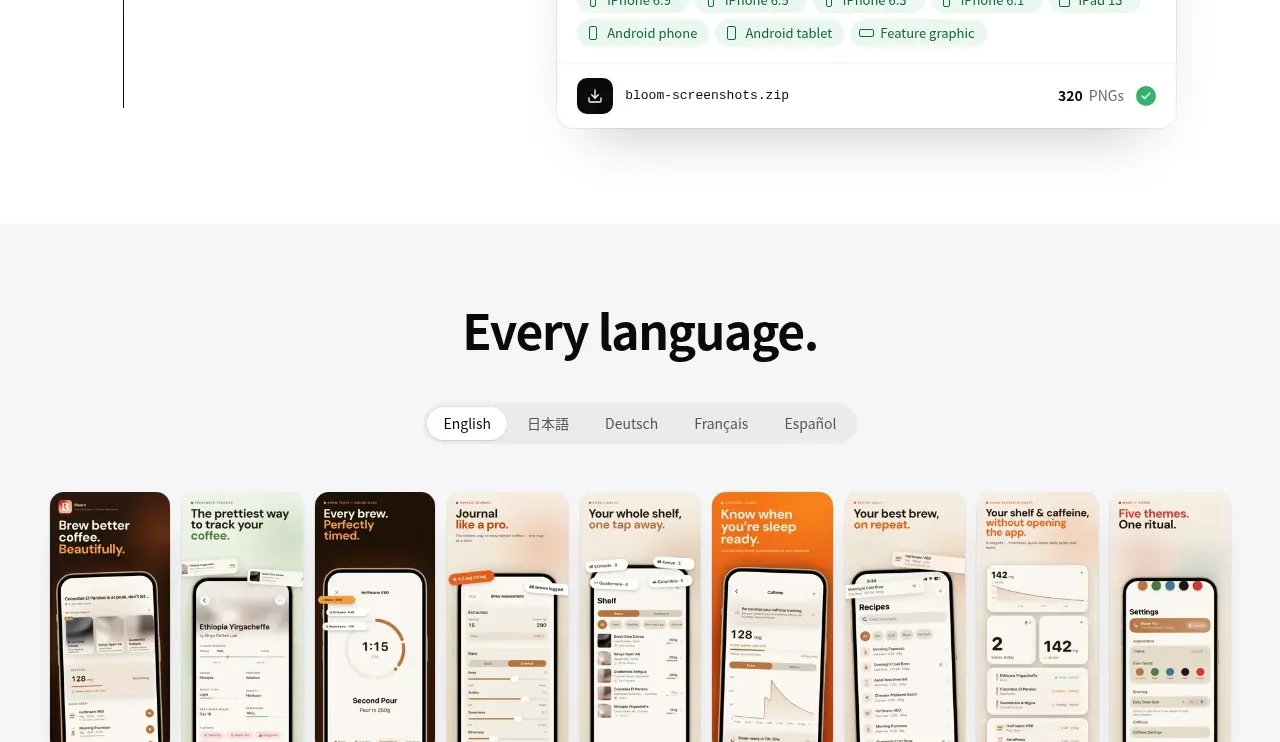
 Language variations gallery
App Store Screenshots · Gallery
Language variations gallery
App Store Screenshots · Gallery
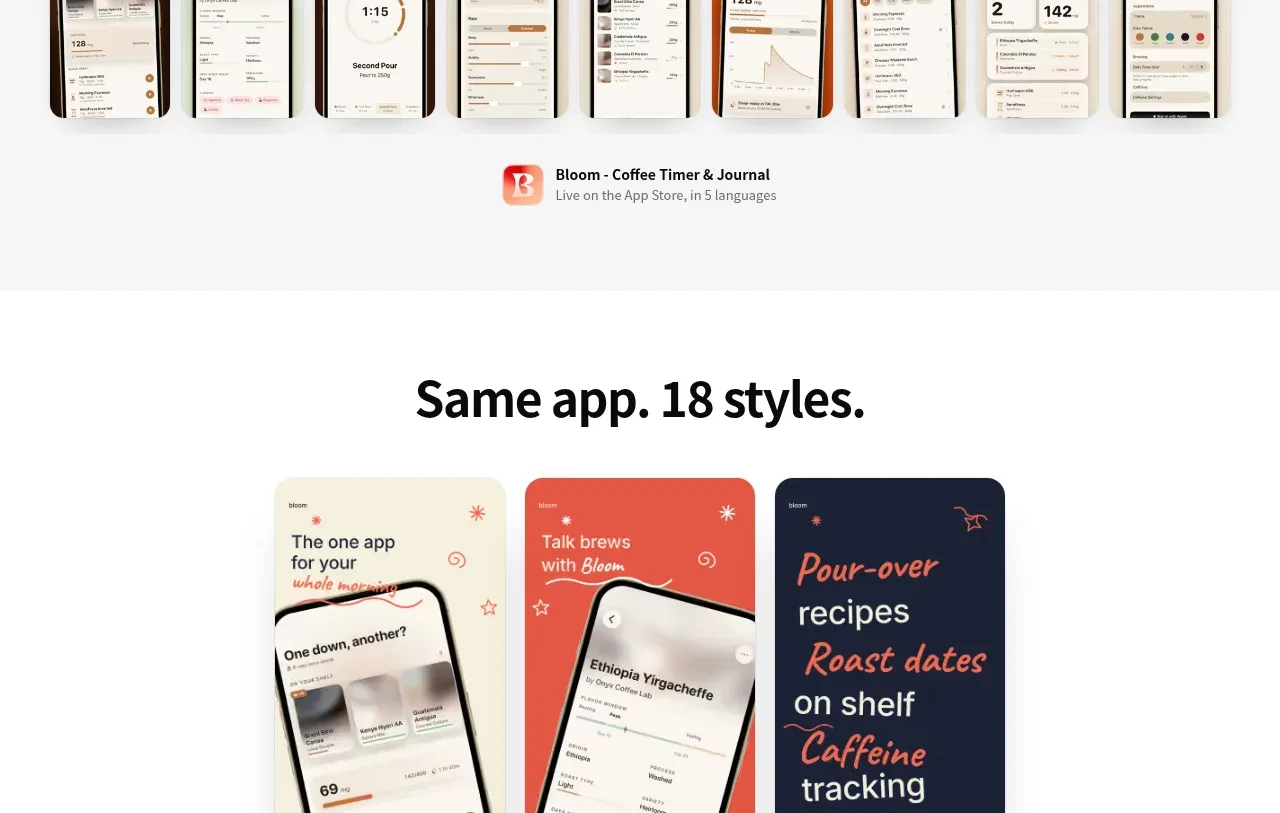 Style variation carousel
App Store Screenshots · Gallery
Style variation carousel
App Store Screenshots · Gallery
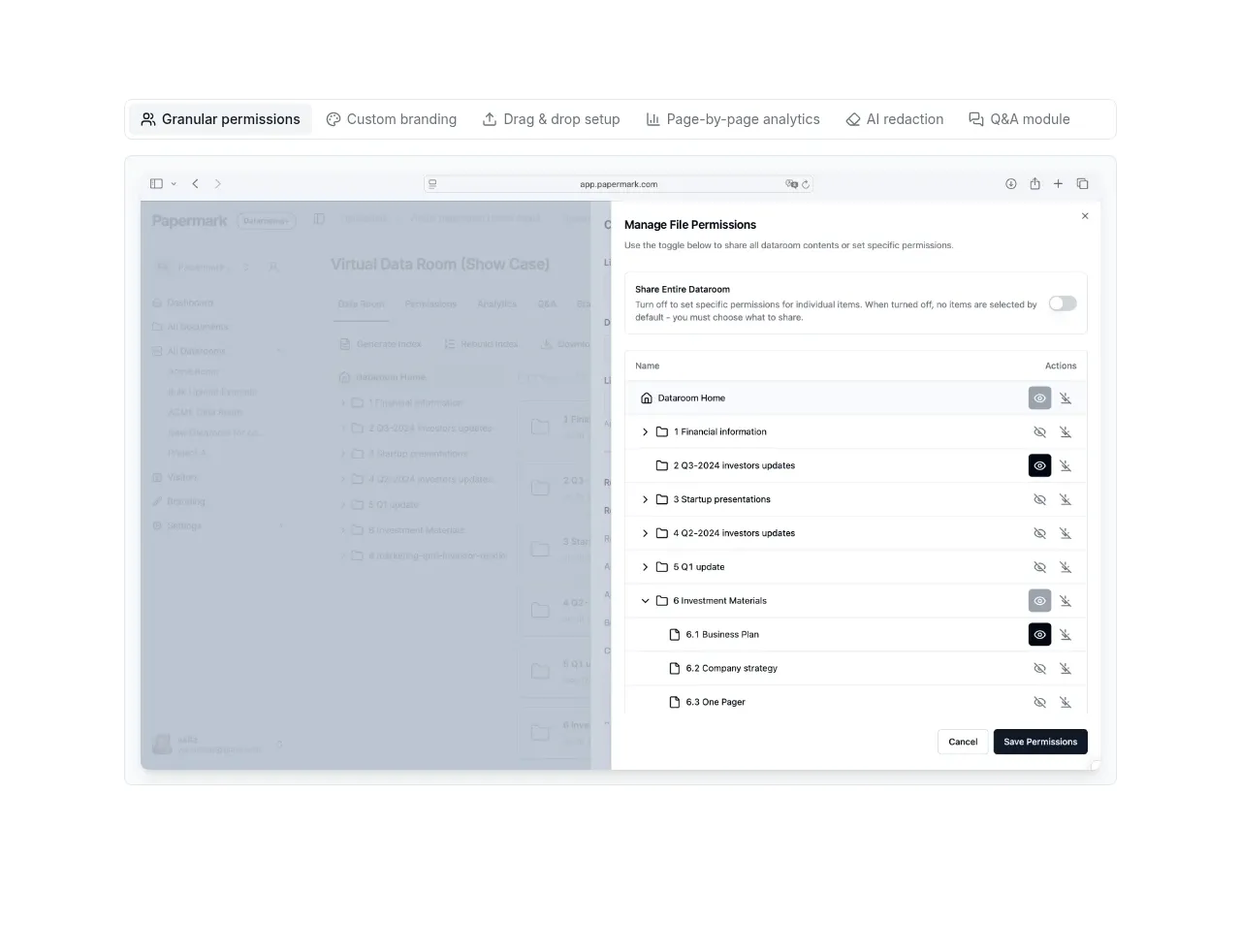
 Product interface showcase
Papermark Data Rooms · Gallery
Product interface showcase
Papermark Data Rooms · Gallery
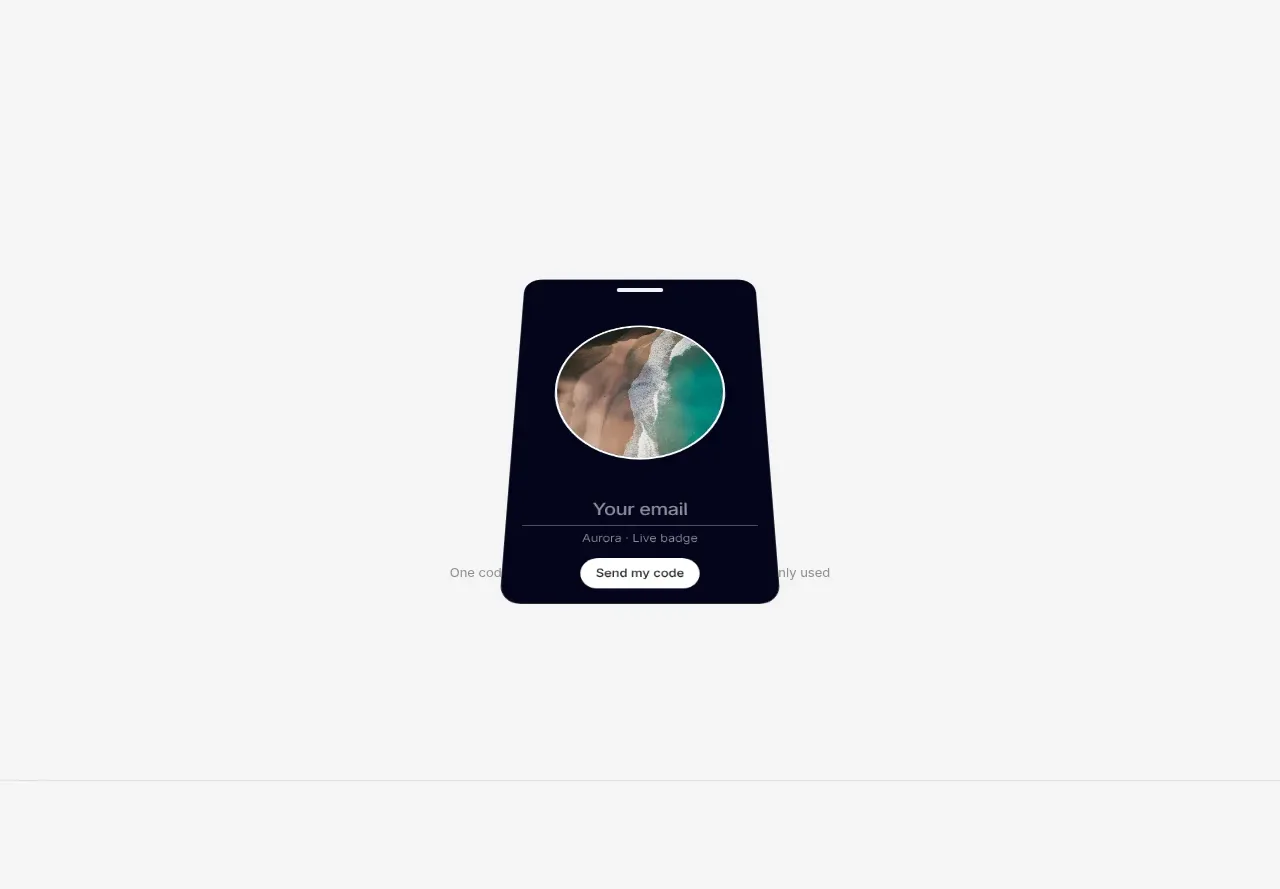
 Multiple badge designs gallery
Badgey · Gallery
Multiple badge designs gallery
Badgey · Gallery

 Generated content gallery
Clips by Plastic · Gallery
Generated content gallery
Clips by Plastic · Gallery
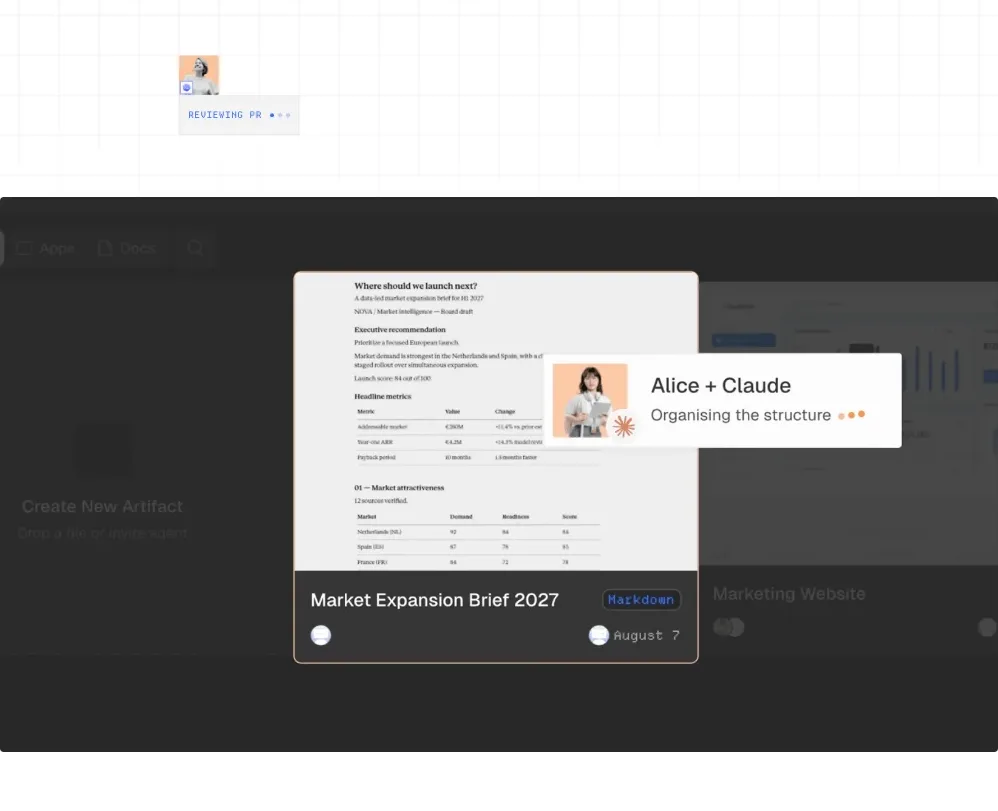
 Workspace product preview
AgentGrid.io · Gallery
Workspace product preview
AgentGrid.io · Gallery