kage
kage
apps.marcoluthi.com
Design analysis
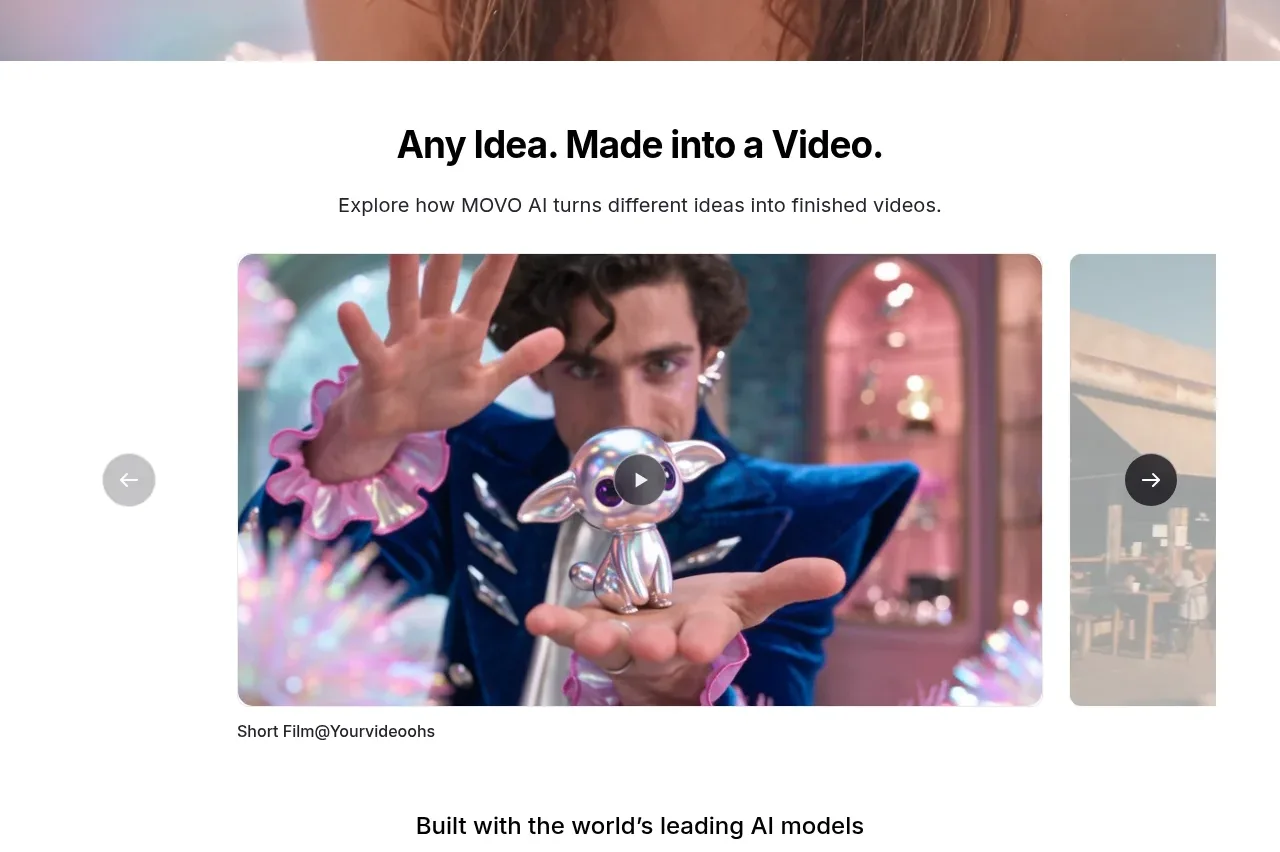
The gallery introduces variety through a large central card flanked by partially visible cards, while a small pager and caption explain what can be customized.
Prompt preview
## Reference images

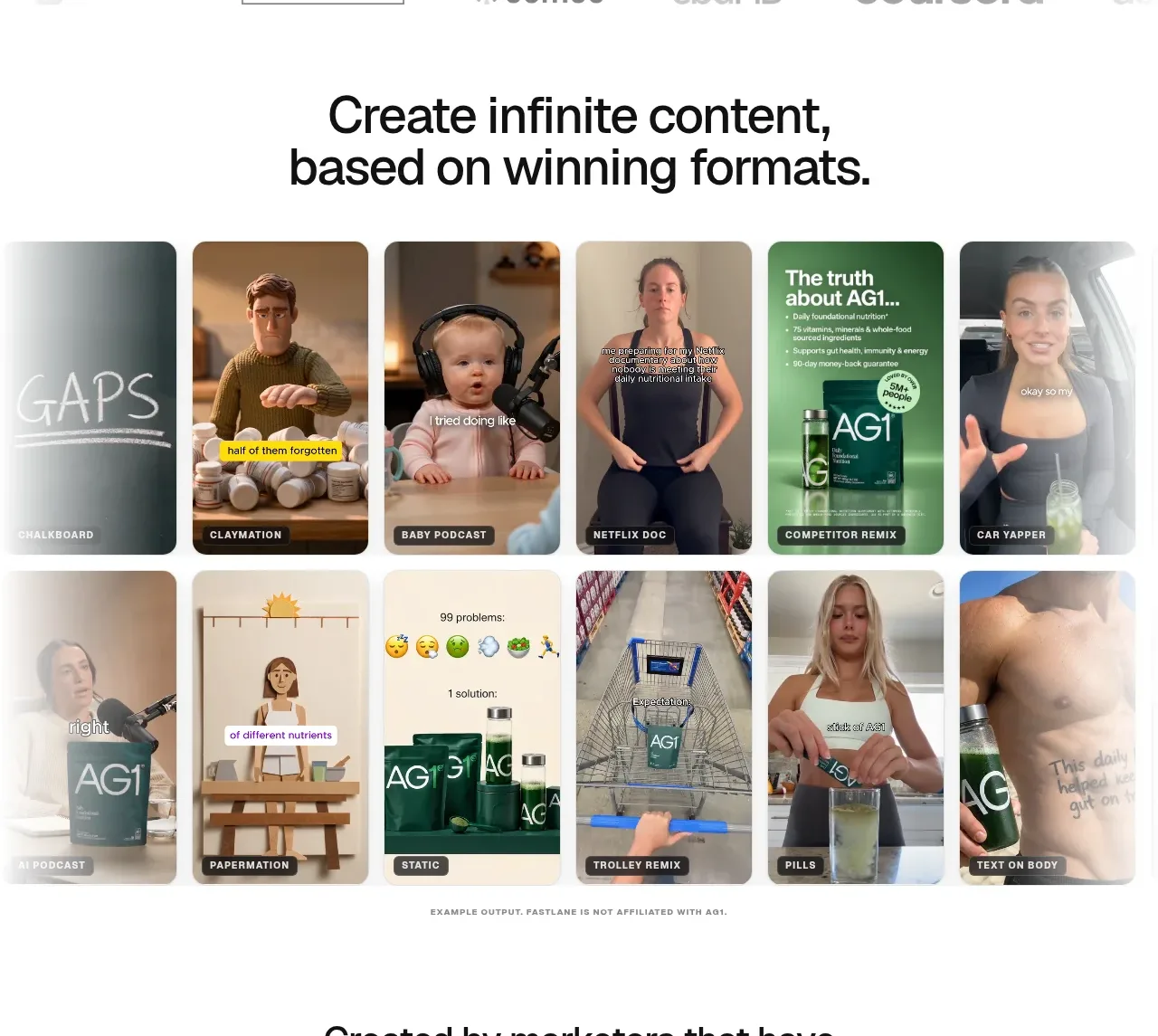
Study these alongside the description below: hierarchy, rhythm, spacing, colour. Build for the product you are asked about, using this design language.

- Component: https://kage-design-assets.t3.tigrisfiles.io/components/badgey/bd3040e3-7307-4350-8c61-c2e3eef7de7a-1792994546-3.webp
- Full page it was cut from: https://kage-design-assets.t3.tigrisfiles.io/screenshots/badgey/bd3040e3-7307-4350-8c61-c2e3eef7de7a-1792994501677-full.webp
- Component on Kage: https://kage.design/component/badgey-gallery

## Before you start
Ask what kinds of content, templates, or variations the user's product offers and what brand direction should guide the visuals. Build an original version for that product.

Create a softly tinted gallery section with a centered heading, short supporting copy, and a horizontal carousel of three or more preview cards. Make the middle item dominant and let adjacent items peek in from either side to communicate browsing. Use large rounded corners around 14–20px, restrained shadows, and a cohesive but varied colour system. Keep the heading around 40–48px with a compact paragraph below it.

Place a small, accessible carousel control or pager below the previews, with previous/next buttons, keyboard support, touch dragging, and an aria-live label for the active item. Add a concise caption beneath the control. On mobile, show one card at a time with partial next-card visibility. Use a pale warm background such as #fff3ef, but derive the actual tint from the user's brand.

Never: use logos, product names, copy, illustrations, or imagery from the reference.