kage
kage
ancher.ai
Design analysis
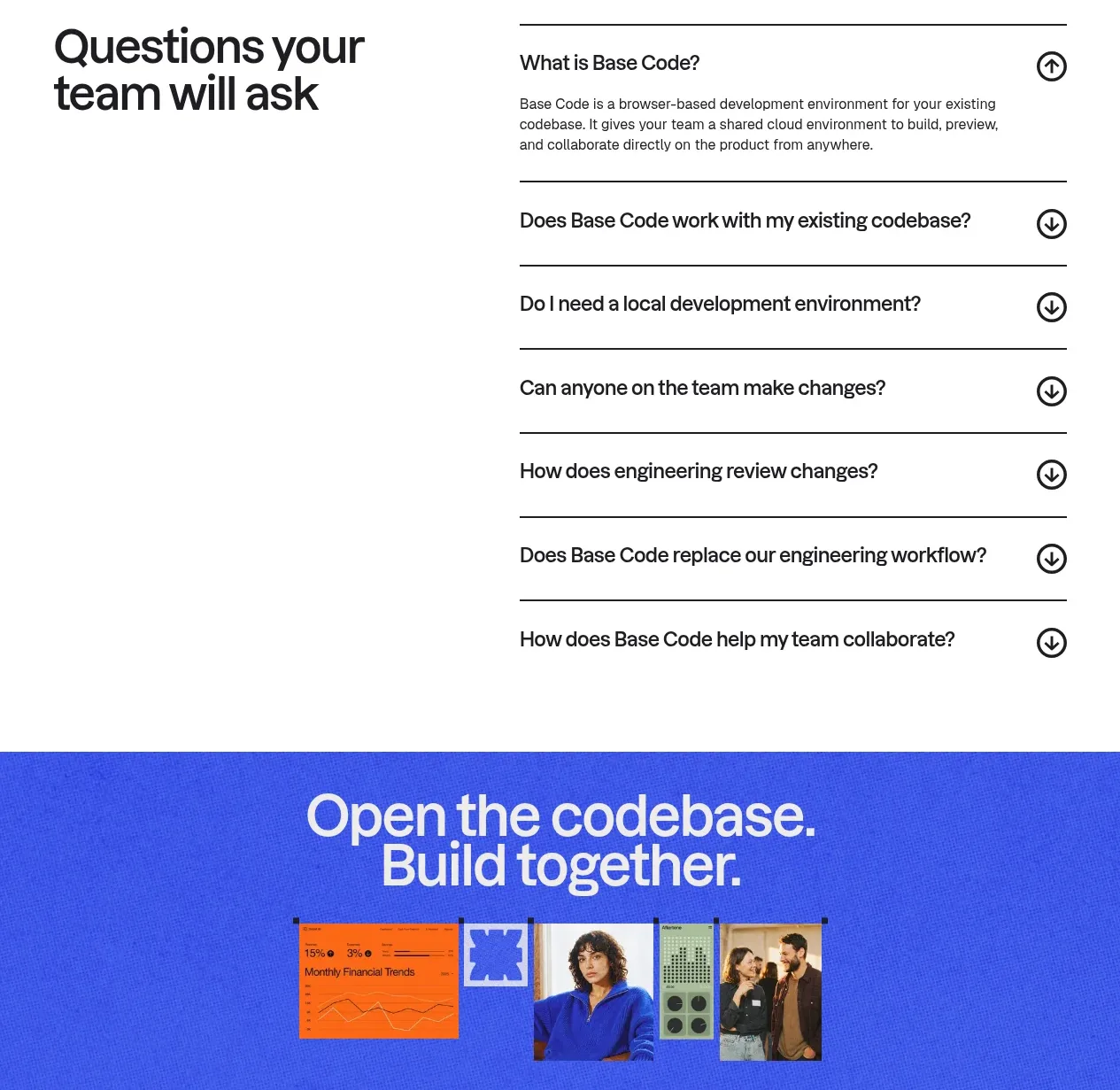
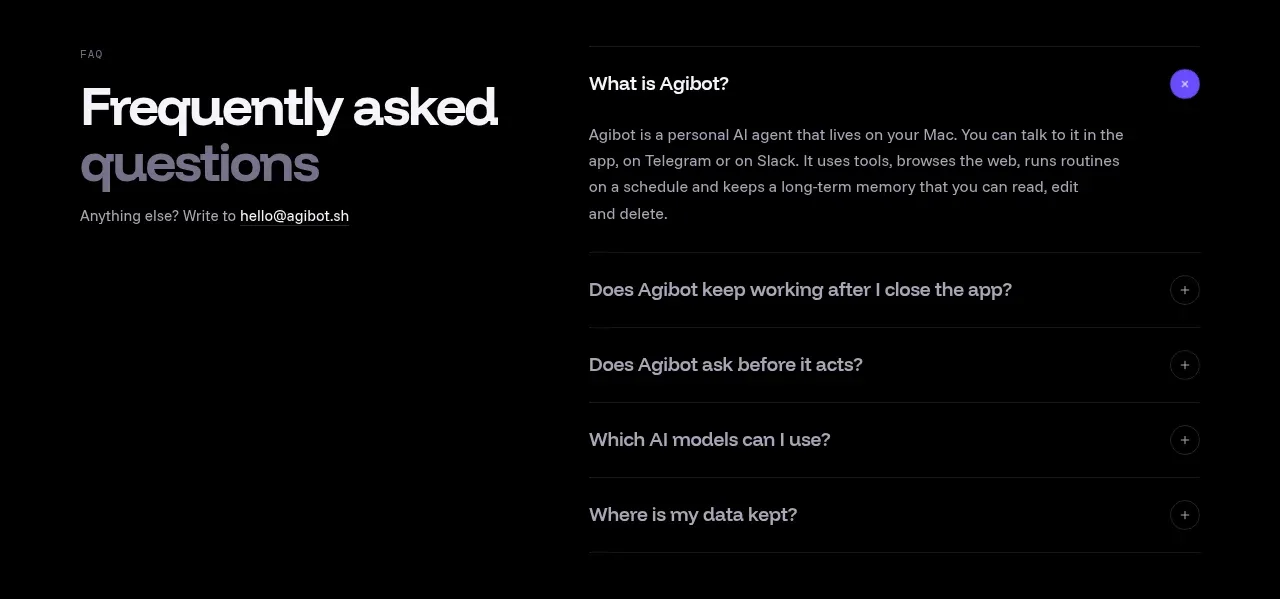
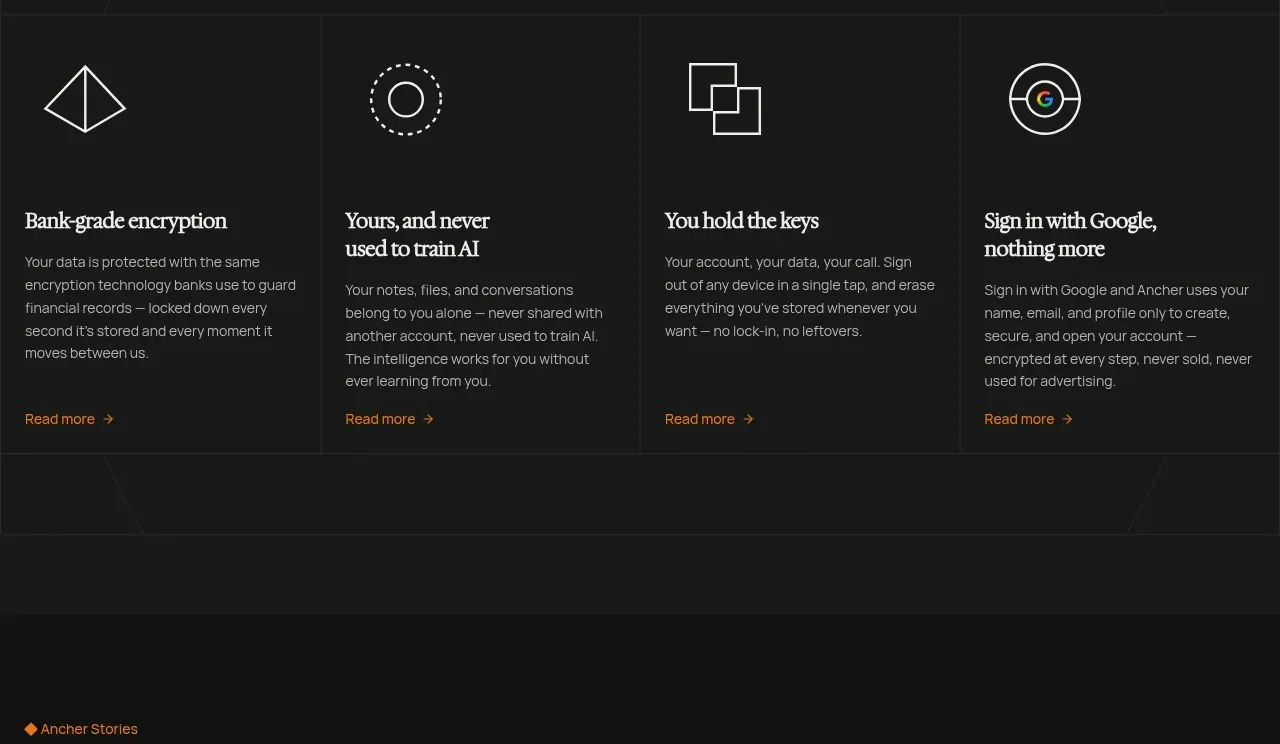
A large FAQ heading anchors the left side while a clean list of expandable questions provides low-friction reassurance before conversion.
Prompt preview
## Reference images

Study these alongside the description below: hierarchy, rhythm, spacing, colour. Build for the product you are asked about, using this design language.

- Component: https://kage-design-assets.t3.tigrisfiles.io/components/ancher-2-0/49a60068-1f5d-45e9-9623-df337c2895cf-1791871462-9.webp
- Full page it was cut from: https://kage-design-assets.t3.tigrisfiles.io/screenshots/ancher-2-0/49a60068-1f5d-45e9-9623-df337c2895cf-1791871353691-full.webp
- Component on Kage: https://kage.design/component/ancher-2-0-faq

## Before you start
Ask what objections and trust questions users have about the user's product. Use those answers to create a useful, original FAQ.

Create a two-column FAQ section on a near-black background: a large left-aligned serif heading with a small eyebrow, and an accordion list on the right. Each row should have a concise question, a plus/minus control, a 1px divider, and a smoothly revealed answer. Use 38–48px serif heading, 13–15px sans-serif question text, #eee9e0 primary text, #958e86 secondary text, #2a2a2a dividers, and a small orange accent for the active control. Give the section 56–80px vertical padding and maintain generous row height. Collapse to one column on mobile while keeping the heading above the questions. Ensure buttons have clear focus and aria-expanded states.

Never: use logos, product names, copy, illustrations, or imagery from the reference.