 kage
kage
parthjadhav.com
Design analysis
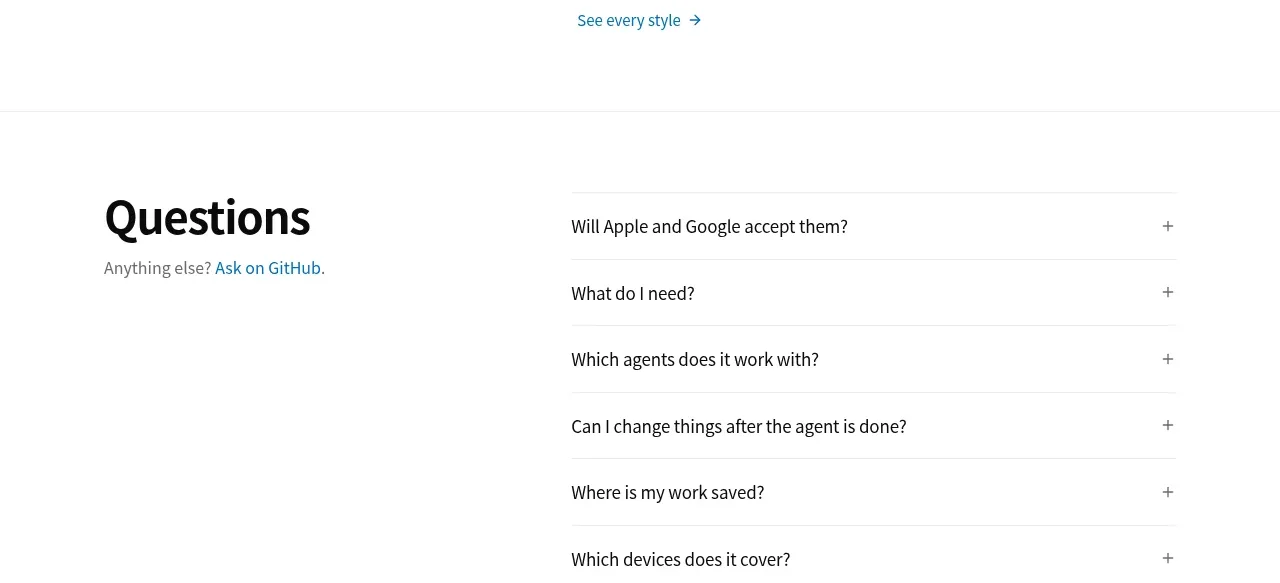
A dark closing CTA combines a large next-step headline, command and repository controls, and a row of colorful product previews to create momentum before the footer.
Prompt preview
## Reference images

Study these alongside the description below: hierarchy, rhythm, spacing, colour. Build for the product you are asked about, using this design language.

- Component: https://kage-design-assets.t3.tigrisfiles.io/components/app-store-screenshots/ebba8a13-8dd3-48a7-9b23-a1c0db4171af-1793253672-7.webp
- Full page it was cut from: https://kage-design-assets.t3.tigrisfiles.io/screenshots/app-store-screenshots/ebba8a13-8dd3-48a7-9b23-a1c0db4171af-1793253637144-full.webp
- Component on Kage: https://kage.design/component/app-store-screenshots-cta

## Before you start
Ask what the user's product, brand, conversion goal, preferred CTA, and strongest proof assets are, then apply these principles to that product.

Build a dark, full-width closing CTA using a deep near-black navy background around #0d121e. Center a large white headline, then place a light command/install control beside a compact dark or bordered repository/action badge. Below, show a horizontal row of varied product preview cards or screenshots rising slightly from the section to create a final proof moment. Use 16–24px spacing, 12px radii, subtle borders around controls, muted gray-blue supporting text, and one bright accent for the primary action. Ensure contrast meets accessibility requirements, controls have visible focus states, and the preview row scrolls horizontally on narrow screens.

Never:
- use logos, product names, copy, illustrations, or imagery from the reference
- reuse the exact CTA wording or preview assets
- add multiple equally weighted conversion actions
More components
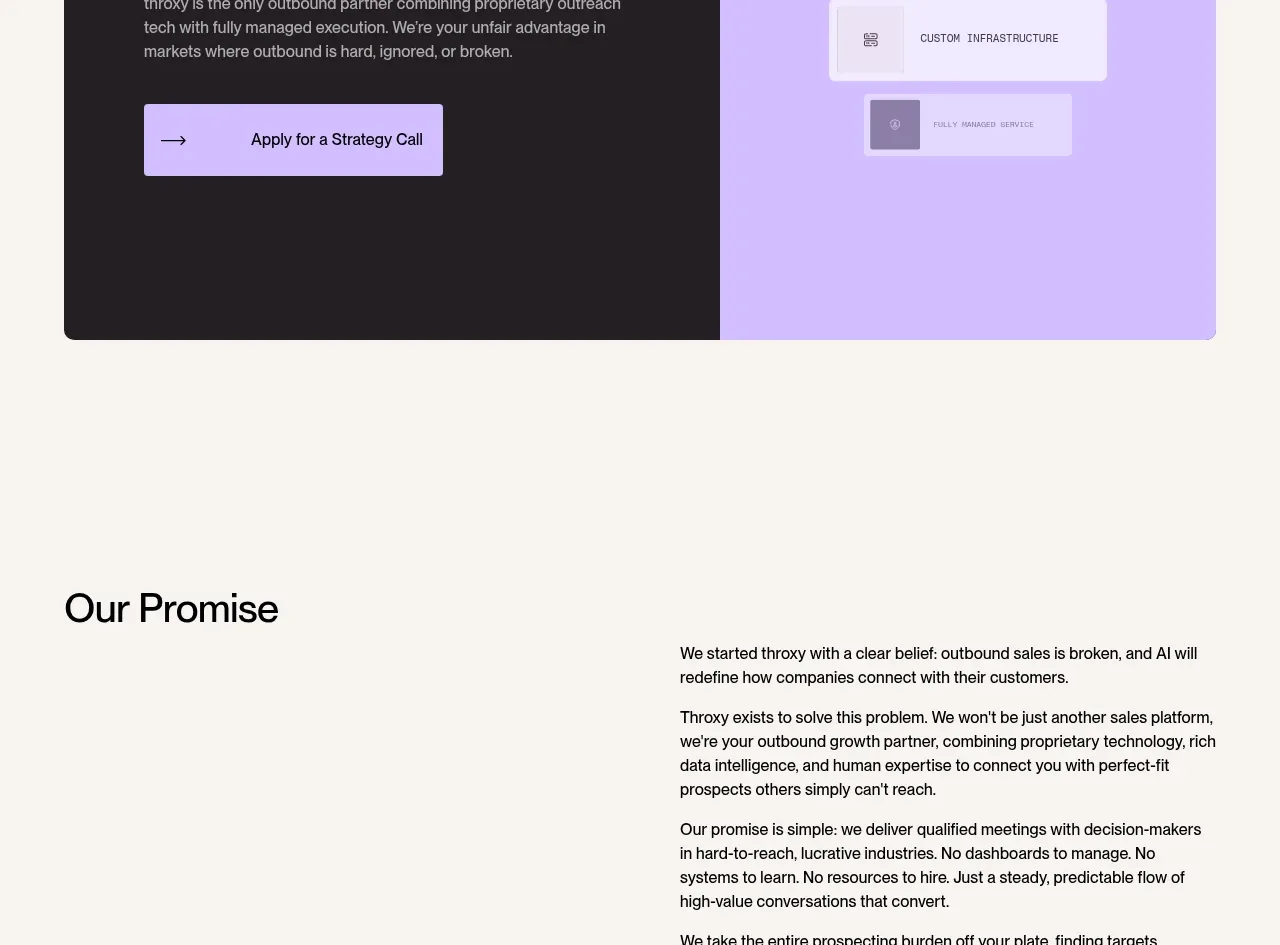
 Split final conversion panel
throxy · Call to action
Split final conversion panel
throxy · Call to action
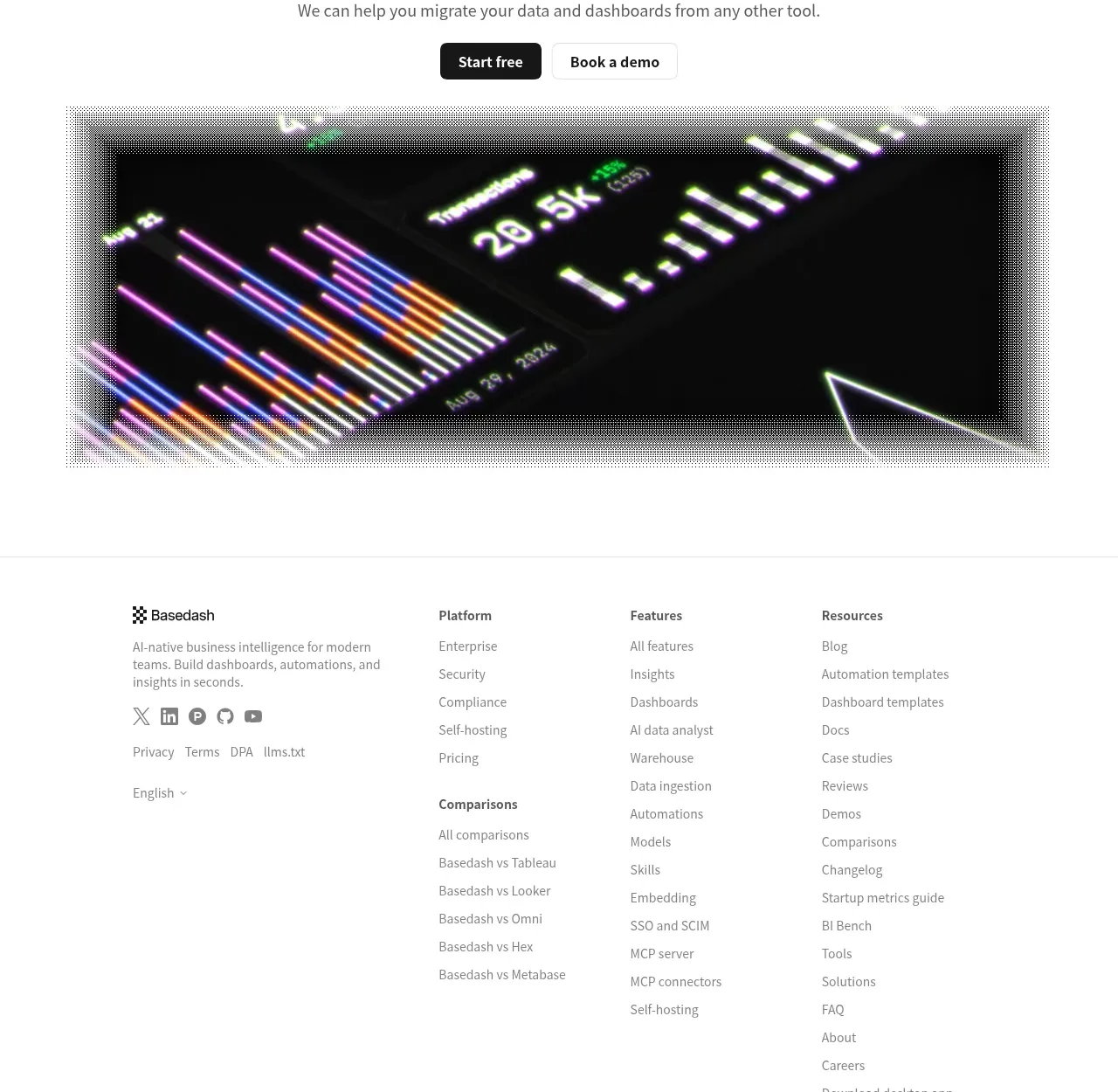
 Fast-start conversion CTA
Basedash View-only members · Call to action
Fast-start conversion CTA
Basedash View-only members · Call to action
 Closing conversion CTA
Open For sales · Call to action
Closing conversion CTA
Open For sales · Call to action
 Guarantee and proof CTA
Open For sales · Call to action
Guarantee and proof CTA
Open For sales · Call to action
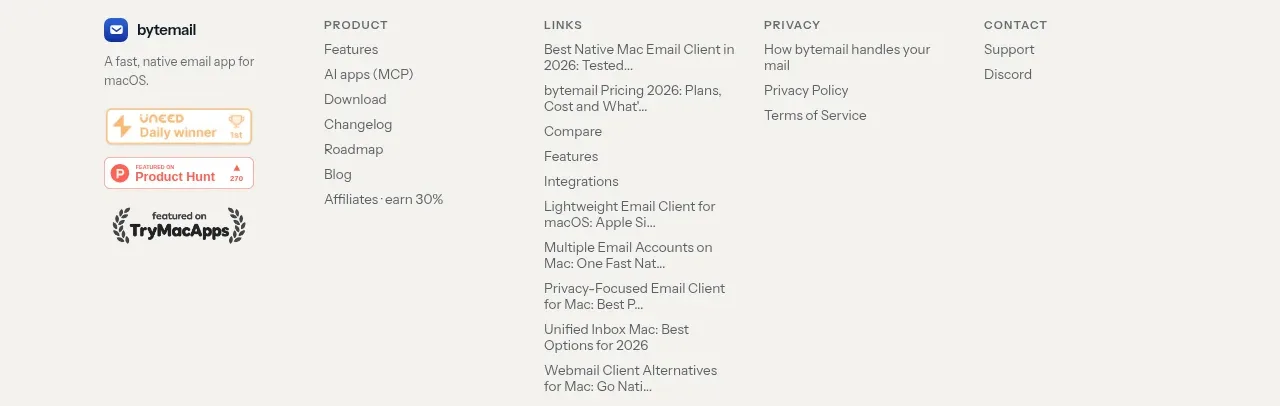
 Final purchase call to action
bytemail · Call to action
Final purchase call to action
bytemail · Call to action
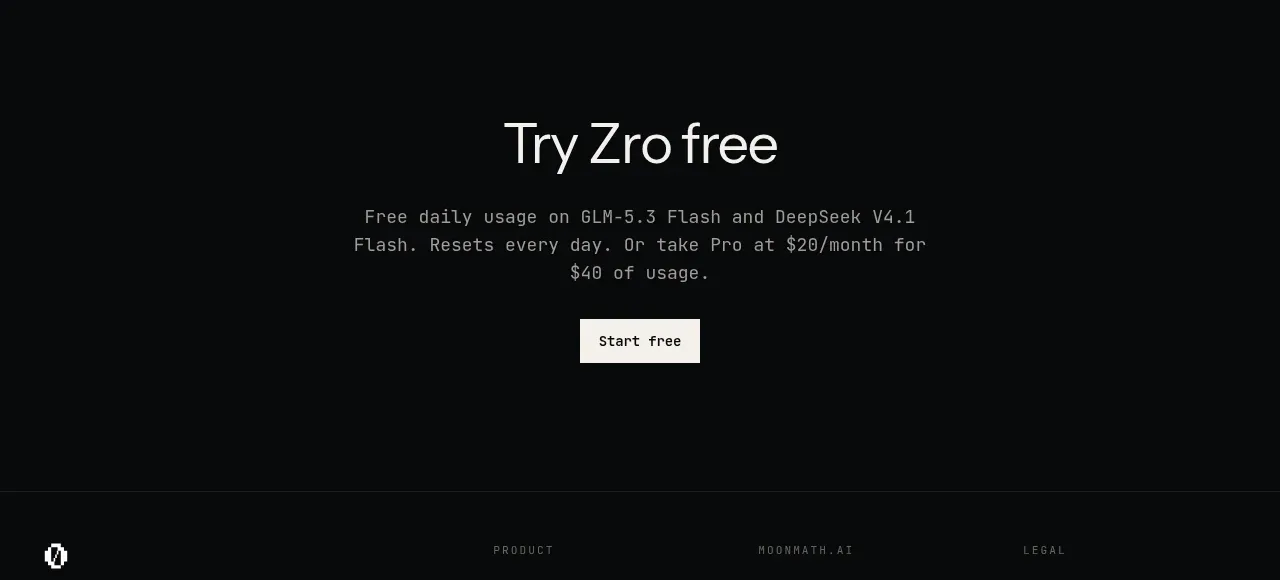
 Final free-trial CTA
Zro: Uncensored Security Models · Call to action
Final free-trial CTA
Zro: Uncensored Security Models · Call to action