 kage
kage
parthjadhav.com
Design analysis
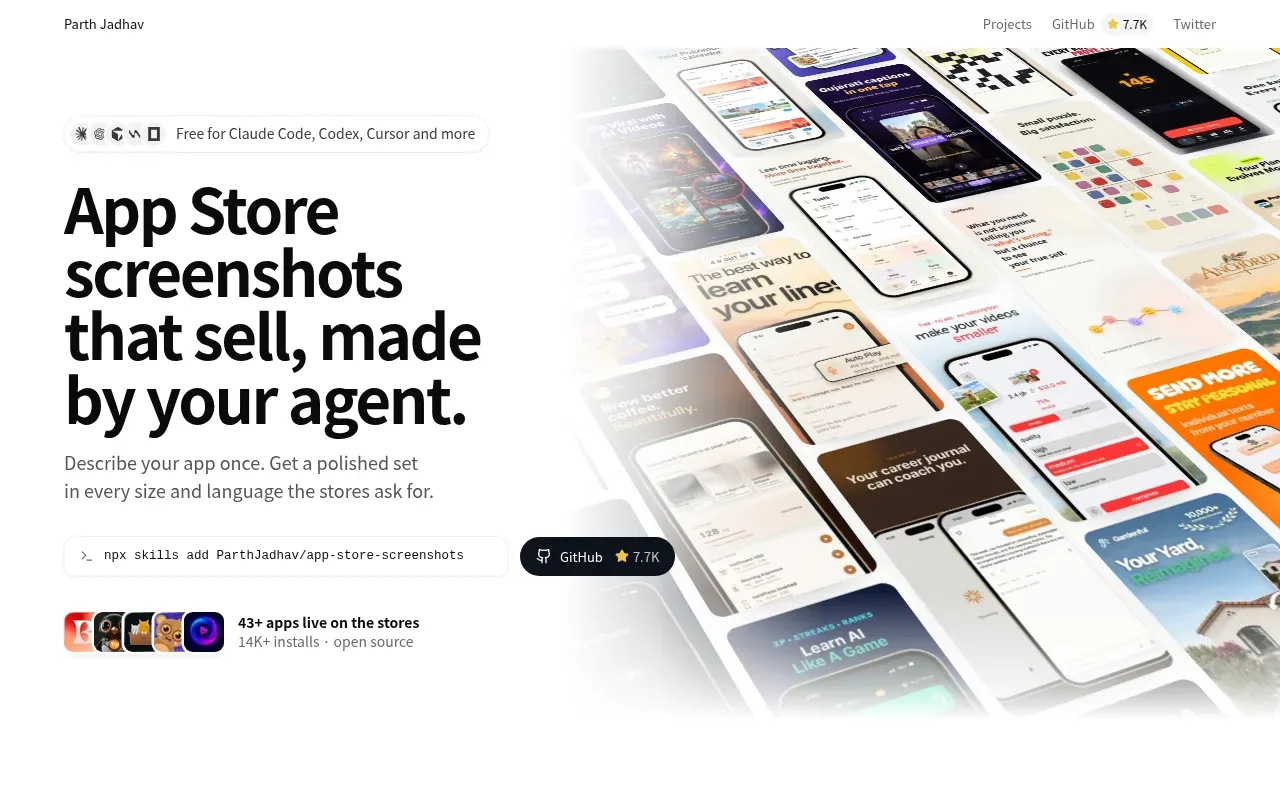
The hero pairs an oversized, sharply worded headline and supporting copy with a large faded product collage, then reinforces credibility through an install command, repository badge, and usage proof.
Prompt preview
## Reference images

Study these alongside the description below: hierarchy, rhythm, spacing, colour. Build for the product you are asked about, using this design language.

- Component: https://kage-design-assets.t3.tigrisfiles.io/components/app-store-screenshots/ebba8a13-8dd3-48a7-9b23-a1c0db4171af-1793253670-1.webp
- Full page it was cut from: https://kage-design-assets.t3.tigrisfiles.io/screenshots/app-store-screenshots/ebba8a13-8dd3-48a7-9b23-a1c0db4171af-1793253637144-full.webp
- Component on Kage: https://kage.design/component/app-store-screenshots-hero

## Before you start
Ask what the user's product, brand, audience, key promise, and primary CTA are, then apply these principles to that product.

Build a two-column hero directly below the navigation. Keep the left half text-led: add a small pill describing compatibility or context, a very large bold black headline with tight line-height, concise supporting copy, and a slim command/install row with a dark rounded action badge. Add a small proof row beneath with a compact avatar/app-icon cluster and a short usage metric. Let the right half use a large, edge-to-edge product screenshot collage with a soft white fade into the text column; the visual should feel editorial rather than boxed. Use approximately #ffffff, #090a0c, muted gray #64666b, and an accent pink-red #e83d72. Use 24–48px desktop spacing, 18–24px headline line-height, 14–16px body text, 8–14px radii, and responsive stacking on mobile. Make command and repository controls keyboard accessible.

Never:
- use logos, product names, copy, illustrations, or imagery from the reference
- reproduce the exact screenshot collage or headline
- crowd the hero with multiple competing CTAs
More components
 Buyer-focused hero with calendar visual
throxy · Hero
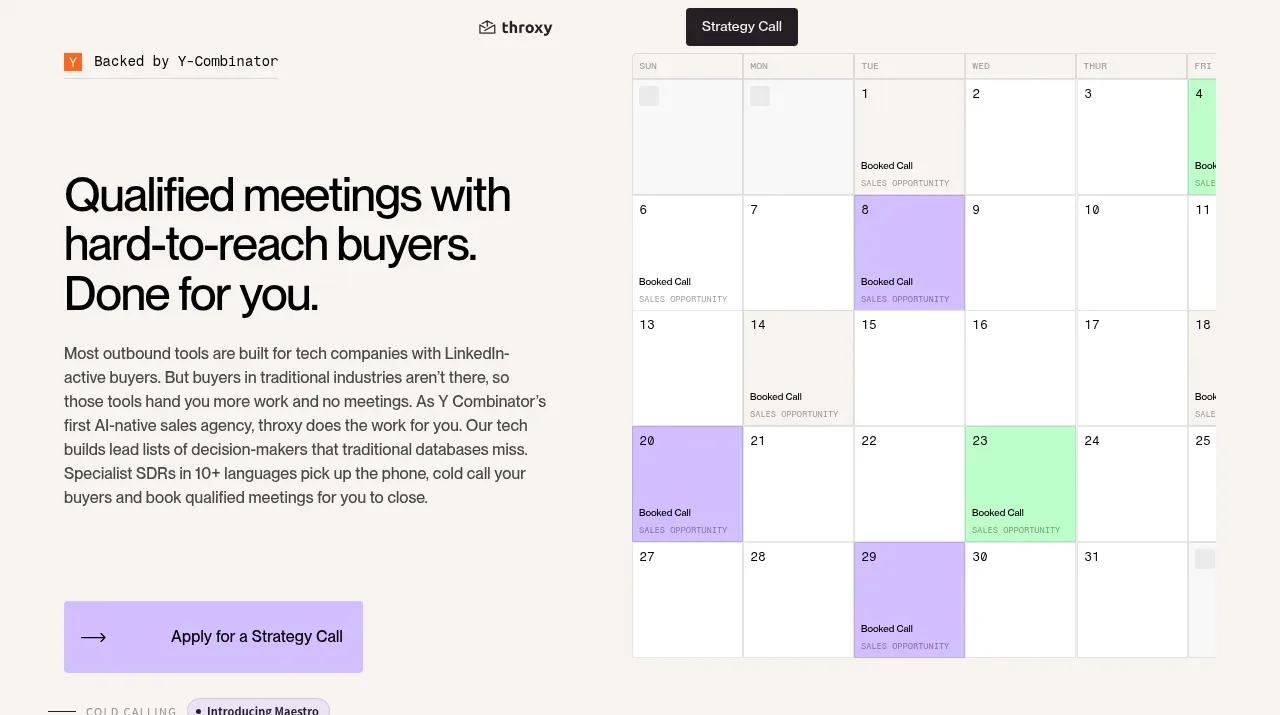
Buyer-focused hero with calendar visual
throxy · Hero
 Analytics product hero
Basedash View-only members · Hero
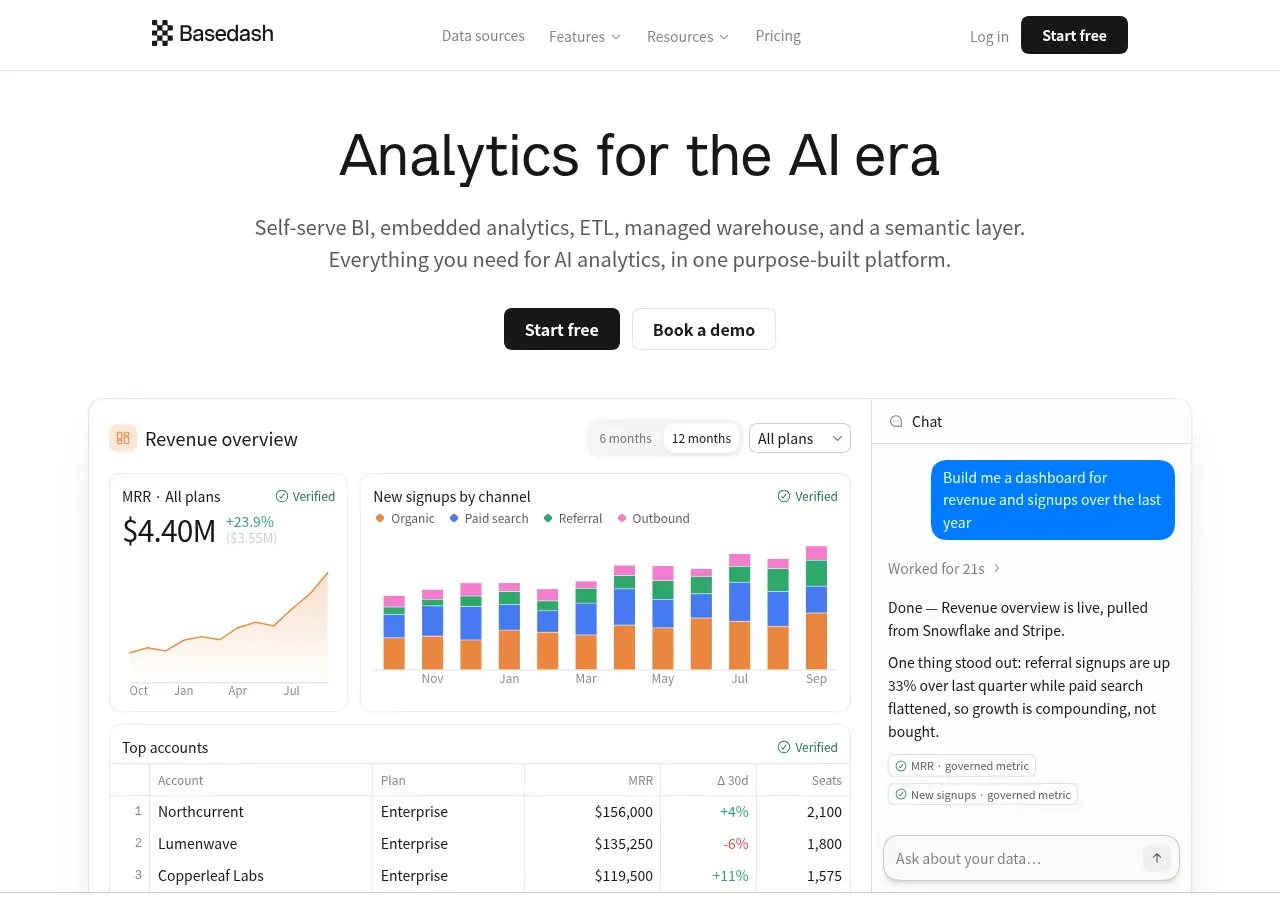
Analytics product hero
Basedash View-only members · Hero

 AI customer experience hero
Open For sales · Hero
AI customer experience hero
Open For sales · Hero
 Mac email product hero
bytemail · Hero
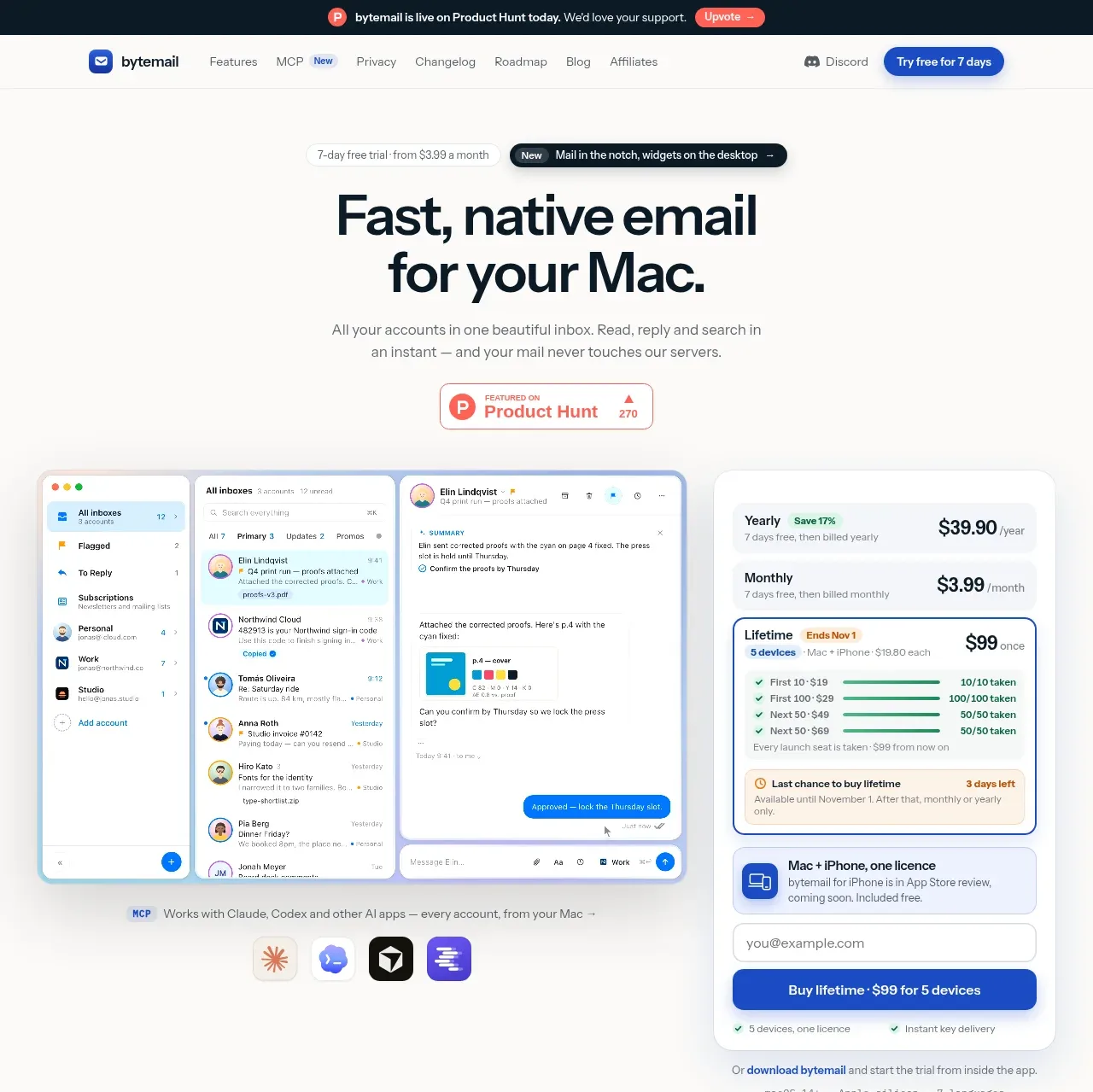
Mac email product hero
bytemail · Hero
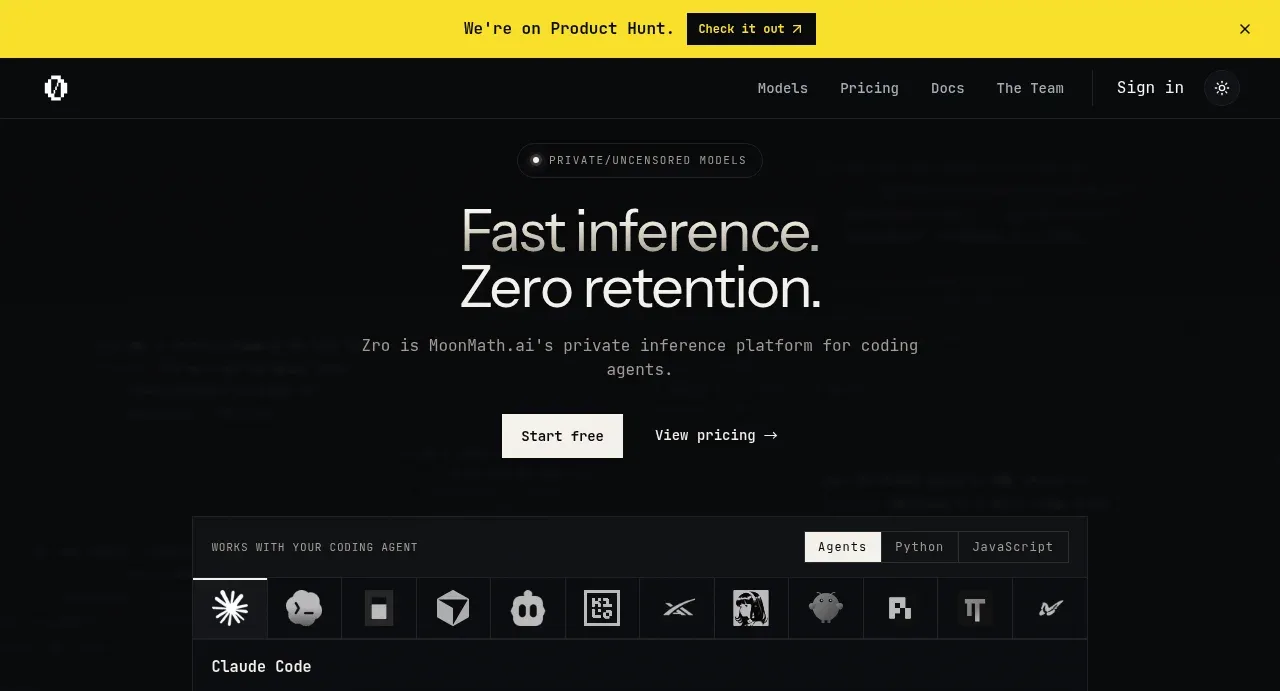
 Private inference hero
Zro: Uncensored Security Models · Hero
Private inference hero
Zro: Uncensored Security Models · Hero
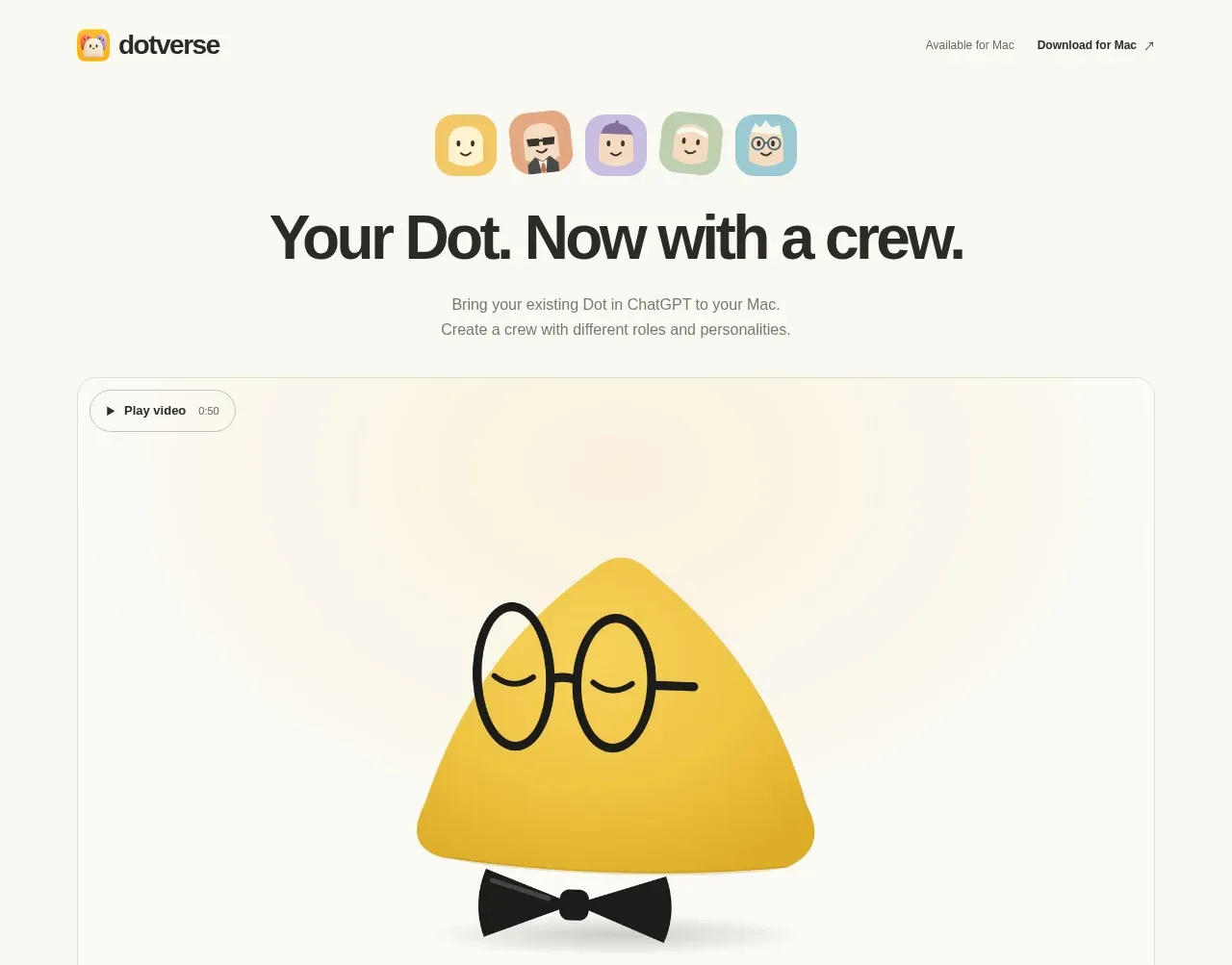
 Character-led product hero
Dotverse · Hero
Character-led product hero
Dotverse · Hero