 kage
kage
bytemailapp.com
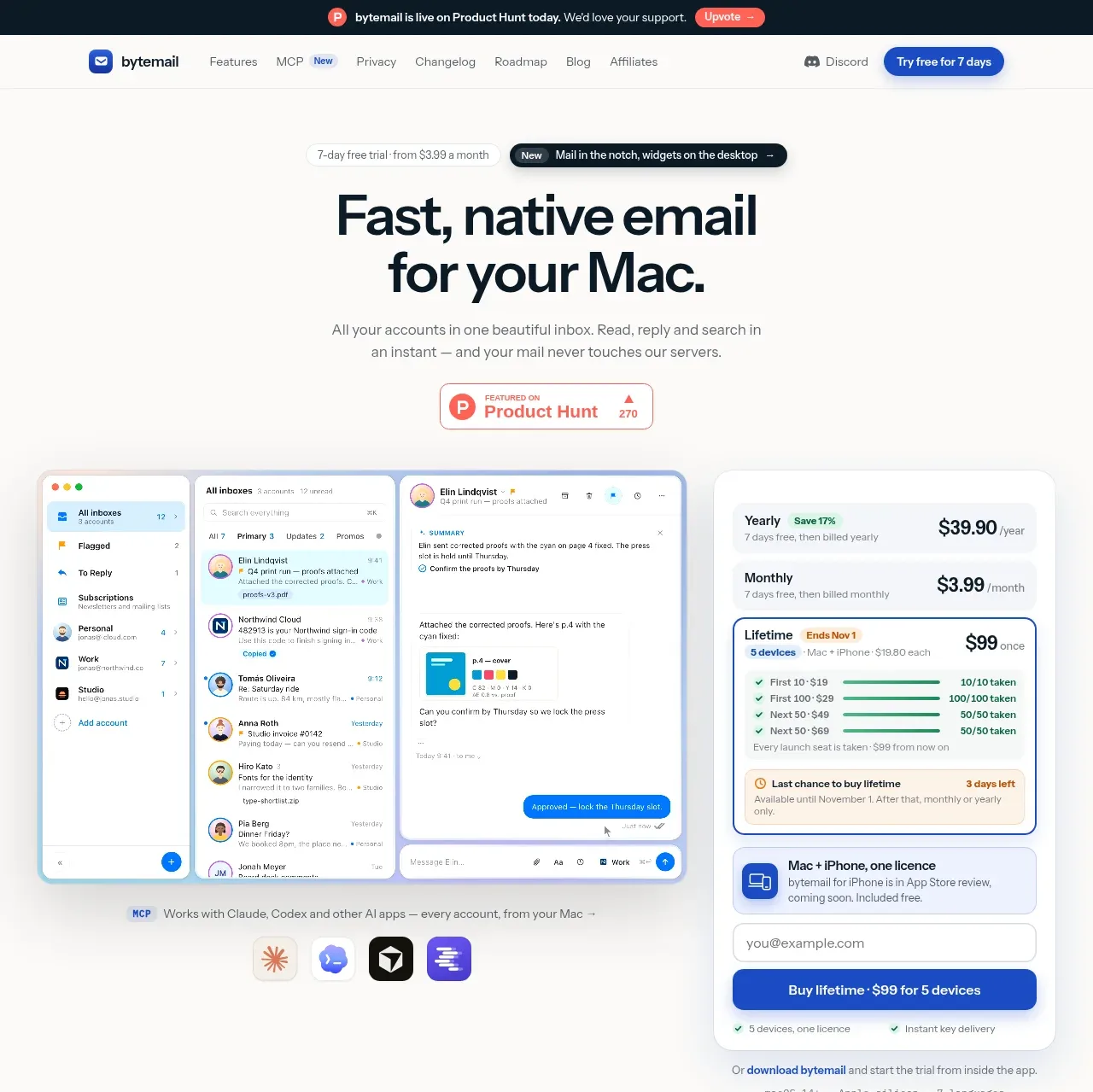
Design analysis
The hero uses a concise benefit headline, small supporting proof, a Product Hunt badge, and a large product/pricing visual. The oversized email UI and adjacent purchase card make the value proposition tangible before the first major scroll.
Prompt preview
## Reference images

Study these alongside the description below: hierarchy, rhythm, spacing, colour. Build for the product you are asked about, using this design language.

- Component: https://kage-design-assets.t3.tigrisfiles.io/components/bytemail/045a2cef-1fc1-40ba-865c-126b992dab68-1793253732-1.webp
- Full page it was cut from: https://kage-design-assets.t3.tigrisfiles.io/screenshots/bytemail/045a2cef-1fc1-40ba-865c-126b992dab68-1793253665308-full.webp
- Component on Kage: https://kage.design/component/bytemail-hero

## Before you start
Ask what the user's product is, what transformation it provides, and which proof or demo asset best supports its first conversion. Apply the principles below to that product.

Create a spacious hero with a small eyebrow or trial note, a two-line benefit-focused headline, concise supporting copy, and one primary CTA. Place a credible proof element below the copy, then use a large visual or interactive product preview as the hero's anchor; pair it with a compact pricing or signup panel only when pricing is central to the decision. Center the content on a warm white background (#fbfbf8), use near-black #07151b for the headline, muted #70797d for body copy, and blue #2456d8 for actions. Use a 56–72px desktop headline, 16px body text, generous 24–40px gaps, soft shadows, 1px #e7e9e6 borders, and 14–18px radii. On mobile, stack the visual and purchase panel without shrinking the type excessively.

Never use logos, product names, copy, illustrations, or imagery from the reference.
More components
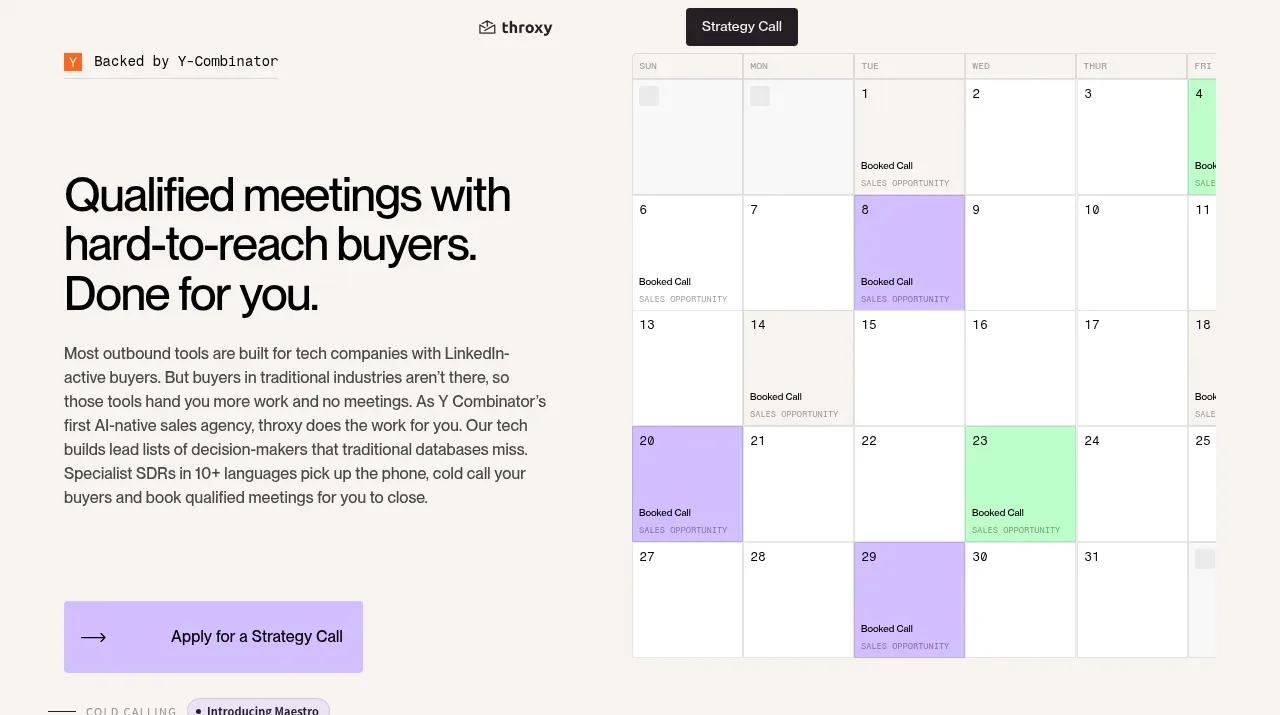
 Buyer-focused hero with calendar visual
throxy · Hero
Buyer-focused hero with calendar visual
throxy · Hero
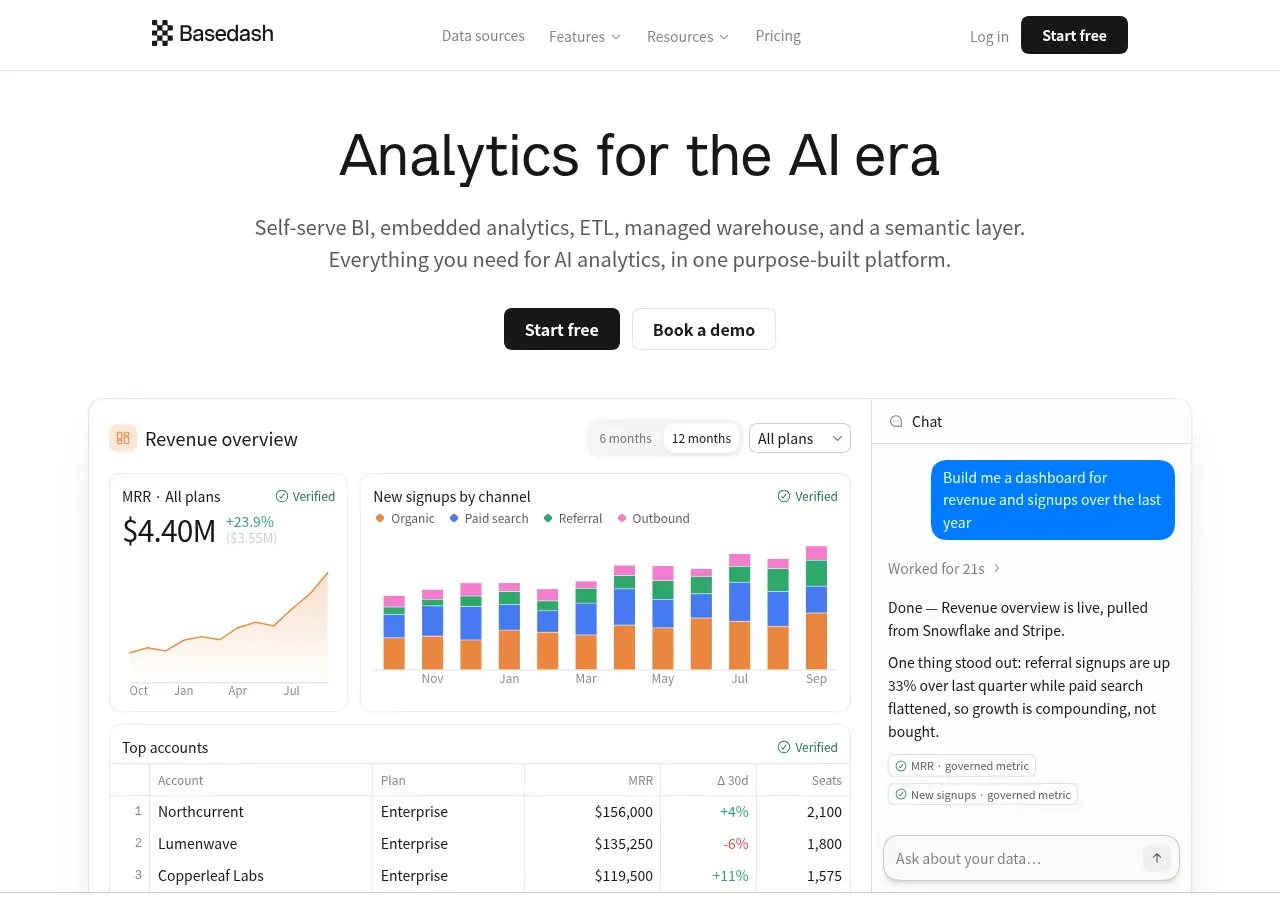
 Analytics product hero
Basedash View-only members · Hero
Analytics product hero
Basedash View-only members · Hero
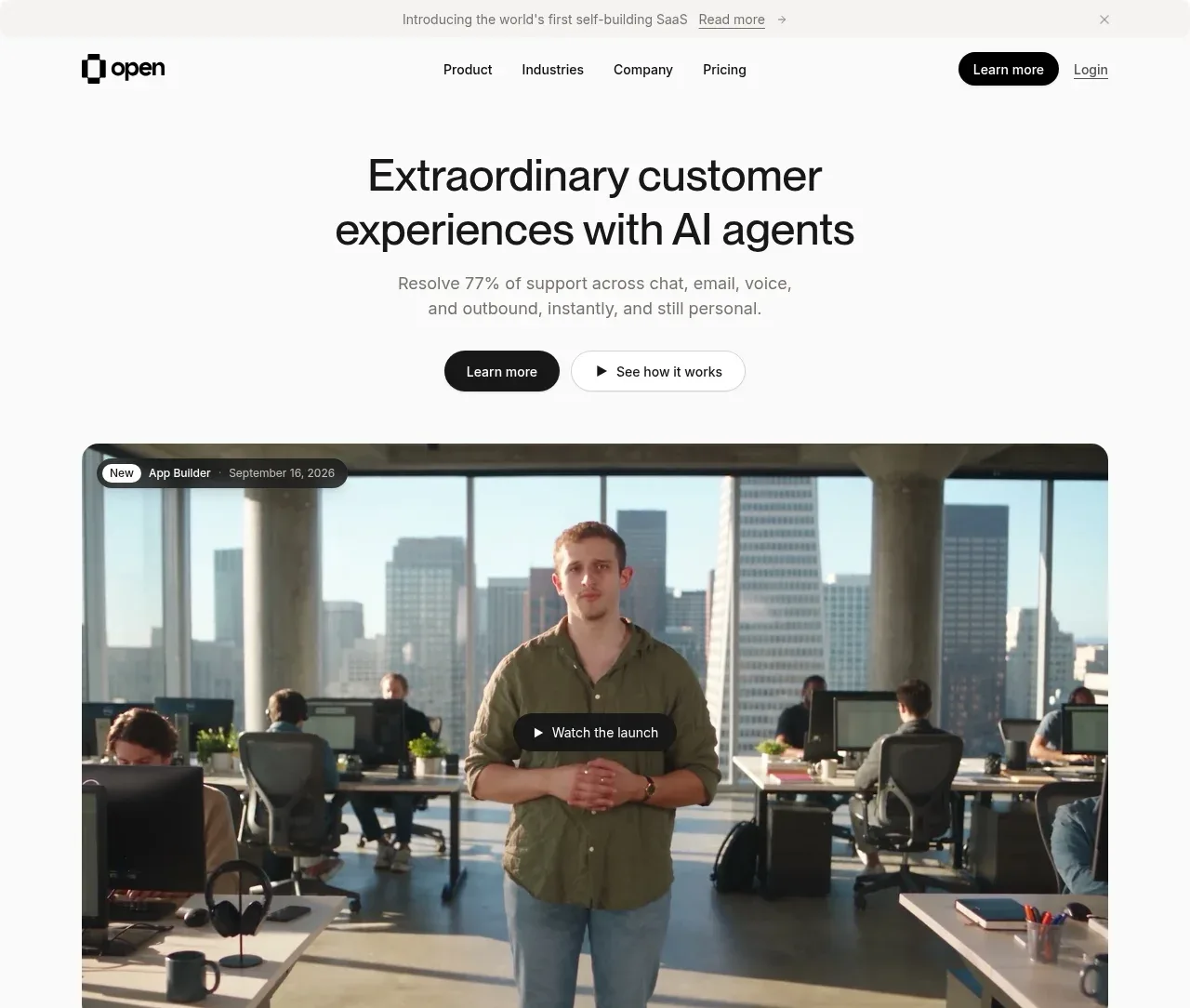
 AI customer experience hero
Open For sales · Hero
AI customer experience hero
Open For sales · Hero
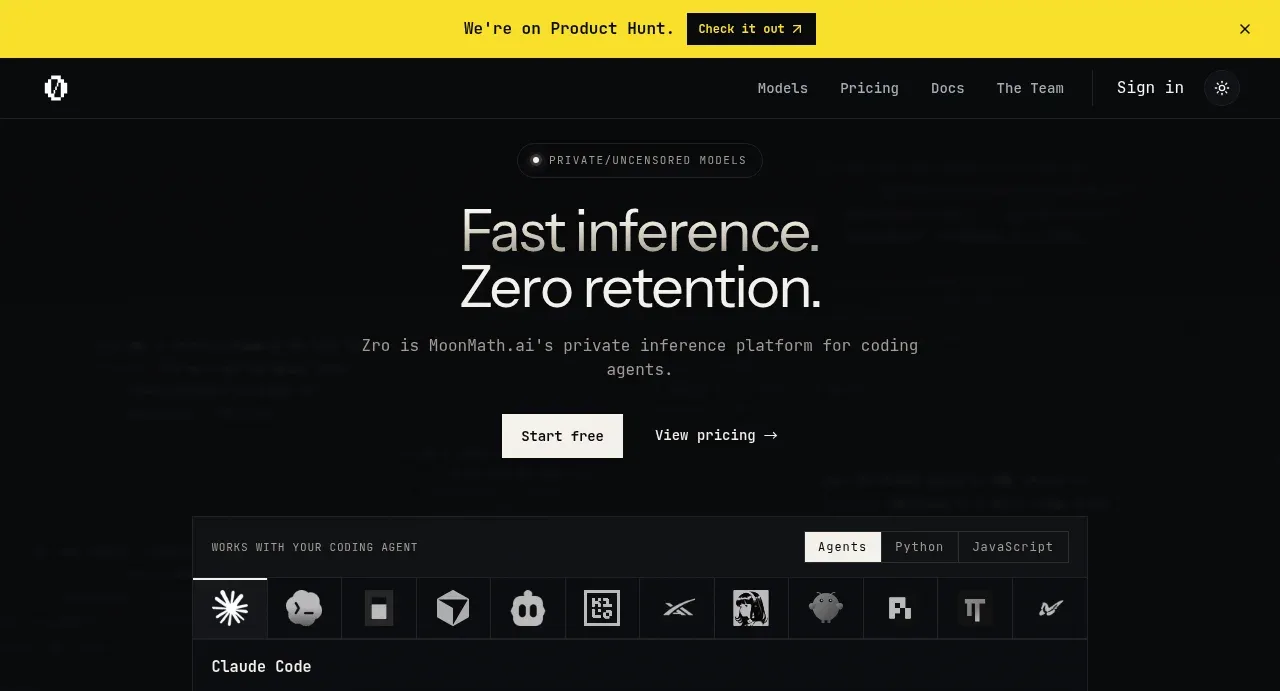
 Private inference hero
Zro: Uncensored Security Models · Hero
Private inference hero
Zro: Uncensored Security Models · Hero
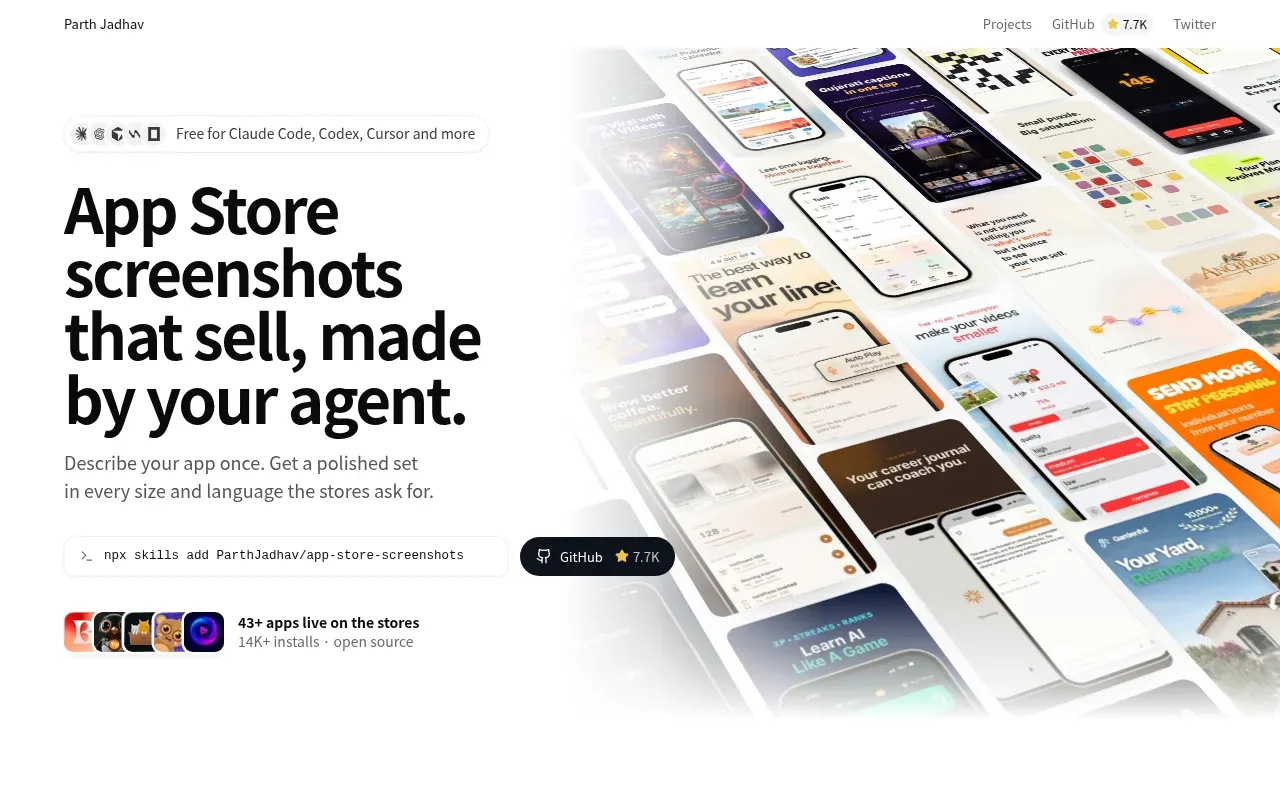
 Product hero with screenshot collage
App Store Screenshots · Hero
Product hero with screenshot collage
App Store Screenshots · Hero

 Character-led product hero
Dotverse · Hero
Character-led product hero
Dotverse · Hero