 kage
kage
zro.moonmath.ai
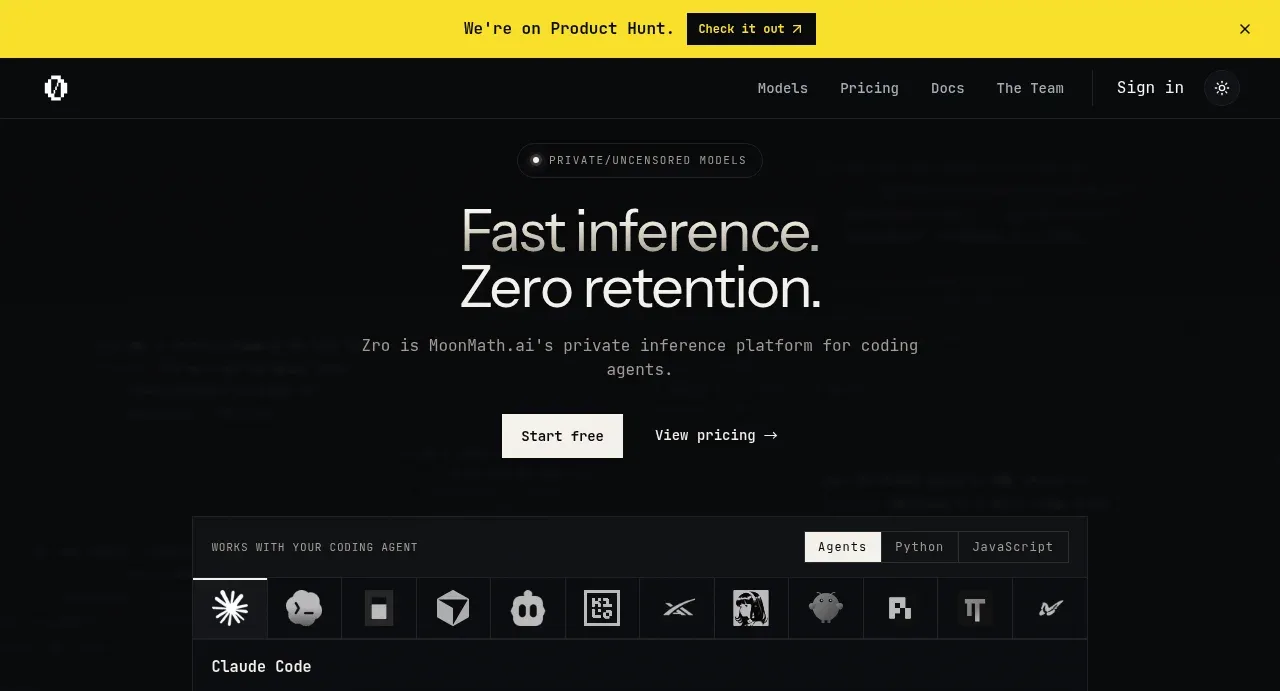
Design analysis
The hero establishes the promise with a large two-line headline, supporting explanation, primary and secondary actions, and a product integration preview beneath.
Prompt preview
## Reference images

Study these alongside the description below: hierarchy, rhythm, spacing, colour. Build for the product you are asked about, using this design language.

- Component: https://kage-design-assets.t3.tigrisfiles.io/components/zro-uncensored-security-models/e20130e7-a5cc-45c0-9379-5144f5425289-1793253722-2.webp
- Full page it was cut from: https://kage-design-assets.t3.tigrisfiles.io/screenshots/zro-uncensored-security-models/e20130e7-a5cc-45c0-9379-5144f5425289-1793253671388-full.webp
- Component on Kage: https://kage.design/component/zro-uncensored-security-models-hero

## Before you start
Ask what the user's product and brand are, then apply the following principles to that context.

Build a dark hero section beginning immediately under the navigation. Center a small pill-shaped eyebrow, a large two-line headline, concise supporting copy, and two horizontally aligned actions. Below the actions, include a wide technical integration preview: a bordered terminal/card with a tab row, tool or ecosystem icon strip, a code-command area, and a copy affordance. Use generous vertical rhythm and let the preview act as the hero's visual proof rather than adding decorative imagery. Use near-black `#080a0c`, off-white `#f1f1ed`, muted gray `#91949a`, and panel borders `#202329`. Headline sizing should be approximately 40–48px with tight line-height; body copy 13–15px; code 11–12px monospace. Primary buttons can use `#f1f1ed` with black text, while secondary actions remain text-only. Use 6–10px radii and subtle hover border/brightness changes.

Never: use logos, product names, copy, illustrations or imagery from the reference.
More components
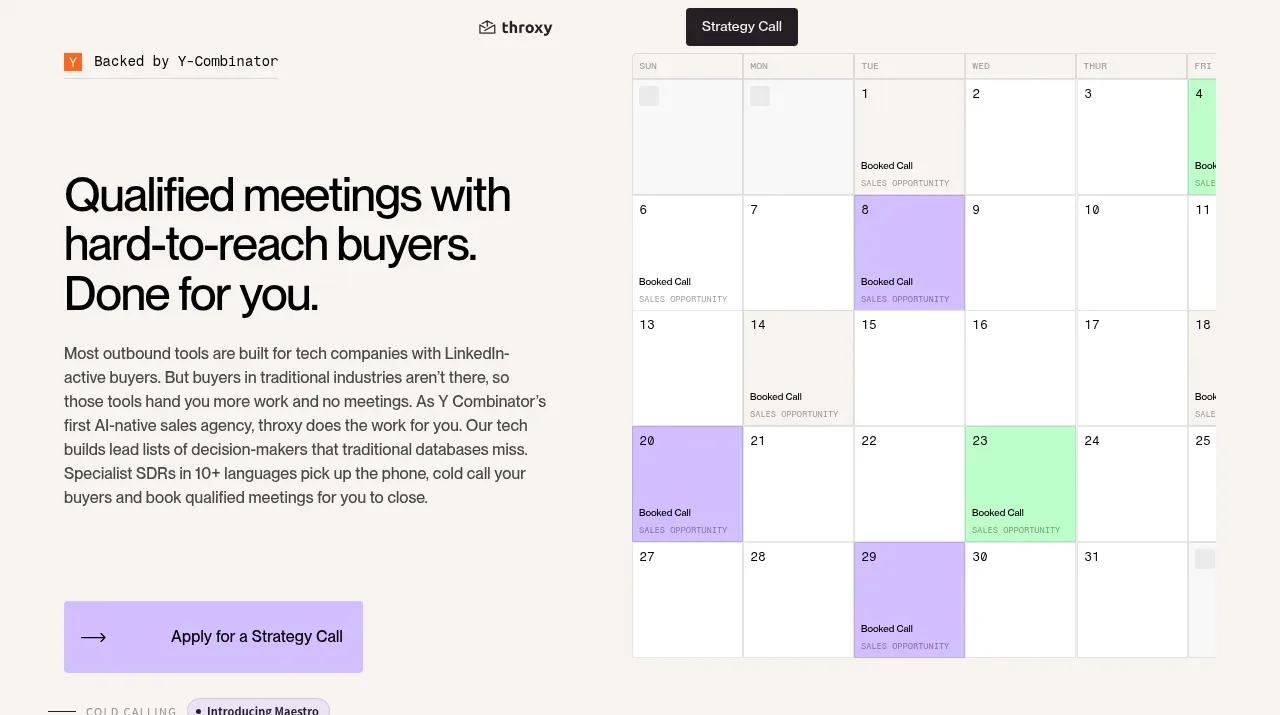
 Buyer-focused hero with calendar visual
throxy · Hero
Buyer-focused hero with calendar visual
throxy · Hero
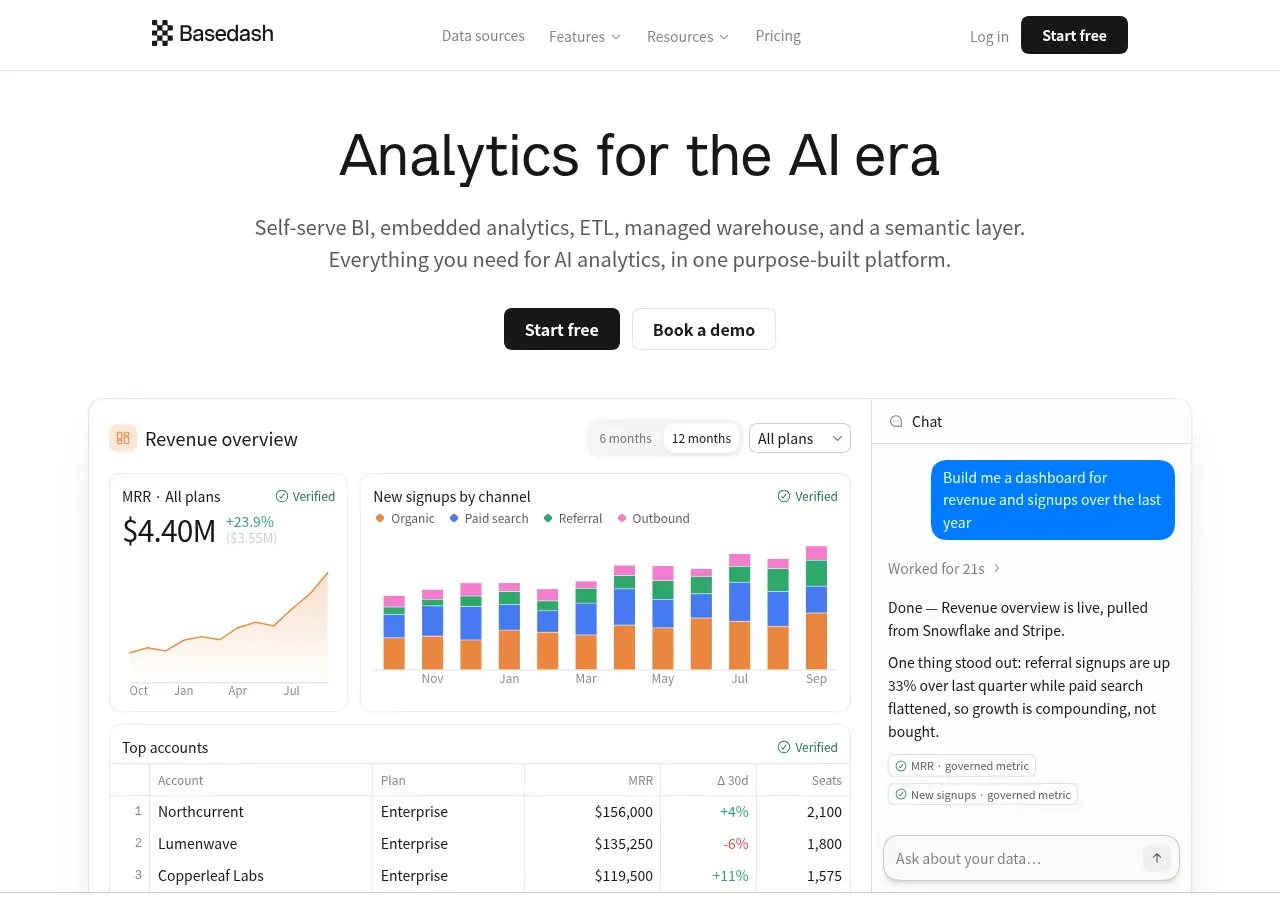
 Analytics product hero
Basedash View-only members · Hero
Analytics product hero
Basedash View-only members · Hero

 AI customer experience hero
Open For sales · Hero
AI customer experience hero
Open For sales · Hero
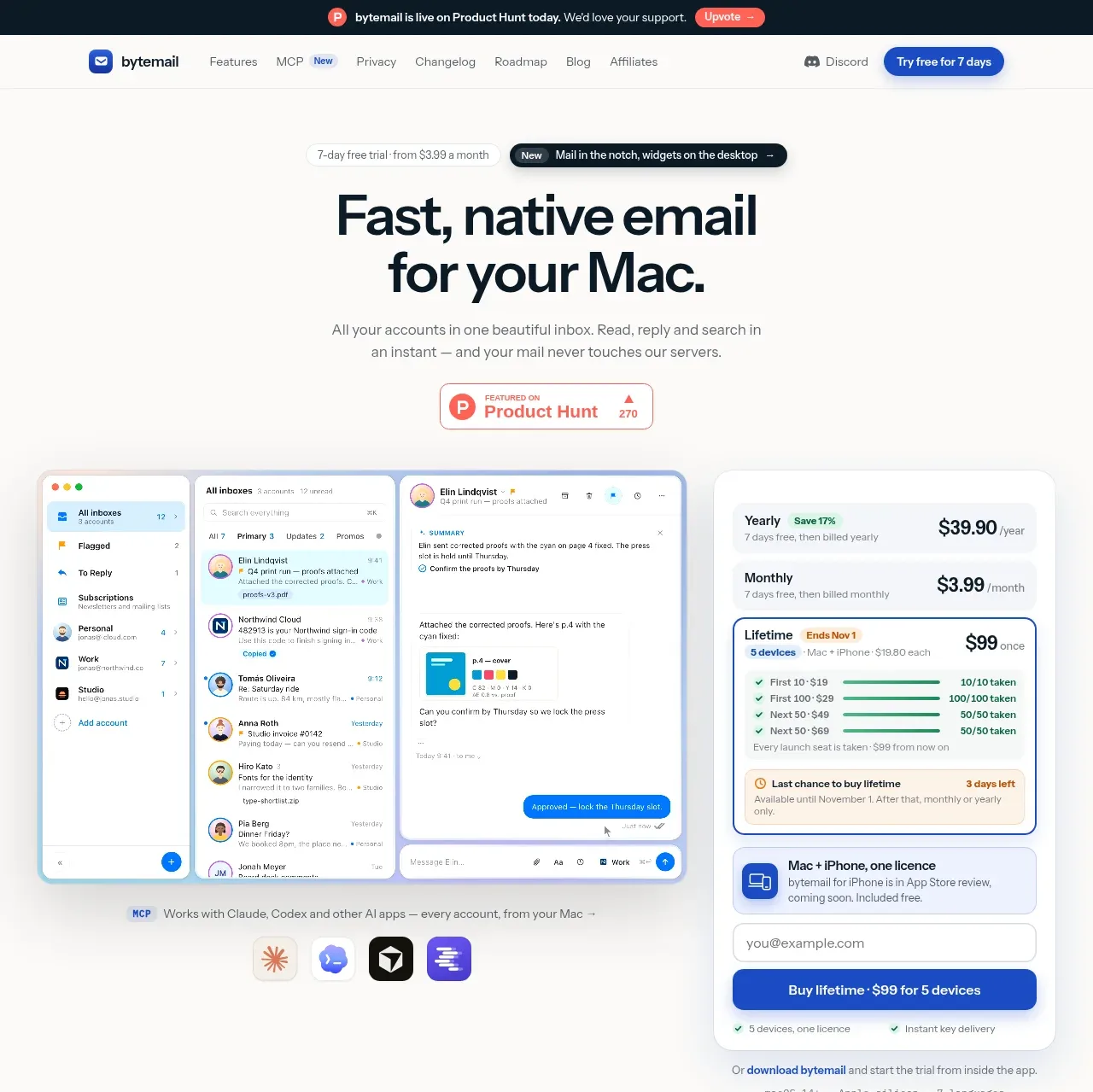
 Mac email product hero
bytemail · Hero
Mac email product hero
bytemail · Hero
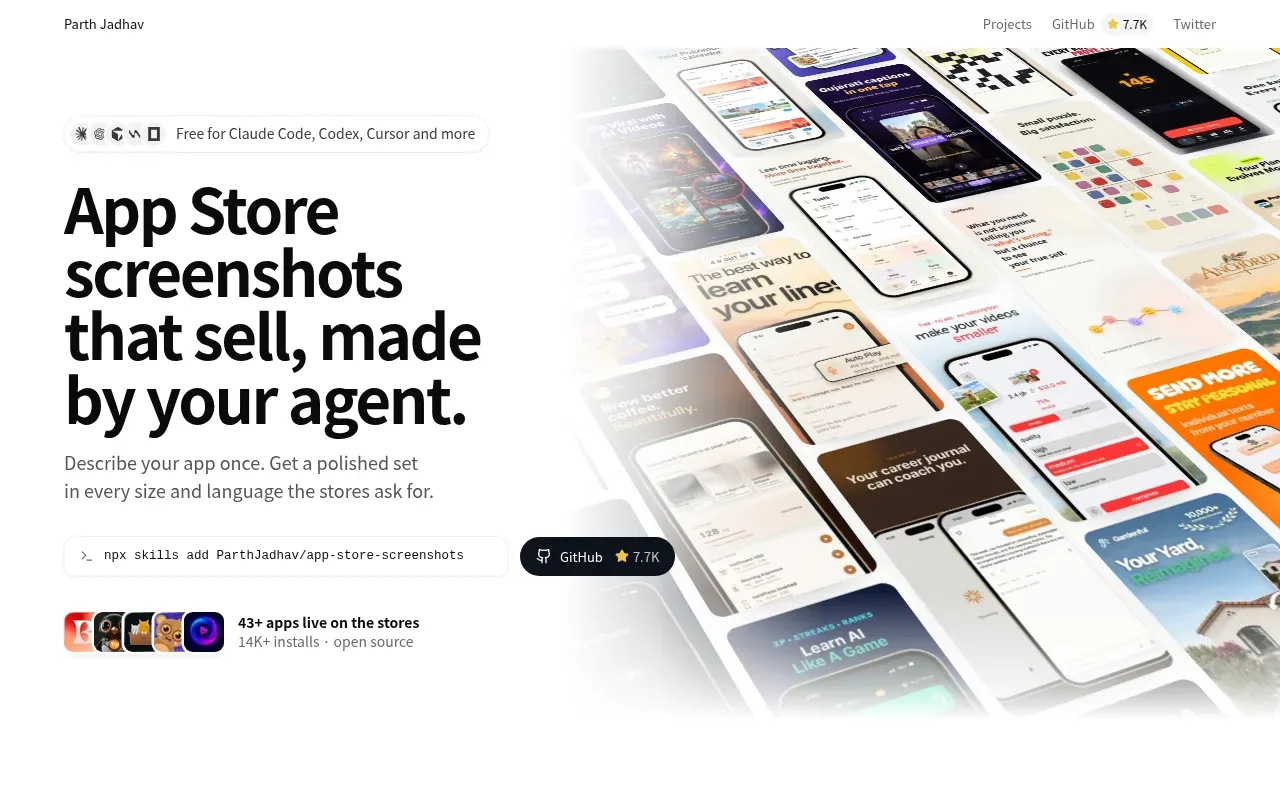
 Product hero with screenshot collage
App Store Screenshots · Hero
Product hero with screenshot collage
App Store Screenshots · Hero
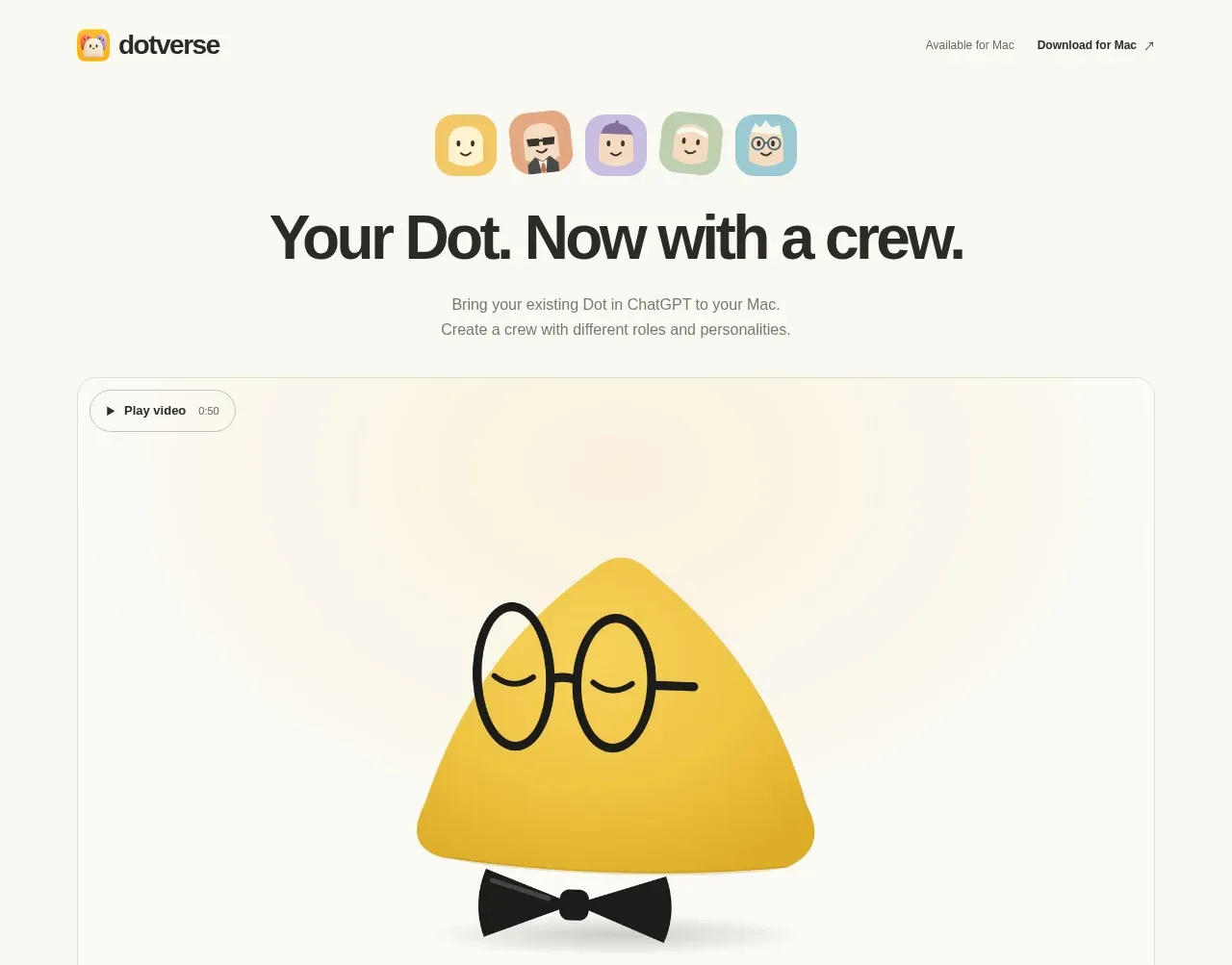
 Character-led product hero
Dotverse · Hero
Character-led product hero
Dotverse · Hero