kage
kage
applyseed.com
Design analysis
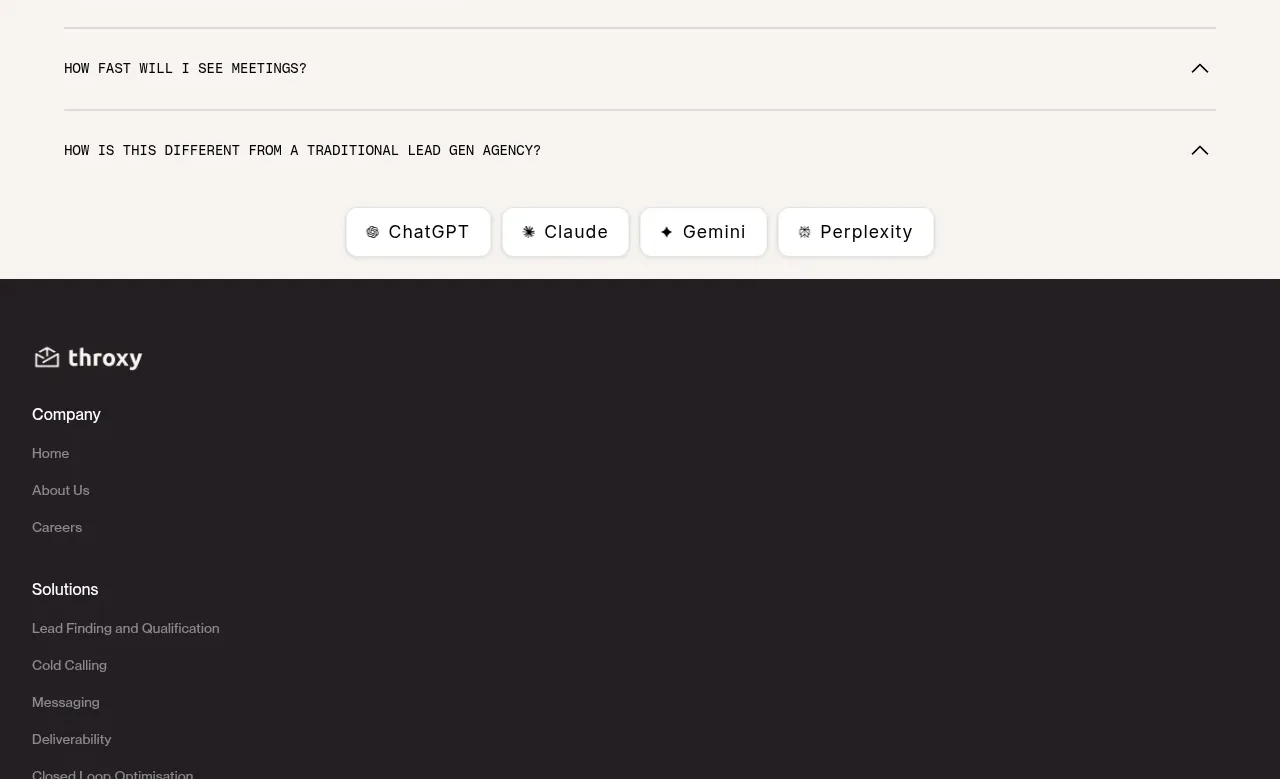
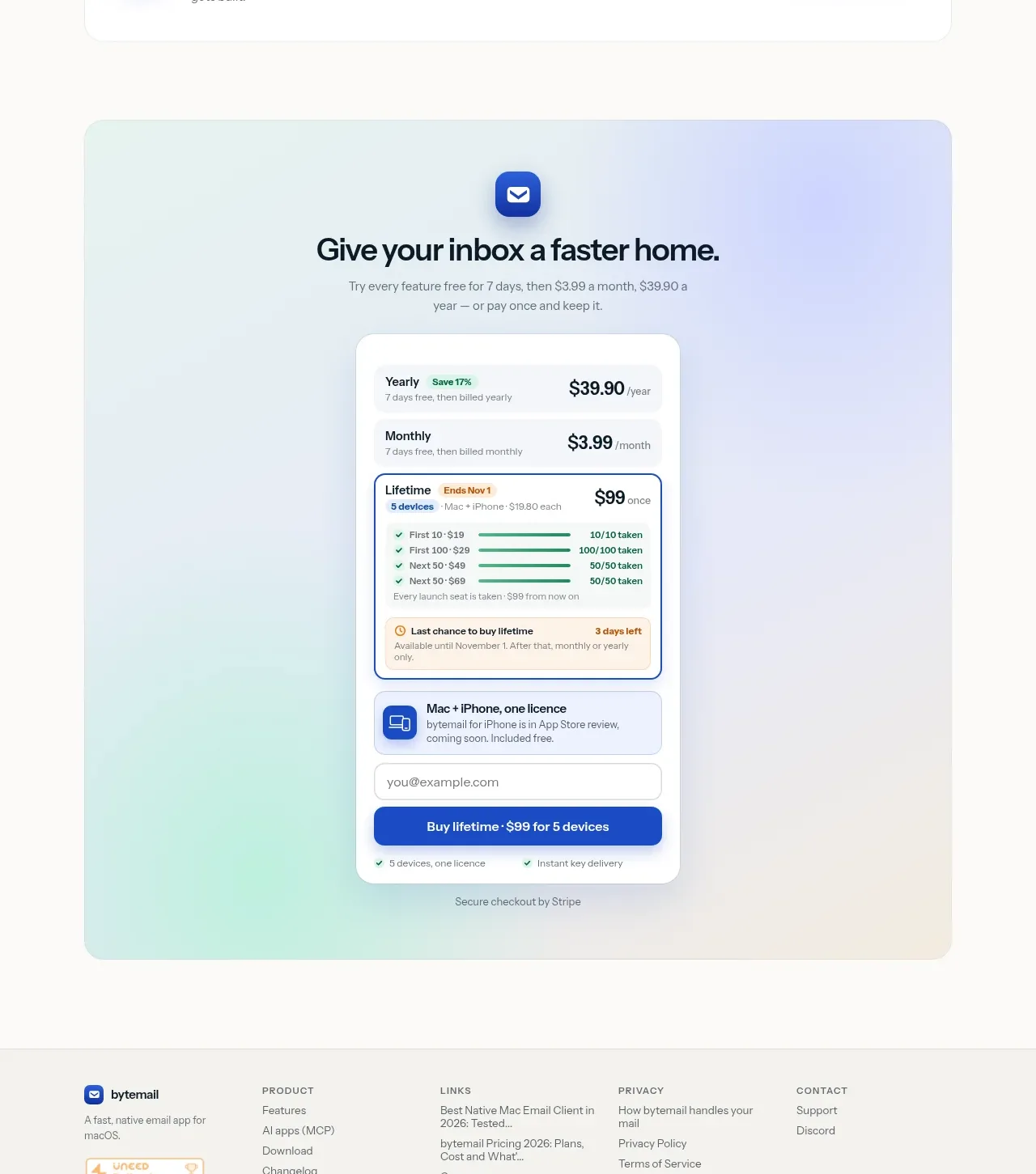
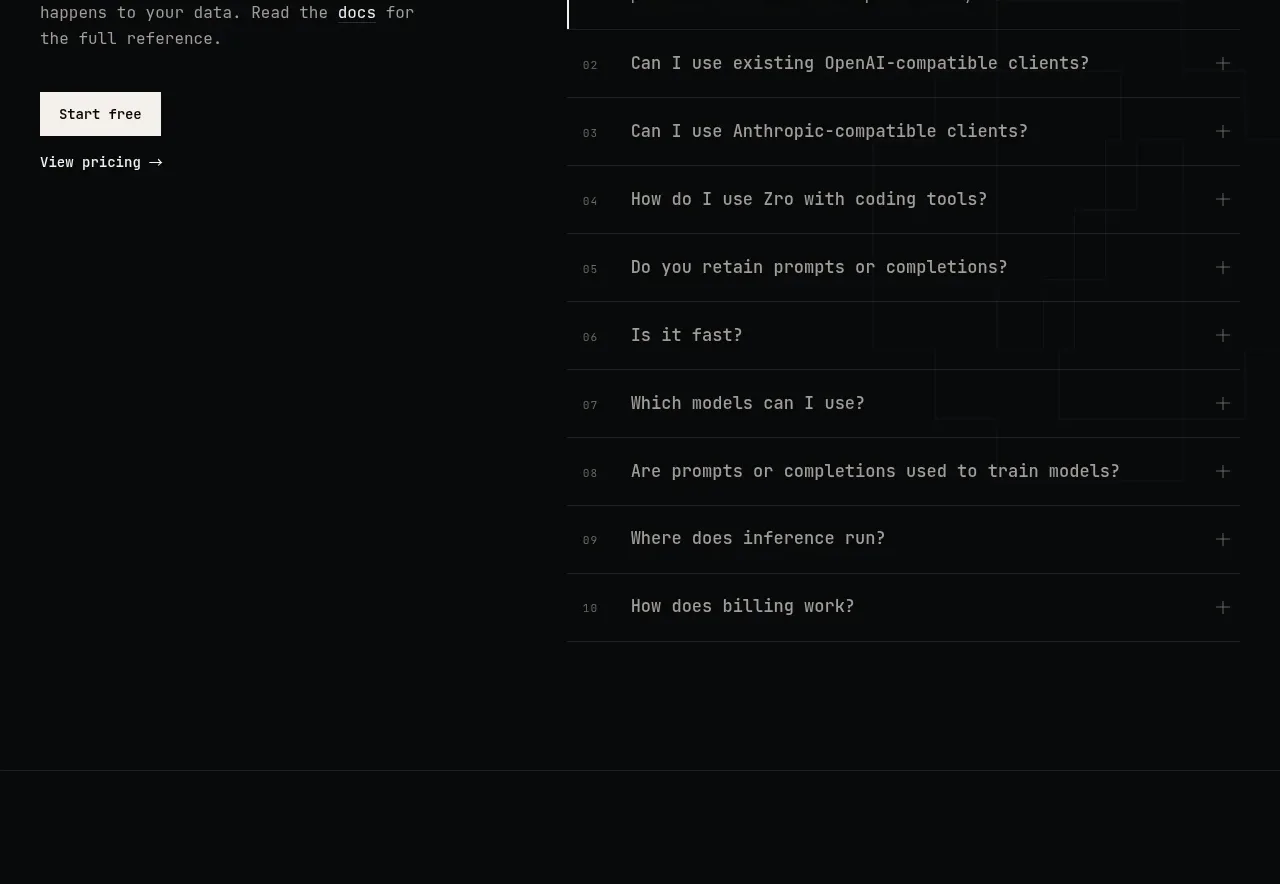
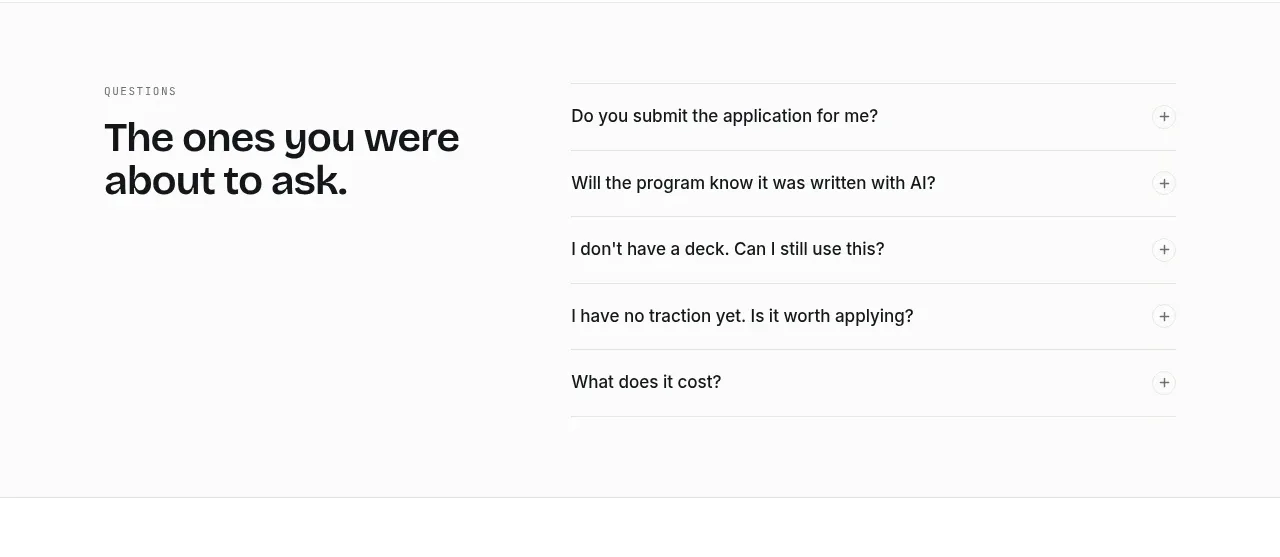
A strong left-side question heading and clean right-side rows let visitors scan common objections quickly without visual clutter.
Prompt preview
## Reference images

Study these alongside the description below: hierarchy, rhythm, spacing, colour. Build for the product you are asked about, using this design language.

- Component: https://kage-design-assets.t3.tigrisfiles.io/components/applyseed/bf723559-d370-4cf7-bc95-35bbaececd41-1789797758-9.webp
- Full page it was cut from: https://kage-design-assets.t3.tigrisfiles.io/screenshots/applyseed/bf723559-d370-4cf7-bc95-35bbaececd41-1789797723399-full.webp
- Component on Kage: https://kage.design/component/applyseed-faq

## Before you start
Ask what the user's product is, who it serves, and what brand personality and colors they want. Apply these principles to that product rather than reproducing the reference.

Create a two-column FAQ section. Put a small eyebrow and large heading on the left; put five or six accordion rows on the right. Each row should contain a concise question, a plus or chevron control, and a full-width divider. Add smooth height and icon rotation for open states, ensure the whole row is keyboard accessible, and use proper disclosure semantics. Use 34–44px heading typography, 15–16px questions, #151716 text, #707572 secondary text, #e3e5e2 dividers, and 24–32px vertical row spacing. Keep the layout spacious and stack the heading above the accordion on mobile.

Never: use logos, product names, copy, illustrations, or imagery from the reference.