kage
kage
arcjet.com
Design analysis
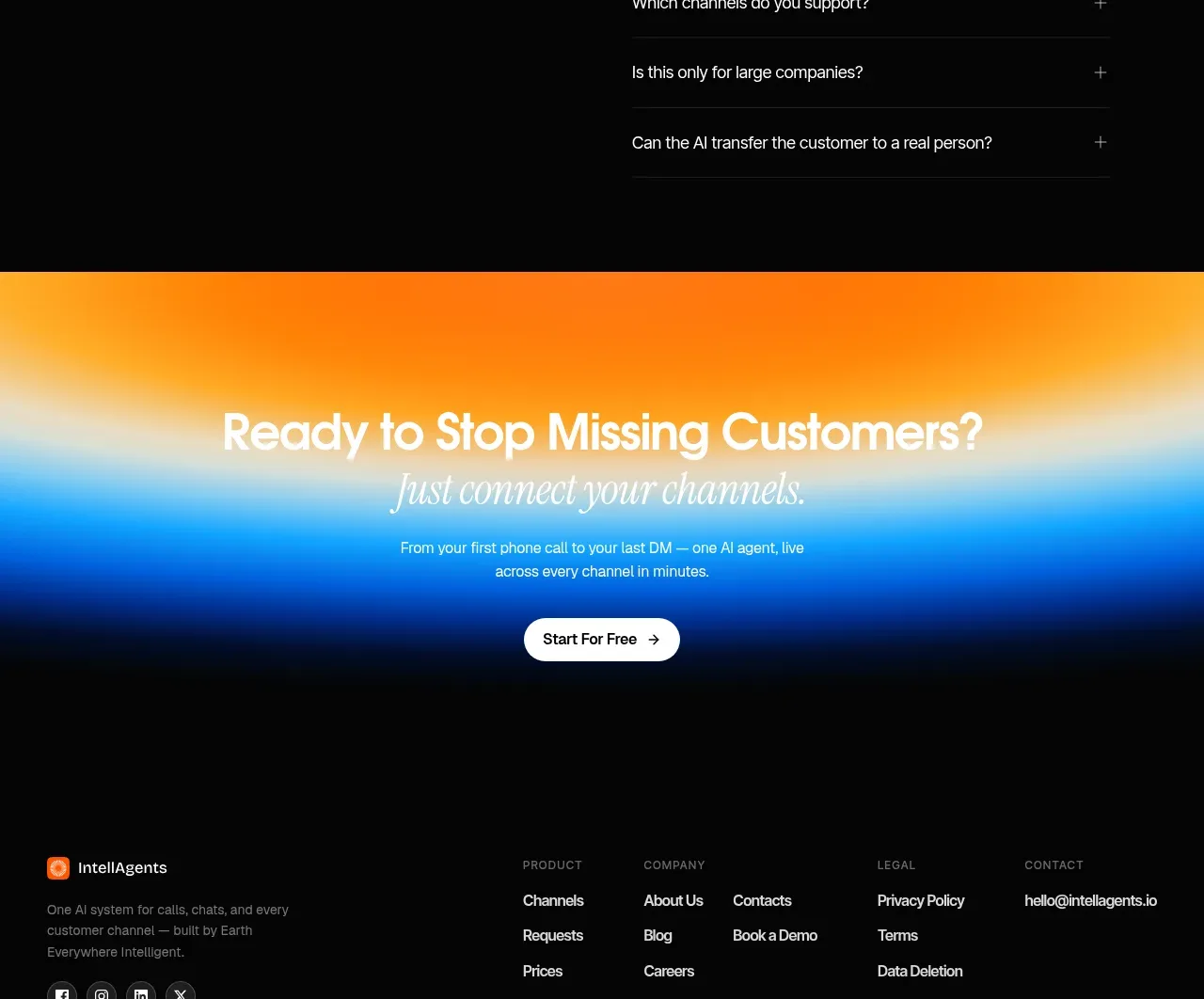
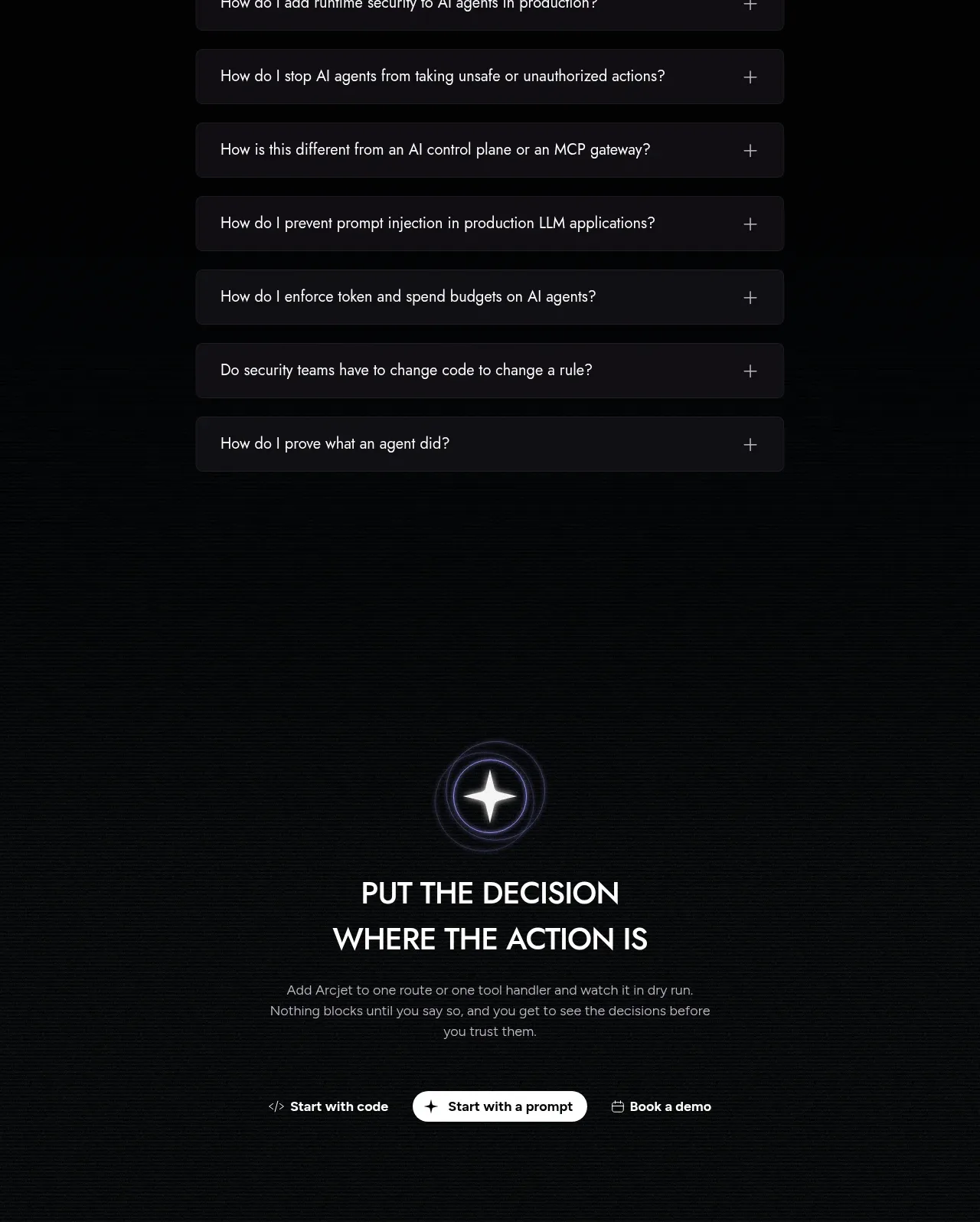
The FAQ uses a focused heading and a clean stack of expandable rows, keeping each question easy to scan and interact with.
Prompt preview
## Reference images

Study these alongside the description below: hierarchy, rhythm, spacing, colour. Build for the product you are asked about, using this design language.

- Component: https://kage-design-assets.t3.tigrisfiles.io/components/arcjet/88e490fa-ec93-4198-849b-d528e634d4ff-1790057135-11.webp
- Full page it was cut from: https://kage-design-assets.t3.tigrisfiles.io/screenshots/arcjet/88e490fa-ec93-4198-849b-d528e634d4ff-1790056993895-full.webp
- Component on Kage: https://kage.design/component/arcjet-faq

## Before you start
Ask what questions users commonly ask about the user's product, integrations, security, pricing, or setup. Then build an original FAQ that follows these rules.

Create a dark FAQ section with a small eyebrow, a strong heading, and six to eight full-width accordion rows in a centered readable column. Each row should have a question on the left and a plus/minus control on the right; one item may be open by default if useful. Use panel rows `#17171b`, 1px borders `#29282e`, 6–8px radius, 14–16px question text, and muted 13–14px answer text. Give rows 14–20px vertical padding and 10–12px gaps. Use warm white `#eeebe8`, gray `#99959c`, and a small violet or coral focus accent. Implement keyboard navigation, visible focus, `button` semantics, and smooth height transitions that respect reduced motion. Never: use logos, product names, copy, illustrations or imagery from the reference.