kage
kage
arcjet.com
Design analysis
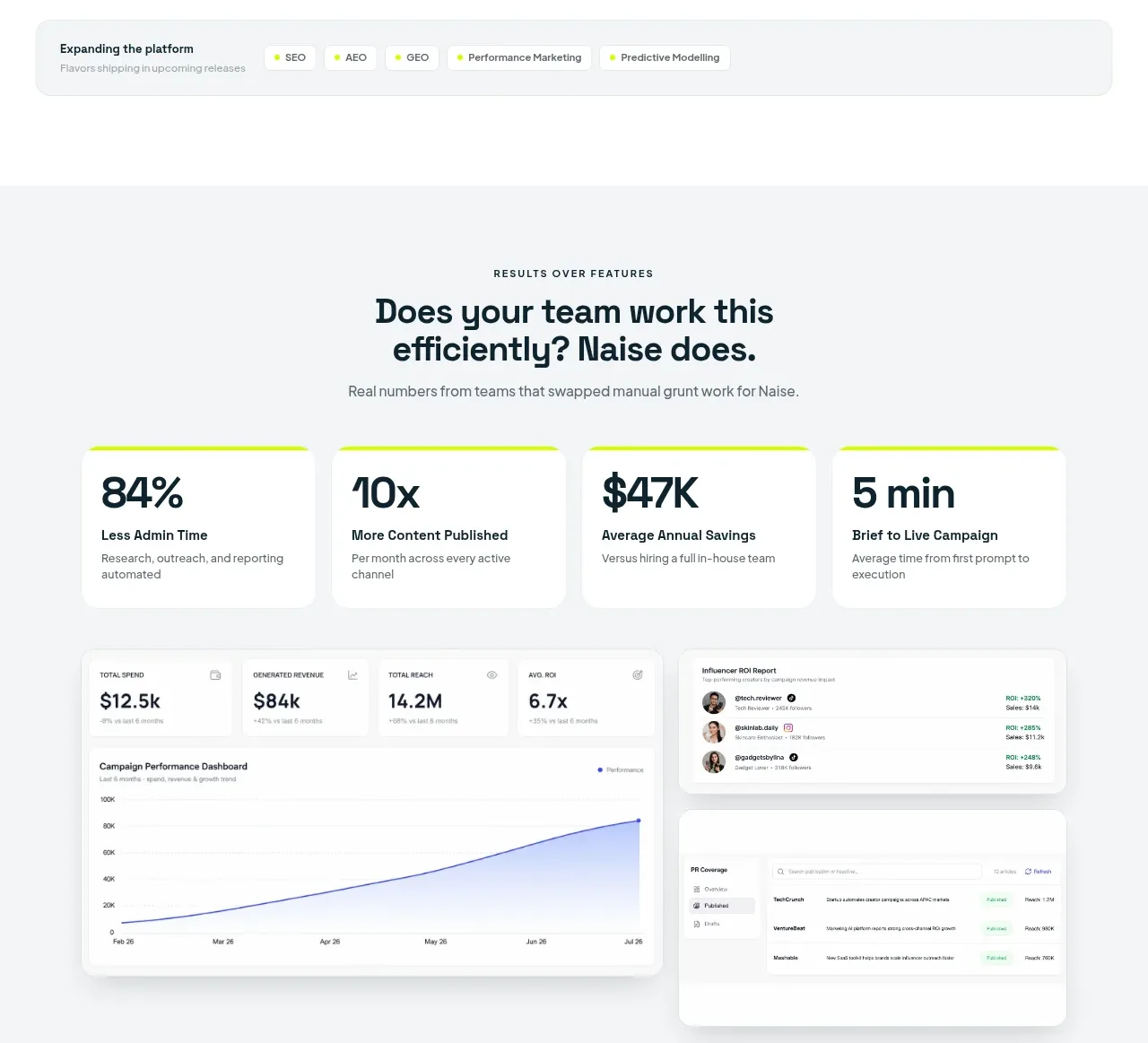
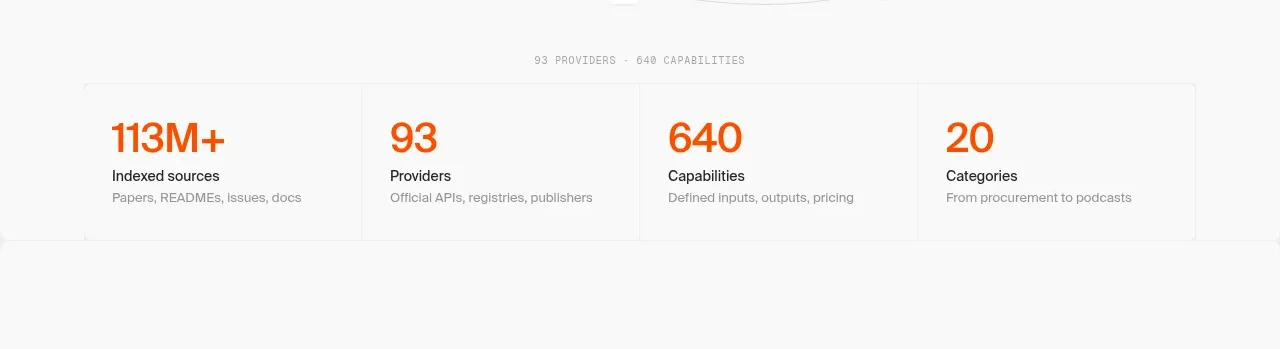
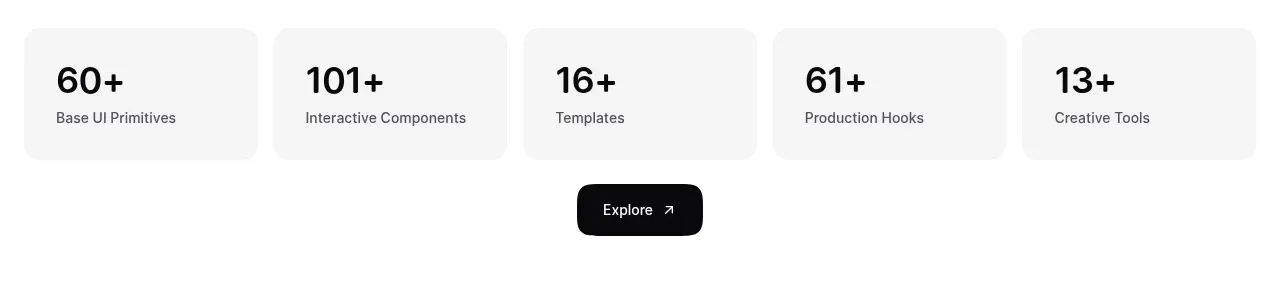
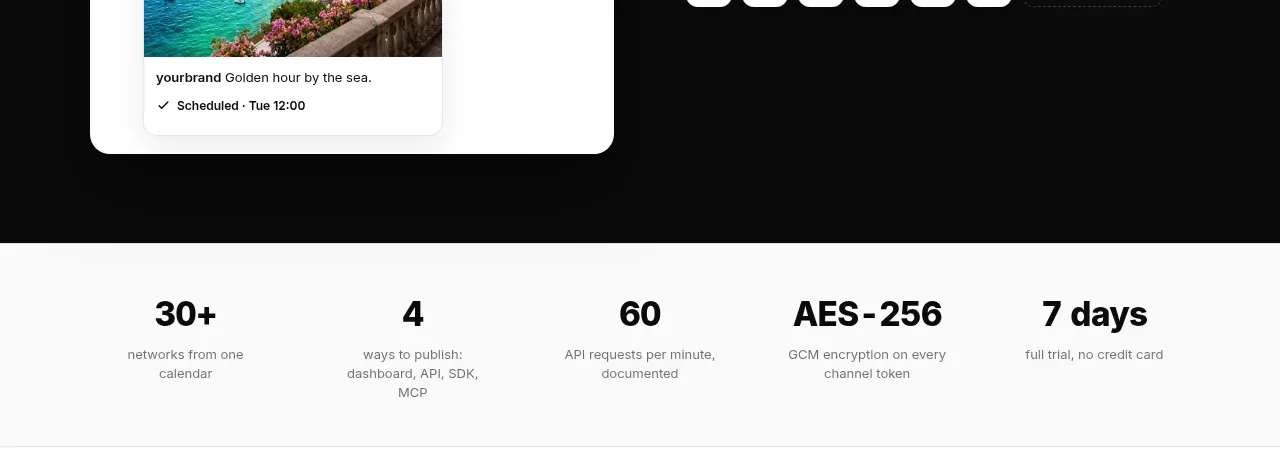
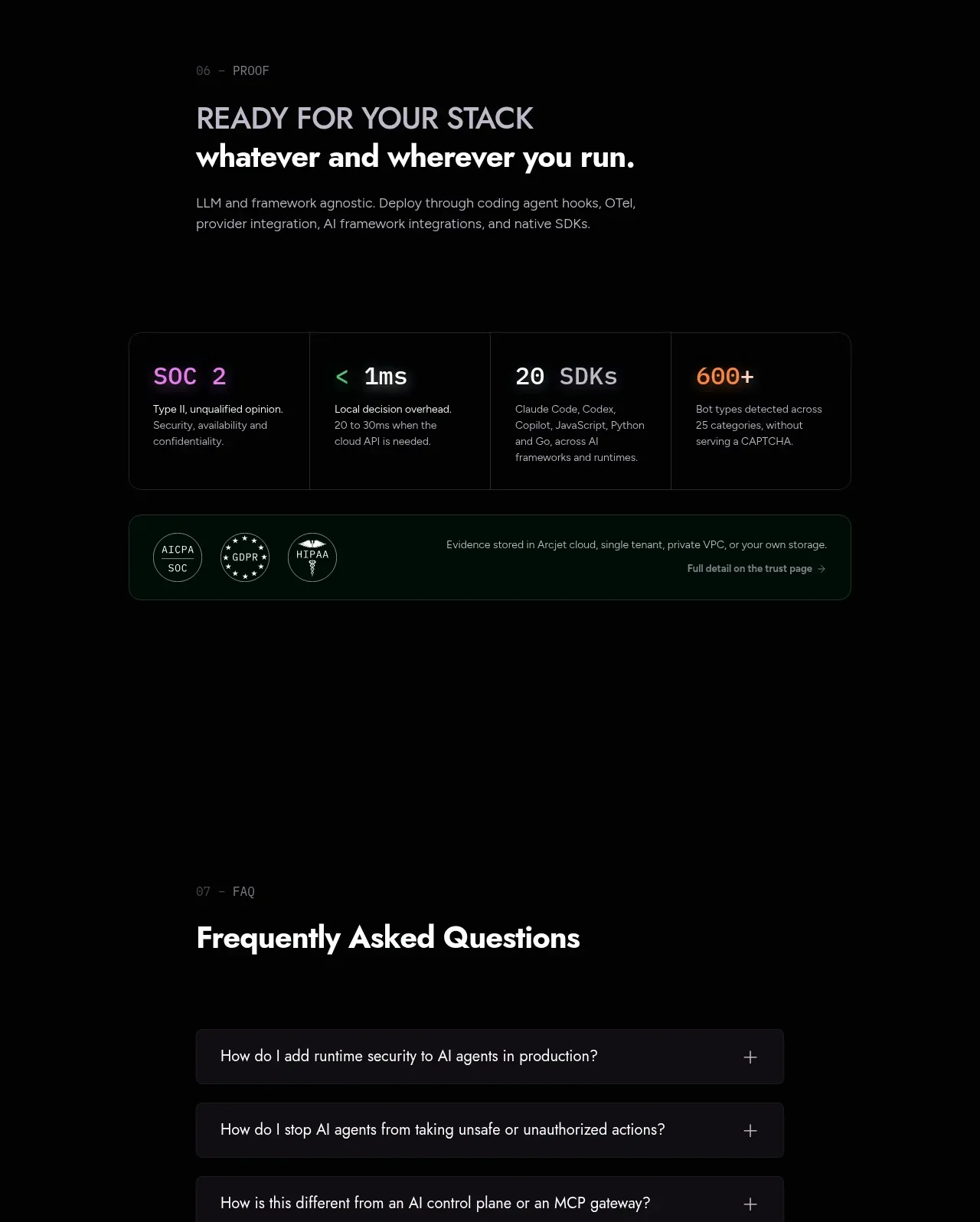
A concise proof section combines a readiness headline with a four-column metric strip and a green-tinted trust statement.
Prompt preview
## Reference images

Study these alongside the description below: hierarchy, rhythm, spacing, colour. Build for the product you are asked about, using this design language.

- Component: https://kage-design-assets.t3.tigrisfiles.io/components/arcjet/88e490fa-ec93-4198-849b-d528e634d4ff-1790057135-10.webp
- Full page it was cut from: https://kage-design-assets.t3.tigrisfiles.io/screenshots/arcjet/88e490fa-ec93-4198-849b-d528e634d4ff-1790056993895-full.webp
- Component on Kage: https://kage.design/component/arcjet-stats

## Before you start
Ask what measurable outcomes, compatibility counts, and certifications are credible for the user's product. Then build a unique trust section using these principles.

Create a dark proof section with a small eyebrow, a two-line heading, and a short description followed by a four-column metrics strip. Each metric should show a large value, a compact label, and one explanatory line. Under it, add a rounded green-tinted trust bar with a few small badges or text assurances. Use near-black `#050607`, panel `#0f1113`, border `#292a2f`, and a translucent green surface `#10231d` with border `#24513d`. Values use white plus accent colors such as violet `#9a83ee`, mint `#82cda5`, and amber `#e5a156`. Keep numbers visually dominant, use responsive 2x2 metrics on mobile, and ensure claims are accessible as text rather than graphics alone. Never: use logos, product names, copy, illustrations or imagery from the reference.