kage
kage
sponkly.com
Design analysis
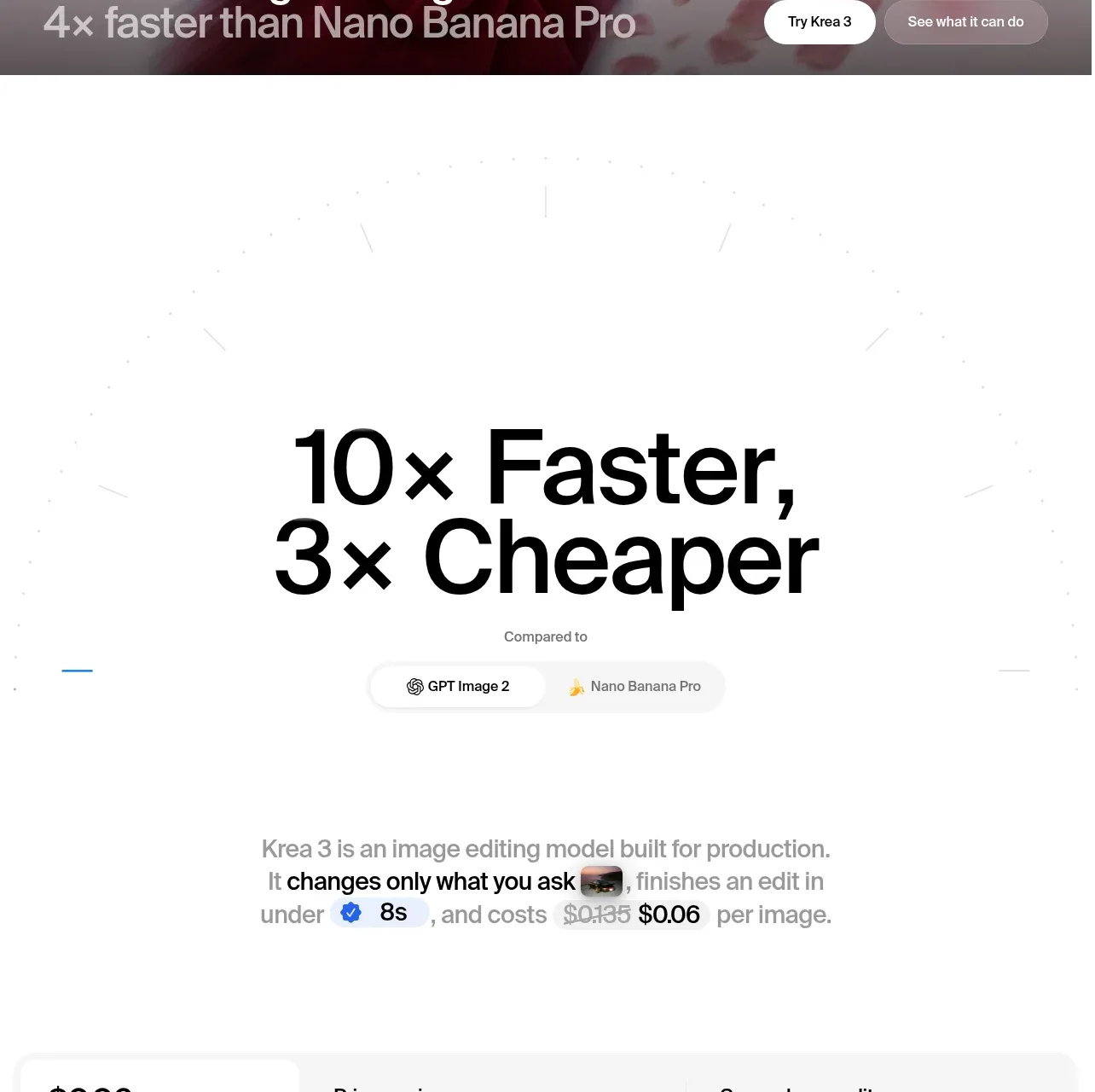
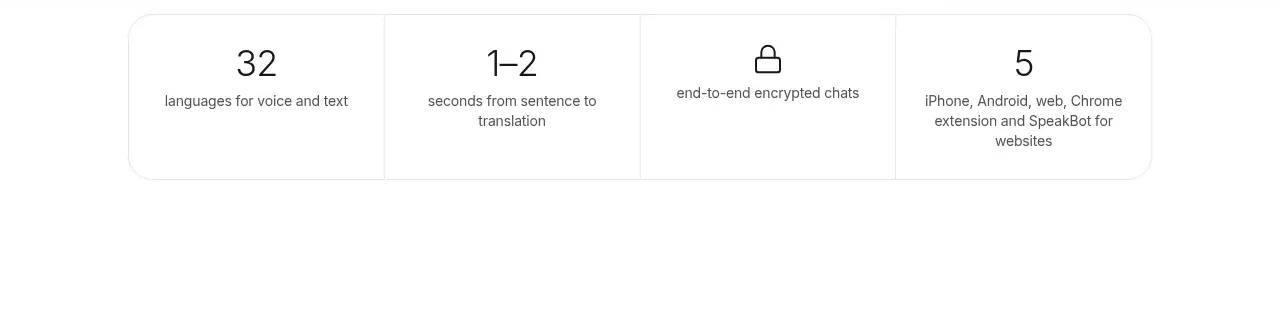
A compact four-column strip quickly communicates measurable product benefits beneath the hero.
Prompt preview
## Reference images

Study these alongside the description below: hierarchy, rhythm, spacing, colour. Build for the product you are asked about, using this design language.

- Component: https://kage-design-assets.t3.tigrisfiles.io/components/sponkly/bd3f409f-e542-449e-8bba-263211d90a1c-1792735453-2.webp
- Full page it was cut from: https://kage-design-assets.t3.tigrisfiles.io/screenshots/sponkly/bd3f409f-e542-449e-8bba-263211d90a1c-1792735346298-full.webp
- Component on Kage: https://kage.design/component/sponkly-stats

## Before you start
Ask me what measurable outcomes matter for my product and what brand system to use. Then build an original stats strip using the rules below.

Create a four-column horizontal stats band with large, highly legible values and short explanatory labels. Use a white or very lightly tinted background, thin #EEEEEE dividers, #202020 values at roughly 20–24px, and muted #777777 labels at 10–12px. Keep each cell equal width, vertically centered, and separated with generous whitespace rather than heavy card styling. Use a max-width container with a subtle outer border and 8–12px radius if a contained treatment is needed.

On mobile, convert the row into a two-column grid. Values should be exposed as text for accessibility and not depend on animation.

### Never
- Never copy the reference numbers, labels, product name, logos, or claims.
- Never use reference imagery or illustrations.