kage
kage
dotsapp.cloudaeri.com
Design analysis
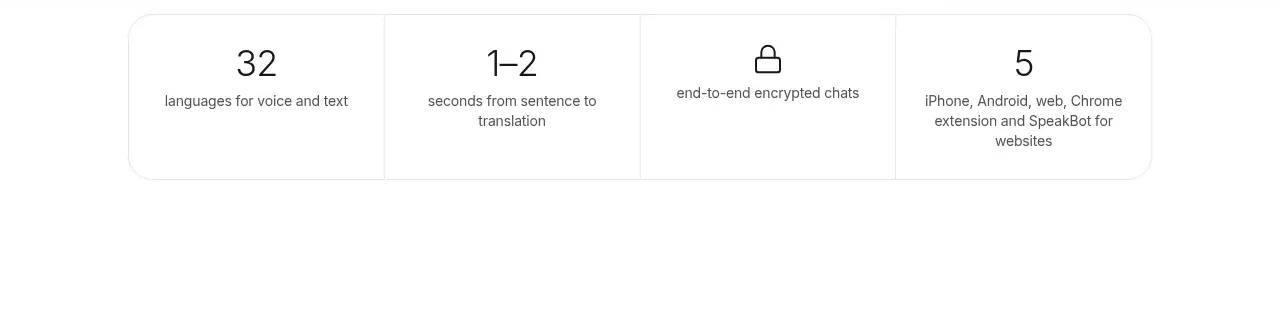
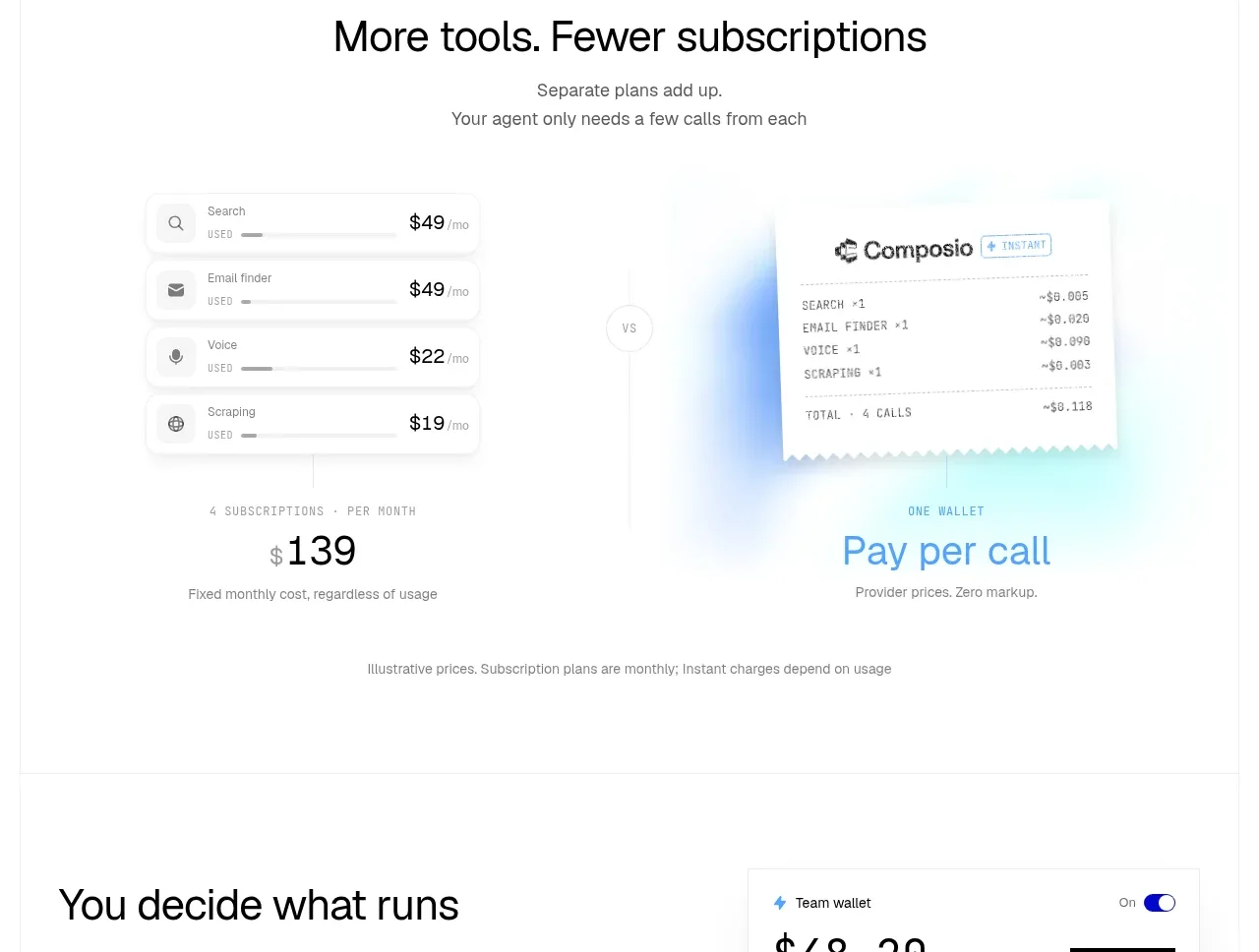
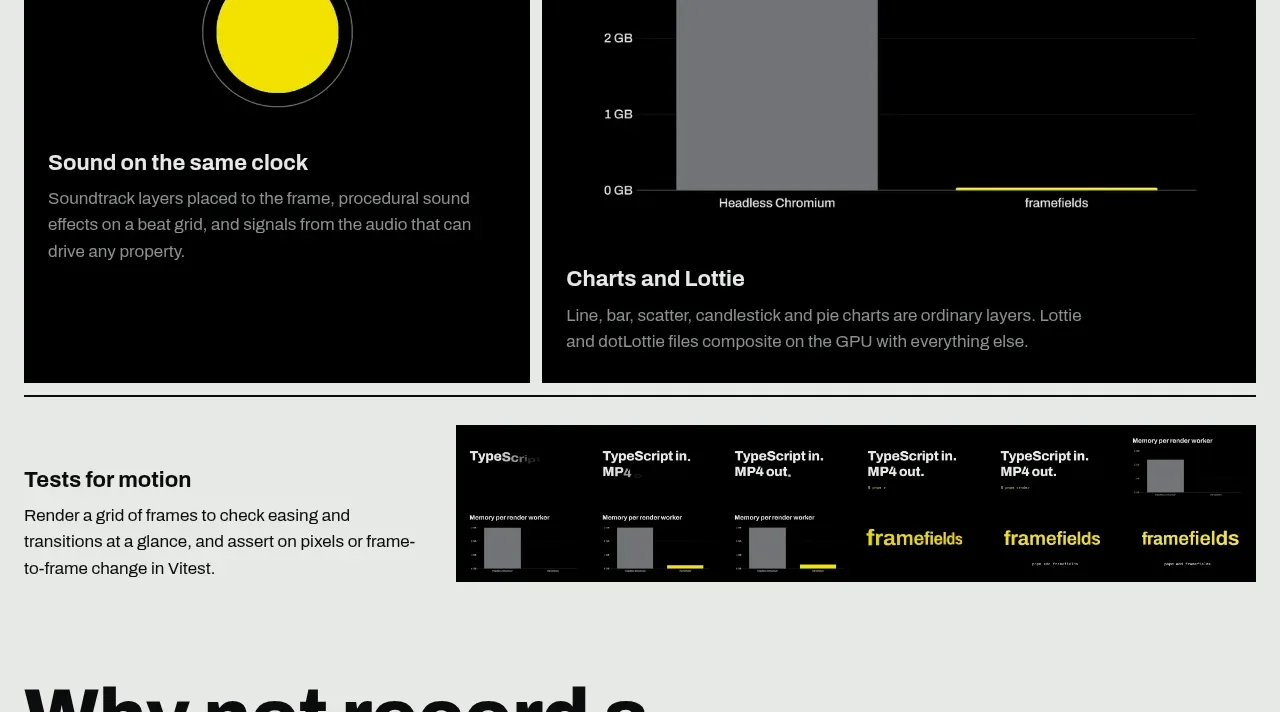
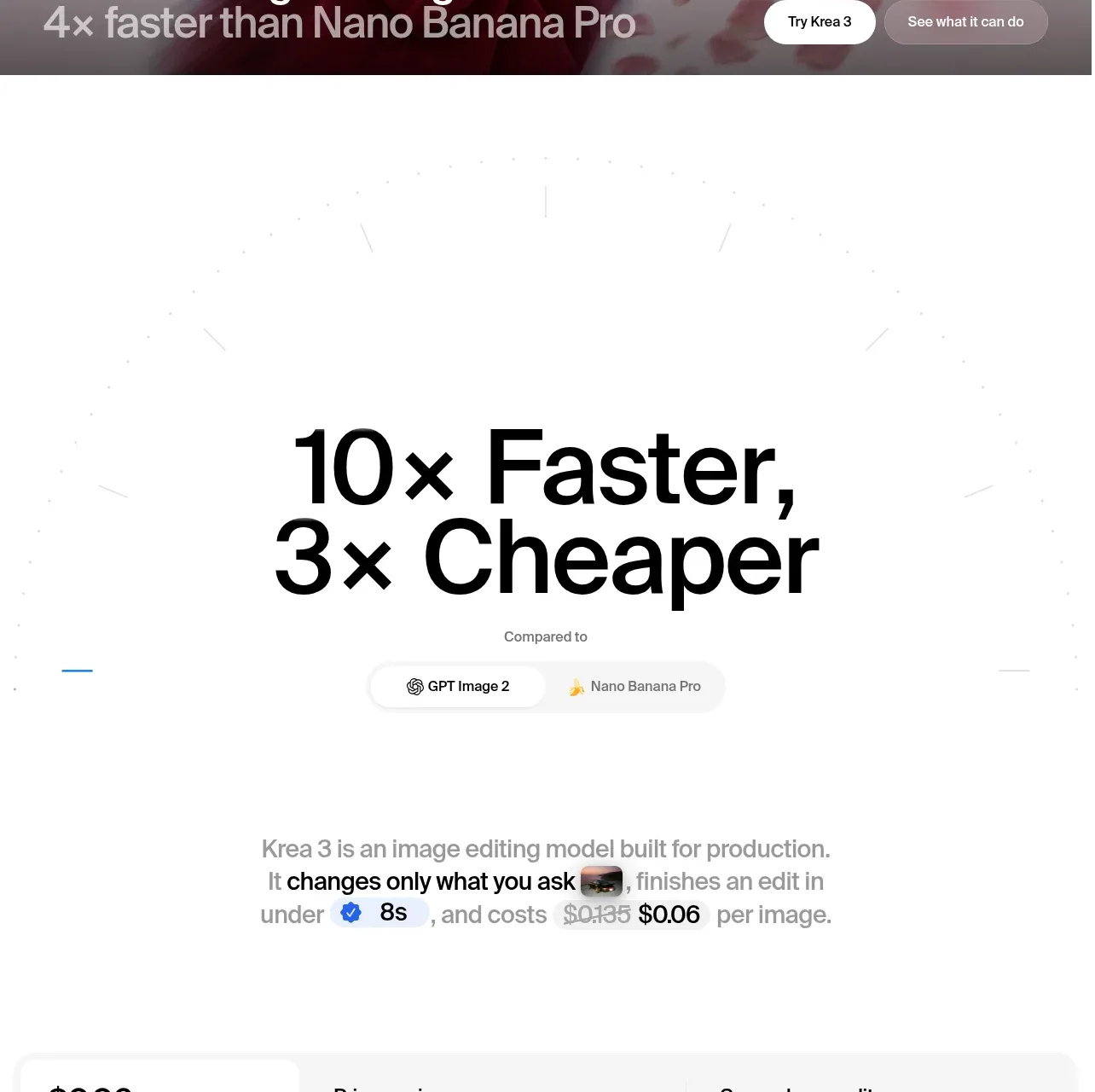
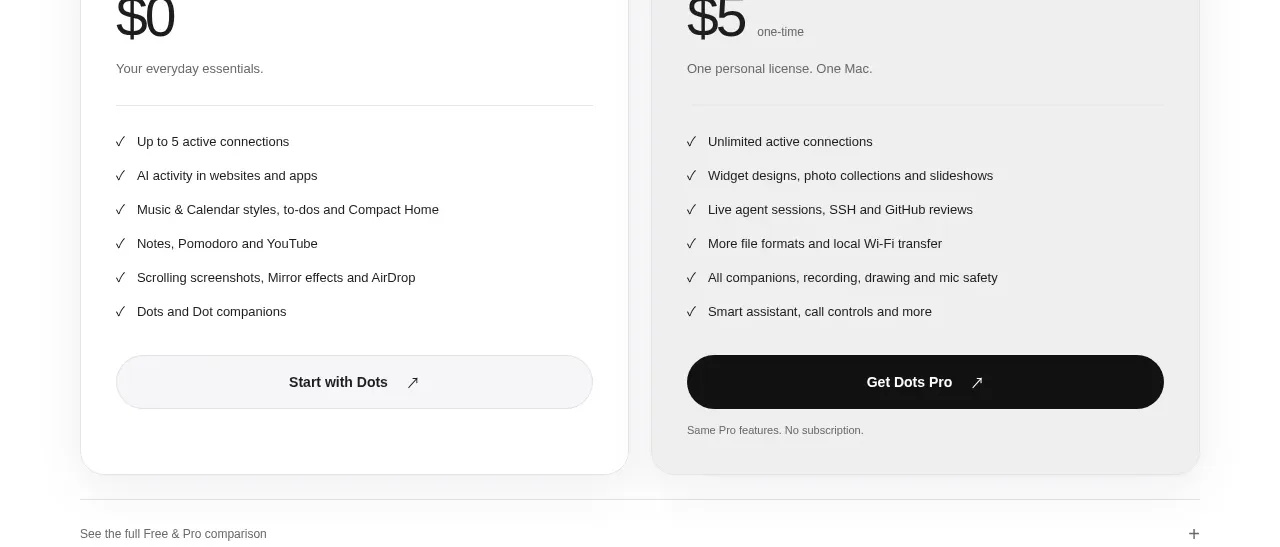
A compact promotional band explains the offer and presents two large outcome thresholds side by side. The oversized figures provide an immediate visual hook without requiring a complex graphic.
Prompt preview
## Reference images

Study these alongside the description below: hierarchy, rhythm, spacing, colour. Build for the product you are asked about, using this design language.

- Component: https://kage-design-assets.t3.tigrisfiles.io/components/dots/b0dd4f13-dbbe-4e80-ab36-79d3ad587c26-1792821813-6.webp
- Full page it was cut from: https://kage-design-assets.t3.tigrisfiles.io/screenshots/dots/b0dd4f13-dbbe-4e80-ab36-79d3ad587c26-1792821726796-full.webp
- Component on Kage: https://kage.design/component/dots-stats

## Before you start
Ask what measurable outcomes or promotion terms are meaningful for the user's product and whether they need qualification text. Apply the same hierarchy to those real values.

Build a compact, border-separated stats band with an uppercase label, a strong heading, one line of explanatory copy, and two or three side-by-side metric blocks. Make the numbers the visual anchor at 28–36px bold, with short labels or thresholds below in 12–14px muted text. Use generous horizontal spacing, a white background, near-black text (`#111111`), gray support text (`#707070`), and hairline dividers (`#ededed`). If the offer has conditions, place a small secondary link or note beneath the stats. On mobile, stack or use a two-column grid while preserving alignment.

Never: use the reference's logo, product name, copy, illustrations, imagery, or exact promotional figures.