 kage
kage
autocaptioner.com
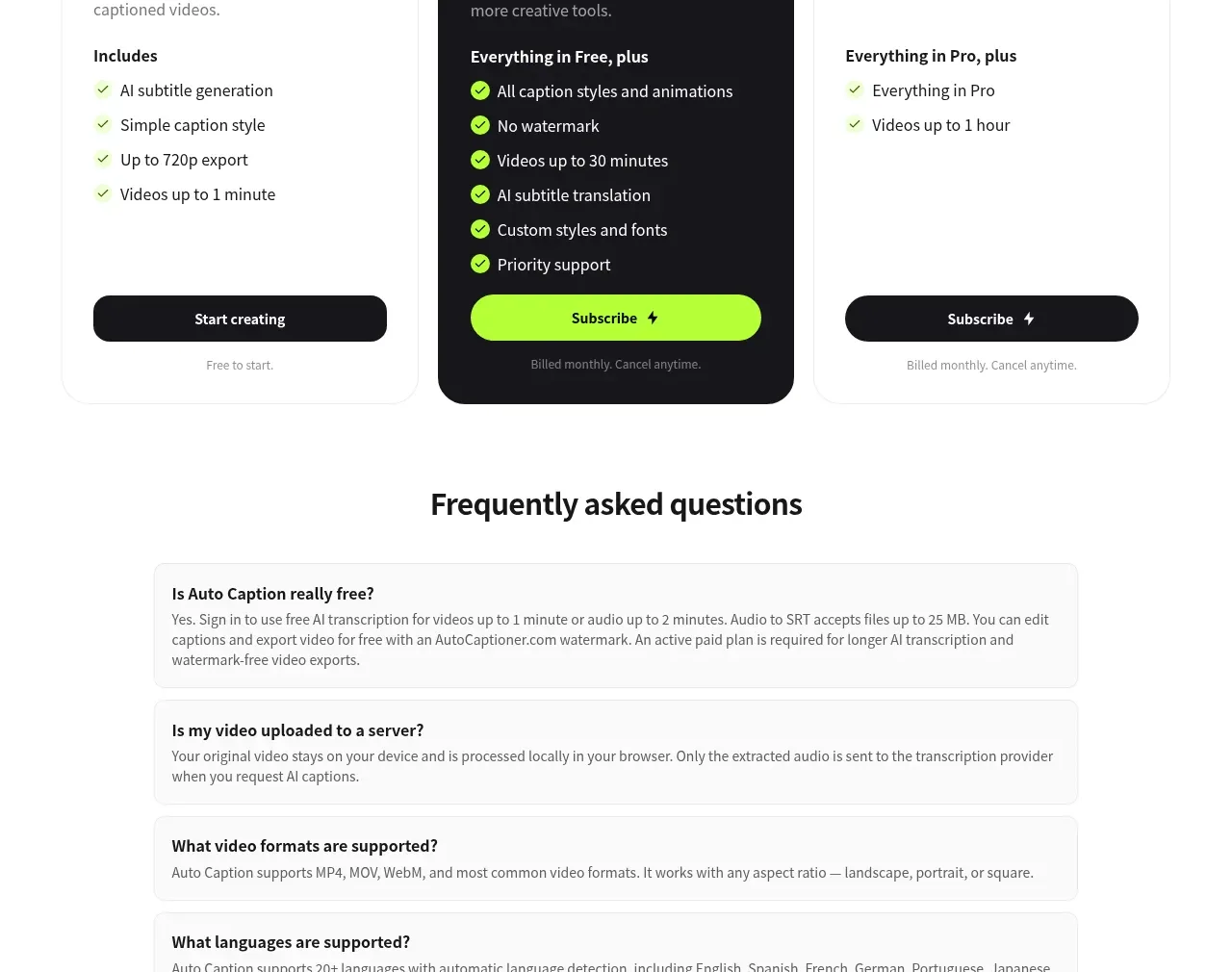
Design analysis
A centered FAQ heading introduces five wide, softly bordered question panels with compact answers, followed by a final upload CTA.
Prompt preview
## Reference images

Study these alongside the description below: hierarchy, rhythm, spacing, colour. Build for the product you are asked about, using this design language.

- Component: https://kage-design-assets.t3.tigrisfiles.io/components/autocaptioner-com/ff4d8c71-c21f-4141-9075-b069f1384c25-1792109433-6.webp
- Full page it was cut from: https://kage-design-assets.t3.tigrisfiles.io/screenshots/autocaptioner-com/ff4d8c71-c21f-4141-9075-b069f1384c25-1792109412255-full.webp
- Component on Kage: https://kage.design/component/autocaptioner-faq

## Before you start
Ask what the user's product, audience, and brand are, then apply the following principles to that product rather than copying this reference.

Build an FAQ section on white with a centered heading and a vertically stacked list of five wide accordion items. Each item should have a bold question, a concise muted answer, a white or near-white background, a #eeeeee border, approximately 8–10px radius, and 16–20px internal padding. Keep the content container around 680–760px wide and use generous gaps between rows. Let one or more answers expand on click with smooth height transitions; include visible plus/minus controls and proper aria-expanded semantics. End with a centered primary action and a small reassurance line, separated from the accordion by ample whitespace.

Never use logos, product names, copy, illustrations, or imagery from the reference.
More components
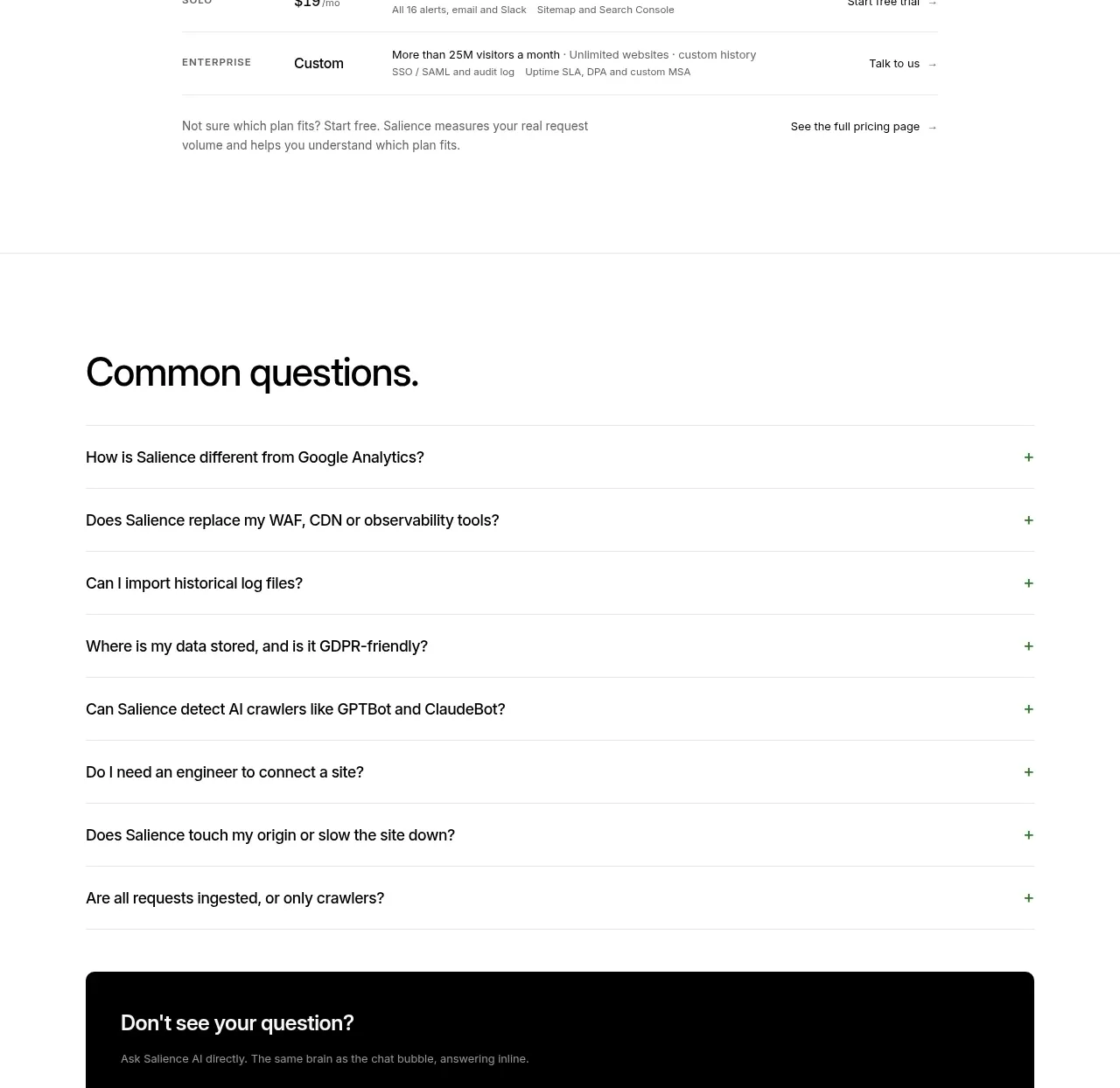
 Common questions accordion
Salience · FAQ
Common questions accordion
Salience · FAQ
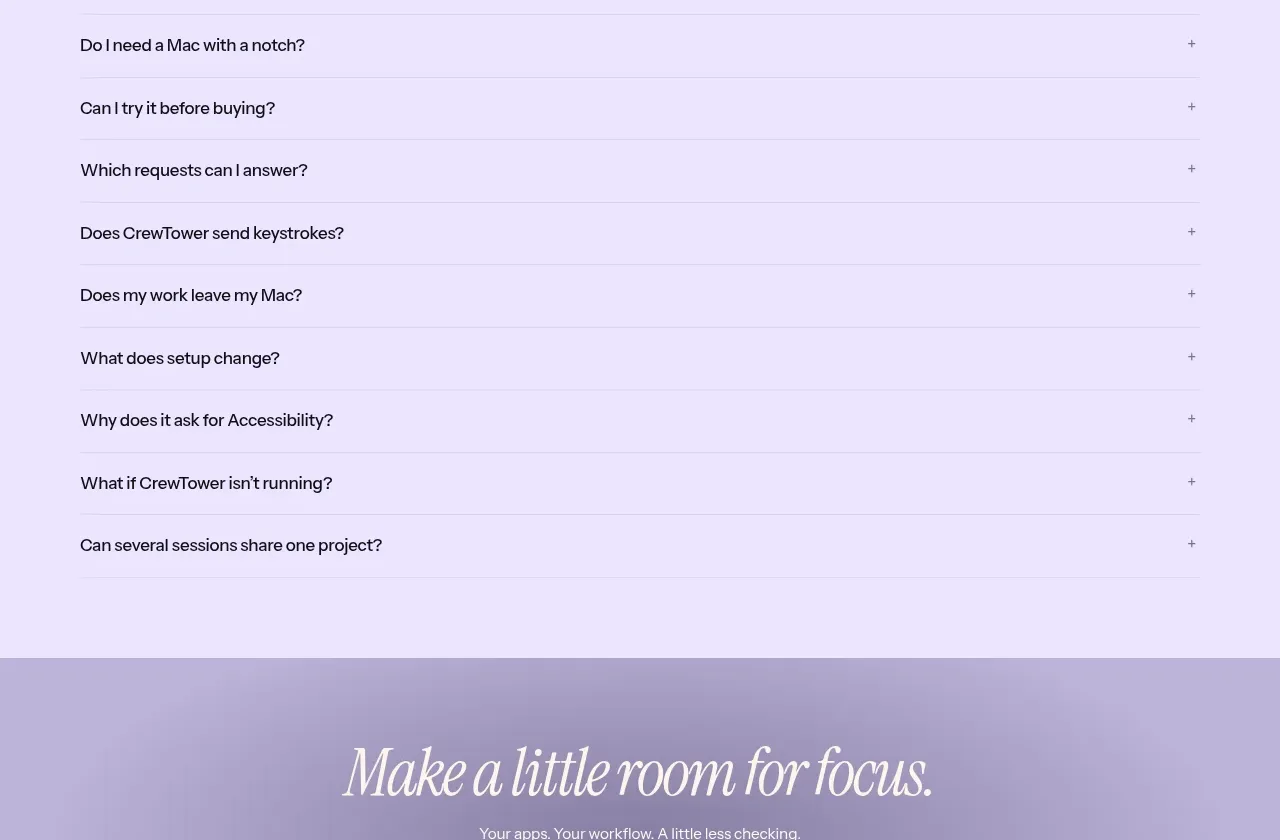
 Frequently asked questions
CrewTower Mod for Claude Code · FAQ
Frequently asked questions
CrewTower Mod for Claude Code · FAQ
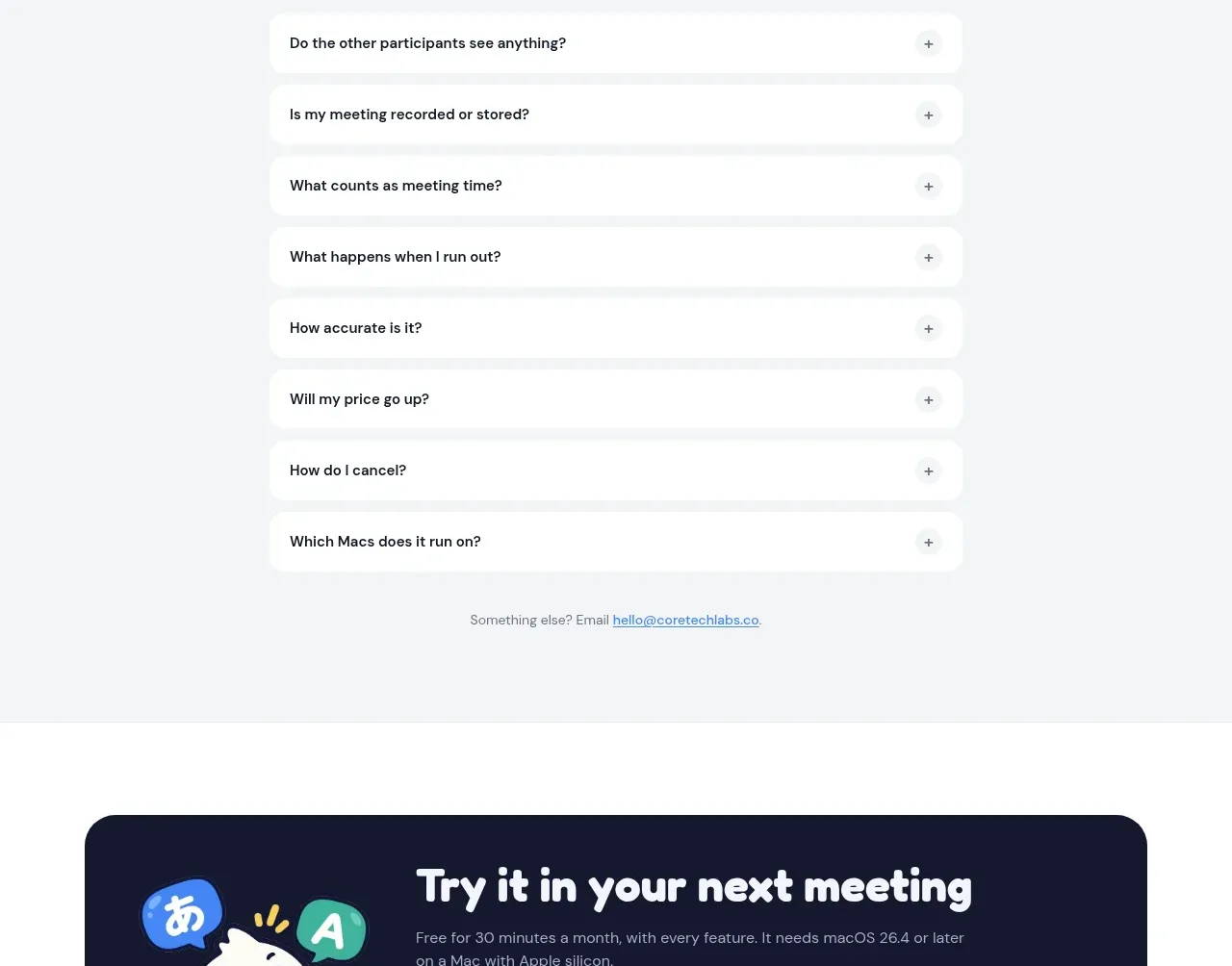
 Frequently asked questions
NANI??? · FAQ
Frequently asked questions
NANI??? · FAQ
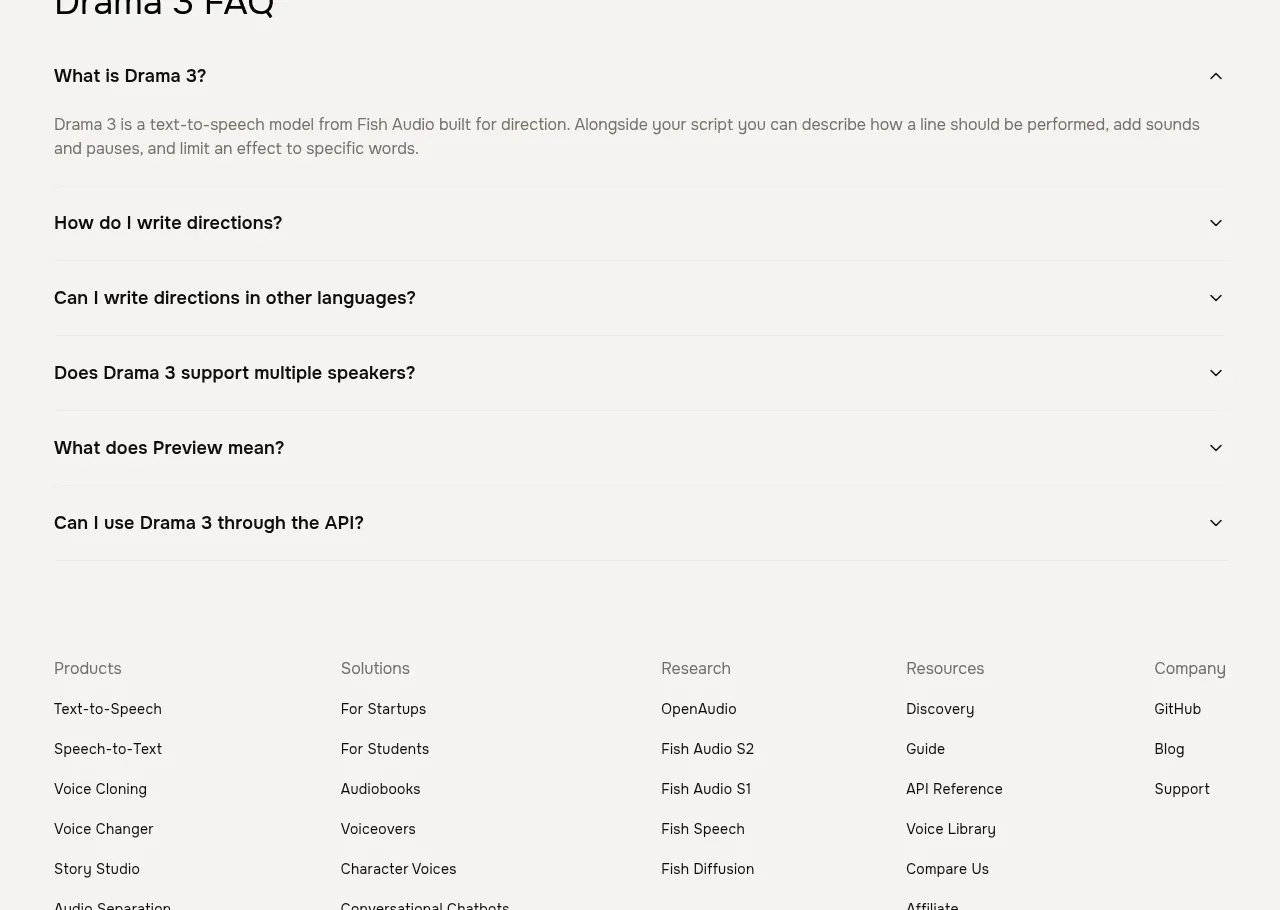
 Frequently asked questions
Fish Audio Drama 3 · FAQ
Frequently asked questions
Fish Audio Drama 3 · FAQ
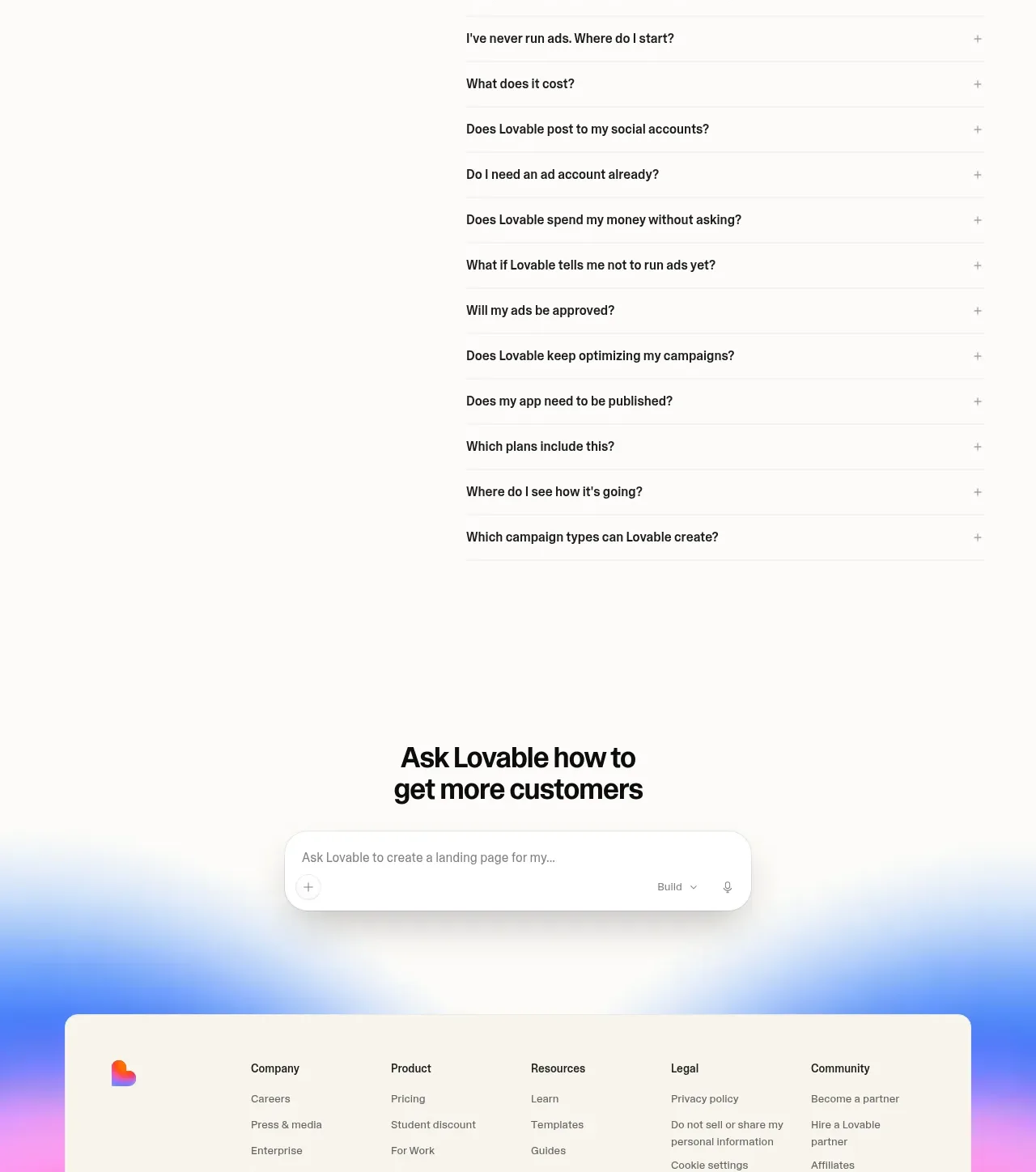
 Frequently asked questions
Lovable Growth Tools · FAQ
Frequently asked questions
Lovable Growth Tools · FAQ
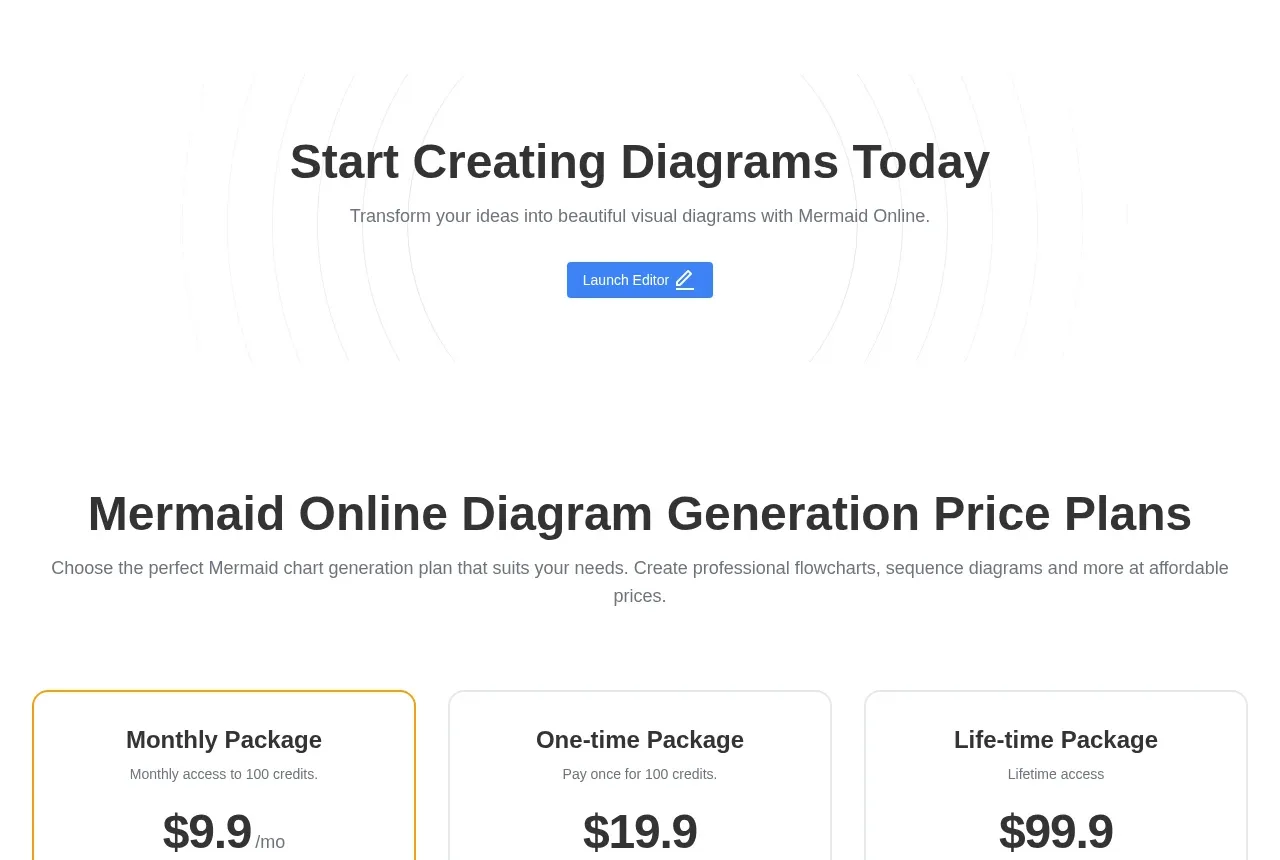
 Frequently asked questions
mermaidonline.live · FAQ
Frequently asked questions
mermaidonline.live · FAQ