 kage
kage
fish.audio
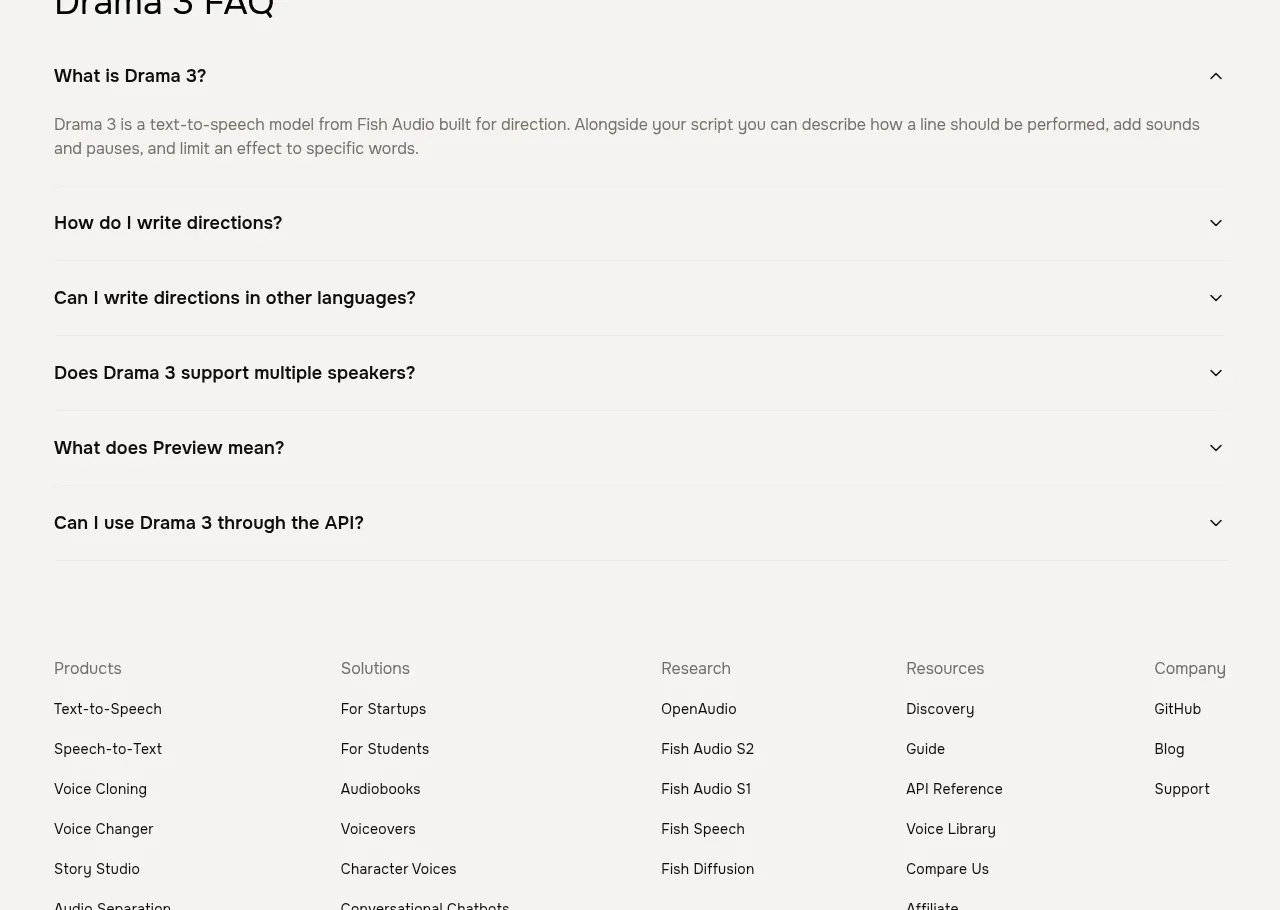
Design analysis
The FAQ section is a simple, wide accordion with a strong heading and evenly spaced question rows; one answer is expanded while the remaining questions stay collapsed.
Prompt preview
## Reference images

Study these alongside the description below: hierarchy, rhythm, spacing, colour. Build for the product you are asked about, using this design language.

- Component: https://kage-design-assets.t3.tigrisfiles.io/components/fish-audio-drama-3/b8b3d5d8-1af1-45c3-b814-ec39ae20de20-1792217029-7.webp
- Full page it was cut from: https://kage-design-assets.t3.tigrisfiles.io/screenshots/fish-audio-drama-3/b8b3d5d8-1af1-45c3-b814-ec39ae20de20-1792216963457-full.webp
- Component on Kage: https://kage.design/component/fish-audio-drama-3-faq

## Before you start
Ask what the user's product is, who needs support, and what information reduces purchase or adoption friction. Then create an original FAQ using these principles.

Build a full-width FAQ section with a constrained content width. Place a clear heading near the top, followed by six or more accordion rows separated by generous vertical spacing or thin rules. Each row has a bold question on the left and a plus/chevron control on the right. Keep one representative answer expanded initially, using readable muted body text; all other answers remain collapsed. Animate height and icon rotation accessibly.

Use the existing warm-neutral canvas around `#f7f6f3`, black headings, gray answer text around `#73716d`, no heavy card decoration, and generous horizontal padding. Ensure buttons are full-width row controls with keyboard navigation, visible focus states, correct ARIA expanded/controls attributes, and good mobile wrapping.

Never: use logos, product names, copy, illustrations, or imagery from the reference.
More components
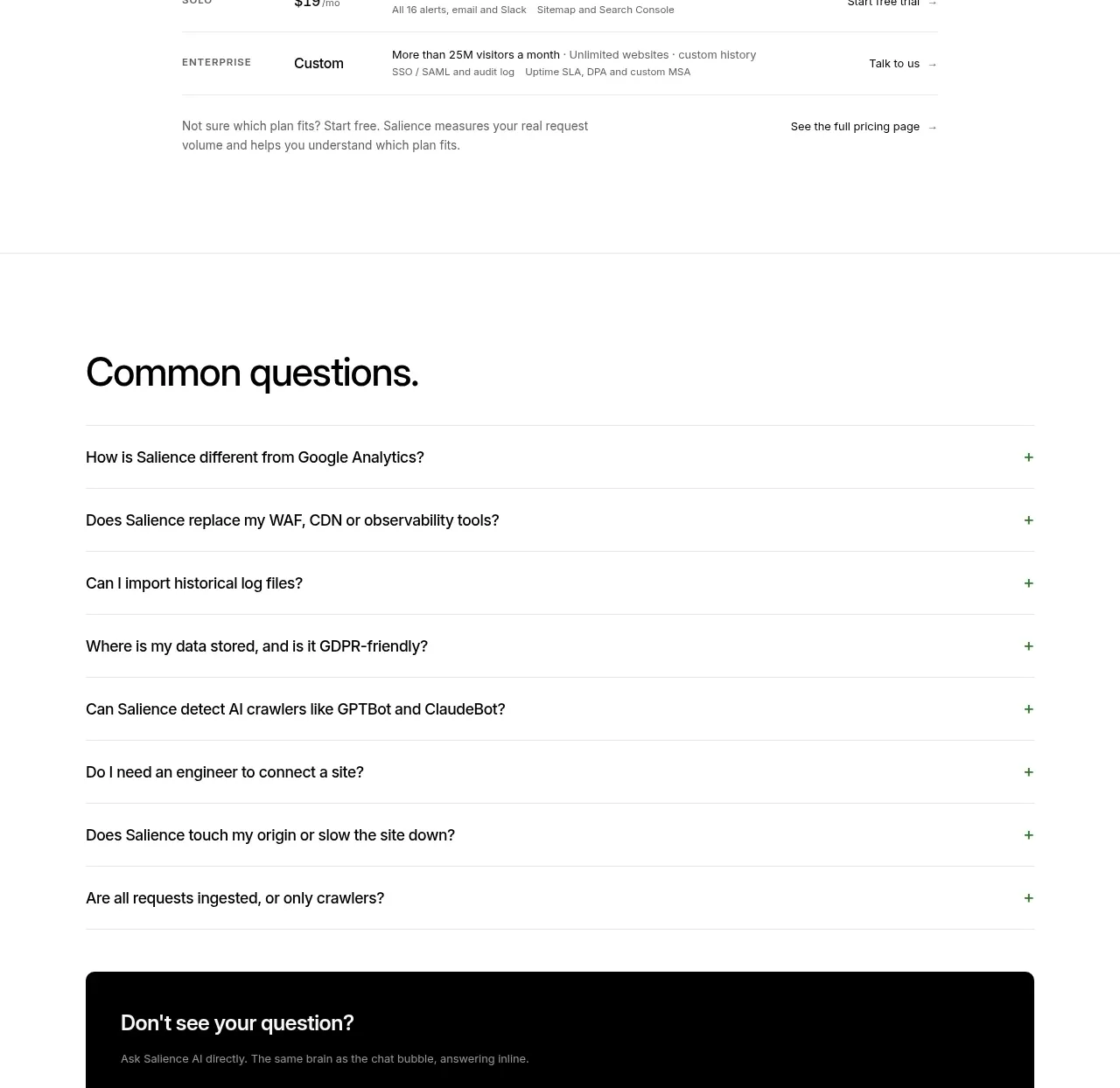
 Common questions accordion
Salience · FAQ
Common questions accordion
Salience · FAQ
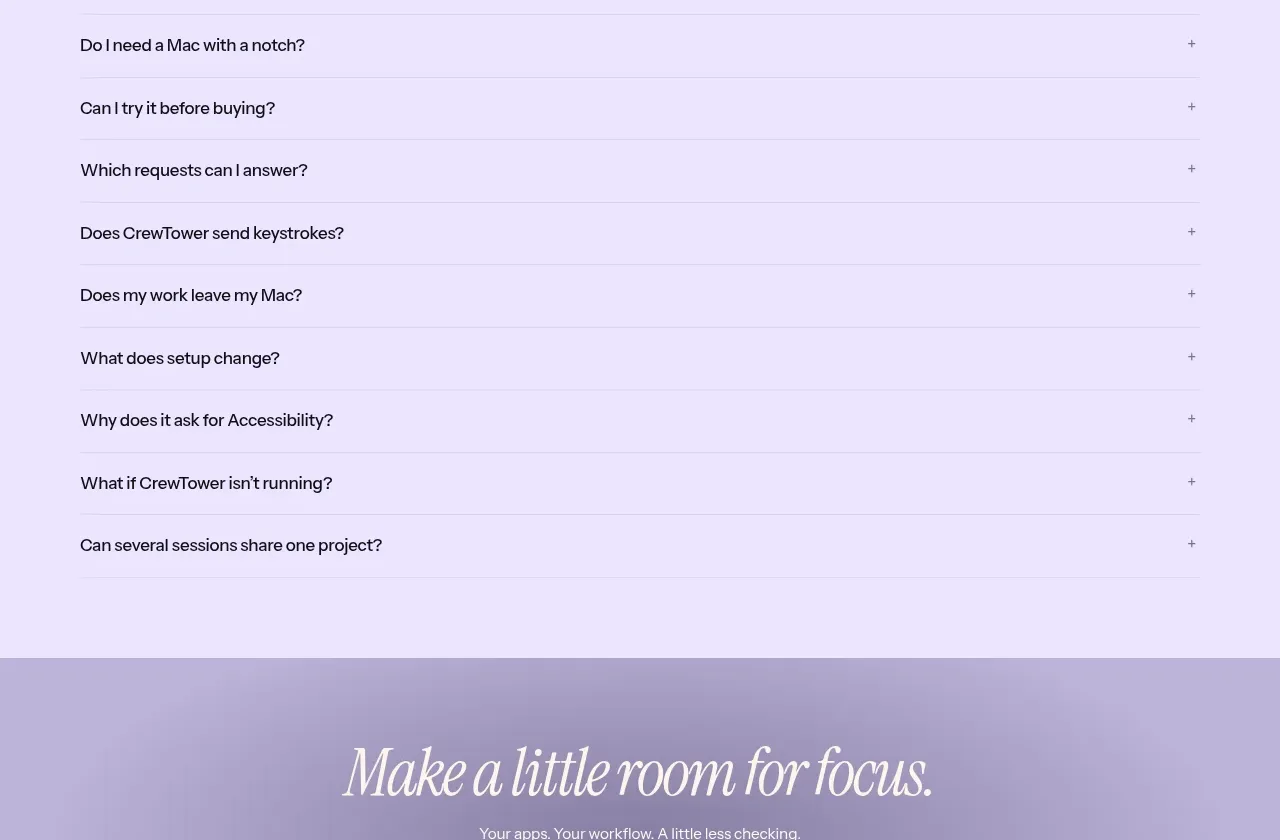
 Frequently asked questions
CrewTower Mod for Claude Code · FAQ
Frequently asked questions
CrewTower Mod for Claude Code · FAQ
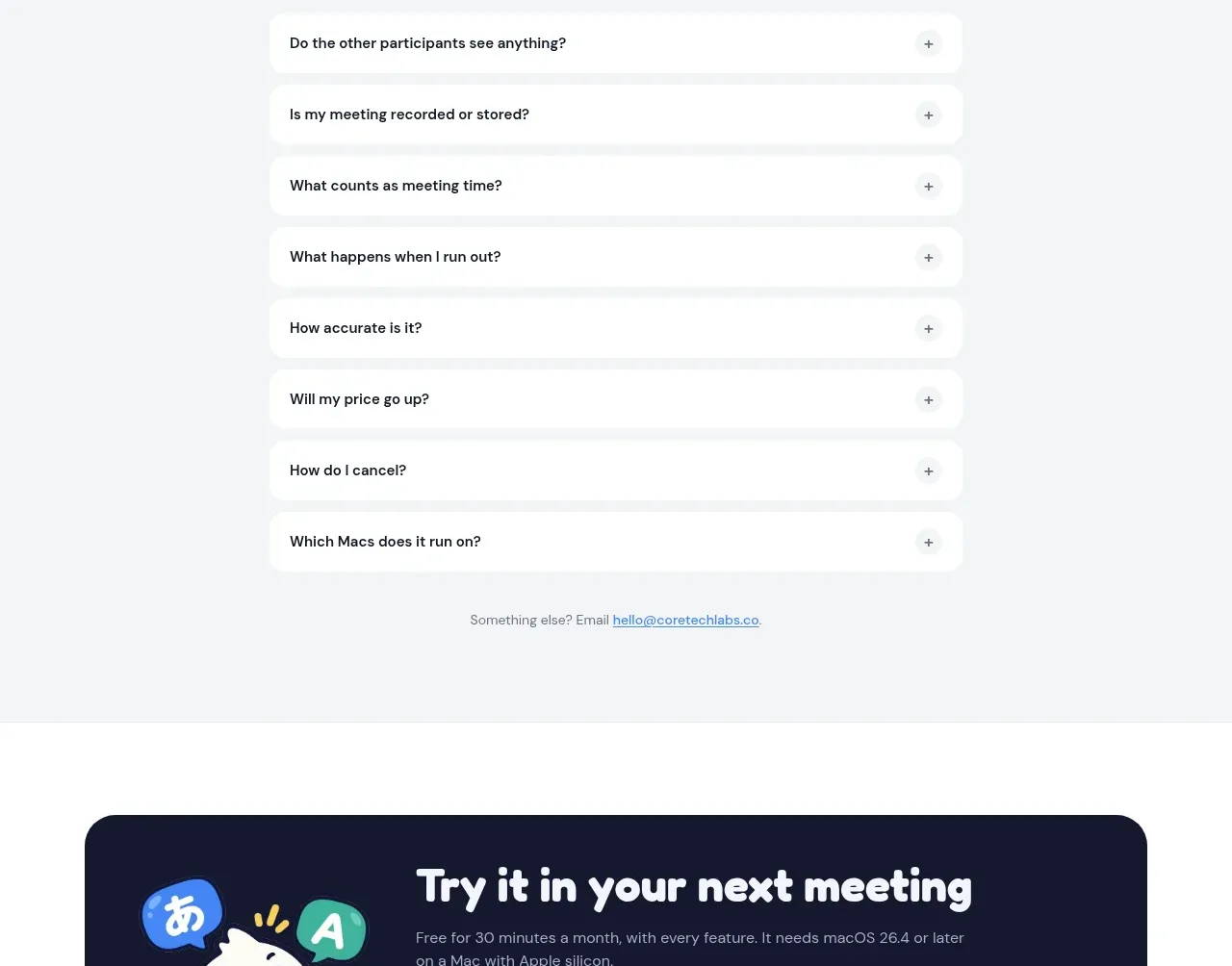
 Frequently asked questions
NANI??? · FAQ
Frequently asked questions
NANI??? · FAQ
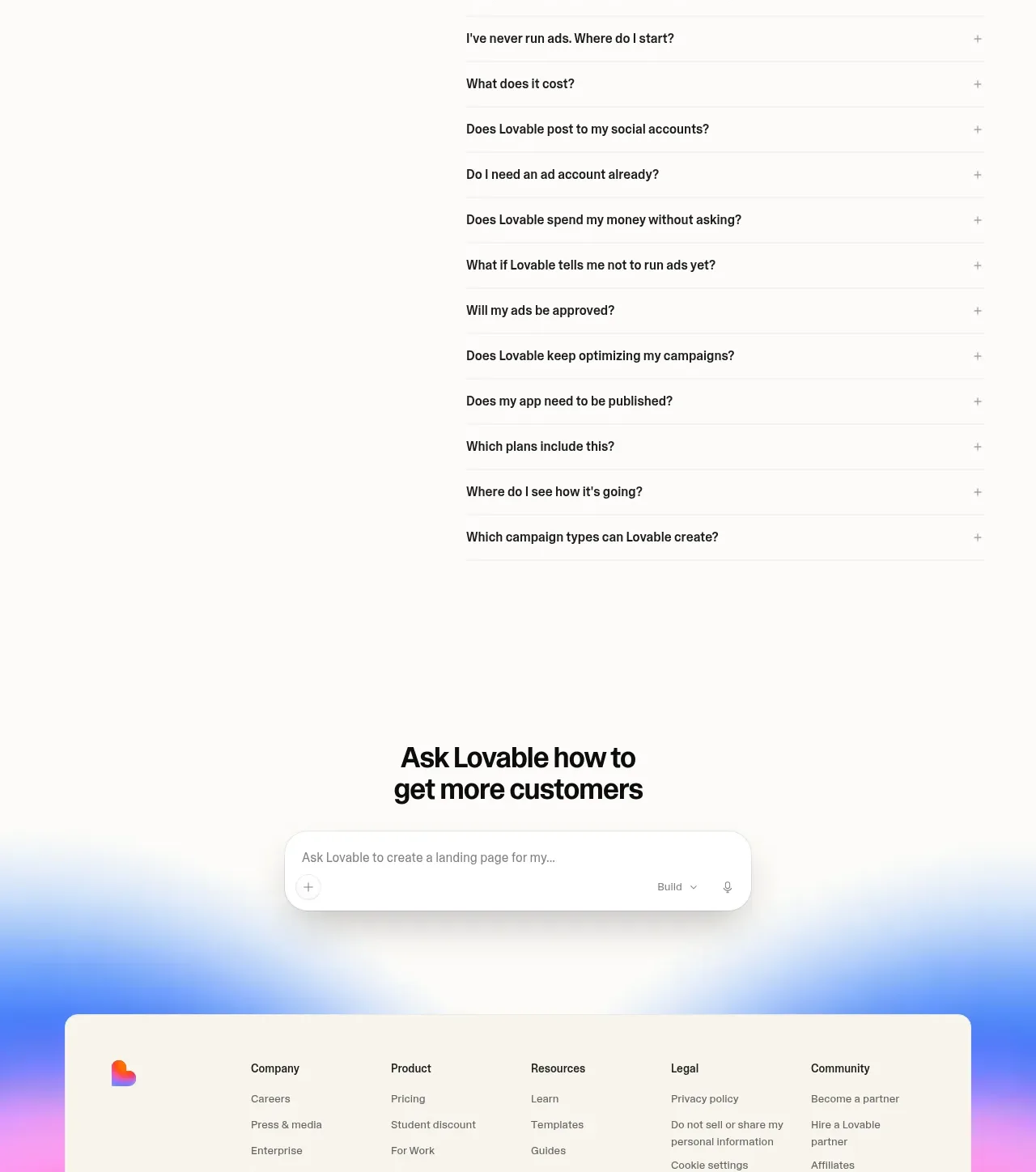
 Frequently asked questions
Lovable Growth Tools · FAQ
Frequently asked questions
Lovable Growth Tools · FAQ
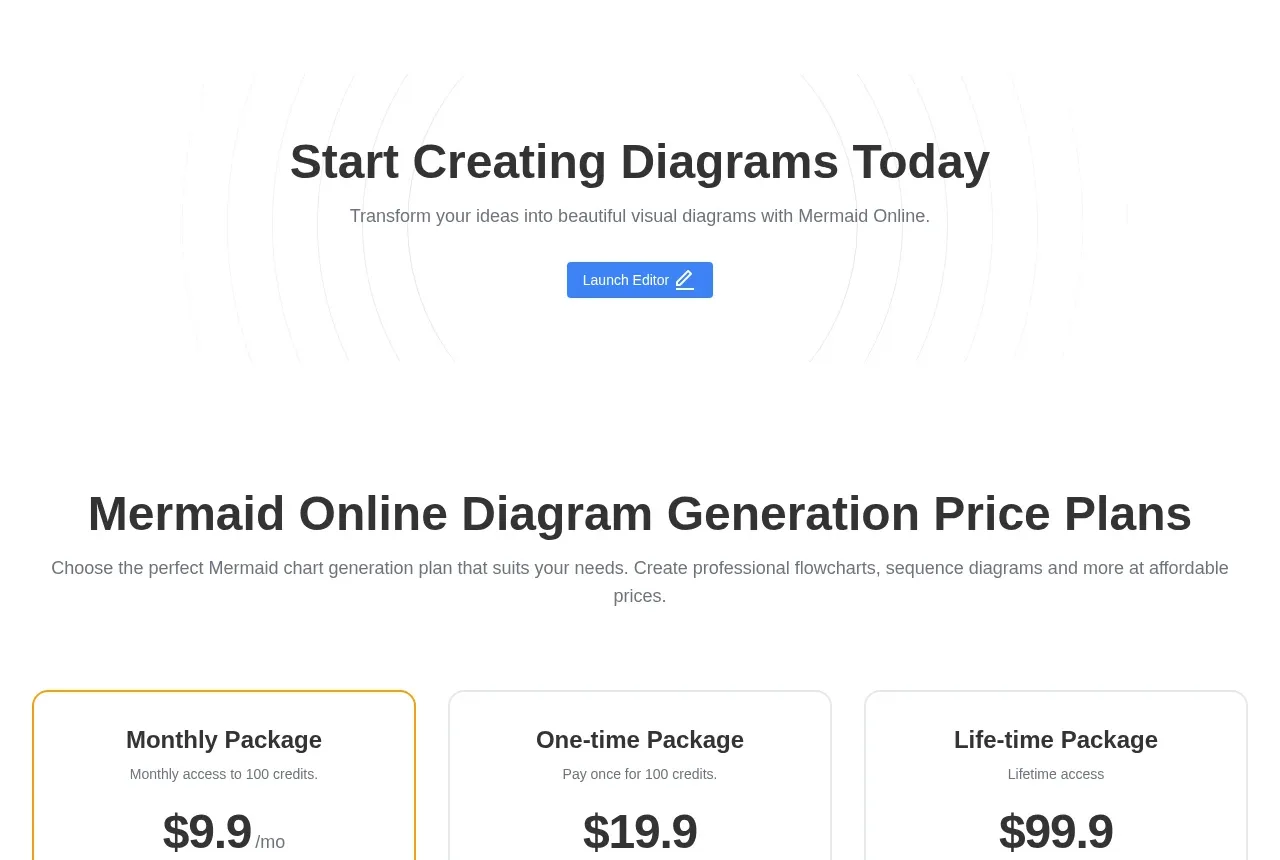
 Frequently asked questions
mermaidonline.live · FAQ
Frequently asked questions
mermaidonline.live · FAQ
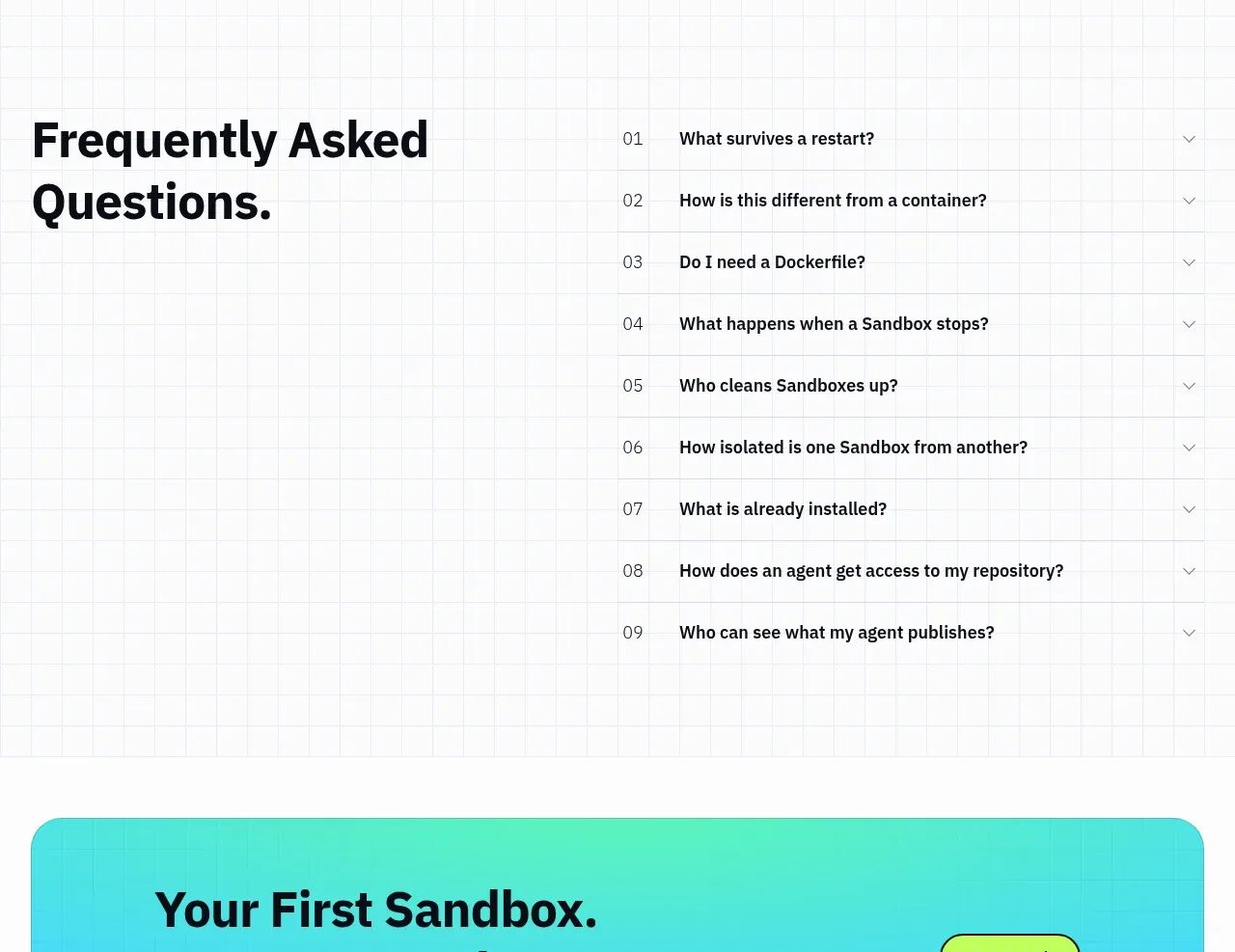
 Frequently asked questions
AI Sandboxes by Buddy · FAQ
Frequently asked questions
AI Sandboxes by Buddy · FAQ