 kage
kage
mermaidonline.live
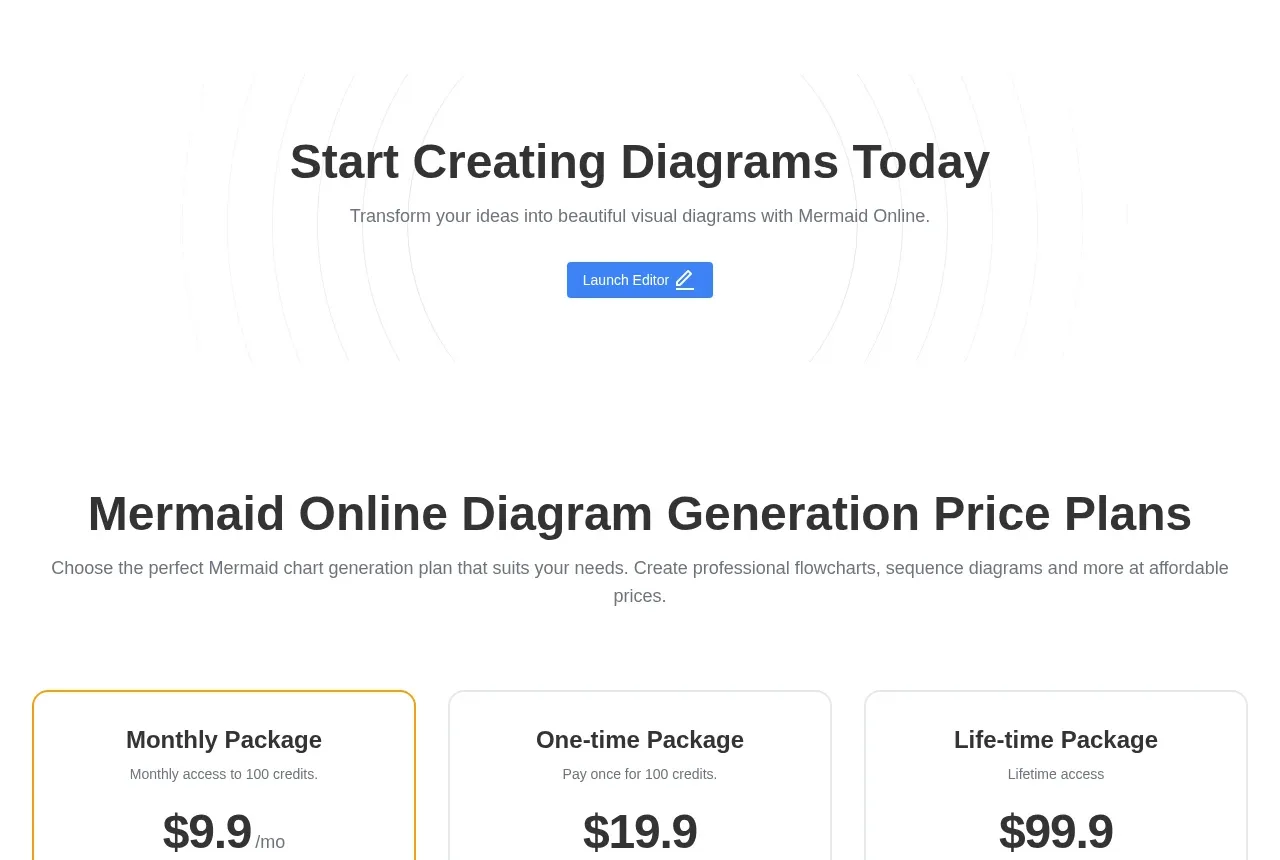
Design analysis
The FAQ uses a centered title and subtitle followed by a readable two-column question-and-answer layout. Number badges and short answers create structure while avoiding an overly dense accordion.
Prompt preview
## Reference images

Study these alongside the description below: hierarchy, rhythm, spacing, colour. Build for the product you are asked about, using this design language.

- Component: https://kage-design-assets.t3.tigrisfiles.io/components/mermaidonline-live/7b9ecc63-d7b9-4b92-a5d2-b69508fba7f2-1792152745-8.webp
- Full page it was cut from: https://kage-design-assets.t3.tigrisfiles.io/screenshots/mermaidonline-live/7b9ecc63-d7b9-4b92-a5d2-b69508fba7f2-1792152710959-full.webp
- Component on Kage: https://kage.design/component/mermaidonline-live-faq

## Before you start
Ask what questions users ask about the user's product, including setup, capabilities, permissions, and commercial use. Create original answers for that product.

Design an FAQ section with a centered eyebrow, headline, and supporting line, followed by a two-column grid of four to six question/answer blocks. Each block should include a small numbered badge, bold question, and readable answer. Use #ffffff, dark text #303238, gray body text #747980, pale blue-gray badge borders, 32–48px row gaps, and 16px body line height. On mobile, switch to one column; optionally make each block an accessible disclosure while preserving visible answers on larger screens. Keep the section spacious and calm.

Never: use logos, product names, copy, illustrations, or imagery from the reference.
More components
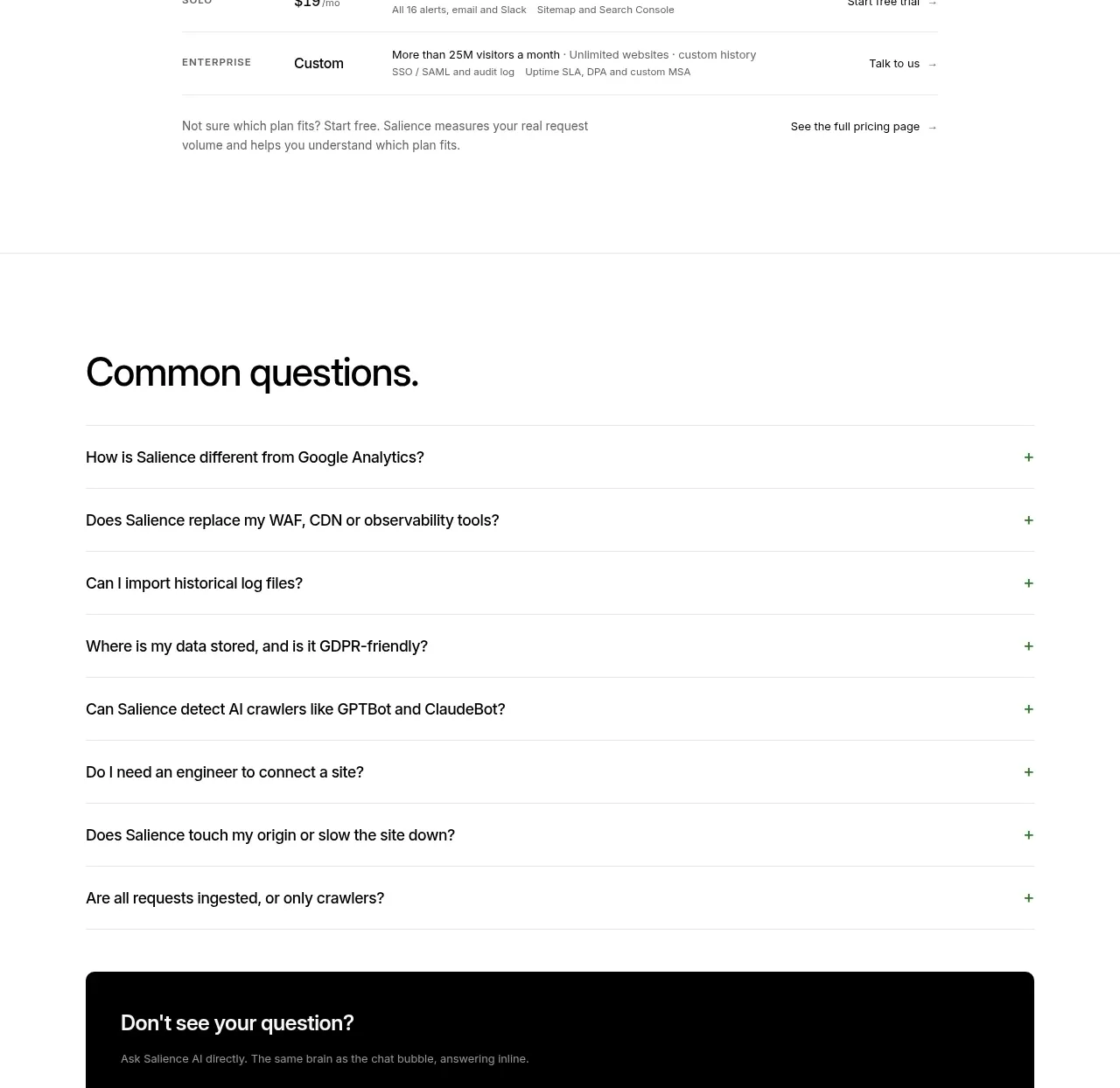
 Common questions accordion
Salience · FAQ
Common questions accordion
Salience · FAQ
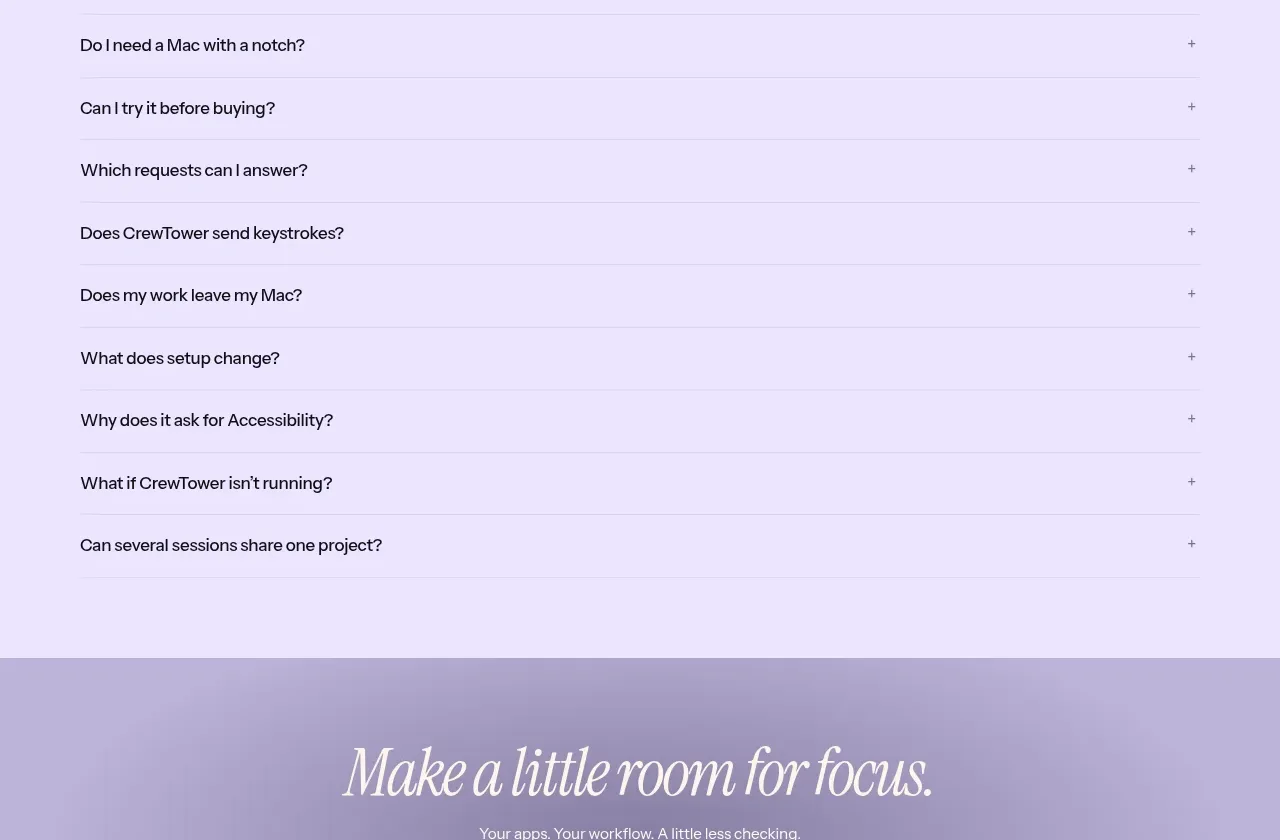
 Frequently asked questions
CrewTower Mod for Claude Code · FAQ
Frequently asked questions
CrewTower Mod for Claude Code · FAQ
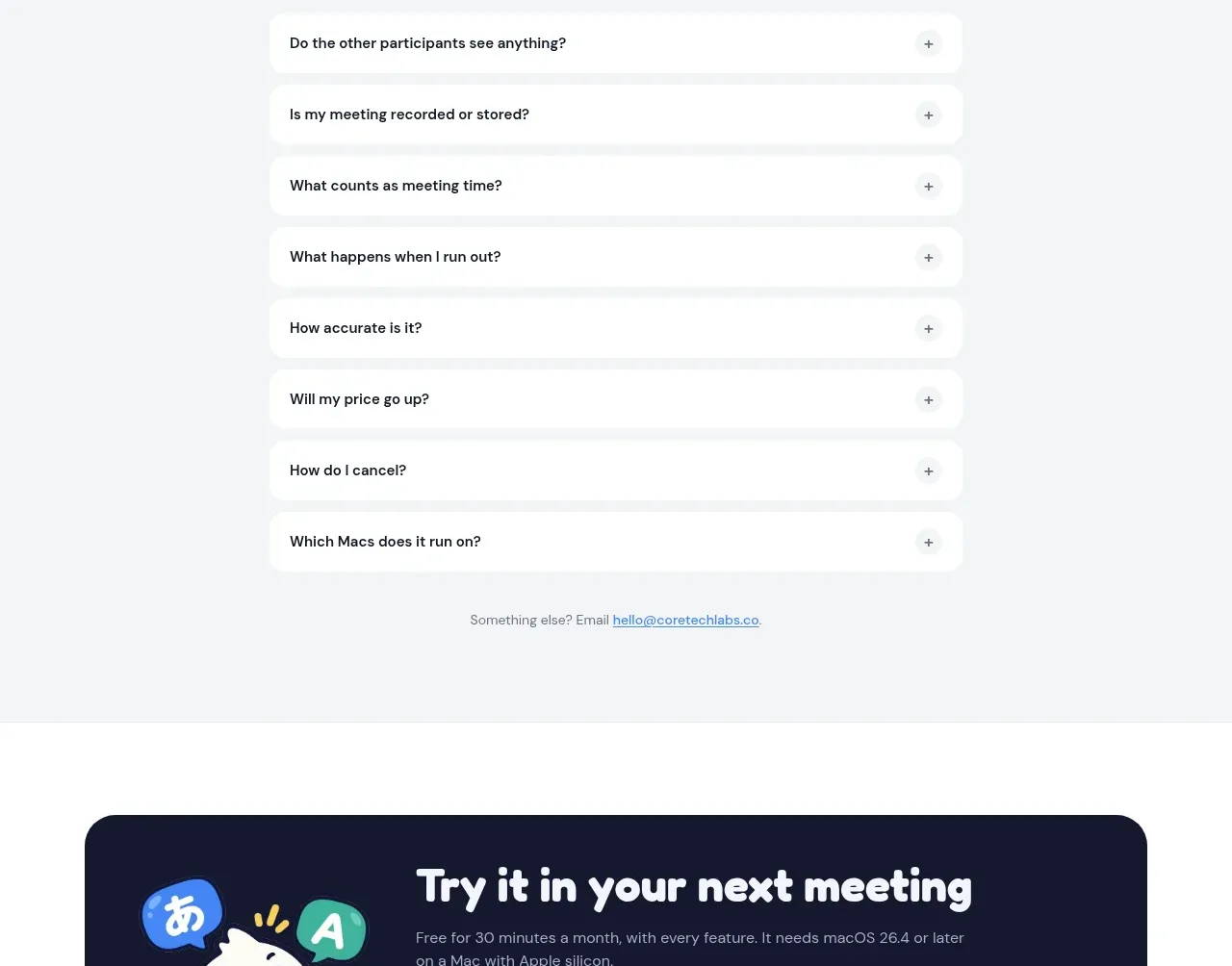
 Frequently asked questions
NANI??? · FAQ
Frequently asked questions
NANI??? · FAQ
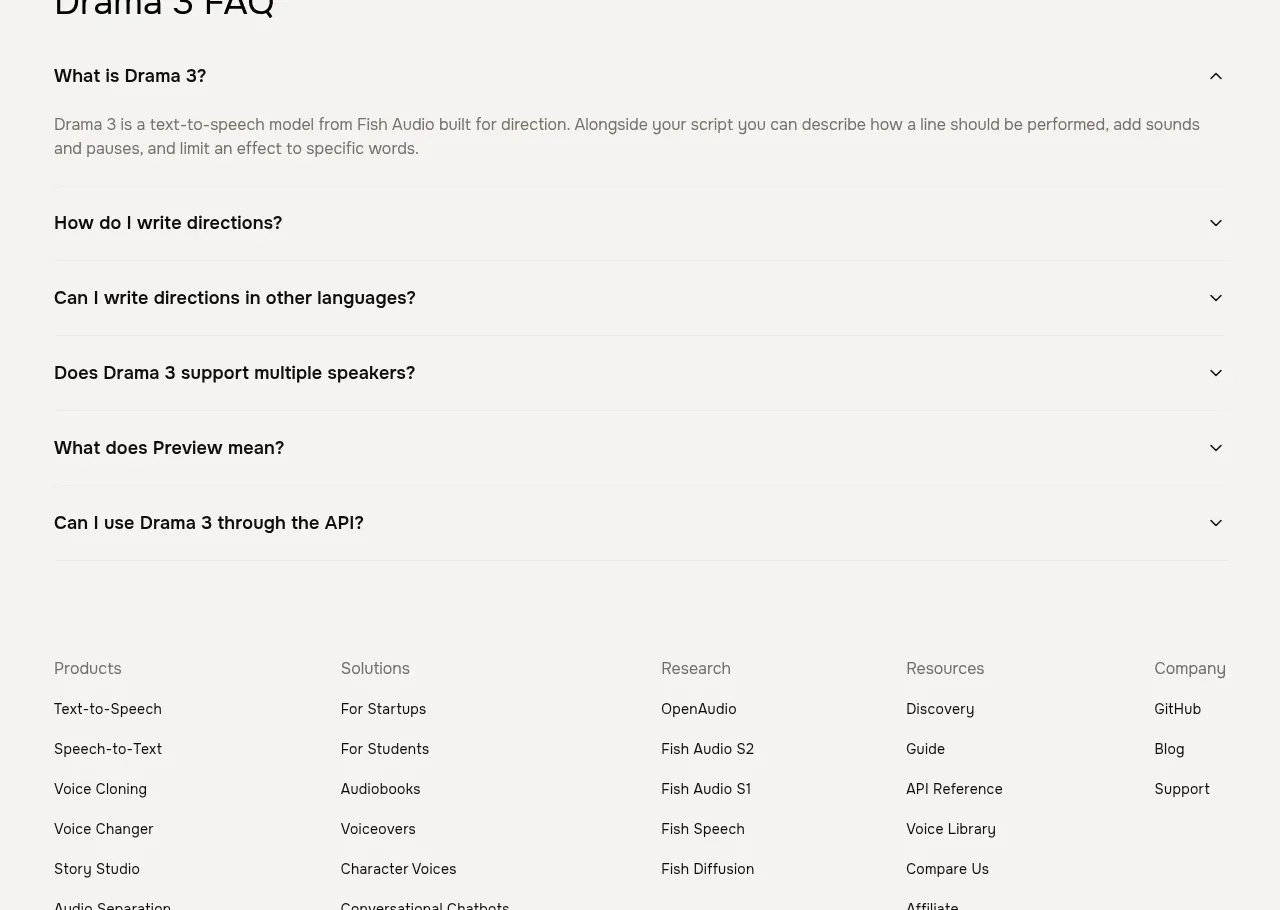
 Frequently asked questions
Fish Audio Drama 3 · FAQ
Frequently asked questions
Fish Audio Drama 3 · FAQ
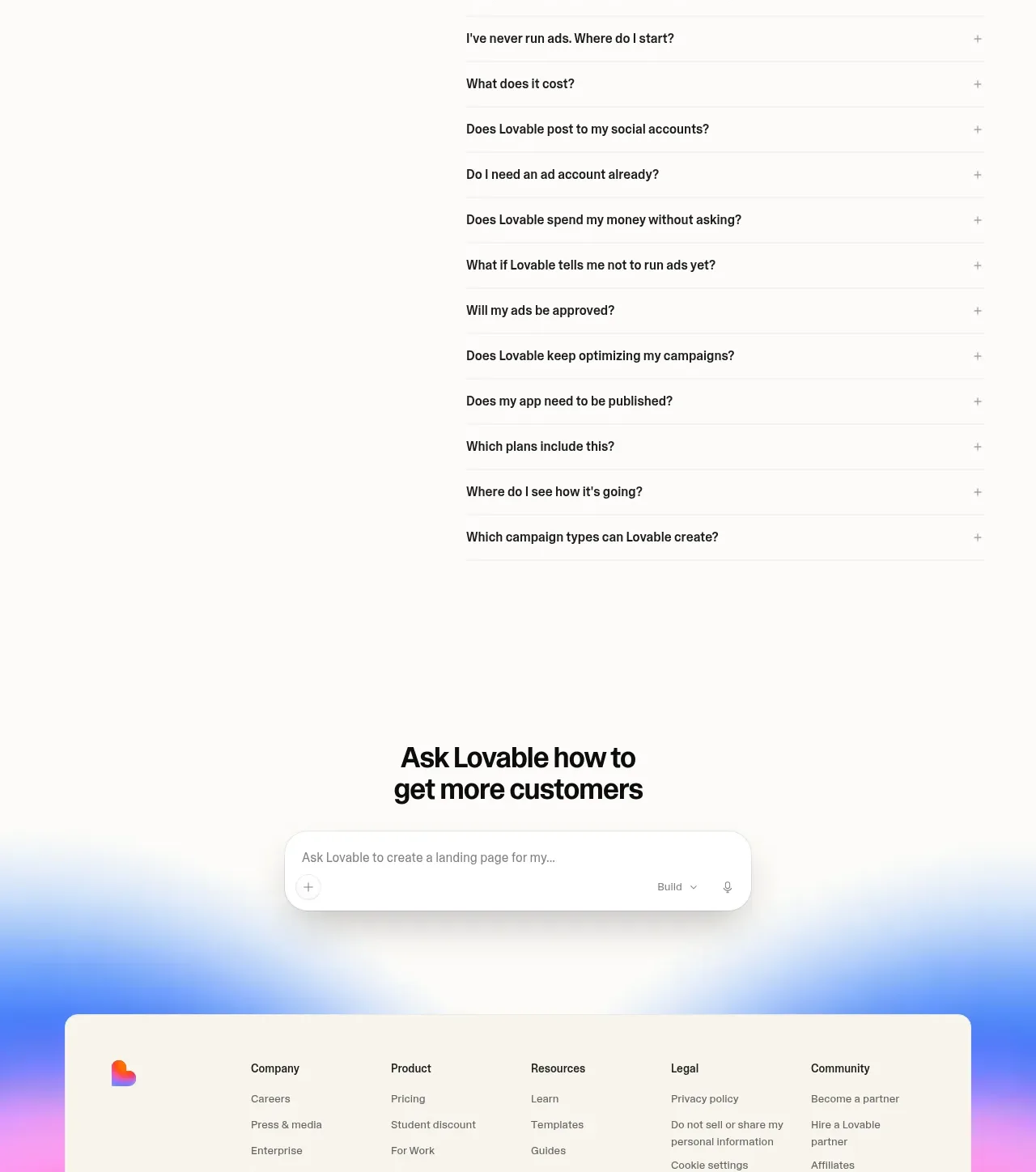
 Frequently asked questions
Lovable Growth Tools · FAQ
Frequently asked questions
Lovable Growth Tools · FAQ
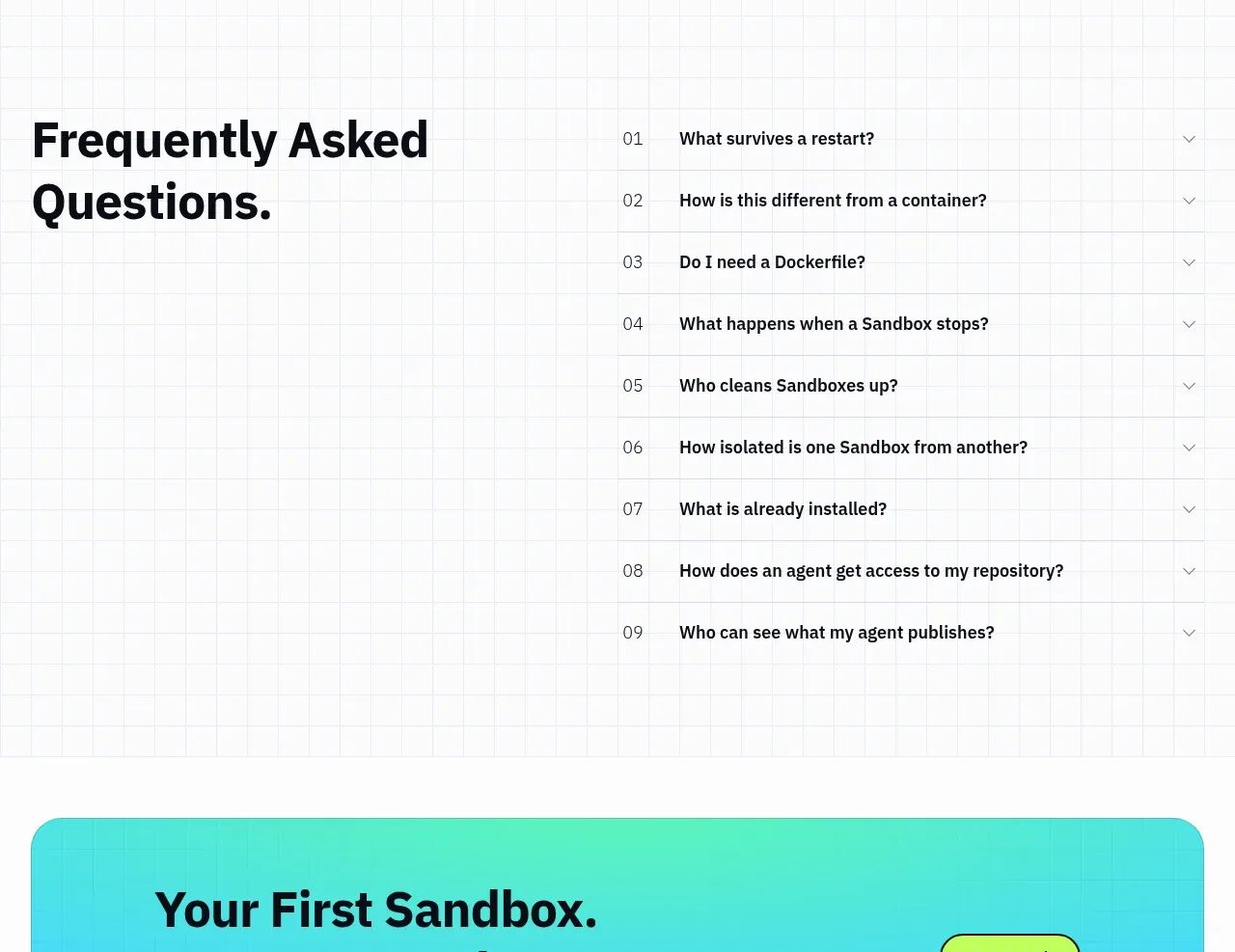
 Frequently asked questions
AI Sandboxes by Buddy · FAQ
Frequently asked questions
AI Sandboxes by Buddy · FAQ