kage
kage
basedash.com

Design analysis
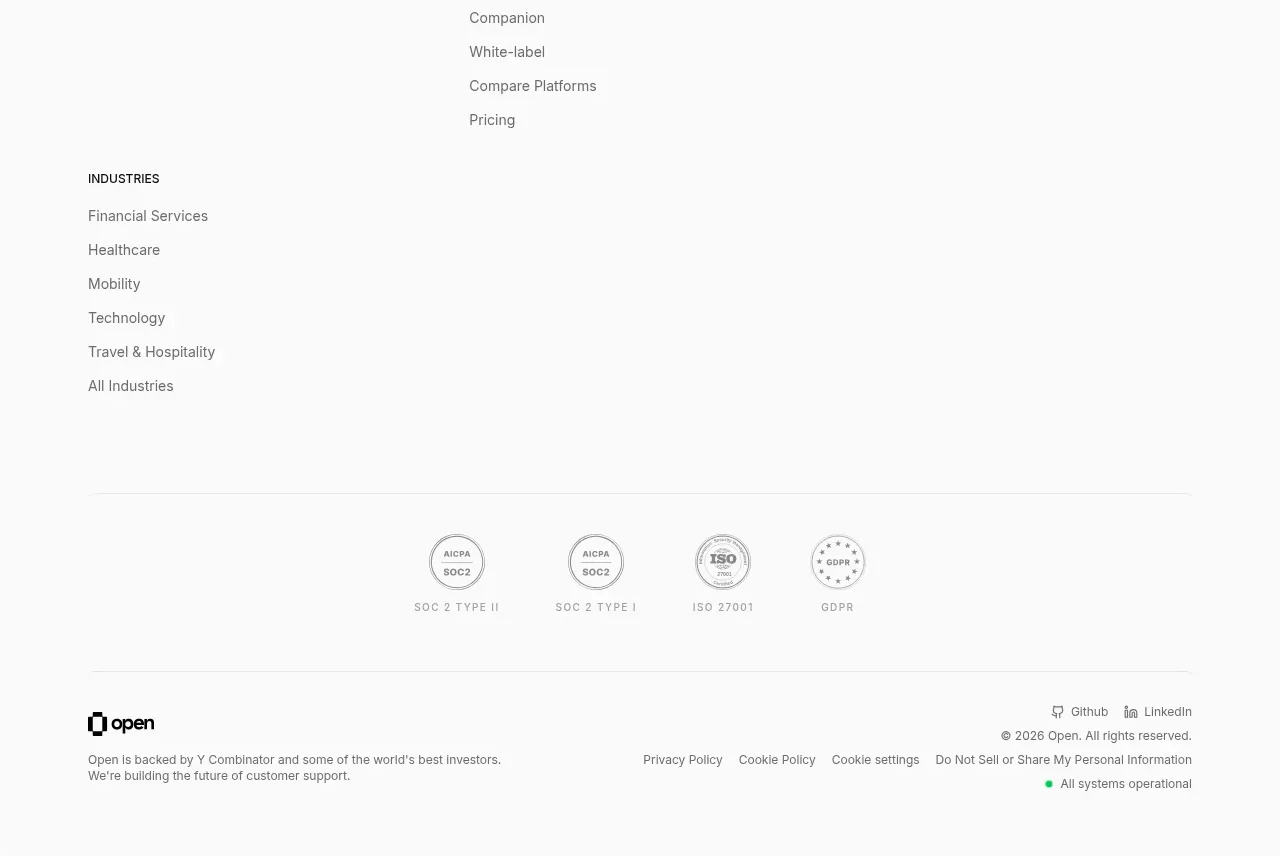
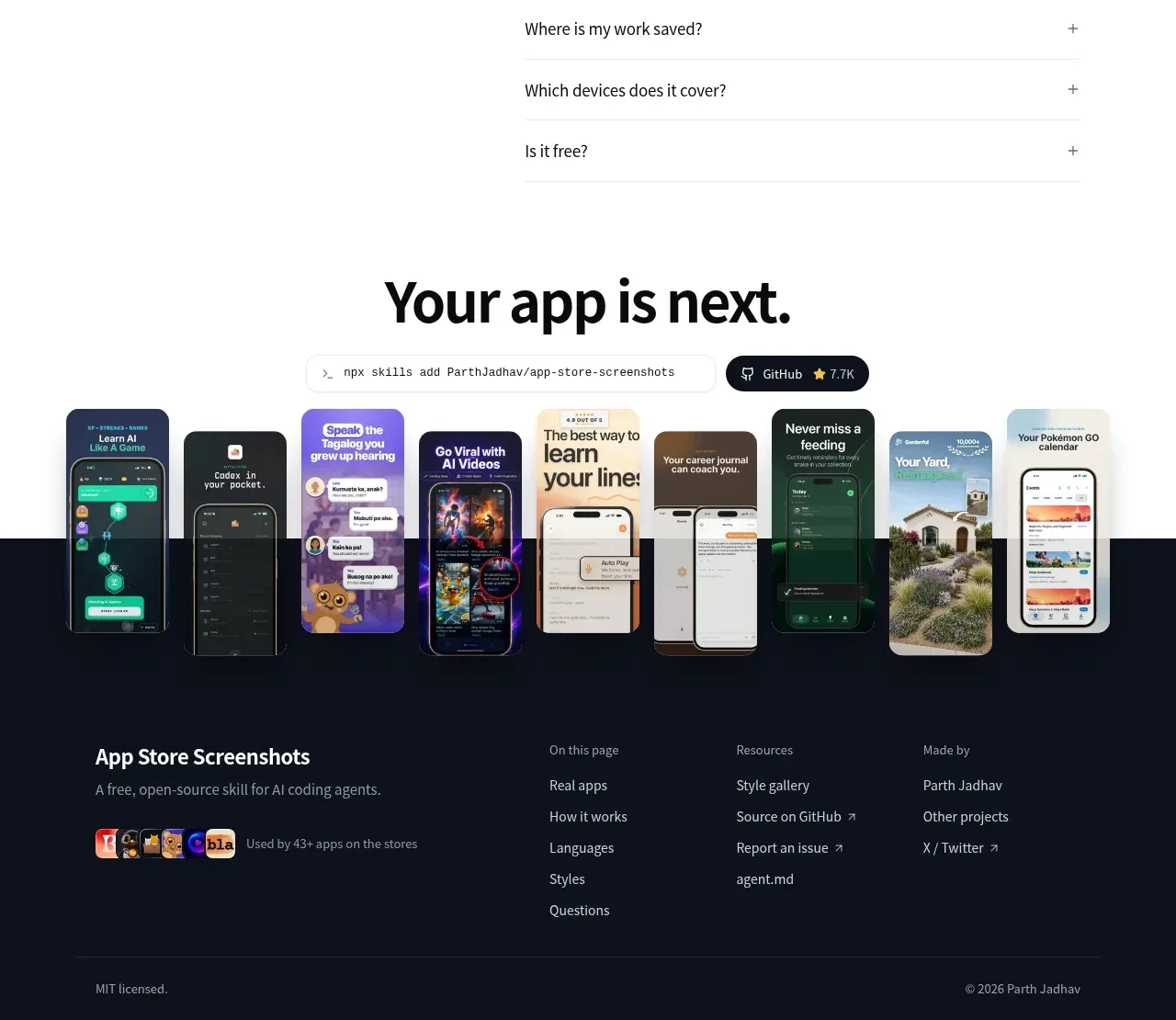
A quiet footer combines brand context and social/legal links with several structured navigation columns and ample lower whitespace.
Prompt preview
## Reference images

Study these alongside the description below: hierarchy, rhythm, spacing, colour. Build for the product you are asked about, using this design language.

- Component: https://kage-design-assets.t3.tigrisfiles.io/components/basedash-view-only-members/6dbd0b50-cdba-4977-b7dc-6a7ba68a352e-1793253920-10.webp
- Full page it was cut from: https://kage-design-assets.t3.tigrisfiles.io/screenshots/basedash-view-only-members/6dbd0b50-cdba-4977-b7dc-6a7ba68a352e-1793253800610-full.webp
- Component on Kage: https://kage.design/component/basedash-view-only-members-footer

## Before you start
Ask what the user's product, company structure, legal links, and important navigation destinations are. Apply the same information architecture to that brand.

Build a light multi-column footer with a thin top border and a max-width container. Put a compact brand/context column on the left with a short description, social links, privacy/legal links, and locale control. Add three or four link columns with small bold section labels and vertically spaced muted links. Use 12–14px text, #777 secondary color, #202020 headings, white or near-white background, 28–40px column gaps, and generous top/bottom padding. Keep link rows easy to tap on mobile; collapse to stacked accordion-like groups if necessary. Use restrained dividers and preserve a calm amount of whitespace below the navigation.

Never: use logos, product names, copy, illustrations, or imagery from the reference.