kage
kage
blancbrowser.com
Design analysis
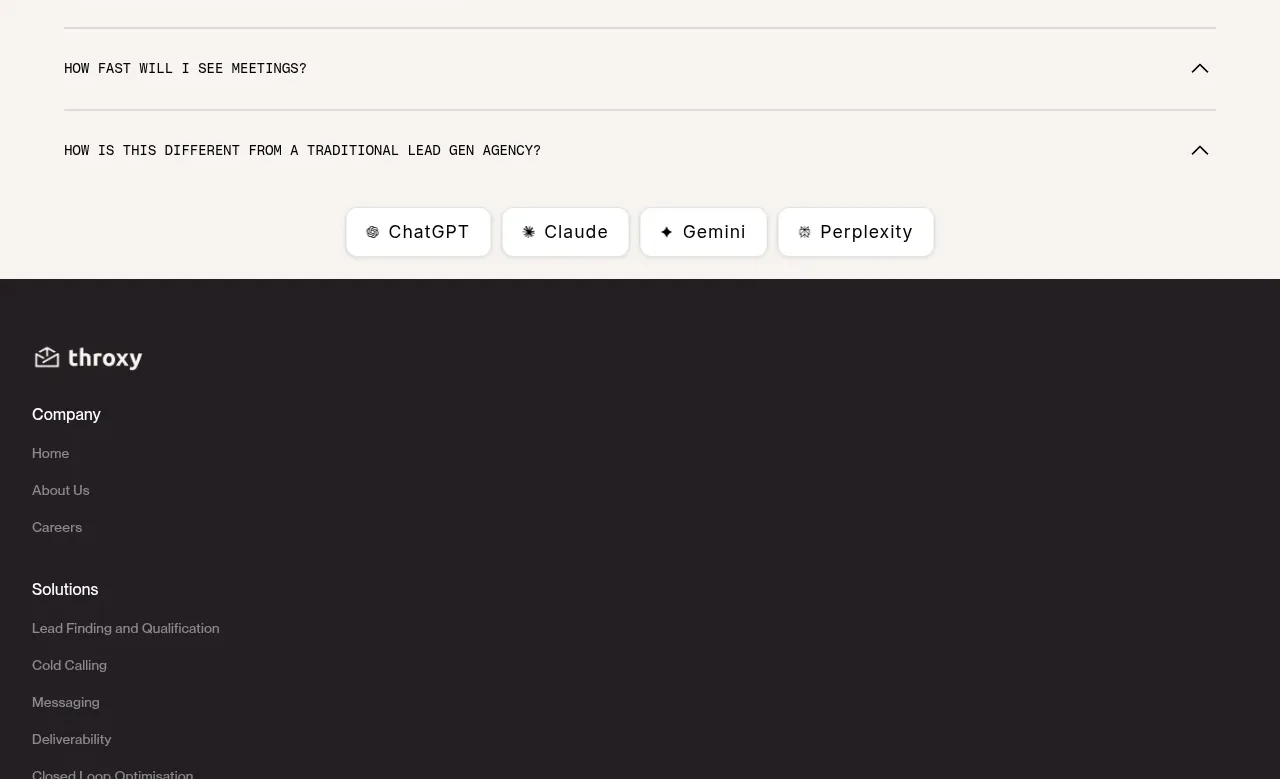
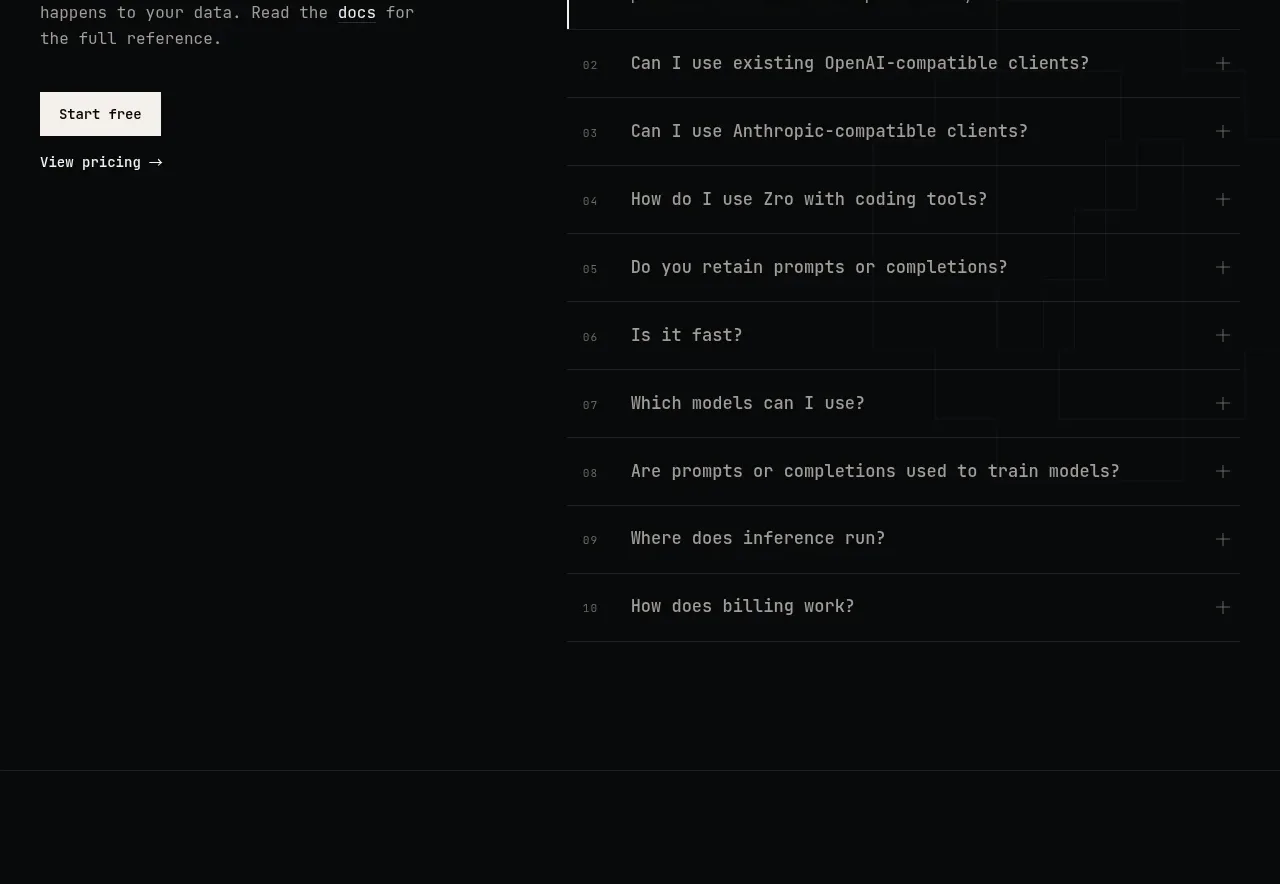
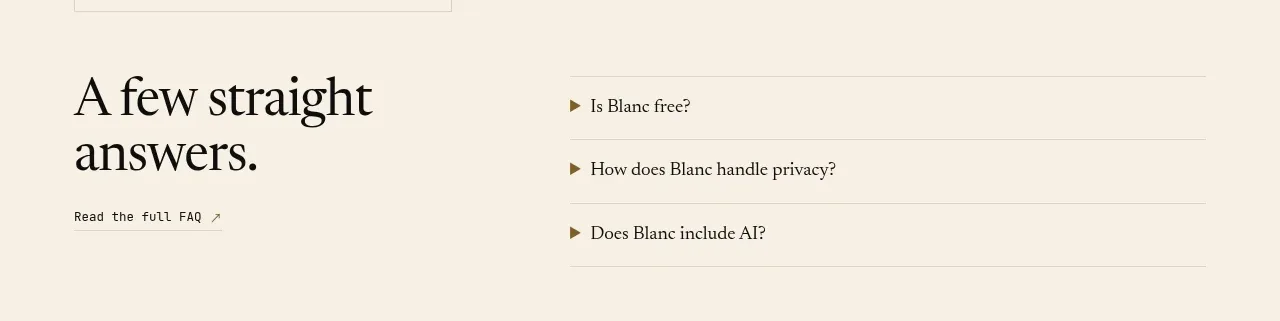
A split FAQ layout pairs a large serif prompt on the left with three compact accordion rows on the right, each marked by a small triangular indicator.
Prompt preview
## Reference images

Study these alongside the description below: hierarchy, rhythm, spacing, colour. Build for the product you are asked about, using this design language.

- Component: https://kage-design-assets.t3.tigrisfiles.io/components/blanc/6c0ef6d1-d2ca-4e94-b731-e699c7d4dc0f-1789711447-4.webp
- Full page it was cut from: https://kage-design-assets.t3.tigrisfiles.io/screenshots/blanc/6c0ef6d1-d2ca-4e94-b731-e699c7d4dc0f-1789711355373-full.webp
- Component on Kage: https://kage.design/component/blanc-faq

## Before you start
Ask what the user's product, audience, and brand are, then apply the principles below to create an original FAQ section.

Build a two-column FAQ band with a large editorial serif heading on the left and a vertical accordion list on the right. Use generous top and bottom whitespace and a thin horizontal rule above and below each question. Each row should have a small muted triangle or chevron, a concise question, and an animated answer that expands below without shifting the left heading's alignment unexpectedly. Use a warm ivory background (#f4eee2), near-black text (#171713), muted brown-gray secondary text (#756d60), 1px rules (#ddd4c5), and 20–24px row spacing. Add a subtle text link below the left heading if a full help center exists. Ensure keyboard focus, aria-expanded state, and touch-friendly row heights.

Never: copy the reference's logos, product names, copy, illustrations, or imagery.